Best Repurpose.io Alternatives in 2026: 8 Tools Compared

- Our pick for most people is Opus Clip, because it balances price, features and ease of use for the widest group of readers.
- Free plans are real here, but the limits matter: check what Vizard and Munch actually include before you commit.
- Prices in this guide come from vendor pricing pages and current comparisons checked in October 2026, and they can change, so confirm the plan on the vendor site before you buy.
- The best choice depends on your budget, your experience level and how much support you want, not on which brand is most famous.
Quick comparison
| Product | Ideal for | Price from | Free version | |
|---|---|---|---|---|
 Opus Clip | AI clips from long videos | See website | Yes | Visit |
 Vizard | AI video repurposing for social | See website | Yes | Visit |
 Munch | AI clips with trend and keyword insight | See website | Free trial | Visit |
 Klap | Short clips from YouTube and video | See website | Yes | Visit |
 Descript | Editing video and audio by editing text | See website | Yes | Visit |
 Pictory | Turning scripts and articles into video | See website | Free trial | Visit |
 Lumen5 | Social videos from text and articles | See website | Yes | Visit |
 CapCut | Mobile and desktop short-form editing | See website | Yes | Visit |
The best Repurpose.io Alternatives in 2026
We compared official feature pages, pricing pages, app store listings, privacy policies and public reviews to build this list for repurpose io alternatives. Every option below exists and works today, and each one earns its place for a different kind of reader.
Opus Clip
Ideal for: AI clips from long videos
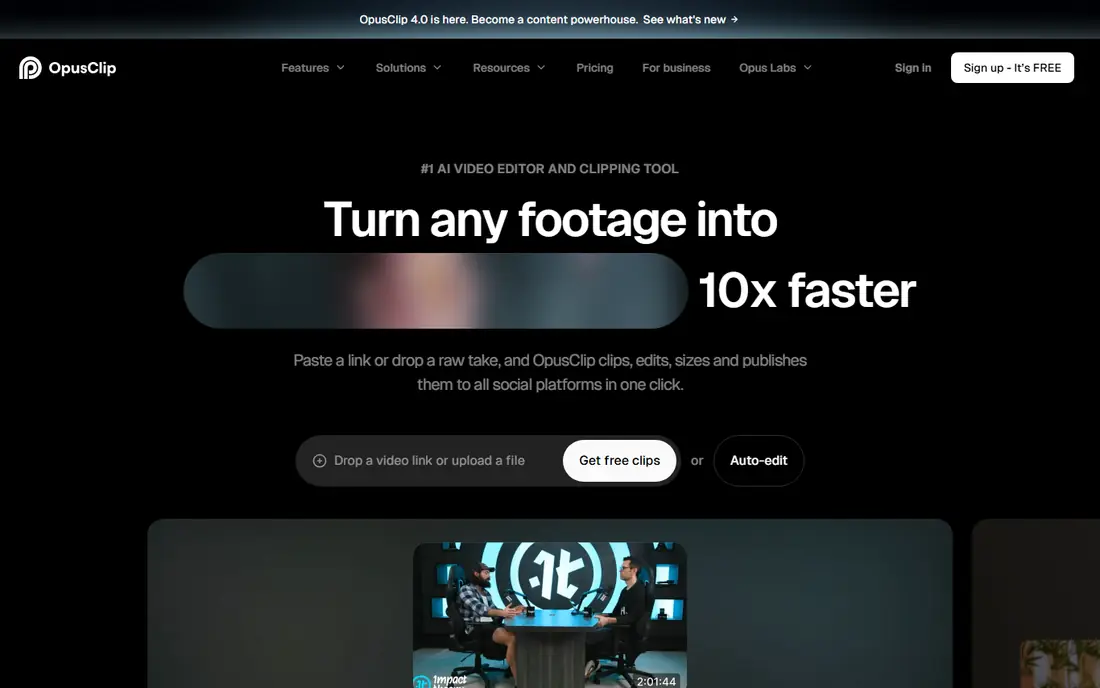
Here is the short version. Opus Clip turns long videos into short clips with captions, which suits creators who post short-form video daily. It fits readers who want ai clips from long videos, and its published feature set matches that promise rather than trying to cover every possible use case at once. When we weighed it against the rest of this list, the balance of price, scope and support stood out for that group, and the public reviews we read pointed in the same direction for that use case. The price picture is see website, with a free plan status of yes. AI clip choices still need a human pass, so budget review time before publishing. Before you sign up, check the current plan limits on the official site, because caps on users, usage or features are where most buyers get surprised after the first month, and a plan that looks cheap can cost more once you add the seats or volume you actually need.
- AI clip selection
- Captions
- Social-ready exports
- Free tier limits clip length and credits
- AI picks need review
Vizard
Ideal for: AI video repurposing for social

Start here if you want the safe default. Vizard suits creators who want fast social clips from podcasts and videos without deep editing. It fits readers who want ai video repurposing for social, and its published feature set matches that promise rather than trying to cover every possible use case at once. When we weighed it against the rest of this list, the balance of price, scope and support stood out for that group, and the public reviews we read pointed in the same direction for that use case. The price picture is see website, with a free plan status of yes. Editors who need detailed timeline control should pair it with Descript or a full editor. Before you sign up, check the current plan limits on the official site, because caps on users, usage or features are where most buyers get surprised after the first month, and a plan that looks cheap can cost more once you add the seats or volume you actually need.
- AI clips and captions
- Multi-platform exports
- Templates
- Credit limits on lower tiers
- Editing is lighter than Descript
Munch
Ideal for: AI clips with trend and keyword insight
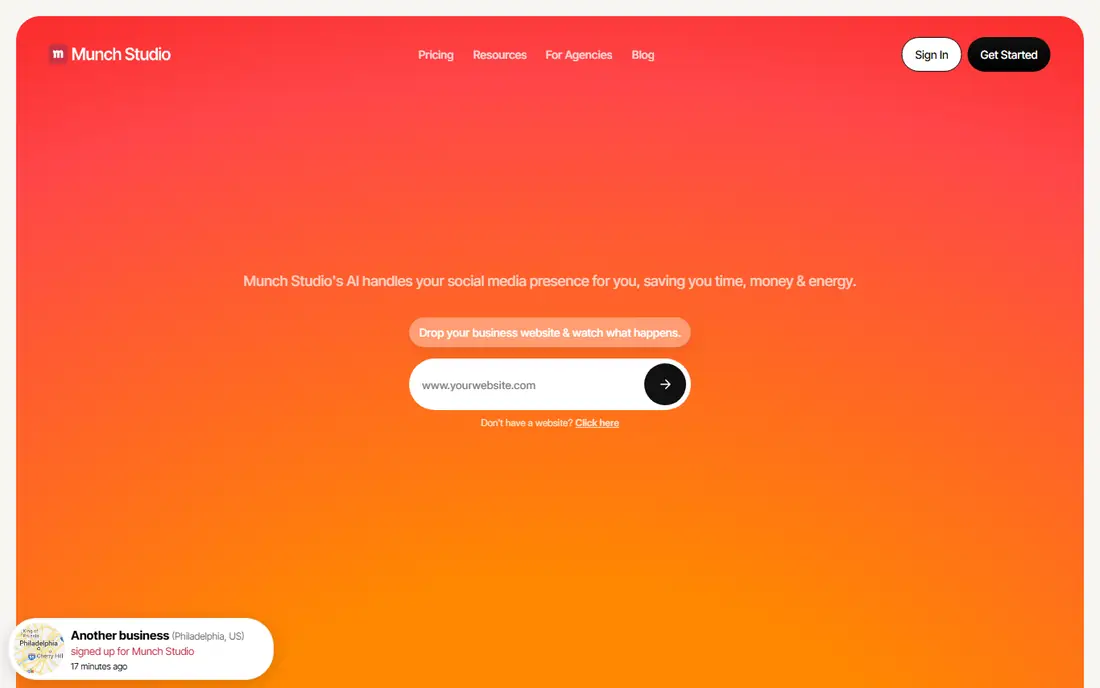
This one suits a specific kind of reader. Munch adds trend and keyword insight to clip selection, which helps creators chase topics that are already working. It fits readers who want ai clips with trend and keyword insight, and its published feature set matches that promise rather than trying to cover every possible use case at once. When we weighed it against the rest of this list, the balance of price, scope and support stood out for that group, and the public reviews we read pointed in the same direction for that use case. The price picture is see website, with a free plan status of free trial. The templated style may not suit brands that need a distinct look, so trial it on your own footage first. Before you sign up, check the current plan limits on the official site, because caps on users, usage or features are where most buyers get surprised after the first month, and a plan that looks cheap can cost more once you add the seats or volume you actually need.
- AI clip scoring
- Trend data
- Auto captions
- Price is higher than some rivals
- Clip style is templated
Klap
Ideal for: Short clips from YouTube and video
Consider this if the top picks do not fit. Klap is handy for turning existing YouTube videos into shorts, with auto reframing for vertical formats. It fits readers who want short clips from youtube and video, and its published feature set matches that promise rather than trying to cover every possible use case at once. When we weighed it against the rest of this list, the balance of price, scope and support stood out for that group, and the public reviews we read pointed in the same direction for that use case. The price picture is see website, with a free plan status of yes. Source quality matters a lot, so test it on your typical footage rather than a polished demo. Before you sign up, check the current plan limits on the official site, because caps on users, usage or features are where most buyers get surprised after the first month, and a plan that looks cheap can cost more once you add the seats or volume you actually need.
- AI clips from YouTube links
- Captions
- Auto reframing
- Free tier limits processing
- Quality varies by source video
Descript
Ideal for: Editing video and audio by editing text
A strong option for a narrower need. Descript suits creators who edit by text, cutting filler words and repurposing audio and video in one tool. It fits readers who want editing video and audio by editing text, and its published feature set matches that promise rather than trying to cover every possible use case at once. When we weighed it against the rest of this list, the balance of price, scope and support stood out for that group, and the public reviews we read pointed in the same direction for that use case. The price picture is see website, with a free plan status of yes. Teams that only need auto clips may find Opus Clip or Vizard faster for that single job. Before you sign up, check the current plan limits on the official site, because caps on users, usage or features are where most buyers get surprised after the first month, and a plan that looks cheap can cost more once you add the seats or volume you actually need.
- Text-based editing
- Studio sound
- Transcription
- Learning curve for text editing
- Price rises with features
Pictory
Ideal for: Turning scripts and articles into video
Worth a close look before you decide. Pictory suits marketers who turn blog posts and scripts into short videos without filming. It fits readers who want turning scripts and articles into video, and its published feature set matches that promise rather than trying to cover every possible use case at once. When we weighed it against the rest of this list, the balance of price, scope and support stood out for that group, and the public reviews we read pointed in the same direction for that use case. The price picture is see website, with a free plan status of free trial. Brands that need original footage should film first and use Pictory only for supporting clips. Before you sign up, check the current plan limits on the official site, because caps on users, usage or features are where most buyers get surprised after the first month, and a plan that looks cheap can cost more once you add the seats or volume you actually need.
- Script-to-video
- Stock footage
- Captions
- Stock look can feel generic
- Voice options vary
Lumen5
Ideal for: Social videos from text and articles
This belongs on the shortlist for a reason. Lumen5 helps small marketing teams produce social video from articles quickly. It fits readers who want social videos from text and articles, and its published feature set matches that promise rather than trying to cover every possible use case at once. When we weighed it against the rest of this list, the balance of price, scope and support stood out for that group, and the public reviews we read pointed in the same direction for that use case. The price picture is see website, with a free plan status of yes. Original creators will find the template style limiting, so use it for volume content rather than flagship video. Before you sign up, check the current plan limits on the official site, because caps on users, usage or features are where most buyers get surprised after the first month, and a plan that looks cheap can cost more once you add the seats or volume you actually need.
- Text-to-video templates
- Stock media
- Brand kits
- Template look limits originality
- Higher tiers for brand features
CapCut
Ideal for: Mobile and desktop short-form editing
Do not overlook this one. CapCut is the everyday editor for short-form creators, with templates, captions and mobile editing in one app. It fits readers who want mobile and desktop short-form editing, and its published feature set matches that promise rather than trying to cover every possible use case at once. When we weighed it against the rest of this list, the balance of price, scope and support stood out for that group, and the public reviews we read pointed in the same direction for that use case. The price picture is see website, with a free plan status of yes. Check export terms and watermark rules on your plan before publishing client work. Before you sign up, check the current plan limits on the official site, because caps on users, usage or features are where most buyers get surprised after the first month, and a plan that looks cheap can cost more once you add the seats or volume you actually need.
- Templates and effects
- Captions
- Mobile editing
- Free tier includes watermark on some exports
- Social features vary by region
How we picked these
We started from official feature pages and pricing pages, then checked app store listings, privacy policies and public reviews to confirm each product still works and still fits the topic. Products that could not be verified, or that only partly matched the topic, were left out, even when they were well known. We favoured a mix of established leaders and strong smaller options, and we weighted price transparency, a usable free tier or trial, and honest limits more heavily than marketing claims. No product on this list paid for its place, and our pick for most people is the one we would suggest to a friend with ordinary needs and an ordinary budget.
How to choose a repurposing tool that fits your workflow
Start with your source material: long video, podcast audio or written articles each suit a different tool. Check output formats next, because vertical clips, captions and platform sizes matter more than a long feature list. Then check how much editing you want to do, since auto-clip tools save time but still need review. Also check credits and limits, because clip tools often price by processing time or credits, and a busy creator can burn through a cheap tier fast. Test the top two on your own footage, not demo clips, and check whether captions, branding and music licensing fit your publishing rules.
Frequently asked questions
What is the best Repurpose.io alternative?
Opus Clip is the strongest auto-clip tool, Vizard is a close rival for social clips, and Descript suits creators who want full editing control. The right pick depends on source material and editing time.
Can I repurpose videos for free?
Yes, Opus Clip, Vizard, Klap, Descript, Lumen5 and CapCut offer free tiers, but each limits credits, length or exports. Check the cap against your weekly output.
Do AI clip tools replace editing?
No, they speed up selection and captioning, but human review still matters for context, accuracy and brand fit. Treat AI clips as a first draft.
What about audio and podcasts?
Descript handles audio and video together, while Opus Clip and Vizard focus on video clips. Pick by whether your source is mainly audio or video.
Can these tools publish directly to social platforms?
Many export in platform-ready formats, and some connect to publishing tools. Check direct publishing for your platforms before you rely on it.