Riverside Alternatives in 2026: 7 Compared

- 1
 StreamYardhosts streaming live shows to social platformsVisit
- 2
 Squadcastpodcasters wanting studio-quality remote recordingVisit
- 3
 Zencastrpodcasters and video creators on a budgetVisit
- 4
 Descriptcreators editing audio and video from a transcriptVisit
- 5
 Restreamstreamers multistreaming to many platformsVisit
- We compared 7 options for riverside alternatives and ranked them on fit, features, pricing, and ease of use, so you can shortlist quickly.
- Our pick for most people is StreamYard, which suits hosts streaming live shows to social platforms.
- If you want a different strength, consider Squadcast for podcasters wanting studio-quality remote recording or Zencastr for podcasters and video creators on a budget.
- Prices and free tiers change often, so check the official pricing page for StreamYard and your other finalists before you commit.
- The best choice depends on your budget, your experience level, and how you plan to use it week to week, not on brand size alone.
Quick comparison
| Product | Ideal for | Price from | Free version | |
|---|---|---|---|---|
| StreamYard | hosts streaming live shows to social platforms | See website | Free trial | Visit |
| Squadcast | podcasters wanting studio-quality remote recording | See website | Free trial | Visit |
| Zencastr | podcasters and video creators on a budget | See website | Free trial | Visit |
| Descript | creators editing audio and video from a transcript | See website | Free trial | Visit |
| Restream | streamers multistreaming to many platforms | See website | Yes | Visit |
 OBS Studio | streamers and recorders wanting a free open tool | Free | Yes | Visit |
 Podcastle | creators wanting recording plus AI editing | See website | Free trial | Visit |
The best riverside alternatives
We reviewed official feature pages, pricing, app-store listings, privacy policies, and public reviews to build this shortlist for riverside alternatives. The seven options below cover the well-known leaders plus strong smaller choices, and each one fits the topic in a different way.
StreamYard
Ideal for: hosts streaming live shows to social platforms
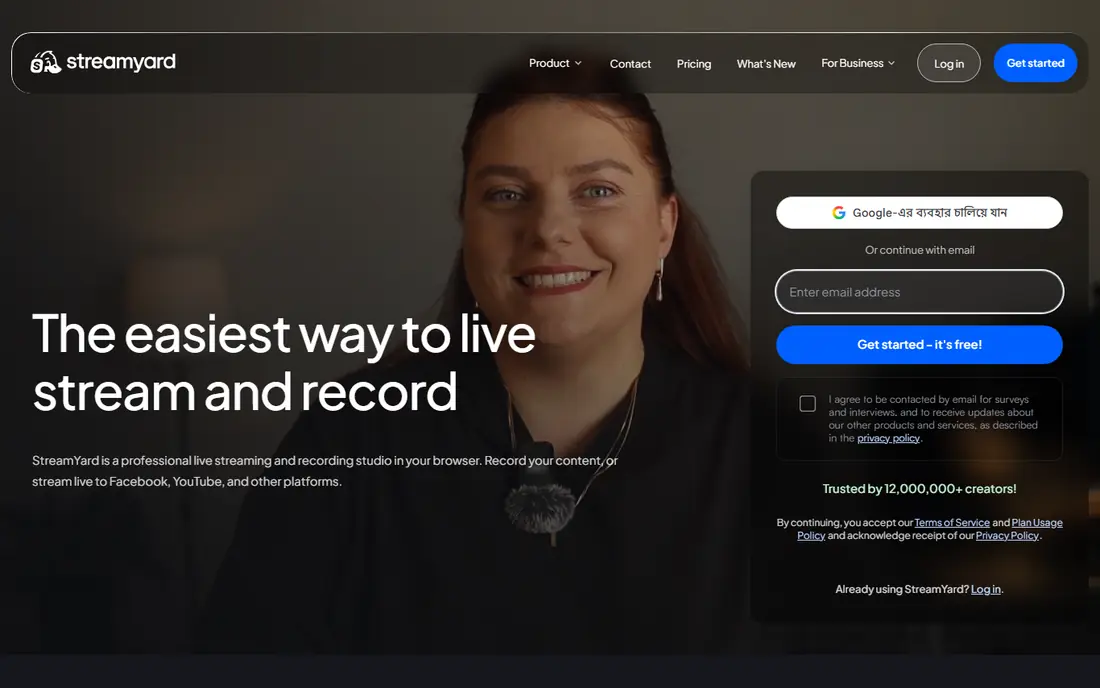
StreamYard is the easiest alternative for live shows. Guests join from a browser link, you stream to several platforms at once, and no software install stands between you and going live.
Recording quality is lower than Riverside's local recording, so it suits live-first shows more than studio-quality podcasts. If going live matters most, StreamYard wins on simplicity.
- Easy browser-based live streaming
- Guest invites by link
- Multistreaming
- Local recording quality is lower than Riverside
- Free tier has branding
Squadcast
Ideal for: podcasters wanting studio-quality remote recording
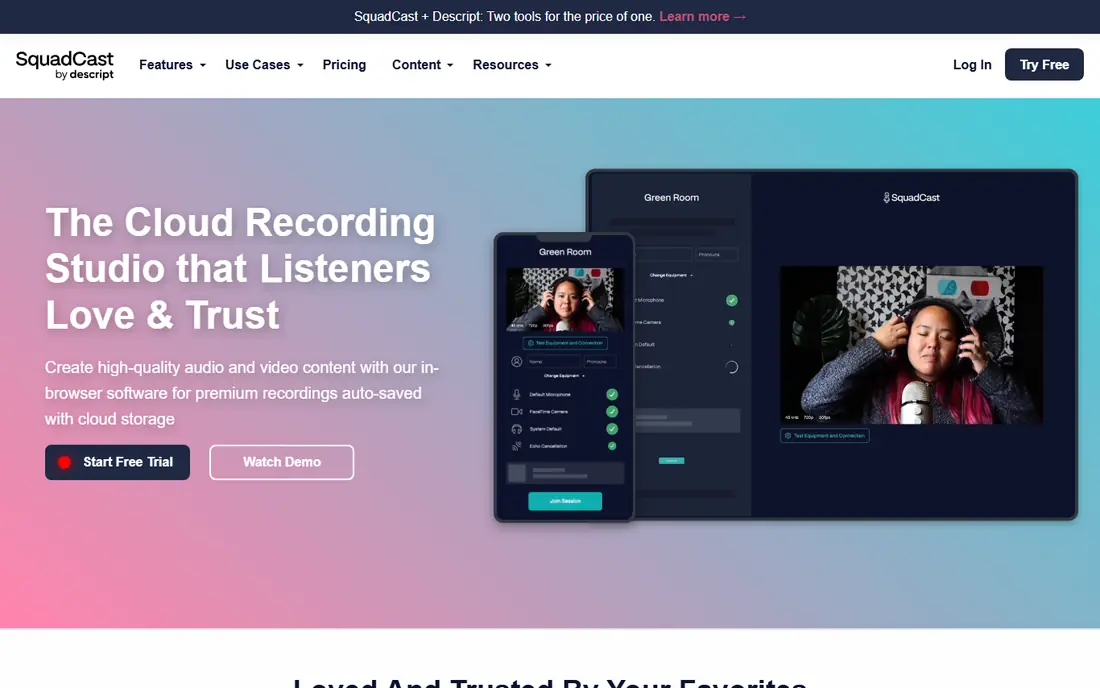
Squadcast records each guest locally in high quality, then uploads the files, which is the same core idea as Riverside. Guests join easily, and hosts get clean tracks for editing.
Since it joined Descript, buyers should check how the two products fit together for their workflow. For pure remote recording quality, Squadcast remains a top pick.
- High-quality local recording
- Easy guest experience
- Now part of Descript
- Feature overlap with Descript
- Pricing needs care for teams
Zencastr
Ideal for: podcasters and video creators on a budget
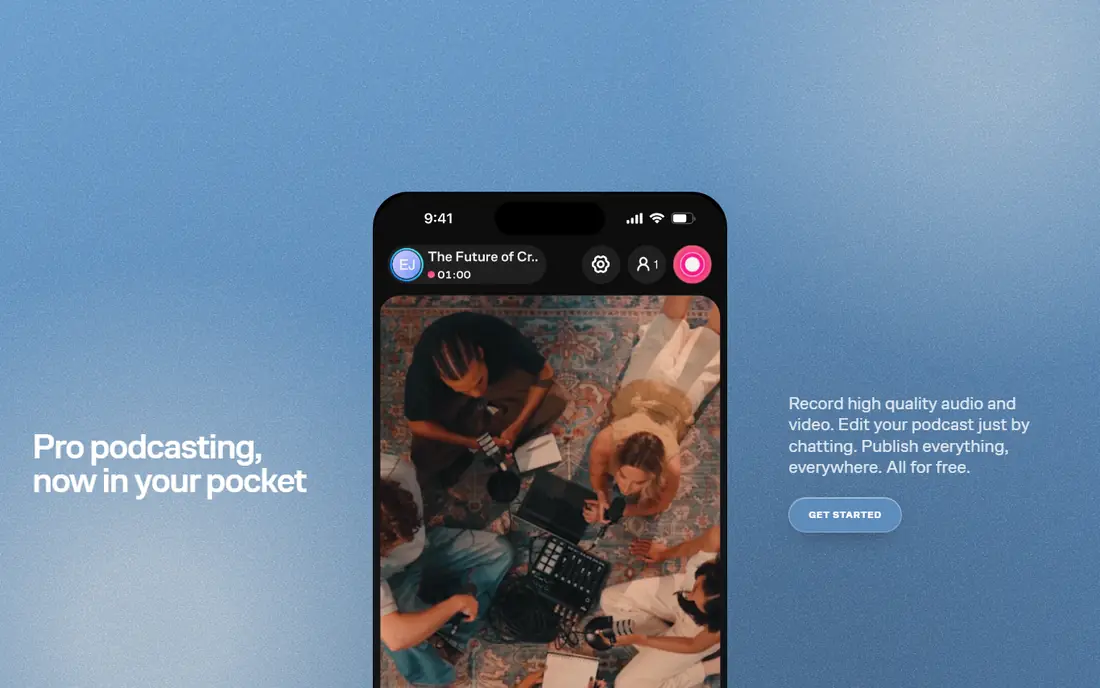
Zencastr offers local recording for audio and video at a friendlier price, plus built-in editing that shortens the path from recording to published episode. Its all-in-one approach suits independent creators.
Video recording is newer here than at Riverside, so studio video teams should test it first. For audio-led shows with occasional video, Zencastr is strong value.
- Local audio and video recording
- Built-in editing tools
- Live editing options
- Video features are newer than Riverside
- Advanced tools sit in paid tiers
Descript
Ideal for: creators editing audio and video from a transcript
Descript changes editing itself: edit the transcript and the audio or video follows. Filler removal and studio sound tools save hours for creators who publish often.
It is an editor first and a recorder second, so pure recording teams may prefer Squadcast or Riverside. If editing time is your bottleneck, Descript is the most useful tool on this list.
- Text-based editing
- Filler word removal
- Studio sound tools
- Recording features differ from Riverside
- Learning curve for new editors
Restream
Ideal for: streamers multistreaming to many platforms
Restream is built for multistreaming. Send one live show to YouTube, Twitch, Facebook, and more, while chat from each platform lands in one view for the host.
Studio recording quality is secondary here, so it fits live streamers more than podcast producers. If reach across platforms is the goal, Restream does it cleanly.
- Multistream to many platforms
- Chat aggregation
- Guest streaming
- Recording quality is secondary
- Studio features are lighter
OBS Studio
Ideal for: streamers and recorders wanting a free open tool
OBS Studio is the free, open source workhorse of streaming and recording. Scene control, sources, and plugins let advanced creators build exactly the setup they want at no cost.
It has a steep learning curve and no simple guest invite system like Riverside. Technical creators who enjoy setup will love it; beginners should start with StreamYard or Zencastr.
- Free and open source
- Deep scene and source control
- Large plugin community
- Steep learning curve
- No built-in guest recording links
Podcastle
Ideal for: creators wanting recording plus AI editing
Podcastle combines remote recording with AI editing and cleanup tools, which suits creators who want a fast path from interview to finished audio. Text-to-speech tools also help with intros and ads.
As a newer platform, its advanced video features are still growing. Audio creators who value AI cleanup will find it a fast, friendly alternative.
- Remote recording
- AI audio cleanup
- Text-to-speech tools
- Newer platform
- Advanced video features are still growing
How we picked these
We started with the topic itself, riverside alternatives, and looked for products that exist and work in October 2026 and truly fit it. We compared official feature pages, pricing pages, app-store listings, privacy policies, and public reviews, and we left out products that did not fit, even when they were popular elsewhere. We did not claim hands-on testing that did not happen; our judgement rests on that documented comparison.
We also checked that each product is still actively offered and supported, and we dropped any product whose official site no longer loaded or no longer matched the topic. That check matters because a list that includes a closed or changed product wastes your time.
For prices, we used the vendor official site or app-store listing wherever possible. Where we could not verify a current price, we wrote See website rather than guessing, and we suggest you confirm the price for your plan and region before you buy.
We also weighed who each product serves best, what it costs to start, whether a free plan or trial exists, and where it falls short. A product with a clear weakness stayed on the list when its strength matched a real need, because an honest shortlist should show trade-offs rather than hide them.
How to choose a Riverside alternative
Start with the job you need done, not with the longest feature list. Write down the one outcome that matters most for riverside alternatives, then check which products on this list deliver that outcome without forcing you to pay for extras you will never use. A shorter list of must-have features makes the choice clearer and keeps costs down.
Next, compare total cost, not just the headline price. Look at the starting price, the free plan or trial, and what happens when you add team members, storage, or higher limits. A cheap start that doubles in a few months can cost more than a slightly higher plan that stays stable, so read the pricing page carefully before you sign up.
Then test the fit in real use. Use a free plan or trial with your own material, whether that means your own documents, your own data, or your own daily routine. Pay attention to how fast support answers, how clear the settings feel, and how easy it is to leave if the product stops suiting you. A trial with your real work tells you more than any demo video.
Watch out for common traps when you compare options. A long feature list does not always mean a better product, and a low starting price does not always mean a low total cost. Read user reviews that mention your specific use case, and be wary of any product that hides its pricing, its cancellation steps, or its data practices behind vague wording. Clear, upfront information is usually a sign of a product that respects its users.
Also check privacy and safety practices before you share personal or business data. Read the privacy policy, look at what data the product collects, and check how it handles deletion and sharing. Products with clear, plain-language policies earned more trust in our comparison, and we suggest you favour them too.
Finally, think about support and longevity. A product with clear help pages, responsive support, and regular updates is easier to live with than a cheaper option that leaves you stuck when something breaks. Check recent reviews for support experiences, and favour vendors that explain changes plainly rather than surprising users with them.
Related searches for this topic include alternatives to riverside.fm | riverside.fm alternatives. Those phrases point to the same core need from different angles, so if a product on this list matches one of those phrases better than the main topic, it may still be the right pick for you.
Frequently asked questions
What is the best riverside alternatives?
There is no single winner for everyone. StreamYard is our pick for most people because it suits hosts streaming live shows to social platforms, while Squadcast suits podcasters wanting studio-quality remote recording. Pick the option whose strength matches your main need.
Is there a free riverside alternatives?
Yes, several options on this list offer a free plan or trial, though limits vary. Check the free plan column in our comparison table, then confirm the current limits on the official site, since free tiers change over time.
How much does riverside alternatives cost?
Costs vary widely, from free tiers to quoted business pricing. We list a starting price for each product where we could verify it, and we write See website where pricing is quoted or changes often. Always check the official pricing page before you budget.
How do I choose riverside alternatives?
Start with your main need, your budget, and how much time you want to spend learning a new tool. Shortlist two or three products from this list, try them with your own work during a trial, and choose the one that feels clearest in daily use.
What should I check before I pick riverside alternatives?
Check pricing for your usage level, privacy and data practices, support quality, and how easy it is to export your data or cancel. Those four checks prevent most regrets, whatever product you choose.
Can I switch later if I pick the wrong riverside alternatives?
In most cases, yes, though switching takes some effort. Before you sign up, check how to export your data, how long cancellation takes, and whether you keep access until the end of a paid period. Choosing a product with clear export and cancellation steps makes a later switch much easier.