Best SecOps Solution Alternatives in 2026: 8 Platforms Compared

- 1
 SplunkLarge-scale log analysisVisit
- 2
 Microsoft SentinelCloud-native SIEMVisit
- 3
 Palo Alto Cortex XSOARAutomated responseVisit
- 4
 IBM QRadarMature enterprise SIEMVisit
- 5
 Elastic SecuritySearch-based detectionVisit
- Splunk and Microsoft Sentinel suit large teams that need deep data analysis and broad integrations.
- Palo Alto Cortex XSOAR is the strongest pick for teams that want to automate incident response.
- IBM QRadar fits organizations that already run IBM security tools and need a mature SIEM.
- Elastic Security offers an open, search-based approach that appeals to engineering-led teams.
- CrowdStrike Falcon combines endpoint protection with detection, which suits teams that want fewer separate tools.
Quick comparison
| Product | Ideal for | Price from | Free version | |
|---|---|---|---|---|
| Splunk | Large-scale log analysis | See website | Free trial | Visit |
| Microsoft Sentinel | Cloud-native SIEM | See website | Free trial | Visit |
| Palo Alto Cortex XSOAR | Automated response | See website | Free trial | Visit |
| IBM QRadar | Mature enterprise SIEM | See website | Free trial | Visit |
| Elastic Security | Search-based detection | See website | Yes | Visit |
 Sumo Logic | Cloud log analytics | See website | Free trial | Visit |
 Datadog Security | Cloud monitoring plus security | See website | Free trial | Visit |
 CrowdStrike Falcon | Endpoint detection and response | See website | Free trial | Visit |
The best SecOps solution alternatives
A SecOps solution gathers logs and alerts from across your systems, helps analysts spot real threats, and speeds up the response when something goes wrong. The platforms below cover that job in different ways: some focus on search and analysis, some on automation, and some on endpoint protection. The right pick depends on your team size, your cloud mix, and how much you want to automate.
Splunk
Ideal for: Large-scale log analysis
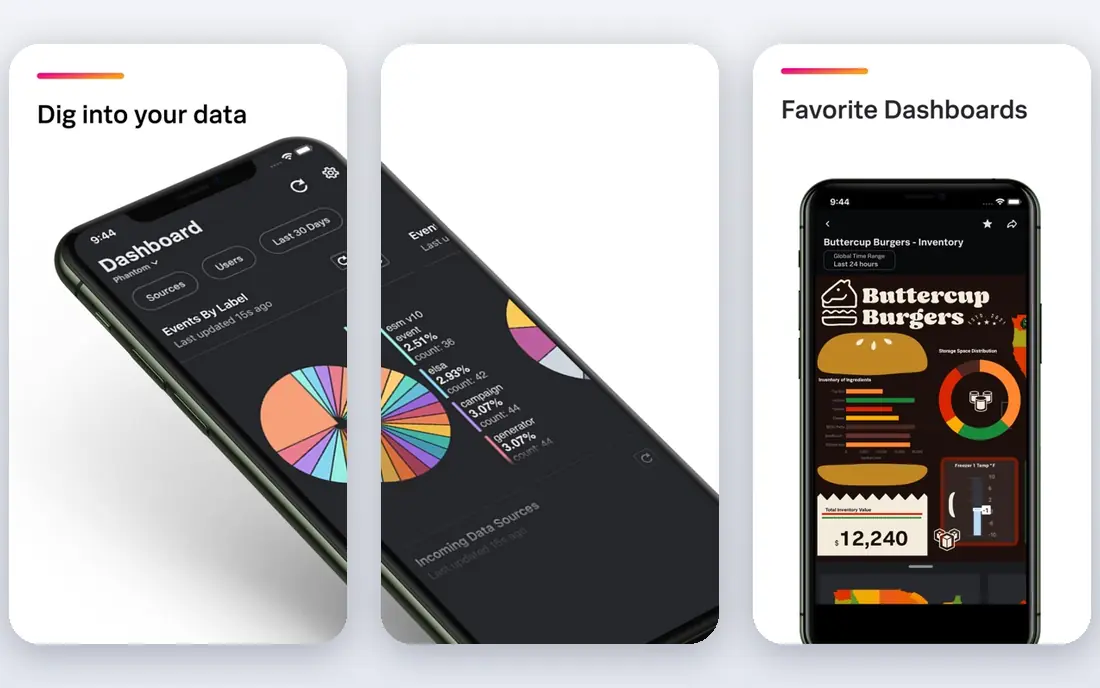
Splunk is the reference point for security data analysis. It takes in logs from servers, networks, cloud services, and applications, and its search language lets analysts ask detailed questions across all of it. Prebuilt apps and integrations cover most common tools, and dashboards can track everything from failed logins to unusual data transfers.
The cost model is the main drawback. Pricing scales with the amount of data ingested each day, so a busy environment can become expensive, and tuning Splunk well takes experienced staff. For large teams with serious data volumes and complex questions, Splunk remains the most capable analysis platform here.
- Very strong search and correlation across huge data volumes
- Large app and integration library
- Mature dashboards and alerts
- Licensing cost can grow fast with data volume
- Needs skilled staff to get full value
Microsoft Sentinel
Ideal for: Cloud-native SIEM
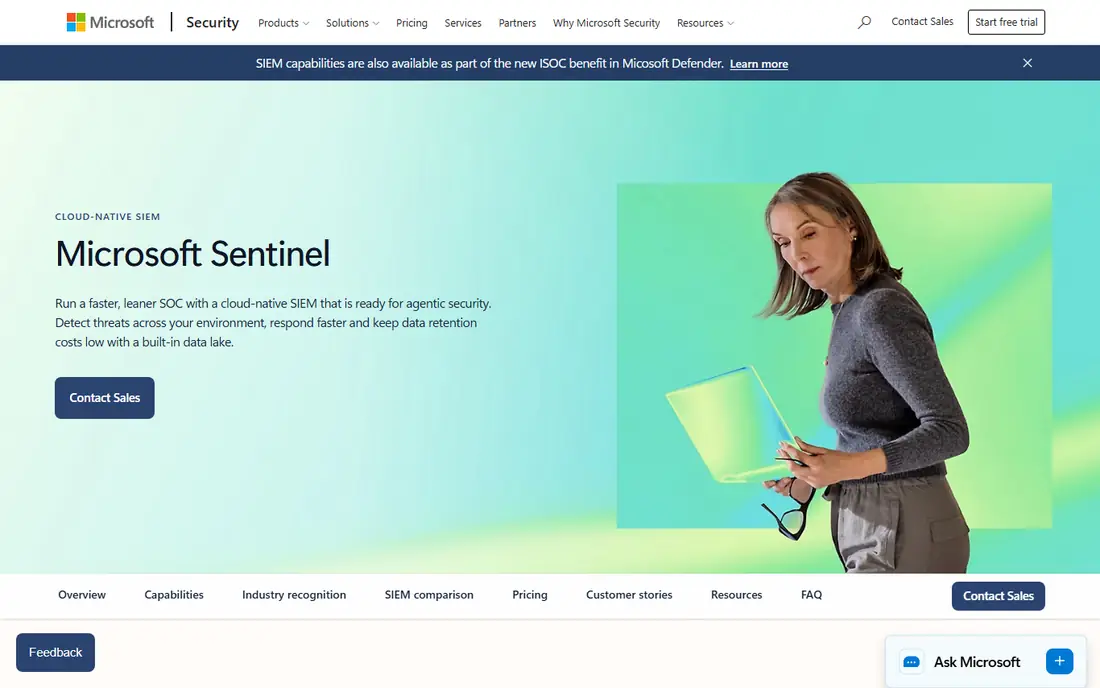
Microsoft Sentinel is a cloud-native SIEM that runs on Azure, so there are no servers to patch or scale. It connects closely with Microsoft 365, Azure, and Defender products, pulling in alerts and logs with little setup. Automation rules and playbooks can triage common alerts, open tickets, and isolate risky accounts without waiting for an analyst.
Pricing follows data ingestion and retention, so teams should model their log volumes before committing. Organizations that already run Microsoft tools will get the most from Sentinel, while teams built on other clouds may prefer a more neutral platform.
- Cloud-native with no servers to manage
- Deep Microsoft 365 and Azure integration
- Built-in automation playbooks
- Costs depend on data ingestion and retention
- Less natural for teams outside the Microsoft ecosystem
Palo Alto Cortex XSOAR
Ideal for: Automated response
Cortex XSOAR, part of Palo Alto Networks Cortex line, focuses on what happens after an alert fires. Its playbooks can gather evidence, check threat intelligence, block a malicious address, and open a case, all without an analyst doing each step by hand. The integration library covers firewalls, endpoint tools, ticketing systems, and cloud services.
Building good playbooks takes time, and teams need to test them carefully before letting automation act on live systems. For security teams drowning in repetitive alerts, XSOAR can cut response times sharply and free analysts for harder investigations.
- Strong automation playbooks for incident response
- Hundreds of integrations
- Case management built in
- Setup and playbook tuning take effort
- Pricing is aimed at mid-size and larger teams
IBM QRadar
Ideal for: Mature enterprise SIEM
IBM QRadar has served large enterprises for years, and that history shows in its coverage. It correlates events across networks, endpoints, and applications, groups related events into offenses, and gives analysts a single queue to work through. Support for a wide range of log sources makes it a safe choice for mixed environments.
The interface is less modern than Sentinel or Elastic, and getting QRadar tuned well takes skilled staff. Organizations that already use IBM security products, or that need a proven SIEM for a large estate, will find QRadar a steady, capable option.
- Long track record in large enterprises
- Strong correlation and offense management
- Broad log source support
- Interface feels dated next to newer rivals
- Deployment and tuning need expertise
Elastic Security
Ideal for: Search-based detection
Elastic Security builds detection on top of Elasticsearch, the search engine many engineering teams already know. Analysts can search, filter, and pivot through security data quickly, and the timeline view helps trace an incident step by step. A free tier lets small teams start without a budget, and the open core appeals to teams that want control over their data.
Running Elastic yourself takes engineering work, including scaling, upgrades, and backup, though a hosted option removes much of that burden. For engineering-led teams that like search-driven investigation, Elastic Security is a flexible and affordable pick.
- Built on the open Elasticsearch engine
- Free tier available
- Strong detection rules and timeline investigation
- Self-managed setups need engineering effort
- Support and advanced features cost extra
Sumo Logic
Ideal for: Cloud log analytics
Sumo Logic started as a cloud log analytics service and added security content on top, which makes it a natural fit for cloud-first teams. Logs flow in from applications, infrastructure, and cloud services, and built-in rules flag suspicious patterns. Dashboards and scheduled searches help teams track trends without building everything from scratch.
It is less focused on automated response than XSOAR, so teams that want deep playbooks will need another tool alongside it. For teams that need solid cloud log analysis with security use cases included, Sumo Logic is a practical choice.
- Cloud-native log analytics with security content
- Good dashboards and alerts
- Scales without hardware
- Pricing scales with ingestion
- Security features are less deep than dedicated SOAR tools
Datadog Security
Ideal for: Cloud monitoring plus security
Datadog Security appeals to teams that already monitor their systems with Datadog. Security findings appear alongside performance metrics, traces, and logs, so an analyst can see a suspicious process and the system it ran on in one place. Cloud integrations are strong, and setup is quick compared with traditional SIEM deployments.
The bill can grow as teams add products and data sources, so cost control needs attention. Very large security teams may still want a dedicated SIEM for the deepest analysis. For cloud teams that want security close to their monitoring, Datadog Security is a natural fit.
- Security signals sit next to infrastructure and app monitoring
- Good cloud integrations
- Fast setup
- Costs add up across many products
- SIEM depth is less than Splunk for very large estates
CrowdStrike Falcon
Ideal for: Endpoint detection and response
CrowdStrike Falcon takes a different angle from the SIEM tools here. It centers on endpoints, using a light agent and cloud analysis to detect malware, intrusions, and suspicious behavior, backed by threat intelligence from CrowdStrike. Analysts can isolate a host, kill a process, and investigate a timeline from one console.
Falcon is not a full replacement for a SIEM that gathers logs from every system, though it pairs well with one. Teams that want strong endpoint protection with detection and response built in, without managing separate tools, will find Falcon a strong pick.
- Strong endpoint detection and threat intelligence
- Cloud-managed with light agents
- Fast containment actions
- Focused on endpoints rather than full log SIEM
- Pricing per endpoint adds up at scale
How we picked these
We compared official feature pages, pricing pages, documentation, and public reviews for each platform, and we checked that each product is actively offered in October 2026. We favored platforms that collect security data, support detection and investigation, and fit real SecOps workflows, and we kept a mix of SIEM, SOAR, log analytics, and endpoint tools. We left out point tools that cover only one narrow control.
What to check before you switch
Security platforms are hard to replace once data and rules pile up, so test with real data before committing.
Data and cost
Measure how much log data you generate each day and model the cost under each pricing scheme, since ingestion-based pricing can surprise teams. Check retention options too, since investigations often need weeks or months of history.
Detection quality
Run each platform against your own logs and known incidents, not just demo data. Check how many alerts are false positives, how easy it is to tune rules, and whether threat intelligence feeds match the threats you actually face.
Response workflow
Test the full path from alert to action: triage, investigation, containment, and ticketing. If automation matters to you, build one real playbook during the trial and confirm it acts safely, with approvals where a wrong action would be costly.
Frequently asked questions
What is a SecOps solution?
It is a platform that helps a security operations team collect logs and alerts, detect threats, investigate incidents, and respond. It usually combines SIEM functions with detection rules, case management, and automation.
What is the difference between SIEM and SOAR?
A SIEM collects and analyzes security data to find threats, while a SOAR tool automates the response steps after an alert, such as gathering evidence and blocking a threat. Many teams use both, and some platforms now bundle the two.
Which SecOps platform is best for small teams?
Elastic Security and Datadog Security are good starting points for smaller teams, since they offer free tiers or trials and quick setup. Small teams should still plan for tuning time, since even a good platform needs rules adjusted to their environment.
Do I need a SIEM if I already have endpoint protection?
Endpoint protection covers devices, but a SIEM adds logs from networks, cloud services, identity systems, and applications. Teams that need a full picture of an incident usually run both, with the SIEM tying the pieces together.
How much does a SecOps platform cost?
Costs vary widely and usually depend on data volume, endpoints, or users. Most vendors price by ingestion or per endpoint and do not publish simple flat rates, so ask for a quote based on your daily log volume and retention needs.