Best Sendinblue Alternatives in 2026: 8 Tools Compared

- 1
 MailchimpAll-round small business email marketingVisit
- 2
 Constant ContactSimple campaigns for small businessesVisit
- 3
 KlaviyoEcommerce email and SMSVisit
- 4
 ActiveCampaignAutomation plus built-in CRMVisit
- 5
 KitCreators and newsletter writersVisit
- Mailchimp and Constant Contact are the safest all-round choices for small business email marketing.
- Klaviyo leads for ecommerce stores that need deep purchase-based automation.
- ActiveCampaign suits teams that want strong automation and CRM in one tool.
- MailerLite and Kit are the best-value options for creators and small lists.
- GetResponse and HubSpot cover webinars, landing pages, and full marketing suites for growing teams.
Quick comparison
| Product | Ideal for | Price from | Free version | |
|---|---|---|---|---|
| Mailchimp | All-round small business email marketing | See website | Yes | Visit |
| Constant Contact | Simple campaigns for small businesses | See website | Free trial | Visit |
| Klaviyo | Ecommerce email and SMS | See website | Yes | Visit |
| ActiveCampaign | Automation plus built-in CRM | See website | Free trial | Visit |
| Kit | Creators and newsletter writers | See website | Yes | Visit |
 MailerLite | Low-cost email for small lists | See website | Yes | Visit |
 GetResponse | Email plus webinars and funnels | See website | Free trial | Visit |
 HubSpot Marketing Hub | Full marketing suite for growing teams | See website | Yes | Visit |
The best Sendinblue alternatives
Sendinblue, now known as Brevo, built its name on email plus SMS at fair prices. Teams leave it for better templates, stronger automation, ecommerce integrations, or simpler pricing. The tools below all send marketing email, and most add SMS, automation, and landing pages, but they aim at different users, from solo creators to large ecommerce brands.
Mailchimp
Ideal for: All-round small business email marketing
Mailchimp is the default most small businesses try first, and the breadth explains why. Templates, a drag-and-drop builder, landing pages, and integrations with nearly every ecommerce and CRM tool cover the common cases, and the free tier lets a new list start without paying. Audience segmentation and reporting are solid for everyday campaigns.
The cost curve is the complaint. Prices climb quickly once a list passes a few thousand contacts, and advanced automation such as multi-branch customer journeys sits behind higher plans. For a small business that wants a reliable, well-supported email tool with a free start, Mailchimp is still our pick for most people.
- Huge template and integration library
- Free tier for small lists
- Good analytics and audience tools
- Pricing rises steeply as lists grow
- Automation depth lags ActiveCampaign
Constant Contact
Ideal for: Simple campaigns for small businesses

Constant Contact aims at owners who want to send a good newsletter without learning marketing software. The builder is straightforward, templates look polished, and support is known for being helpful to beginners. Event registration, social posting, and list growth tools round out a package built for local businesses and nonprofits.
Automation is basic compared with Klaviyo or ActiveCampaign, and ecommerce depth is limited. If your goal is a regular newsletter, announcements, and event invites sent reliably, Constant Contact is a friendly, low-stress choice.
- Very easy builder and templates
- Good support and onboarding
- Event and social tools included
- Automation is simpler than rivals
- Fewer advanced ecommerce features
Klaviyo
Ideal for: Ecommerce email and SMS
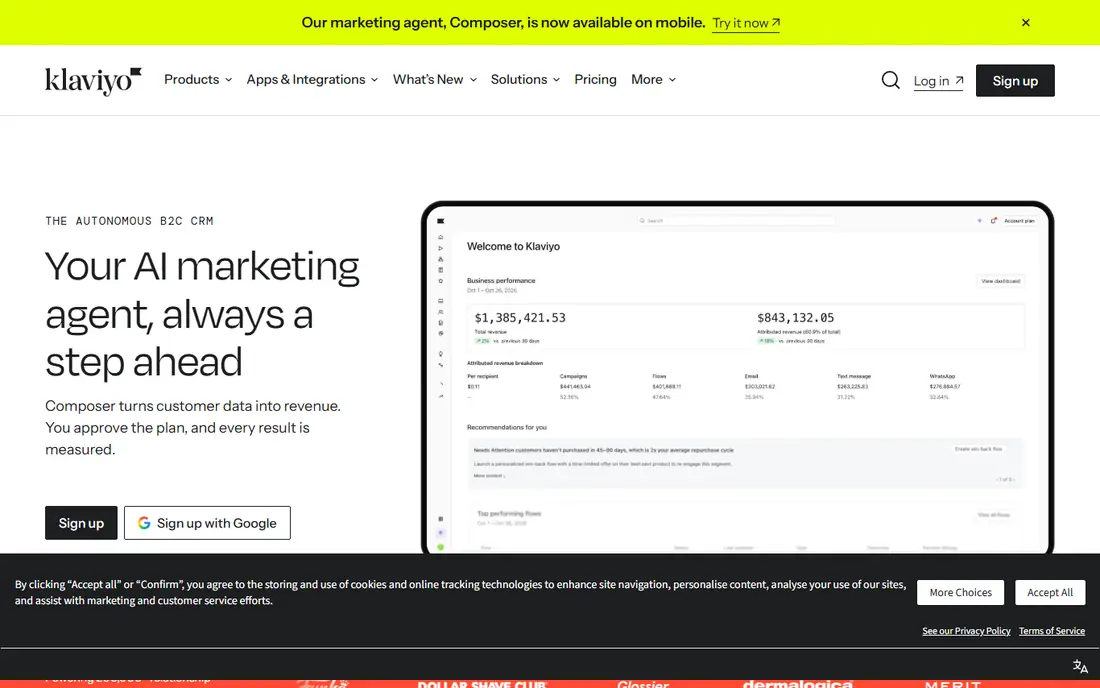
Klaviyo is the ecommerce specialist. It pulls order, browsing, and product data from your store and turns it into flows for abandoned carts, post-purchase follow-ups, win-back campaigns, and product recommendations, with segmentation based on what customers actually bought. Email and SMS live in the same flows, so a cart reminder can switch channel sensibly.
That power costs money as lists and SMS volume grow, and a simple newsletter sender will find it more tool than needed. For online stores that make real revenue from email, Klaviyo usually pays for itself, and it is the strongest ecommerce pick on this list.
- Deep Shopify and WooCommerce integration
- Purchase-based flows and segmentation
- Email plus SMS in one platform
- Pricing scales with contacts and SMS volume
- Overkill for simple newsletters
ActiveCampaign
Ideal for: Automation plus built-in CRM
ActiveCampaign is for teams that want email, automation, and a CRM in one subscription. The visual automation builder handles branching journeys, lead scoring, and sales pipelines without separate tools, and the CRM keeps small sales teams organized. Deliverability features such as domain authentication guidance help campaigns reach the inbox.
The depth takes learning, and the interface can feel busy to a first-time user. Teams that run lead nurture sequences, onboarding flows, and sales follow-ups from one system will get the most from ActiveCampaign, and it is the best automation pick here.
- Strong visual automation builder
- Built-in CRM and sales automation
- Good deliverability tooling
- Learning curve is steeper than Mailchimp
- Pricing rises with contacts and features
Kit
Ideal for: Creators and newsletter writers
Kit, formerly ConvertKit, is designed for creators who sell courses, newsletters, and digital products. Landing pages, opt-in forms, and email sequences are the core, and the tagging system keeps subscriber interests organized without complex list management. The free tier covers creators starting out.
Design control is narrower than Mailchimp's builder, and ecommerce automation is basic. For writers, podcasters, and course creators whose main job is growing and emailing an audience, Kit is focused, fast, and fairly priced.
- Built for creators with forms and landing pages
- Simple automations and sequences
- Free tier for small lists
- Design flexibility is narrower than Mailchimp
- Ecommerce features are limited
MailerLite
Ideal for: Low-cost email for small lists
MailerLite is the value pick. Prices stay low as lists grow, the free tier covers small lists, and the builder, landing pages, and automation cover most small business needs without a premium price. The interface is clean and fast, which beginners appreciate.
New accounts go through an approval review that some users find strict, and the integration catalog is smaller than Mailchimp's. For small businesses and creators watching costs, MailerLite gives you the essentials at one of the lowest prices here.
- Low prices and a generous free tier
- Clean builder and landing pages
- Good automation for the price
- Approval process for new accounts can be strict
- Fewer integrations than Mailchimp
GetResponse
Ideal for: Email plus webinars and funnels
GetResponse bundles more than email. Webinars, landing pages, funnels, and automation live in one account, which suits course creators and small businesses that run live sessions as part of their marketing. Autoresponders and list automation handle the standard journeys well.
Parts of the interface feel older than Mailchimp or Kit, and the tier structure takes a careful read. If webinars are part of your marketing, GetResponse saves you a separate webinar subscription, which makes its overall value stronger than the email price alone suggests.
- Webinars built into the platform
- Landing pages and funnels
- Autoresponders and automation
- Interface feels dated in places
- Pricing tiers can confuse
HubSpot Marketing Hub
Ideal for: Full marketing suite for growing teams
HubSpot Marketing Hub is the choice when email is one part of a bigger marketing operation. The free CRM, landing pages, forms, and email tools give small teams a real start, and paid tiers add automation, A and B testing, and detailed reporting across the whole funnel. Everything shares one contact record, which removes the syncing headaches of separate tools.
Paid pricing climbs fast, and HubSpot is more platform than a team sending one newsletter a month needs. For growing companies that want marketing, sales, and service data in one place, HubSpot is the most complete system here.
- Email, CRM, landing pages, and analytics in one system
- Free CRM and tools to start
- Strong reporting
- Paid tiers get expensive quickly
- More platform than a simple newsletter needs
How we picked these
We compared official feature pages, pricing pages, app store listings, and public reviews for each tool, and we checked that each product is actively offered in October 2026. We kept platforms that send marketing email with automation and list management, and we spread the list across small business tools, ecommerce specialists, creator platforms, and full suites. We did not include transactional-only email services or tools that have shut down.
What to check before you switch
Email migrations affect deliverability, so move carefully rather than quickly.
List and data migration
Check how tags, segments, custom fields, and automation history transfer. Most tools import contacts by CSV, but automation journeys and segment logic usually need rebuilding by hand.
Deliverability setup
Set up domain authentication, including SPF, DKIM, and DMARC, before your first campaign on the new platform. Warm up sending volume gradually if your list is large, since a sudden blast from a new domain hurts inbox placement.
SMS and pricing model
If you use SMS, compare SMS pricing separately from email pricing. Some platforms bundle SMS credits generously, while others charge per message at rates that change the total cost significantly.
Deliverability decides whether a campaign succeeds, so warm up new sending domains gradually and keep lists clean by removing bounces and long-inactive addresses. Check that the platform supports double opt-in, unsubscribe handling, and bounce management without manual work, since these basics protect your sender reputation. Test emails across major inbox providers and devices before launch, and review spam scores for templates that rely on heavy images or link shorteners. If you send in several languages or regions, confirm that consent records and regional rules are handled in the same workspace. A short trial with your real list, not a demo list, gives the clearest picture of inbox placement.
Frequently asked questions
What is the best free Sendinblue alternative?
MailerLite, Mailchimp, Klaviyo, and Kit all offer free tiers for small lists, with different limits on contacts and sends. MailerLite and Kit are the most generous for small creators, while Mailchimp's free tier suits small businesses testing email marketing.
Which alternative is best for ecommerce stores?
Klaviyo is the strongest for ecommerce, thanks to its store integrations and purchase-based flows. ActiveCampaign is a good second choice for stores that also need a CRM and sales automation.
Can I send SMS with these tools?
Klaviyo includes SMS alongside email, and Brevo's rivals vary: Mailchimp and ActiveCampaign offer SMS in some plans and regions, while Kit and MailerLite focus mainly on email. Check SMS availability and pricing for your country before choosing.
How do I migrate my email list from Sendinblue?
Export contacts as CSV from Sendinblue, including tags and custom fields, then import into the new tool and map fields carefully. Rebuild automations by hand, set up domain authentication, and send a re-engagement campaign before resuming normal volume.
Will switching email tools hurt deliverability?
It can, temporarily, if domain authentication is missing or volume spikes suddenly. Set up SPF, DKIM, and DMARC, warm up sending gradually, and clean inactive contacts before the move to protect your sender reputation.