Best ServerEye Alternatives in 2026: 8 Options Compared

- 1
 NagiosOpen-source infrastructure monitoringVisit
- 2
 ZabbixOpen-source monitoring for networks and serversVisit
- 3
 PRTG Network MonitorAll-in-one network monitoring for Windows teamsVisit
- 4
 DatadogCloud monitoring and observabilityVisit
- 5
 SolarWindsNetwork and systems monitoring for enterprisesVisit
- Our pick for most people is Nagios, because it balances price, features and ease of use for the widest group of readers.
- Free plans are real here, but the limits matter: check what Zabbix and PRTG Network Monitor actually include before you commit.
- Prices in this guide come from vendor pricing pages and current comparisons checked in October 2026, and they can change, so confirm the plan on the vendor site before you buy.
- The best choice depends on your budget, your experience level and how much support you want, not on which brand is most famous.
Quick comparison
| Product | Ideal for | Price from | Free version | |
|---|---|---|---|---|
| Nagios | Open-source infrastructure monitoring | See website | Yes | Visit |
| Zabbix | Open-source monitoring for networks and servers | See website | Yes | Visit |
| PRTG Network Monitor | All-in-one network monitoring for Windows teams | See website | Free trial | Visit |
| Datadog | Cloud monitoring and observability | See website | Free trial | Visit |
| SolarWinds | Network and systems monitoring for enterprises | See website | Free trial | Visit |
 ManageEngine OpManager | Network monitoring with fault management | See website | Free trial | Visit |
 Checkmk | Open-source monitoring with enterprise options | See website | Yes | Visit |
 UptimeRobot | Simple uptime monitoring for websites | See website | Yes | Visit |
The best ServerEye Alternatives in 2026
We compared official feature pages, pricing pages, app store listings, privacy policies and public reviews to build this list for servereye alternatives. Every option below exists and works today, and each one earns its place for a different kind of reader.
Nagios
Ideal for: Open-source infrastructure monitoring
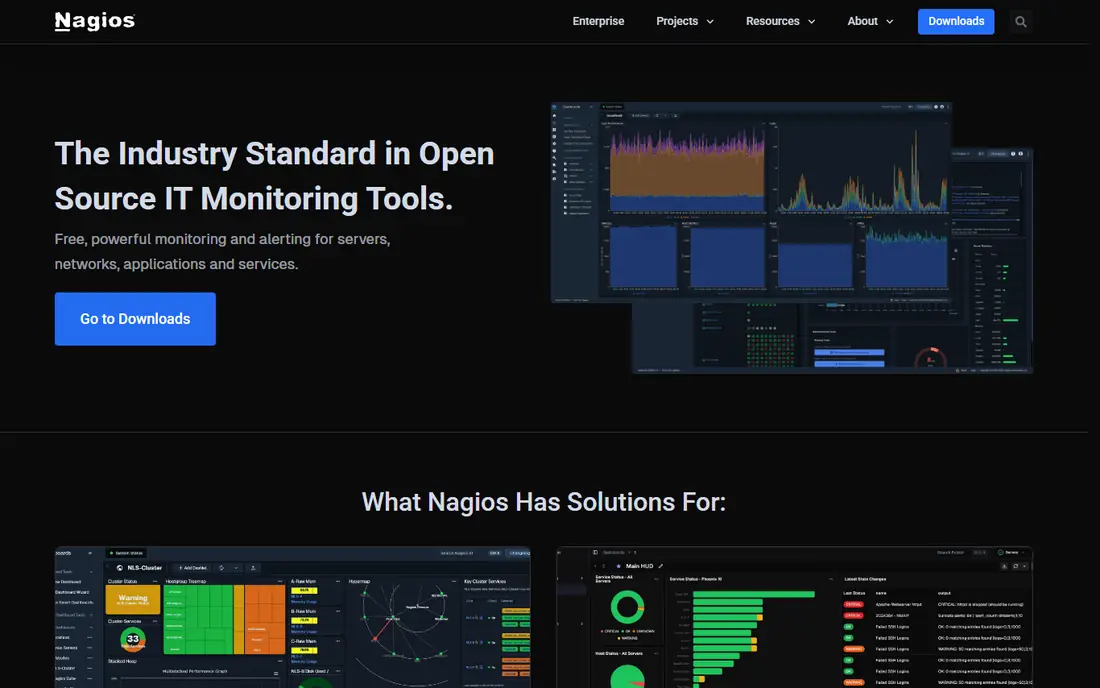
Here is the short version. Nagios suits technical teams that want open-source monitoring with a huge plugin library and full control. It fits readers who want open-source infrastructure monitoring, and its published feature set matches that promise rather than trying to cover every possible use case at once. The price picture is see website, with a free plan status of yes. Setup and maintenance are your job, so teams without monitoring expertise should prefer a managed tool. Before you sign up, check the current plan limits on the official site, because caps on users, usage or features are where most buyers get surprised after the first month.
- Open-source monitoring
- Huge plugin library
- Alerting and reporting
- Setup and maintenance need technical skill
- Interface feels dated
Zabbix
Ideal for: Open-source monitoring for networks and servers
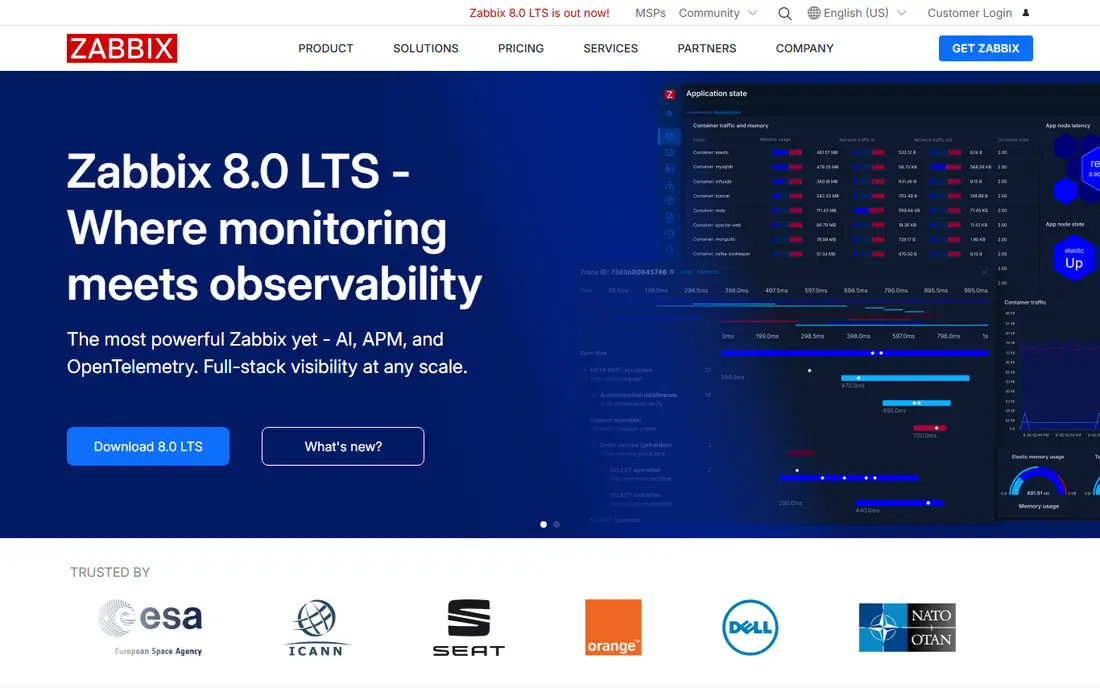
Start here if you want the safe default. Zabbix gives teams open-source monitoring for servers, networks and cloud services, with templates that speed up setup. It fits readers who want open-source monitoring for networks and servers, and its published feature set matches that promise rather than trying to cover every possible use case at once. The price picture is see website, with a free plan status of yes. The technical setup and learning curve suit teams with monitoring experience. Before you sign up, check the current plan limits on the official site, because caps on users, usage or features are where most buyers get surprised after the first month.
- Open-source monitoring
- Network and server coverage
- Templates and alerts
- Setup is technical
- Interface takes learning
PRTG Network Monitor
Ideal for: All-in-one network monitoring for Windows teams
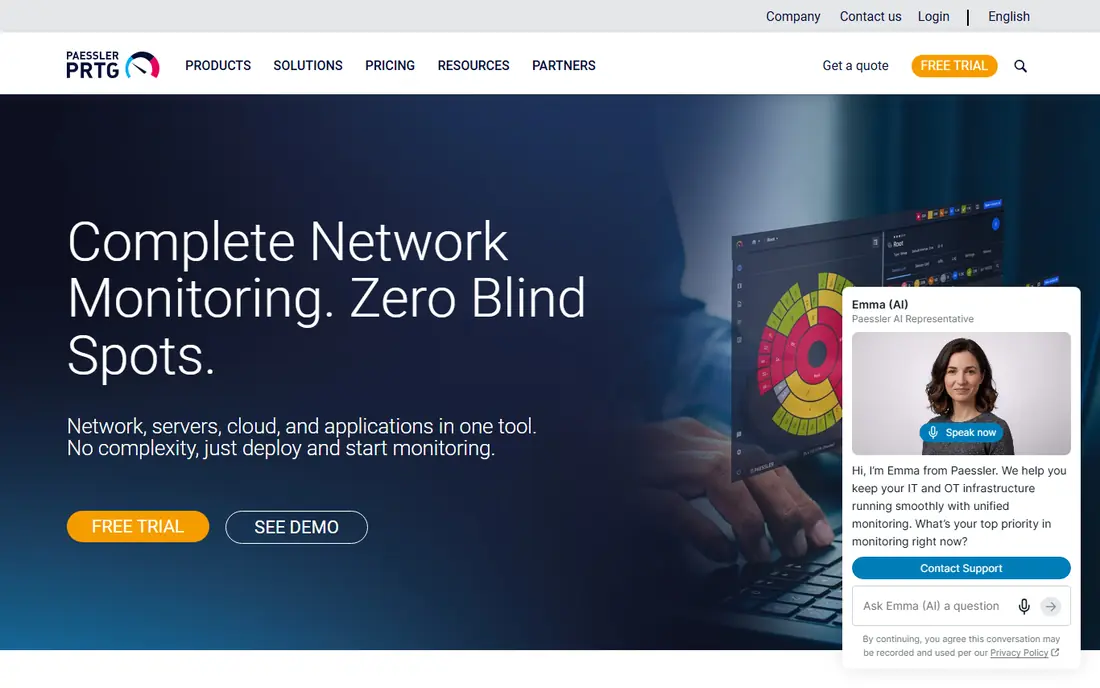
This one suits a specific kind of reader. PRTG suits Windows-centred teams that want sensor-based monitoring with auto-discovery and clear dashboards. It fits readers who want all-in-one network monitoring for windows teams, and its published feature set matches that promise rather than trying to cover every possible use case at once. The price picture is see website, with a free plan status of free trial. Sensor counts grow fast, so count sensors, not just devices, before comparing prices. Before you sign up, check the current plan limits on the official site, because caps on users, usage or features are where most buyers get surprised after the first month.
- Sensor-based monitoring
- Auto-discovery
- Alerts and dashboards
- Sensor pricing grows with monitored items
- Windows server needed for core
Datadog
Ideal for: Cloud monitoring and observability
Consider this if the top picks do not fit. Datadog suits cloud teams that want infrastructure, logs and application monitoring in one observability platform. It fits readers who want cloud monitoring and observability, and its published feature set matches that promise rather than trying to cover every possible use case at once. The price picture is see website, with a free plan status of free trial. Usage-based pricing can surprise teams, so set budgets and alerts from day one. Before you sign up, check the current plan limits on the official site, because caps on users, usage or features are where most buyers get surprised after the first month.
- Infrastructure, logs and APM in one platform
- Many integrations
- Pricing is usage-based and can grow fast
- Setup needs planning
SolarWinds
Ideal for: Network and systems monitoring for enterprises
A strong option for a narrower need. SolarWinds suits larger IT teams that need network, server and application monitoring with deep reporting. It fits readers who want network and systems monitoring for enterprises, and its published feature set matches that promise rather than trying to cover every possible use case at once. The price picture is see website, with a free plan status of free trial. The broad scope and enterprise price suit larger teams, so smaller teams should trial PRTG or Zabbix first. Before you sign up, check the current plan limits on the official site, because caps on users, usage or features are where most buyers get surprised after the first month.
- Network, server and application monitoring
- Deep reporting
- Enterprise pricing
- Product scope is broad
ManageEngine OpManager
Ideal for: Network monitoring with fault management
Worth a close look before you decide. ManageEngine OpManager suits teams that want network monitoring plus fault management in one tool. It fits readers who want network monitoring with fault management, and its published feature set matches that promise rather than trying to cover every possible use case at once. The price picture is see website, with a free plan status of free trial. The dense interface takes learning, so trial it on your real network before committing. Before you sign up, check the current plan limits on the official site, because caps on users, usage or features are where most buyers get surprised after the first month.
- Network monitoring
- Fault and performance management
- Dashboards
- Interface is dense
- Pricing grows with devices
Checkmk
Ideal for: Open-source monitoring with enterprise options
This belongs on the shortlist for a reason. Checkmk gives teams an open-source monitoring core with auto-discovery and an enterprise edition for larger needs. It fits readers who want open-source monitoring with enterprise options, and its published feature set matches that promise rather than trying to cover every possible use case at once. The price picture is see website, with a free plan status of yes. Technical setup is required, so teams without monitoring skills should consider a managed alternative. Before you sign up, check the current plan limits on the official site, because caps on users, usage or features are where most buyers get surprised after the first month.
- Open-source core
- Auto-discovery
- Many integrations
- Setup needs technical skill
- Enterprise features need paid plans
UptimeRobot
Ideal for: Simple uptime monitoring for websites
Do not overlook this one. UptimeRobot suits teams that mainly need to know whether a website or service is up, with a free tier that covers basic checks. It fits readers who want simple uptime monitoring for websites, and its published feature set matches that promise rather than trying to cover every possible use case at once. The price picture is see website, with a free plan status of yes. Full server, network and application monitoring needs a deeper tool such as PRTG, Zabbix or Datadog. Before you sign up, check the current plan limits on the official site, because caps on users, usage or features are where most buyers get surprised after the first month.
- Simple uptime checks
- Free tier
- Alerts by email and chat
- Monitoring depth is limited to uptime and basic checks
- Not a full server monitor
How we picked these
We started from official feature pages and pricing pages, then checked app store listings, privacy policies and public reviews to confirm each product still works and still fits the topic. Products that could not be verified, or that only partly matched the topic, were left out, even when they were well known. We favoured a mix of established leaders and strong smaller options, and we weighted price transparency, a usable free tier or trial, and honest limits more heavily than marketing claims. No product on this list paid for its place, and our pick for most people is the one we would suggest to a friend with ordinary needs and an ordinary budget.
How to pick server monitoring that alerts you before users do
Start with what you must monitor: servers, networks, applications, websites or all of them. Uptime checks suit websites, while servers and networks need deeper metrics, logs and fault management. Next, check alerting: alerts should reach the right person by email, chat or phone, with escalation when nobody responds. Then check dashboards and history, since a monitor that only says up or down will not help you find why a server slowed. Trial the top two on your real infrastructure, and trigger a test failure to see how alerts actually arrive. Also check agent and sensor overhead, because monitoring that slows servers defeats its purpose. Confirm pricing units, whether devices, sensors, hosts or data volume, since those units change the bill sharply. Confirm retention and reporting if you need trend data, and confirm who will own alerts, because unowned alerts quickly become ignored noise.
Frequently asked questions
What is the best ServerEye alternative?
PRTG suits Windows teams that want all-in-one monitoring, Zabbix and Nagios suit open-source teams, and Datadog suits cloud observability. The right pick depends on infrastructure and team skills.
Is there a free server monitoring alternative?
Nagios, Zabbix, Checkmk and UptimeRobot offer free options, though full features and support need paid plans. Free tools suit technical teams that can handle setup themselves.
What is the difference between uptime monitoring and server monitoring?
Uptime monitoring checks whether a service responds, while server monitoring tracks CPU, memory, disk, network and application health in depth. Use uptime for websites and full monitoring for servers.
Do these tools alert by email and chat?
Most offer email, chat and mobile alerts, with escalation in paid plans. Test alert delivery during a trial, including a real failure, before relying on it.
How many sensors or devices do I need?
Count servers, network devices, applications and websites, then check whether pricing counts devices, sensors or data volume. Sensor-based pricing can grow faster than device counts suggest.