Best Service Fusion Alternatives in 2026: 8 Field Service Tools Compared

- 1
 JobberSmall home service businessesVisit
- 2
 Housecall ProHome service schedulingVisit
- 3
 ServiceTitanLarger home service companiesVisit
- 4
 JobNimbusContractors and job trackingVisit
- 5
 FieldEdgeDispatch and HVAC focusVisit
- Jobber and Housecall Pro suit small home service businesses that want scheduling, quotes, and invoicing in one place.
- ServiceTitan suits larger home service companies that want deep reporting and marketing tools.
- JobNimbus and FieldEdge suit contractors that need job tracking plus CRM or dispatch depth.
- Kickserv, RazorSync, and ServiceM8 suit smaller teams and specific trades that want simpler, focused tools.
- All eight tools offer mobile apps for technicians, but offline behavior and GPS features vary, so test those in the field.
Quick comparison
| Product | Ideal for | Price from | Free version | |
|---|---|---|---|---|
| Jobber | Small home service businesses | See website | See website | Visit |
| Housecall Pro | Home service scheduling | See website | See website | Visit |
| ServiceTitan | Larger home service companies | See website | See website | Visit |
| JobNimbus | Contractors and job tracking | See website | Free trial | Visit |
| FieldEdge | Dispatch and HVAC focus | See website | See website | Visit |
 Kickserv | Simple field service | See website | See website | Visit |
 RazorSync | Small field teams | See website | Free trial | Visit |
 ServiceM8 | Small trade businesses | See website | Free trial | Visit |
The best Service Fusion alternatives
Service Fusion helps field service businesses schedule jobs, dispatch technicians, and invoice customers. The platforms below cover similar ground, and they differ in size, trade focus, and price. Some suit one-truck operations, while others suit companies with dozens of technicians. The right pick depends on your trade, team size, and how much of the business you want in one system.
Jobber
Ideal for: Small home service businesses
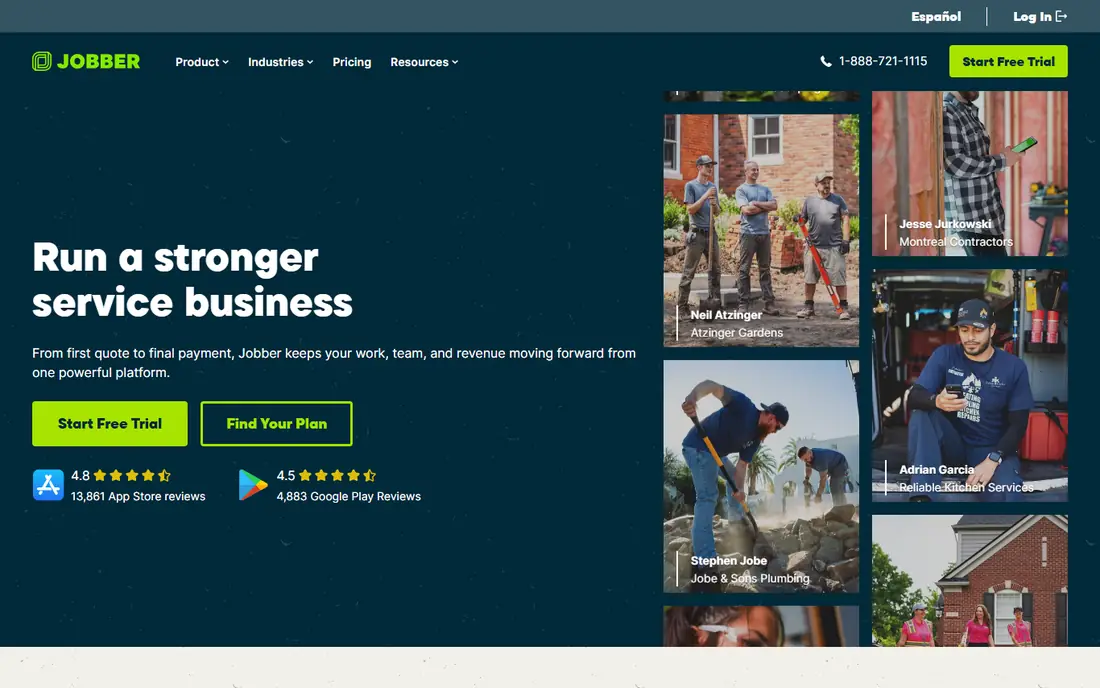
Jobber is a popular pick for small home service businesses such as cleaning, lawn care, and handyman work. Scheduling, quoting, invoicing, and client reminders live in one system, and customers can book and pay online. The mobile app gives technicians job details, directions, and time tracking in the field.
Advanced reporting sits on higher plans, and some features focus on US and Canadian markets. For small teams that want a polished, easy system, Jobber is our pick for most businesses.
- Easy scheduling and quoting
- Client reminders
- Online booking and payments
- Advanced reporting needs higher plans
- Some features are US and Canada focused
Housecall Pro
Ideal for: Home service scheduling
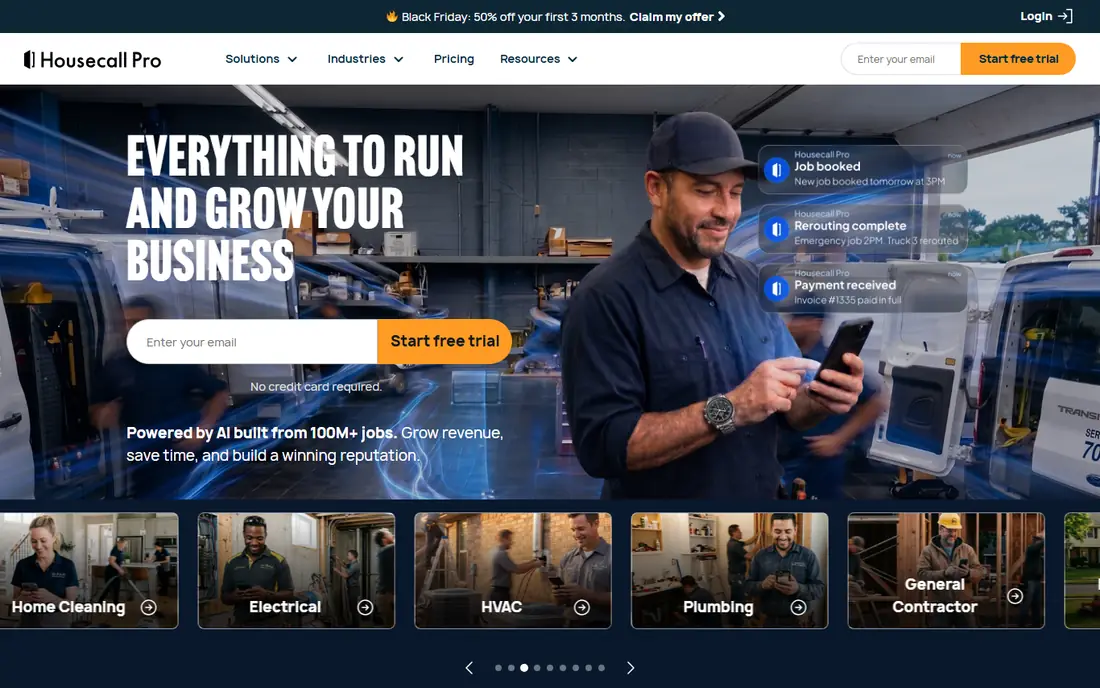
Housecall Pro covers scheduling, dispatch, estimates, invoicing, and payments for home service companies, with automated review requests and marketing tools that help win repeat work. Dispatch boards show technician locations and job status, and the mobile app handles job notes, photos, and signatures.
Add-ons raise costs, and reporting depth varies by plan. For home service teams that want scheduling plus customer marketing in one tool, Housecall Pro is a strong choice.
- Strong scheduling and dispatch
- Automated marketing
- Good mobile app
- Add-ons raise costs
- Reporting depth varies by plan
ServiceTitan
Ideal for: Larger home service companies
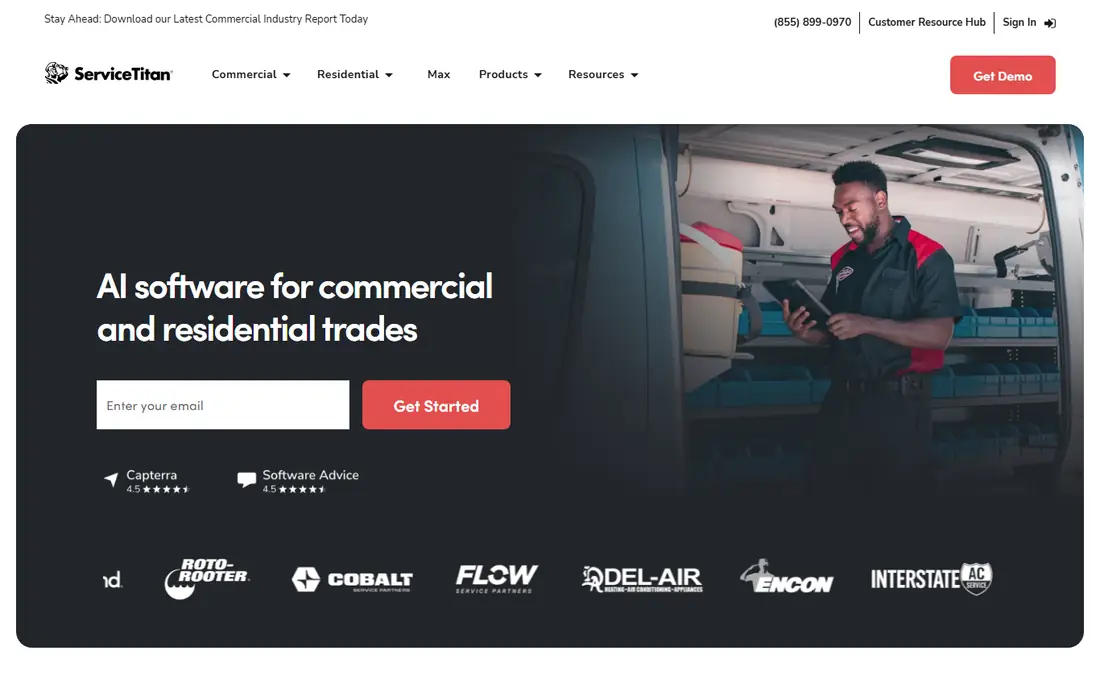
ServiceTitan is built for larger home service companies in trades such as HVAC, plumbing, and electrical. It combines scheduling, dispatch, CRM, marketing, and detailed reporting, with call tracking that ties bookings to campaigns. Dashboards show technician performance, revenue, and job profitability in real time.
Pricing is enterprise-grade, and setup plus training take time. For companies with many technicians that need operational depth, ServiceTitan is the most complete pick.
- Deep reporting and dashboards
- Marketing and call tracking
- Strong dispatch
- Enterprise pricing
- Setup and training take time
JobNimbus
Ideal for: Contractors and job tracking
JobNimbus combines CRM and job tracking for contractors, especially roofing and remodeling companies. It follows leads, jobs, tasks, and documents from first contact to final invoice, with boards that show every job stage at a glance. Integrations cover payments, suppliers, and ordering.
Dispatch depth is less than ServiceTitan, and the interface takes learning. For contractors who need job tracking plus customer records more than complex dispatch, JobNimbus is a good fit.
- Job and CRM tracking in one place
- Good for roofing and remodeling
- Flexible workflows
- Less dispatch depth than ServiceTitan
- Interface takes learning
FieldEdge
Ideal for: Dispatch and HVAC focus
FieldEdge, formerly FieldEdge by Xcelerate, focuses on dispatch and job management for HVAC, plumbing, and electrical contractors. Dispatch boards, flat-rate price books, and agreement management suit trades that sell maintenance plans. QuickBooks integration keeps invoicing and accounts aligned.
Pricing is quote-based, and the mobile experience varies by task. For trade contractors that live by the dispatch board, FieldEdge is a solid pick.
- Strong dispatch boards
- HVAC and trade focus
- QuickBooks integration
- Pricing is quote-based
- Mobile app varies by task
Kickserv
Ideal for: Simple field service
Kickserv keeps field service simple, with scheduling, dispatch, invoicing, and customer records in a straightforward package. Setup is quick, and pricing suits small teams that do not need enterprise reporting or marketing suites. The mobile app covers job details and time tracking.
Advanced features are fewer than the leaders, and the integration library is smaller. For small teams that want the essentials without complexity, Kickserv is a practical choice.
- Simple scheduling and invoicing
- Approachable pricing
- Quick setup
- Fewer advanced features
- Smaller integration library
RazorSync
Ideal for: Small field teams
RazorSync offers scheduling, dispatch, work orders, and invoicing for small field service teams, with a customer portal where clients can view job status. The system is easy to learn, and pricing suits businesses with a handful of technicians. Work order tracking keeps recurring jobs organized.
As a smaller vendor, it offers fewer marketing and reporting features than Jobber or ServiceTitan. For small teams that want a focused, affordable system, RazorSync is worth a look.
- Scheduling and dispatch for small teams
- Customer portal
- Work order tracking
- Smaller vendor
- Fewer marketing features
ServiceM8
Ideal for: Small trade businesses
ServiceM8 is built around a strong mobile app, with job cards, checklists, photos, and signatures that suit solo operators and small trade teams. Scheduling, quoting, and invoicing are included, and add-ons cover payments, forms, and asset tracking. The system works well for trades such as electrical, plumbing, and pest control.
Add-ons raise costs, and some features vary by region. For small trade businesses that live on their phones, ServiceM8 is a natural fit.
- Strong mobile app
- Job cards and checklists
- Good for solo operators
- Add-ons raise costs
- Some features vary by region
How we picked these
We compared official feature pages, pricing, mobile apps, and public reviews for each platform, and we checked that each product is actively offered in October 2026. We favored tools with real scheduling, dispatch, and invoicing depth, not generic CRMs, and we kept a mix of small-team tools and enterprise platforms. We left out tools with no working trial or signup and tools that have shut down.
How to choose a field service platform
Field service software lives in the truck as much as the office, so test it the way technicians will use it.
Test the mobile app in the field
Have technicians run real jobs on the app during the trial, including areas with weak signal, and check offline behavior, photo uploads, and signature capture. An app that works at the desk but fails on site creates double entry and frustrated staff. Check battery use too, since a heavy app drains phones on long days.
Check scheduling and dispatch fit
Map your busiest day onto the dispatch board and confirm that drag-and-drop scheduling, recurring jobs, and emergency reshuffles work smoothly. If you sell maintenance agreements, check agreement tracking and renewal reminders. A board that cannot handle your real week will slow the office down.
Count the full cost per technician
Compare pricing per user, including add-ons for payments, marketing, and advanced reporting, since headline prices often exclude them. Check contract length and whether seasonal staff can be added or removed easily. A system that costs more per tech than the value it adds will not survive a slow season.
The dispatch board is where a field service platform earns its keep. Jobs should move by drag and drop, with travel time visible and tech skills matched to the work. Recurring jobs need schedules that survive holidays and staff changes without manual rebuilding. When a job runs long, the board should show the knock-on effect on later appointments so office staff can call customers before they call you. A board that reflects the real day, rather than an ideal one, keeps both techs and customers calmer.
Quoting and invoicing decide how fast work turns into cash. Quotes should convert to jobs and then to invoices without retyping line items, and partial payments should track against the job balance. On-site card payments and emailed invoices shorten the gap between finished work and paid work. Price books, with standard rates for common jobs, keep quotes consistent across techs and prevent undercharging. Check how taxes and discounts apply per line, since a platform that handles them cleanly saves the office hours each week.
The mobile app matters most where signal is weakest. Techs need job details, customer history, and forms offline, with data syncing once coverage returns. Photo capture, signatures, and checklists should work without extra apps, and time tracking should start and stop from the job screen. Customer notifications, sent automatically when a tech is en route, cut no-access visits and phone calls. Test the app on the actual phones your team carries, since a smooth demo on a new device hides problems on older ones.
Frequently asked questions
What is Service Fusion?
Service Fusion is a field service management platform for scheduling, dispatch, invoicing, and customer management. The tools here offer similar capabilities with different trade focus, team size fit, and pricing.
Which Service Fusion alternative is best for small businesses?
Jobber, Housecall Pro, Kickserv, and ServiceM8 suit small businesses, since they offer scheduling, invoicing, and mobile apps at approachable prices. RazorSync also fits small teams that want a focused system.
Which alternative is best for HVAC companies?
ServiceTitan and FieldEdge suit HVAC companies, since both offer dispatch boards, flat-rate pricing, and agreement management for trade work. Housecall Pro also works well for HVAC teams that want marketing tools included.
Do these tools work offline for technicians?
Most of them offer mobile apps with some offline capability, but depth varies. Test offline job access, photo uploads, and signature capture in weak-signal areas during the trial before committing.
Can I import my customers and jobs from Service Fusion?
Yes, in most cases, through CSV imports or vendor migration help. Clean duplicate customer records first, and test the import with a small batch before moving your full history.