Best Shared Services Best Practices in 2026: 8 Platforms Compared

- ServiceNow is our pick for most shared services teams because it unifies service delivery, workflows, and reporting in one platform.
- SAP and Oracle suit large enterprises that run shared services inside a broad ERP.
- UiPath and Automation Anywhere suit teams that automate repetitive shared services tasks.
-
Standardized processes, clear service levels, and strong governance matter more than any single tool.
-
A single service catalog with clear ownership prevents shared services from becoming a scattered inbox with no accountability.
Quick comparison
| Product | Ideal for | Price from | Free version | |
|---|---|---|---|---|
 ServiceNow | Service delivery platform | See website | Free trial | Visit |
 SAP | ERP-based shared services | See website | Free trial | Visit |
 Oracle | Enterprise shared services | See website | Free trial | Visit |
 Workday | HR and finance shared services | See website | No | Visit |
 UiPath | Automation for shared services | See website | Free trial | Visit |
 Automation Anywhere | Intelligent automation | See website | Free trial | Visit |
 BlackLine | Finance close in shared services | See website | Free trial | Visit |
 Coupa | Procurement in shared services | See website | Free trial | Visit |
The best shared services best practices platforms
Shared services best practices mean consolidating common work, such as finance, HR, IT, and procurement support, into one efficient operation with standard processes and clear service levels. The platforms below help teams put those practices into place. We compared official feature pages, pricing pages, and public reviews for the options below.
ServiceNow
Ideal for: Service delivery platform
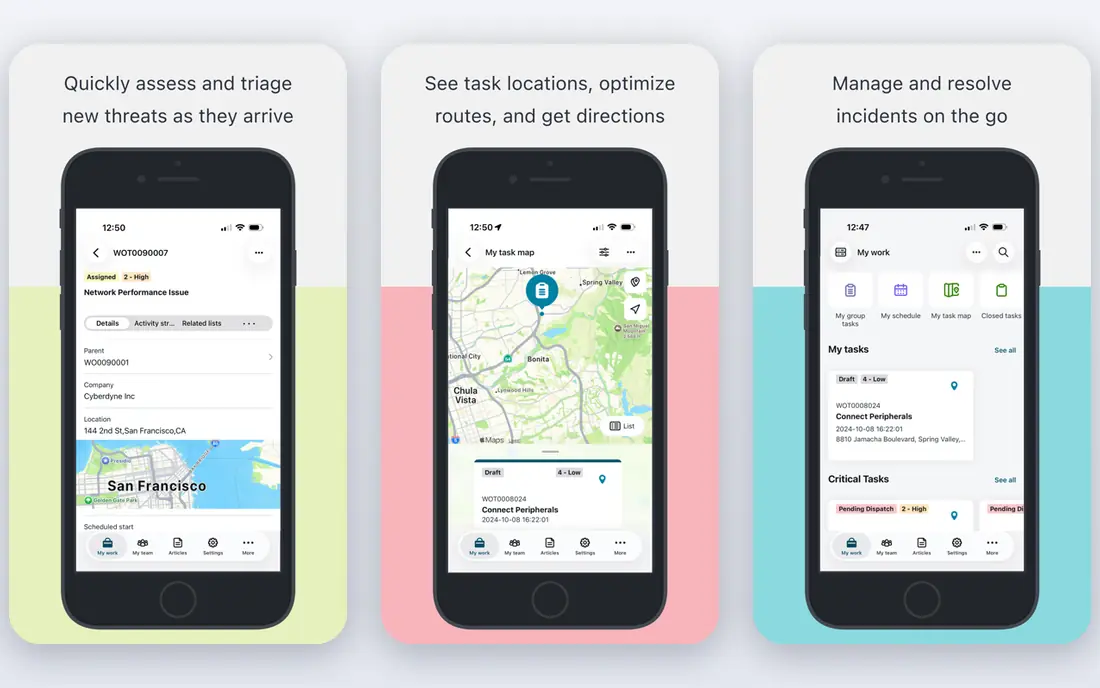
ServiceNow is the most common platform for shared services delivery, offering a service catalog, request workflows, knowledge bases, and reporting in one system. Employees request help through a portal, work routes to the right team, and leaders track service levels and volumes. That structure supports the core shared services practice: one front door for many services.
Enterprise pricing and implementation make ServiceNow heavy for small teams. For a mid-size or large shared services operation that wants one delivery platform, ServiceNow is our top pick.
- Unified service catalog and workflows
- Strong reporting
- Broad enterprise use
- Enterprise pricing and implementation
- Complexity for small teams
SAP
Ideal for: ERP-based shared services
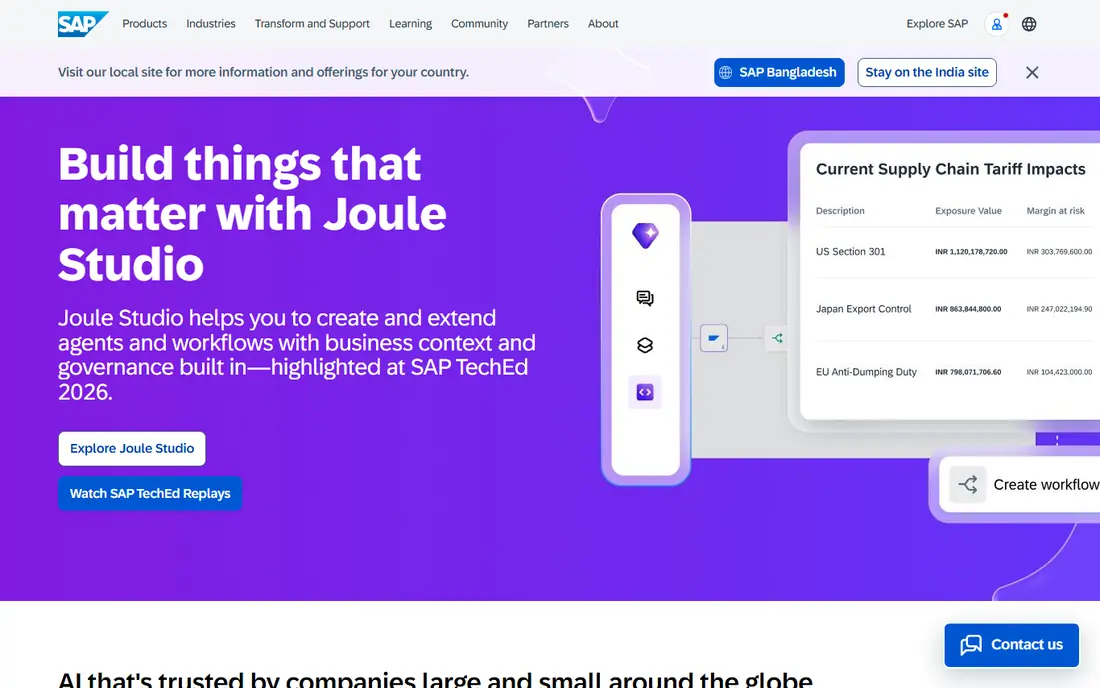
SAP supports shared services inside a broad ERP, with standardized finance, procurement, and HR processes across countries and entities. Large enterprises use SAP to consolidate transactions, enforce controls, and report consistently. Global scale and process depth are major strengths.
Implementation is a major project, and complexity is high. For a large enterprise already running SAP, building shared services on it is natural. For others, the investment needs careful justification.
- Deep finance and procurement processes
- Global scale
- Strong controls
- Implementation is a major project
- Complexity is high
Oracle
Ideal for: Enterprise shared services
Oracle offers ERP and cloud applications that support shared services for finance, HR, and procurement, with global reporting and controls. Enterprises can standardize processes across subsidiaries while keeping local compliance needs in view. The breadth suits complex, multinational operations.
Enterprise pricing and implementation complexity limit smaller firms. For a large enterprise that wants shared services inside a broad Oracle environment, Oracle is a strong choice.
- Broad ERP and cloud apps
- Finance and HR depth
- Global reporting
- Enterprise pricing
- Implementation complexity
Workday
Ideal for: HR and finance shared services
Workday unifies HR and finance in one cloud system, which suits shared services centers that handle payroll, benefits, expenses, and accounting together. Employees get one portal for HR and finance requests, and leaders get consistent reporting. That unity supports the shared services goal of one experience for many services.
Enterprise pricing and ecosystem fit matter: Workday shines brightest inside a Workday environment. For a large firm with HR and finance shared services, Workday is a strong pick.
- Unified HR and finance
- Good employee experience
- Strong reporting
- Enterprise pricing
- Best inside the Workday ecosystem
UiPath
Ideal for: Automation for shared services
UiPath automates repetitive shared services tasks such as invoice processing, data entry, and report generation through software robots. Shared services centers use it to cut manual work, reduce errors, and free staff for complex cases. AI tools extend automation to documents and emails.
Automation needs governance: bots must be monitored, updated, and controlled like any workforce. Licensing varies by use. For a shared services team ready to automate high-volume tasks, UiPath is a leading choice.
- Robotic process automation at scale
- AI tools
- Broad app support
- Automation needs governance
- Licensing varies
Automation Anywhere
Ideal for: Intelligent automation
Automation Anywhere offers intelligent automation with document processing and cloud deployment for shared services teams. Bots handle repetitive finance, HR, and procurement tasks, while AI tools read documents and emails. Cloud options suit teams that want managed infrastructure.
Enterprise pricing and setup expertise limit small-team fit. For a shared services center investing in intelligent automation, Automation Anywhere is a capable, enterprise-grade option.
- Intelligent automation platform
- Document processing
- Cloud options
- Enterprise pricing
- Setup needs expertise
BlackLine
Ideal for: Finance close in shared services
BlackLine automates reconciliations and close tasks inside shared services finance operations, with controls and audit trails that support compliance. Centers handling many entities benefit from standardized close checklists and faster reconciliations. ERP integrations keep data flowing.
The focus is finance-only, so HR and IT services need other tools. Enterprise pricing also applies. For finance shared services, BlackLine is a leading, specialized pick.
- Reconciliation and close automation
- Controls and audit trails
- ERP fit
- Finance-only focus
- Enterprise pricing
Coupa
Ideal for: Procurement in shared services
Coupa covers procurement, invoicing, expenses, and spend analytics for shared services centers that centralize buying. Standardized purchasing, supplier management, and spend visibility support the shared services practice of one buying process for many units. Analytics show savings and compliance clearly.
The focus is procurement, so other service lines need companion platforms. Pricing is quote-based. For procurement shared services, Coupa is a strong, focused choice.
- Procurement and spend management
- Supplier tools
- Strong analytics
- Procurement focus
- Pricing is quote-based
How we picked these
We compared official feature pages, pricing pages, and public reviews, and we kept only platforms that support shared services delivery in October 2026. We favored platforms with service catalogs, workflow automation, governance tools, and reporting. We left out generic project tools with no service delivery features and single-function apps with no shared services fit.
We also examined how leading centers handle continuous improvement, since launch-day processes decay as systems and rules change. Schedule quarterly process reviews, track automation opportunities, and retire low-value reports and approvals. A center without improvement routines slowly becomes the bureaucracy it replaced.
What shared services best practices actually look like
Start with one front door. Employees should request finance, HR, IT, and procurement help through a single portal with a clear catalog, not through scattered inboxes. Standardize the top processes first: the most common requests deliver the fastest gains, while rare edge cases can wait.
Next, set service levels and measure them. Publish response and resolution targets, track volumes and satisfaction, and review them monthly with business units. Governance matters too: a shared services leader needs authority over process standards, or local units will drift back to custom work. Finally, automate in stages. Fix the process, standardize it, then automate the repetitive parts, since automating a messy process only speeds up the mess.
Change management is the hardest part of shared services, since business units lose direct control over support work. Involve unit leaders in service level design, publish performance data openly, and keep a feedback channel that actually changes processes. Centers that ignore unit concerns face shadow teams that quietly rebuild the old workarounds.
Talent and career paths deserve attention too, since shared services roles can feel like dead ends without growth options. Build rotation paths into business units, recognize process improvement work, and invest in automation skills so staff grow with the center rather than leaving it. Retention protects the process knowledge that makes shared services work.
Questions to ask before you commit
Ask leaders how service levels will be enforced when business units miss their own obligations, since shared services fail when only the center is measured. Confirm mutual responsibilities, escalation paths, and consequences for late inputs from units. Balanced accountability keeps the model fair and functional.
Ask how the center handles peak demand periods such as month-end close or open enrollment, since staffing for peaks differs from steady-state staffing. Confirm surge plans, cross-training, and overtime policies, and test them during a real peak before judging center performance. Peak handling reveals true operational maturity.
Ask about technology refresh cycles, since shared services platforms age and vendors change pricing. Confirm upgrade plans, data portability, and exit options for each major platform, since a center locked into aging tools loses efficiency gains over time.
Frequently asked questions
What are shared services best practices?
Shared services best practices mean consolidating common support work into one operation with standard processes, a single service catalog, clear service levels, and measured performance. Governance, automation, and continuous improvement keep the model working as the business grows.
What is the best platform for shared services?
ServiceNow is our pick for most shared services teams because it unifies service delivery, workflows, and reporting. SAP and Oracle suit large ERP-based centers, while UiPath suits automation-heavy operations.
Should shared services start with technology or process?
Process first. Standardize and simplify the most common services, agree service levels, and then choose technology to support the standard process. Technology bought before process design often gets shaped around old, inconsistent habits.
How do you measure shared services success?
Track service levels, first-contact resolution, cost per transaction, customer satisfaction, and cycle times by service. Compare against baselines before consolidation, and review results monthly with business leaders to guide improvement.
What services belong in a shared services center?
Common candidates are finance transactions, payroll, benefits administration, IT support, procurement, and HR administration. Services with high volume, repeatable steps, and clear rules fit best, while strategic or highly judgment-based work usually stays with business units.
How big should a shared services center be?
Size depends on transaction volume, service scope, and geography, not on a fixed headcount rule. Centers often start with one function, such as finance transactions, prove the model, and then add HR or procurement. Starting too big risks a costly reorganization, while starting too small limits savings, so phase growth with measured results.