ShareFile Alternatives in 2026: 8 Tools Compared

- 1
 BoxSecure business sharingVisit
- 2
 Dropbox BusinessTeam file sharingVisit
- 3
 Google DriveGoogle Workspace teamsVisit
- 4
 OneDriveMicrosoft 365 teamsVisit
- 5
 EgnyteHybrid file platformVisit
- Box and Dropbox Business suit most teams for secure file sharing and collaboration.
- Google Drive and OneDrive suit teams already on Google Workspace or Microsoft 365.
- Egnyte and FileCloud suit companies that need hybrid cloud and on-premise control.
- SmartVault and NetDocuments suit accounting and legal firms with compliance needs.
Quick comparison
| Product | Ideal for | Price from | Free version | |
|---|---|---|---|---|
| Box | Secure business sharing | See website | Yes | Visit |
| Dropbox Business | Team file sharing | See website | Free trial | Visit |
| Google Drive | Google Workspace teams | See website | Yes | Visit |
| OneDrive | Microsoft 365 teams | See website | Yes | Visit |
| Egnyte | Hybrid file platform | See website | Free trial | Visit |
 SmartVault | Accounting firms | See website | Free trial | Visit |
 NetDocuments | Legal document management | See website | Free trial | Visit |
 FileCloud | Self-hosted sharing | See website | Free trial | Visit |
The best ShareFile alternatives
We compared official feature pages, pricing pages, and app-store listings for secure file sharing and document management tools available in October 2026. ShareFile is now part of Citrix, and the tools below cover the same secure sharing, client portals, and compliance needs.
Box
Ideal for: Secure business sharing

Box is a cloud content platform for secure file sharing, collaboration, and workflow automation. It offers granular permissions, watermarking, retention policies, and integrations with Google Workspace, Microsoft 365, Salesforce, and many other tools. AI features help search and summarize content.
Pricing grows with seats and storage, and the interface can feel enterprise-heavy for a small team. For a company that needs secure sharing with compliance and workflow depth, Box is a leading ShareFile alternative.
- Strong security and compliance
- Workflow automation
- Large integration list
- Pricing grows with seats and storage
- Interface can feel enterprise-heavy
Dropbox Business
Ideal for: Team file sharing
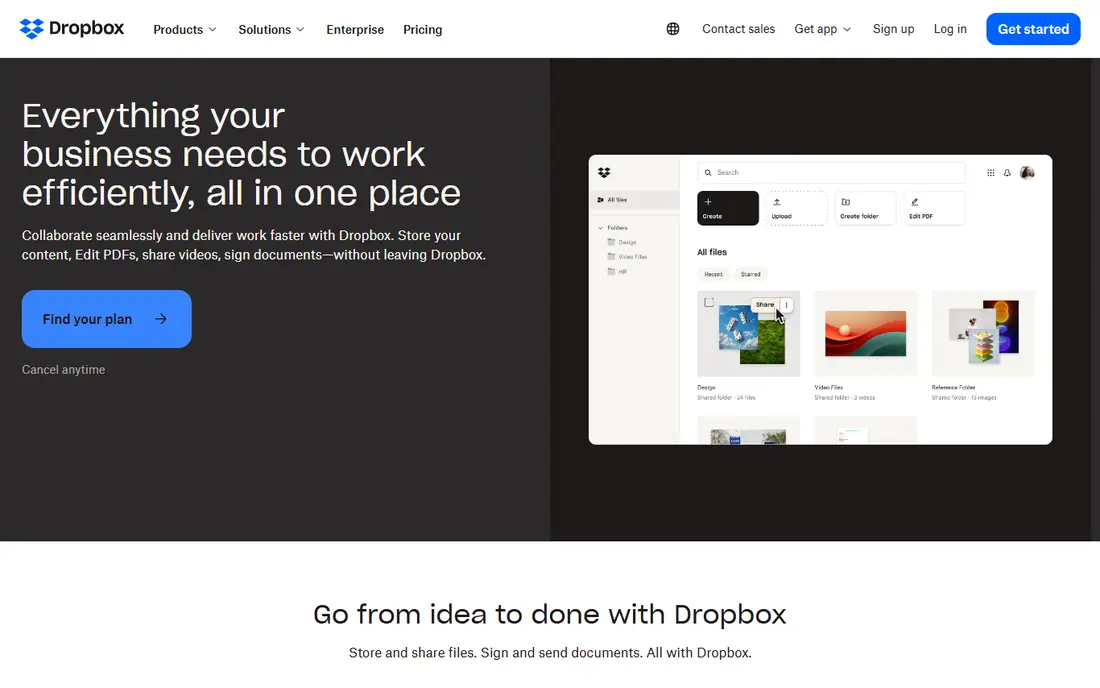
Dropbox Business offers team file storage, sharing, and collaboration with a familiar sync experience. Team folders, admin controls, and link permissions cover most business sharing needs, while Dropbox Paper and integrations add docs and workflows. Clients find its sharing experience easy to use.
Advanced compliance and data loss prevention features sit on higher plans, and storage limits apply on lower tiers. For a team that wants simple, reliable sharing with good client experience, Dropbox Business is a strong pick.
- Easy sharing and sync
- Team folders and admin controls
- Good client experience
- Advanced compliance needs higher plans
- Storage limits on lower plans
Google Drive
Ideal for: Google Workspace teams
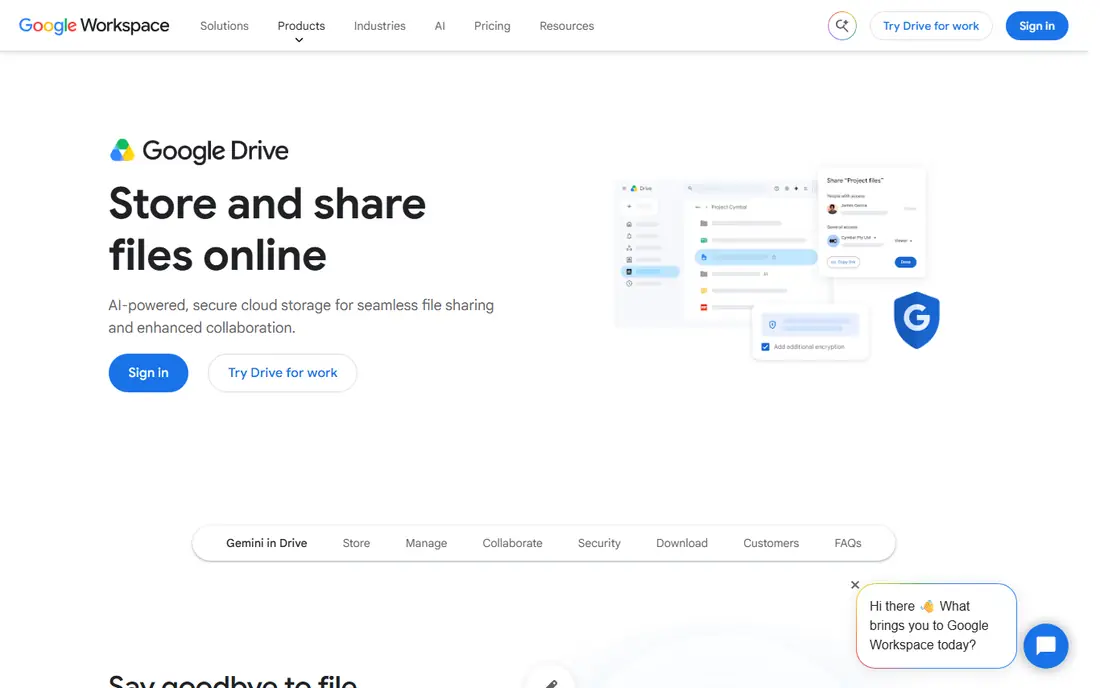
Google Drive, part of Google Workspace, offers file storage, sharing, and collaboration with Docs, Sheets, and Slides built in. Shared drives give teams a stable home for files, while search and AI features help find content quickly. A free tier with 15 GB covers personal use.
Admin and compliance controls are simpler than Box or Egnyte, and very large files can sync slower. For a team already on Google Workspace, Drive is the natural ShareFile alternative with no extra platform to learn.
- Included with Google Workspace
- Shared drives for teams
- Strong search and collaboration
- Admin controls are simpler than Box
- Large file handling can be slower
OneDrive
Ideal for: Microsoft 365 teams
OneDrive, part of Microsoft 365, offers personal and business file storage with SharePoint integration for team sites. Files sync across devices, Office apps collaborate in real time, and sharing controls cover links, expiry, and permissions. A free tier with 5 GB covers personal use.
Sharing settings can confuse new users, especially the difference between OneDrive and SharePoint libraries. For a team already on Microsoft 365, OneDrive is the natural choice, with no extra vendor needed.
- Included with Microsoft 365
- SharePoint integration
- Strong Office collaboration
- Sharing settings can confuse new users
- Best inside Microsoft 365
Egnyte
Ideal for: Hybrid file platform
Egnyte is a file platform that combines cloud storage with on-premise and hybrid options, plus governance, ransomware detection, and workflow tools. It suits companies with large files, regulated data, or existing file servers that need cloud access without a full move. Industry solutions cover construction, life sciences, and financial services.
Some pricing is quote-based and setup needs planning for hybrid deployments. For a company that needs cloud flexibility with on-premise control, Egnyte is a distinctive choice.
- Cloud plus on-premise storage
- Strong governance
- Industry solutions
- Pricing is quote-based for some plans
- Setup needs planning
SmartVault
Ideal for: Accounting firms
SmartVault is a document management and client portal platform built for accounting firms. It offers secure file sharing, e-signatures, and client portals, with integrations for QuickBooks, Lacerte, and other tax tools. Firms can request documents from clients and track what is missing.
The focus is accounting, so general business teams may find fewer features than in Box or Dropbox. For an accounting firm that needs a client portal with tax workflow support, SmartVault is a strong fit.
- Built for accounting firms
- Client portals
- QuickBooks and tax integrations
- Focused on accounting
- Less suited to general business sharing
NetDocuments
Ideal for: Legal document management
NetDocuments is a cloud document management platform built for law firms, organizing files by matter with versioning, search, and security controls. It integrates with Microsoft Office and legal tools, and its compliance features suit firms handling sensitive client matters. AI features help search and summarize documents.
Pricing is quote-based and the workflow is legal-focused, so general teams may prefer a broader tool. For a law firm that needs matter-centric document management, NetDocuments is a leading choice.
- Built for law firms
- Matter-centric organization
- Strong security and compliance
- Pricing is quote-based
- Focused on legal workflows
FileCloud
Ideal for: Self-hosted sharing
FileCloud offers file sharing and collaboration with self-hosted, private cloud, or public cloud deployment. It provides granular permissions, workflow automation, and client portals, with unlimited client accounts on some plans. Admin control suits IT teams that want full data ownership.
The interface feels less polished than Box or Dropbox, and self-hosting needs IT skill. For a company that wants sharing with full control over where data lives, FileCloud is a strong option.
- Self-hosted or cloud options
- Strong admin control
- Unlimited client accounts on some plans
- Interface feels less polished than Box
- Setup needs IT skill
How we picked these
We compared official feature pages, pricing pages, and app-store listings for file sharing and document management tools available in October 2026. We favored tools with current products, secure sharing, and a clear audience, from general teams to legal and accounting firms. We also tested client experience, permission controls, and migration paths, since a sharing tool must work for clients as well as for admins. We did not include our own product in this list.
How to choose a ShareFile alternative
Start with your existing platform. Google Workspace teams should try Drive first, while Microsoft 365 teams should try OneDrive, since both are already paid for. Other teams should compare Box and Dropbox Business on security, workflow, and client experience.
Then check compliance and client needs. Accounting firms should look at SmartVault, legal firms at NetDocuments, and hybrid or regulated companies at Egnyte or FileCloud. Test a client portal with a real client, since ease for the client matters as much as admin features.
File sharing tools touch client trust, so test the client experience as carefully as admin features. Send a test folder to a colleague outside your company and watch where they struggle: a portal that confuses clients will generate support calls and missed uploads. Check permission details too, including link expiry, download controls, and folder-level access, since a single misconfigured link can expose sensitive files. For regulated work, confirm retention, legal hold, and audit logs, and ask how the vendor handles data residency. Storage and seat costs need a model based on your real usage: client accounts, external collaborators, and large files can change the bill significantly. Finally, plan migration file by file, starting with active projects, and verify permissions after the move. A rushed migration that drops a permission can expose files or lock clients out, both of which damage trust.
Frequently asked questions
What is the best ShareFile alternative?
Box suits most companies for secure sharing with compliance, while Dropbox Business suits teams that want simple sharing. Google Drive and OneDrive suit teams already on those platforms, and SmartVault or NetDocuments suit accounting and legal firms.
Is ShareFile still available?
Yes. ShareFile remains available as part of Citrix, offering secure file sharing and client portals. The tools on this list offer alternatives for teams that want a different platform, price, or feature set.
Can I migrate from ShareFile to Box?
Yes. Box offers migration tools and services for ShareFile and other platforms, including folder structure, permissions, and metadata. Plan the migration with a trial, map permissions carefully, and test client access before switching.
What is the difference between Box and Dropbox Business?
Box focuses on enterprise content management with workflow, governance, and compliance depth. Dropbox Business focuses on simple, reliable file sync and sharing with a familiar client experience. Both cover team sharing well, but Box adds more enterprise controls.
Do these tools support client portals?
Yes. Box, Dropbox Business, SmartVault, NetDocuments, FileCloud, and Egnyte offer client portals or shared folders with permissions, so clients can upload and download files securely without a full team seat.
How do I share files securely with clients who are not tech-savvy?
Keep it simple: send one link per project, use a clear folder name, and write a short note explaining what to upload and where. Avoid asking clients to install software or create accounts unless the tool requires it, since each extra step loses some clients. Set link expiry and download controls, and confirm the upload worked with a quick message. For sensitive files, use a client portal with individual logins rather than a shared link, and test the whole flow yourself from a client's point of view before sending it widely.