SignUp Genius Alternatives in 2026: 8 Tools Compared

- 1
 SignUp.comOrganisers wanting a direct free sign-up alternativeVisit
- 2
 JotformOrganisers needing custom forms plus sign-upsVisit
- 3
 Google FormsOrganisers wanting a free simple sign-up formVisit
- 4
 DoodleGroups needing to find a time before sign-upVisit
- 5
 VolunteerLocalOrganisations managing many volunteers and shiftsVisit
- SignUp.com suits users who want a direct, free sign-up alternative with similar pages.
- Jotform and Cognito Forms suit organisers who need custom forms plus sign-ups.
- Doodle suits groups that need to find a time before they sign up.
- VolunteerLocal suits organisations that manage many volunteers and shifts.
Quick comparison
| Product | Ideal for | Price from | Free version | |
|---|---|---|---|---|
| SignUp.com | Organisers wanting a direct free sign-up alternative | Free | Yes | Visit |
| Jotform | Organisers needing custom forms plus sign-ups | Free | Yes | Visit |
| Google Forms | Organisers wanting a free simple sign-up form | Free | Yes | Visit |
| Doodle | Groups needing to find a time before sign-up | Free | Yes | Visit |
| VolunteerLocal | Organisations managing many volunteers and shifts | See website | Free trial | Visit |
 TimeToSignUp | Schools and groups wanting simple free sign-ups | Free | Yes | Visit |
 Cognito Forms | Organisers needing forms with calculations and payments | Free | Yes | Visit |
 Microsoft Forms | Microsoft 365 users wanting simple forms | Free | Yes | Visit |
The best signup genius alternatives
We compared the leading signup genius alternatives on fit, features and value, and the eight picks below cover different budgets and needs.
SignUp.com
Ideal for: Organisers wanting a direct free sign-up alternative

SignUp.com fits organisers who want a simple, free sign-up tool. Its slot pages suit volunteer lists and events. In daily use, free sign-up pages with slots stands out as the practical reason to consider it, especially for readers whose main need matches its best use. The catch is thinner management depth for large organisations. Pricing is listed as Free with a free plan status of Yes. Before you commit, check the current plan details on the official site, including limits, trial terms and what happens when you cancel. For most readers in this group, this is worth a short trial before you commit, especially if the free tier or trial covers your main use.
- Free sign-up pages with slots
- Reminders
- Simple setup
- Advanced volunteer management features are thinner than dedicated tools
Jotform
Ideal for: Organisers needing custom forms plus sign-ups
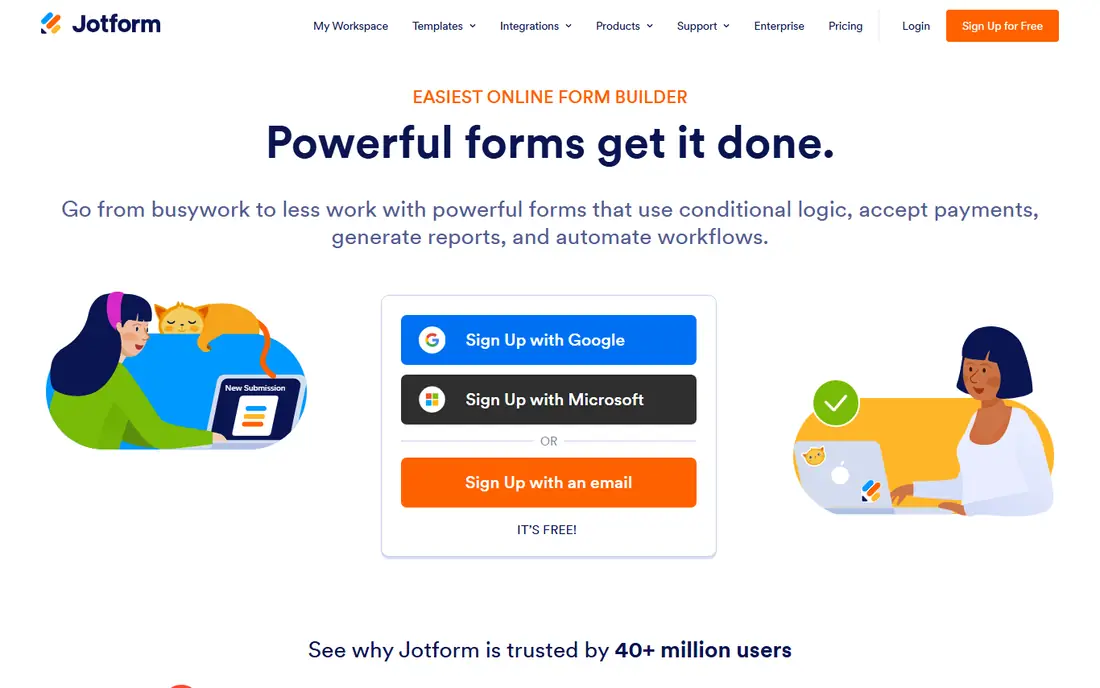
Jotform fits organisers who need detailed forms behind a sign-up. Its form builder suits registrations with questions and payments. In daily use, custom forms with sign-up options stands out as the practical reason to consider it, especially for readers whose main need matches its best use. The catch is submission limits on free plans. Pricing is listed as Free with a free plan status of Yes. Before you commit, check the current plan details on the official site, including limits, trial terms and what happens when you cancel. Try it with a real task from your own work before you pay, since a demo rarely shows the limits you will meet daily.
- Custom forms with sign-up options
- Payments
- Templates
- Free tier limits submissions
- Advanced workflows need paid plans
Google Forms
Ideal for: Organisers wanting a free simple sign-up form
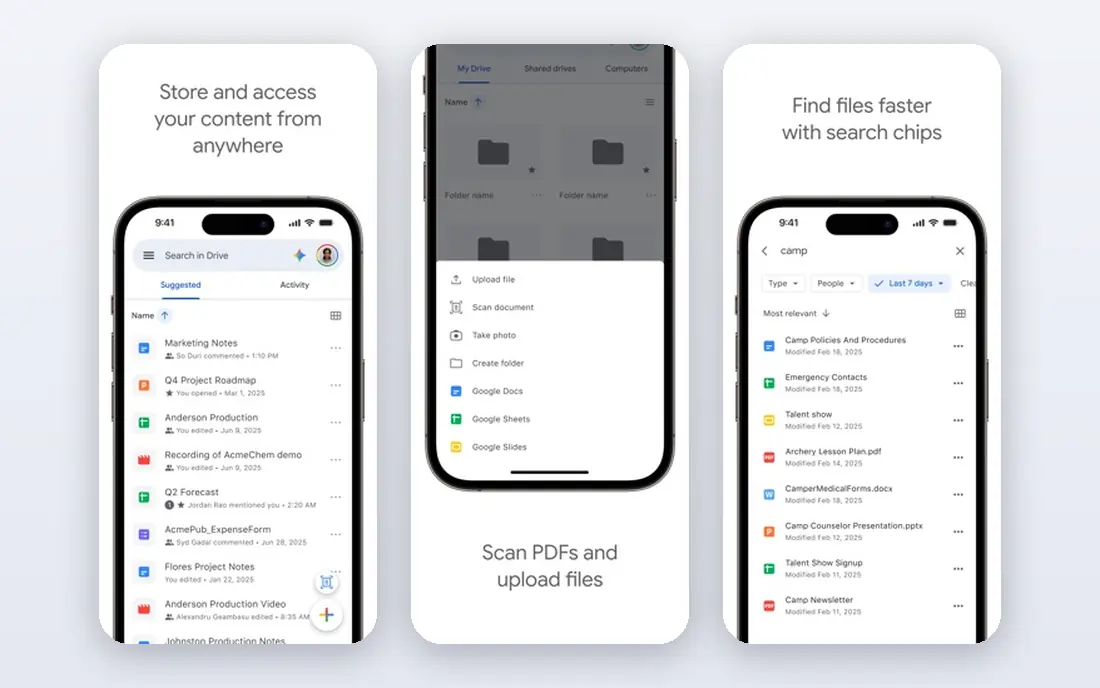
Google Forms fits organisers who need a free, simple sign-up form. Its simplicity suits small events and surveys. In daily use, free forms with responses in Sheets stands out as the practical reason to consider it, especially for readers whose main need matches its best use. The catch is missing slot and waitlist features for larger events. Pricing is listed as Free with a free plan status of Yes. Before you commit, check the current plan details on the official site, including limits, trial terms and what happens when you cancel. If this matches your main need, put it near the top of your shortlist and compare its total cost, not only its headline price.
- Free forms with responses in Sheets
- Easy sharing
- No slot limits or waitlists
- Volunteer management features are basic
Doodle
Ideal for: Groups needing to find a time before sign-up
Doodle fits groups that first need to agree a time, then sign up. Its polls solve group scheduling fast. In daily use, polls for finding times stands out as the practical reason to consider it, especially for readers whose main need matches its best use. The catch is thinner slot management for volunteer shifts. Pricing is listed as Free with a free plan status of Yes. Before you commit, check the current plan details on the official site, including limits, trial terms and what happens when you cancel. Shortlist it if your budget and workflow match, and test the exact feature you will use most before you decide.
- Polls for finding times
- Booking pages
- Simple setup
- Sign-up slot management is thinner than dedicated tools
VolunteerLocal
Ideal for: Organisations managing many volunteers and shifts
VolunteerLocal fits organisations that manage many volunteers. Its shift tools suit festivals and nonprofits. In daily use, volunteer scheduling, shifts and communication stands out as the practical reason to consider it, especially for readers whose main need matches its best use. The catch is pricing and setup for a one-off event. Pricing varies by plan, so we list it as See website rather than guessing a figure that may not match your plan. Before you commit, check the current plan details on the official site, including limits, trial terms and what happens when you cancel. For most readers in this group, this is worth a short trial before you commit, especially if the free tier or trial covers your main use.
- Volunteer scheduling, shifts and communication
- Reporting
- Pricing suits organisations more than one-off events
- Setup takes care
TimeToSignUp
Ideal for: Schools and groups wanting simple free sign-ups
TimeToSignUp fits schools and groups that want simple free sign-ups. Its simplicity suits quick volunteer lists. In daily use, simple free sign-up sheets stands out as the practical reason to consider it, especially for readers whose main need matches its best use. The catch is basic design and limited advanced features. Pricing is listed as Free with a free plan status of Yes. Before you commit, check the current plan details on the official site, including limits, trial terms and what happens when you cancel. Try it with a real task from your own work before you pay, since a demo rarely shows the limits you will meet daily.
- Simple free sign-up sheets
- No account needed for participants
- Design feels basic
- Advanced features are limited
Cognito Forms
Ideal for: Organisers needing forms with calculations and payments
Cognito Forms fits organisers who need forms with calculations or payments. Its workflow tools suit registrations with fees. In daily use, forms with calculations, payments and workflows stands out as the practical reason to consider it, especially for readers whose main need matches its best use. The catch is entry limits on free plans. Pricing is listed as Free with a free plan status of Yes. Before you commit, check the current plan details on the official site, including limits, trial terms and what happens when you cancel. If this matches your main need, put it near the top of your shortlist and compare its total cost, not only its headline price.
- Forms with calculations, payments and workflows
- Templates
- Free tier limits entries
- Learning curve for advanced forms
Microsoft Forms
Ideal for: Microsoft 365 users wanting simple forms
Microsoft Forms fits Microsoft 365 users who need simple sign-up forms. Its integration suits schools and workplaces on Microsoft 365. In daily use, simple forms inside Microsoft 365 stands out as the practical reason to consider it, especially for readers whose main need matches its best use. The catch is basic volunteer features outside that ecosystem. Pricing is listed as Free with a free plan status of Yes. Before you commit, check the current plan details on the official site, including limits, trial terms and what happens when you cancel. Shortlist it if your budget and workflow match, and test the exact feature you will use most before you decide.
- Simple forms inside Microsoft 365
- Response summaries
- Slot and volunteer features are basic
- Best inside Microsoft 365
How we picked these
We compared official feature pages, pricing pages, app store listings, privacy policies and public reviews for each option in this list. We checked whether each product still exists and works today, whether its homepage loads, and whether its price and free tier could be confirmed from the vendor. Where a price could not be confirmed, we wrote See website rather than guessing.
We favoured products that fit the topic closely, served different budgets and use cases, and had clear strengths and honest weaknesses. We did not claim hands-on testing we did not do, and we left out products that did not fit the topic, even when they were popular in a nearby category.
How to pick a SignUpGenius alternative that people actually use
Start with how people sign up: a simple list of slots, a form with questions or a shift schedule with roles. A form builder suits detailed sign-ups, while a slot tool suits simple volunteer lists. Test the sign-up flow on a phone, since many volunteers sign up from mobile.
Check reminders, limits and waitlists, since those features prevent overbooking and no-shows. Also check whether sign-ups need an account: tools that let people sign up without an account usually get more responses. Export options matter for organisers who share lists with teams.
Compare cost by sign-ups and users, since some tools charge per form or per user while others offer free tiers. A free tool that covers your event size is often enough, and paid plans matter mainly for large organisations or payments.
Frequently asked questions
What are the best SignUp Genius alternatives?
SignUp.com is a direct alternative, while Jotform suits custom forms and Doodle suits finding a time. VolunteerLocal suits organisations managing many volunteers.
What is a free SignUp Genius alternative?
SignUp.com, Google Forms and Doodle offer free tiers that suit many sign-ups. Check limits on sign-ups, forms and responses before a large event.
Can I use Google Forms instead of SignUpGenius?
Yes, for simple sign-ups and surveys, Google Forms works well and is free. It lacks slot limits and waitlists that dedicated sign-up tools offer, so large events may need a dedicated tool.
What is the best volunteer sign-up tool?
VolunteerLocal suits organisations with many volunteers and shifts, while SignUp.com suits simple volunteer lists. TimeToSignUp suits schools and groups that want simple, free sign-ups.
Do sign-up tools need accounts for participants?
Most tools in this list let participants sign up without creating an account, which improves response rates. Organisers keep the account, while participants receive confirmations and reminders.