Best Sitechecker Alternatives in 2026: 7 Options Compared

- 1
 AhrefsBacklinks and site auditsVisit
- 2
 SemrushFull SEO and marketing suiteVisit
- 3
 Moz ProRank tracking and auditsVisit
- 4
 Screaming FrogTechnical site crawlingVisit
- 5
 SE RankingAffordable SEO suiteVisit
- Our pick for most readers is Ahrefs, because it covers the core needs of this category without forcing a complex setup.
- If budget is tight, start with Screaming Frog, Ubersuggest, and check the free limits before you build a workflow around them.
- The best choice depends on your main job: match the tool to the task you do most often, not to the longest feature list.
- Test your shortlist with real data before you pay, since pricing, limits, and fit vary more in practice than on a feature page.
Quick comparison
| Product | Ideal for | Price from | Free version | |
|---|---|---|---|---|
| Ahrefs | Backlinks and site audits | See website | No | Visit |
| Semrush | Full SEO and marketing suite | See website | Free trial | Visit |
| Moz Pro | Rank tracking and audits | See website | Free trial | Visit |
| Screaming Frog | Technical site crawling | See website | Yes | Visit |
| SE Ranking | Affordable SEO suite | See website | Free trial | Visit |
 Sitebulb | Visual technical audits | See website | Free trial | Visit |
 Ubersuggest | Budget SEO checks | See website | Yes | Visit |
The best Sitechecker alternatives
Sitechecker is known for site audits, rank tracking, and on page checks. The alternatives below cover the same SEO ground, from full suites to focused crawlers. We compared official feature pages, pricing, and tool documentation to judge fit.
Ahrefs
Ideal for: Backlinks and site audits
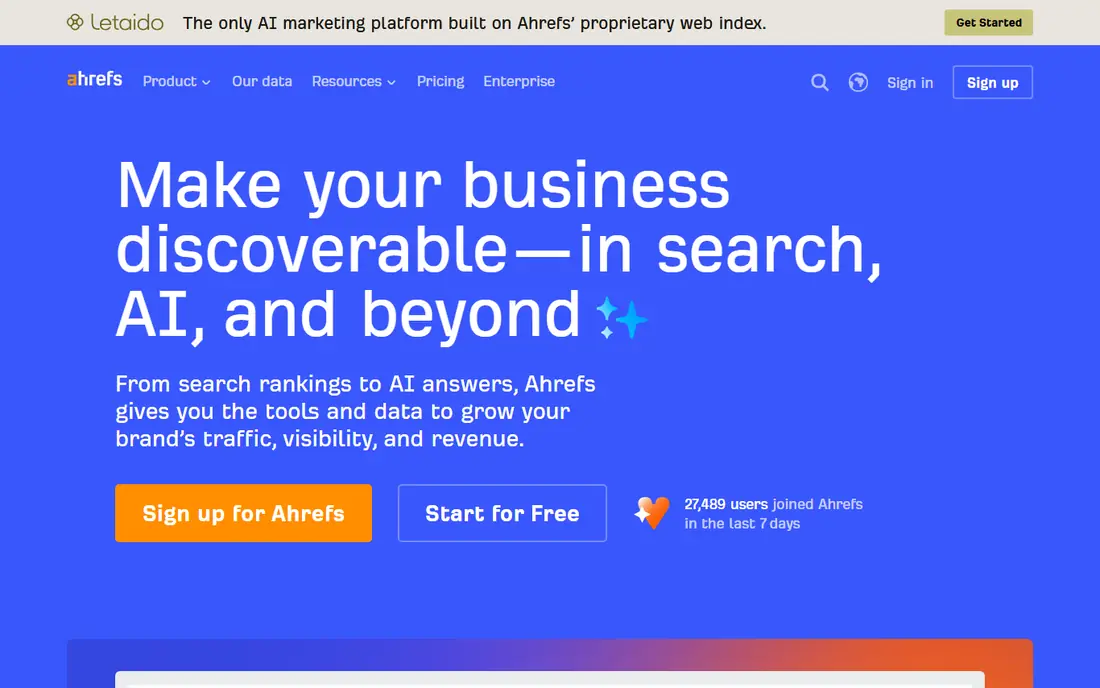
For teams or readers focused on backlinks and site audits, Ahrefs is a natural place to start. Ahrefs pairs a strong site audit with backlink and keyword research in one suite. For teams comparing options, the practical test is simple: run a real task through the tool and see how many steps it takes, and how clear the result feels.
Its price makes it harder to justify if you only need occasional audits. That catch does not disqualify the product, but it should shape your trial: test the weak spot first, and only buy once you know it does not block your main workflow.
A useful trial also tests support and onboarding, not just features. Ask a question, read the help docs, and see how quickly you get a clear answer, because that experience predicts how the tool will feel after purchase.
- Deep backlink data
- Site audit and rank tracking
- Large keyword index
- No lasting free tier
- Pricing can be high for small sites
Semrush
Ideal for: Full SEO and marketing suite
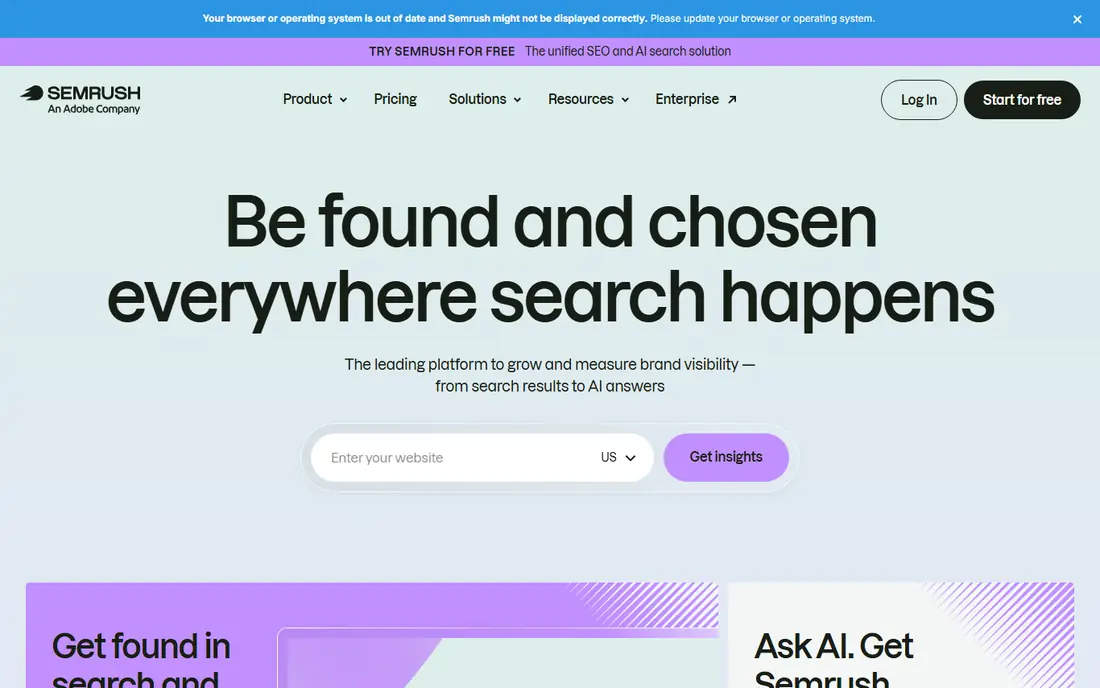
For teams or readers focused on full seo and marketing suite, Semrush is a natural place to start. Semrush covers SEO, content, and paid search alongside audits, which suits agencies. That approach makes it a sensible shortlist candidate, provided you test it with your own data and your own team before you commit to a paid plan.
That breadth adds cost and complexity for users who only want technical checks. In our comparison of official feature pages, pricing, and public reviews, this balance of strength and weakness placed it firmly on the shortlist for its target audience.
If the tool passes that trial, check the renewal terms and the cost of adding users before you roll it out widely. A good fit at five users can become costly at fifty, so plan for growth now.
- Broad SEO, content, and advertising tools
- Site audit
- Rank tracking
- Can feel large and costly for audit only users
Moz Pro
Ideal for: Rank tracking and audits
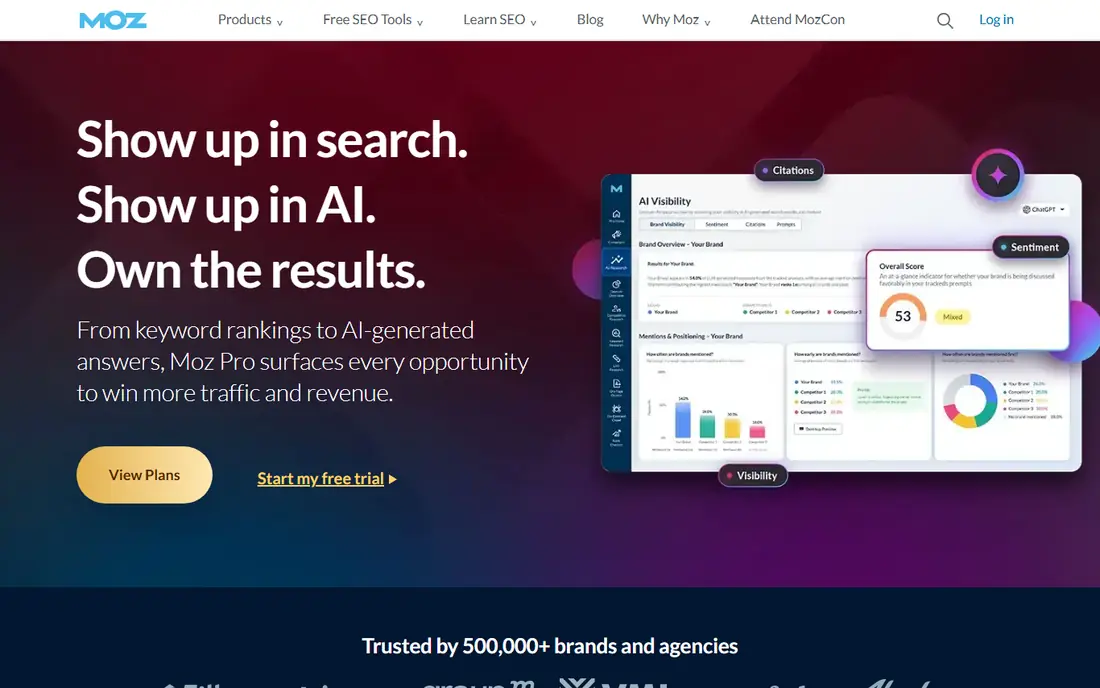
For teams or readers focused on rank tracking and audits, Moz Pro is a natural place to start. Moz Pro is a steady all round suite with rank tracking, audits, and keyword tools. The value here is practical rather than theoretical, and it becomes clear once you use the tool for a real project instead of judging it from a feature page alone.
Its backlink data can lag rivals in competitive niches, so check your market. If that limitation touches your core workflow, look at the next options in this list; if it does not, the strengths here may outweigh it for your team.
Finally, compare the total effort, not just the monthly price. Setup, training, and ongoing admin all cost time, and the cheapest option on paper is not always the cheapest once staff time is counted.
- Rank tracking and site crawl
- Keyword research
- Well known metrics
- Backlink index is smaller than Ahrefs for some niches
Screaming Frog
Ideal for: Technical site crawling
For teams or readers focused on technical site crawling, Screaming Frog is a natural place to start. Screaming Frog is the go to crawler for technical audits, finding broken links and redirect chains. In practice, that focus shows up in the day to day workflow, where the features you use most often matter more than a long list of extras you may never open.
It does not track rankings or backlinks, so pair it with a suite if you need those. We weighed that trade off against the alternatives in this list, and the balance will suit some teams better than others, depending on budget and on how much depth you actually need.
Before you buy, run one realistic week through the tool, using the same projects, clients, or data you handle normally. A short, honest trial will reveal limits in reporting, speed, or support that a demo never shows.
- Powerful desktop crawler
- Detailed technical data
- Free version for small sites
- Desktop only
- Needs other tools for rank tracking
SE Ranking
Ideal for: Affordable SEO suite
For teams or readers focused on affordable seo suite, SE Ranking is a natural place to start. SE Ranking covers audits and rank tracking at a friendlier price than the largest suites. For teams comparing options, the practical test is simple: run a real task through the tool and see how many steps it takes, and how clear the result feels.
Its backlink index is not as deep, which matters for link focused work. That catch does not disqualify the product, but it should shape your trial: test the weak spot first, and only buy once you know it does not block your main workflow.
A useful trial also tests support and onboarding, not just features. Ask a question, read the help docs, and see how quickly you get a clear answer, because that experience predicts how the tool will feel after purchase.
- Audits, rank tracking, and keyword tools
- Clear pricing
- Agency options
- Backlink data is thinner than Ahrefs
- Some limits on lower plans
Sitebulb
Ideal for: Visual technical audits
For teams or readers focused on visual technical audits, Sitebulb is a natural place to start. Sitebulb turns technical audits into visual, prioritised reports that clients can follow. That approach makes it a sensible shortlist candidate, provided you test it with your own data and your own team before you commit to a paid plan.
It is audit only, so you will still need a separate tool for rankings. In our comparison of official feature pages, pricing, and public reviews, this balance of strength and weakness placed it firmly on the shortlist for its target audience.
If the tool passes that trial, check the renewal terms and the cost of adding users before you roll it out widely. A good fit at five users can become costly at fifty, so plan for growth now.
- Visual audit reports
- Prioritised issues
- Desktop crawler
- Desktop software, not a cloud suite
- No rank tracking
Ubersuggest
Ideal for: Budget SEO checks
For teams or readers focused on budget seo checks, Ubersuggest is a natural place to start. Ubersuggest is a budget friendly way to run basic audits and keyword checks. The value here is practical rather than theoretical, and it becomes clear once you use the tool for a real project instead of judging it from a feature page alone.
Its data depth will not satisfy advanced SEO work in competitive markets. If that limitation touches your core workflow, look at the next options in this list; if it does not, the strengths here may outweigh it for your team.
Finally, compare the total effort, not just the monthly price. Setup, training, and ongoing admin all cost time, and the cheapest option on paper is not always the cheapest once staff time is counted.
- Low cost entry
- Keyword ideas and audits
- Simple interface
- Data depth is thinner than leading suites
- Limits on free use
How we picked these
We compared official feature pages, pricing pages, app store listings, privacy policies, and public reviews for each product in this list. We looked for tools that exist and work in October 2026, that truly fit the topic, and that offer a clear reason to choose them over similar options. Where a price or free tier could not be verified from the vendor, we wrote See website rather than guessing.
We also weighed honest weaknesses alongside strengths, because every tool involves trade offs in price, depth, and ease of use. A product stayed on the list only if its strengths matched a real audience, even where its limits ruled it out for other readers. That is why the list mixes well known leaders with smaller options that suit specific needs.
Pricing and free tiers change often, so we treated vendor pricing pages as the authority and avoided repeating figures we could not confirm on the day of writing. Readers should check the linked official site for the current plan before buying, since trials, limits, and included features can change without notice. That caution applies especially to tools with quote based pricing, where the final cost depends on seats, usage, and contract terms.
How to choose an SEO audit tool
Decide whether you need a full SEO suite or just audits. Suites add keyword research, backlinks, and rank tracking, while crawlers focus on technical issues. A crawler plus a rank tracker can beat a suite you only half use.
Check crawl limits and site size. A tool that caps pages or projects will frustrate owners of large sites, so match limits to your largest site and your client count if you are an agency.
Frequently asked questions
What is the closest alternative to Sitechecker?
SE Ranking and Ahrefs both cover audits, rank tracking, and keyword tools. SE Ranking is usually cheaper, while Ahrefs has deeper backlink data.
Are there free options?
Ubersuggest offers a limited free tier, and Screaming Frog has a free version for small crawls. Full suites are paid, with trials on some plans.
Do I need a crawler and a suite?
Not always. A suite with a built in audit covers most small sites, while large or technical sites benefit from a dedicated crawler like Screaming Frog or Sitebulb.
How often should I run an audit?
Monthly audits suit most sites, with a fresh crawl after a redesign or migration. Weekly checks help large sites that change often.
Which tool suits beginners?
SE Ranking and Ubersuggest are friendlier starting points, while Ahrefs and Semrush reward users who learn their full toolsets.