Smartsheet Alternatives in 2026: 8 Tools Compared

- Asana is our pick for most teams leaving Smartsheet, with clear task views, goals, and strong templates.
- Monday suits visual teams that want colorful boards and flexible workflows without spreadsheet habits.
- ClickUp offers the most features on a free plan, but its depth can overwhelm smaller teams.
- Airtable is the closest match for spreadsheet lovers who want database power behind a grid view.
- Teamwork stands out for client-service firms that need billing, utilization, and project margin in one place.
Quick comparison
| Product | Ideal for | Price from | Free version | |
|---|---|---|---|---|
 Asana | Most Smartsheet switchers | See website | Yes | Visit |
 Monday | Visual team boards | See website | Yes | Visit |
 ClickUp | Feature-packed free plan | Free | Yes | Visit |
 Wrike | Enterprise work delivery | See website | Free trial | Visit |
 Airtable | Spreadsheet-style databases | See website | Yes | Visit |
 Notion | Docs plus tasks | Free | Yes | Visit |
 Zoho Projects | Affordable project suite | See website | Yes | Visit |
 Teamwork | Client-service firms | See website | Free trial | Visit |
The best Smartsheet alternatives
Smartsheet wins fans with its spreadsheet view, but many teams leave for better task views, stronger automation, or simpler pricing. We compared official feature pages, pricing pages, and public reviews for the tools below, focusing on views, automation, collaboration, integrations, and cost. Each one handles project tracking differently, so the right pick depends on how your team actually works.
Asana
Ideal for: Most Smartsheet switchers
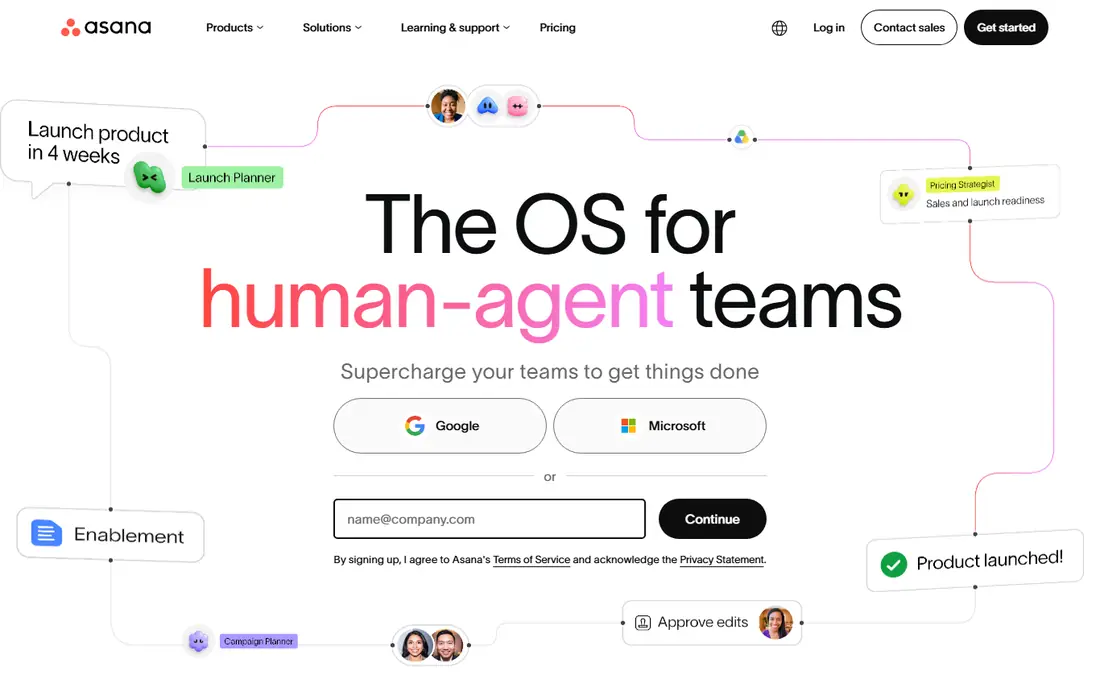
Asana is our pick for most teams moving from Smartsheet. It replaces the grid with task views that show who owns what and when it is due, and its goals and portfolio features help managers see progress across many projects at once. Templates for marketing, product, and operations work shorten setup time.
The free plan covers small teams well, but heavier reporting and advanced automation sit on paid tiers. If your team wants structure without spreadsheet habits, Asana is the smoothest landing spot.
- Clear list, board, and timeline views
- Goals and portfolios for larger teams
- Large template library
- Advanced features need paid plans
- Reporting depth grows with tier
Monday
Ideal for: Visual team boards
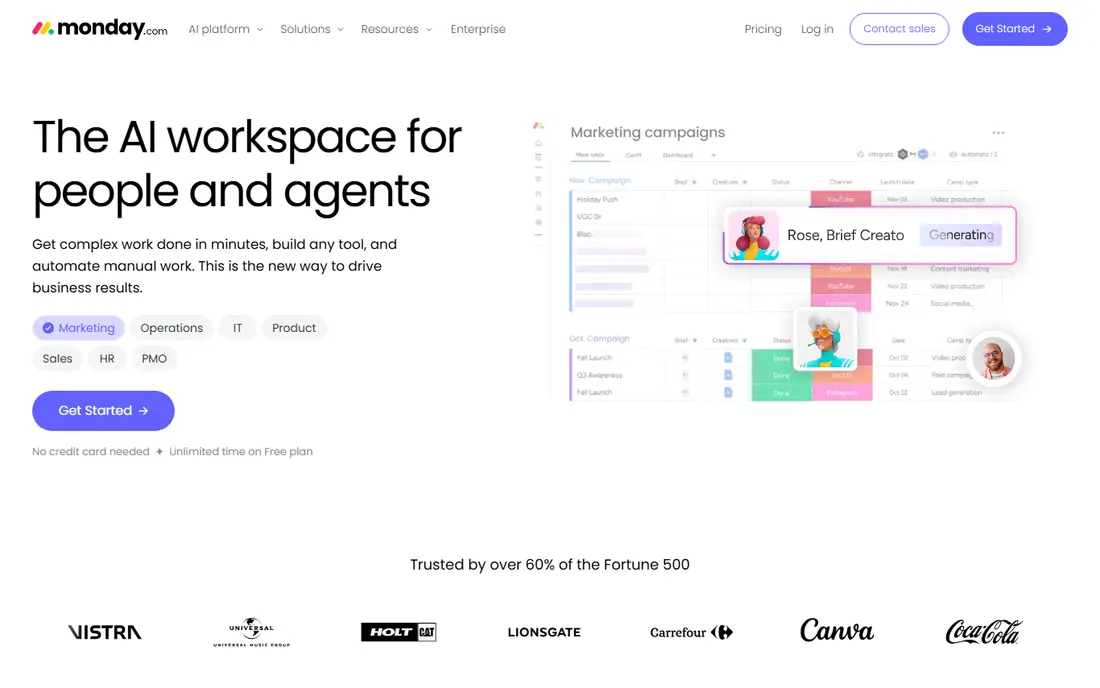
Monday appeals to teams that think in color and status columns. You can build boards for projects, campaigns, or pipelines, add automations that move items when a status changes, and view the same work as a timeline or calendar. Its free plan is genuinely usable for small teams.
Pricing climbs with team size and feature needs, so get a quote for your real headcount before committing. For visual planners who found Smartsheet too plain, Monday feels like a natural upgrade.
- Highly visual boards
- Flexible columns and automations
- Free plan with no time limit
- Costs rise as you add seats and features
- Very large boards need careful setup
ClickUp
Ideal for: Feature-packed free plan

ClickUp tries to replace several tools at once, combining tasks, docs, chat, and goals in a single workspace. Its free plan is more generous than most rivals, which makes it attractive for startups and small teams. Custom fields, views, and automations cover nearly any workflow you can describe.
That breadth is also the drawback. New users often spend their first week deciding how to set things up, and the interface can feel busy. Teams willing to invest setup time get a powerful, low-cost system in return.
- Free plan with many features
- Docs, chat, and tasks in one workspace
- Wide customization
- So many options that setup takes time
- Interface can feel crowded
Wrike
Ideal for: Enterprise work delivery
Wrike suits larger organizations that need control as well as task tracking. It offers detailed reporting, workload views, request forms, and more than 400 integrations, with security controls that enterprise IT teams expect. Marketing and professional services teams use it to manage intake through delivery.
Casual users may find Wrike heavier than Asana or Monday, and pricing for bigger deployments comes through sales. If your company needs governance and scale, Wrike is built for that job.
- Strong reporting and resource management
- Hundreds of integrations
- Enterprise security controls
- Pricing is quote-based for larger plans
- Learning curve for casual users
Airtable
Ideal for: Spreadsheet-style databases
Airtable is the closest alternative for people who actually like Smartsheet's grid. It keeps the spreadsheet feel but adds linked records, attachments, and field types that turn a table into a small database. Templates for content calendars, product tracking, and CRM work help teams start fast.
It is not a full project management suite, so Gantt charts and workload planning feel lighter than in Wrike or Asana. For data-heavy tracking with a spreadsheet soul, Airtable is the best fit on this list.
- Familiar grid view with database power
- Linked records and rich field types
- Many templates
- Project management features are lighter than dedicated PM tools
- Costs rise with records and seats
Notion
Ideal for: Docs plus tasks
Notion blends documents and tasks in a way Smartsheet never tried to. Teams keep meeting notes, specs, and wikis beside the tasks that come from them, and databases let you view the same tasks as a board, calendar, or table. The free plan covers individuals and small teams well.
Strict project managers may miss built-in workload planning and advanced reporting. Notion shines for knowledge-heavy teams that want planning to live next to their documents.
- Docs, wikis, and tasks in one workspace
- Flexible pages and databases
- Generous free plan
- Project tracking is less structured than dedicated tools
- Large workspaces need careful organization
Zoho Projects
Ideal for: Affordable project suite
Zoho Projects gives small and mid-size teams a full project toolkit at a friendly price. Gantt charts, task lists, Kanban boards, timesheets, and issue tracking come together in one app, and it connects well to Zoho's CRM, books, and invoicing tools. A free plan covers small projects.
The interface is less polished than Asana or Monday, and a few advanced features sit on higher tiers. For budget-conscious teams, especially those already using Zoho apps, the value is hard to beat.
- Gantt charts and timesheets included
- Good value
- Integrates with other Zoho apps
- Interface feels dated in places
- Some features need higher tiers
Teamwork
Ideal for: Client-service firms
Teamwork is built for agencies, consultancies, and other firms that bill clients for project work. It tracks time, budgets, and profitability alongside tasks, and shows utilization so managers can see who has capacity before promising a deadline. Clients can view their own projects without seeing other clients' work.
Internal teams that never bill hours may find the financial features unnecessary. For client-service work, though, Teamwork connects delivery and money in a way generic task tools do not.
- Built-in time tracking and billing
- Utilization and margin views
- Client-friendly project access
- Less suited to internal-only teams
- Paid plans needed for full financial features
How we picked these
We compared official feature pages, pricing pages, and public reviews for each tool, checking views, automation, collaboration, integrations, and pricing. We favored tools that are actively maintained in October 2026, offer a free plan or trial, and serve teams moving from spreadsheet-style tracking. Where pricing sits behind a sales quote, we say so rather than inventing a number.
How to switch from Smartsheet without losing work
Start by exporting your Smartsheet data and mapping it to the new tool before you cancel anything. List your sheets, columns, and automations, then test how each one translates into tasks, custom fields, or boards in your chosen alternative. A short pilot with one real project will reveal gaps faster than any feature checklist.
Next, rebuild only the automations you actually use. Smartsheet setups often carry old rules nobody remembers, and a switch is a good time to drop them. Train your team on the new views they will use daily, and keep Smartsheet read-only for a month as a safety net. That overlap prevents lost data and gives hesitant colleagues time to adjust. Keep a simple checklist of every sheet, report, and dashboard you migrate, and tick each one off only after its owner confirms the data looks right.
Also review permissions before you invite the whole team. Decide who can edit project structures, who can only update tasks, and who should only view progress, since a new tool often starts with everyone as an admin by default. Document your new workflow in a short guide with screenshots of the main views, so new hires learn the system without asking the same questions repeatedly. After a month, survey the team about what still feels slow or confusing, and adjust templates and automations based on those answers rather than on guesswork.
Frequently asked questions
What is the best free alternative to Smartsheet?
ClickUp offers the most features on its free plan, while Asana, Monday, Airtable, and Notion all offer usable free tiers. The best free choice depends on whether you value task views, boards, databases, or docs most.
Which Smartsheet alternative is closest to a spreadsheet?
Airtable is the closest match, since it keeps a grid view while adding database features such as linked records. Smartsheet users who love rows and columns will feel at home there.
Can I import my Smartsheet data into these tools?
Most tools here offer import from spreadsheets or CSV files, and some provide migration guides or support for Smartsheet exports. Test the import with one sheet first, and check that dates, owners, and custom fields carry over correctly.
Is Asana better than Monday for project management?
Asana suits teams that want structured task management with goals and portfolios, while Monday suits visual teams that prefer colorful boards and flexible workflows. Both are strong, so trial each with a real project before choosing.
What is the best Smartsheet alternative for agencies?
Teamwork is our pick for agencies and client-service firms because it combines project tracking with time, billing, and margin views. Asana and Monday also work well for agencies that bill outside their project tool.