Snov.io Alternatives in 2026: 8 Tools Compared

- Apollo leads as a full prospecting platform, while Hunter is the simplest email finder here.
- Lusha and RocketReach suit teams that want verified contact data inside LinkedIn and CRM workflows.
- Skrapp, FindThatLead, Anymail Finder, and Voila Norbert cover focused email finding at lower cost.
- Data accuracy varies everywhere, so verify key contacts before a campaign.
- Outreach rules and consent laws still apply, so use prospecting data responsibly.
Quick comparison
| Product | Ideal for | Price from | Free version | |
|---|---|---|---|---|
 Hunter | Simple email finder | See website | Yes | Visit |
 Apollo | Prospecting platform | See website | Yes | Visit |
 Lusha | Contact data for sales | See website | Yes | Visit |
 RocketReach | Contact and company data | See website | Yes | Visit |
 Skrapp | LinkedIn email finder | See website | Yes | Visit |
 FindThatLead | Email finder and verifier | See website | Yes | Visit |
 Anymail Finder | Pay-per-email finder | See website | Yes | Visit |
 Voila Norbert | Email finder with verification | See website | Yes | Visit |
The best Snov.io alternatives
We compared official feature pages, pricing pages, app store listings, privacy policies, and public reviews to put this list together. The notes below give each option a fair hearing, including where it falls short.
Hunter
Ideal for: Simple email finder
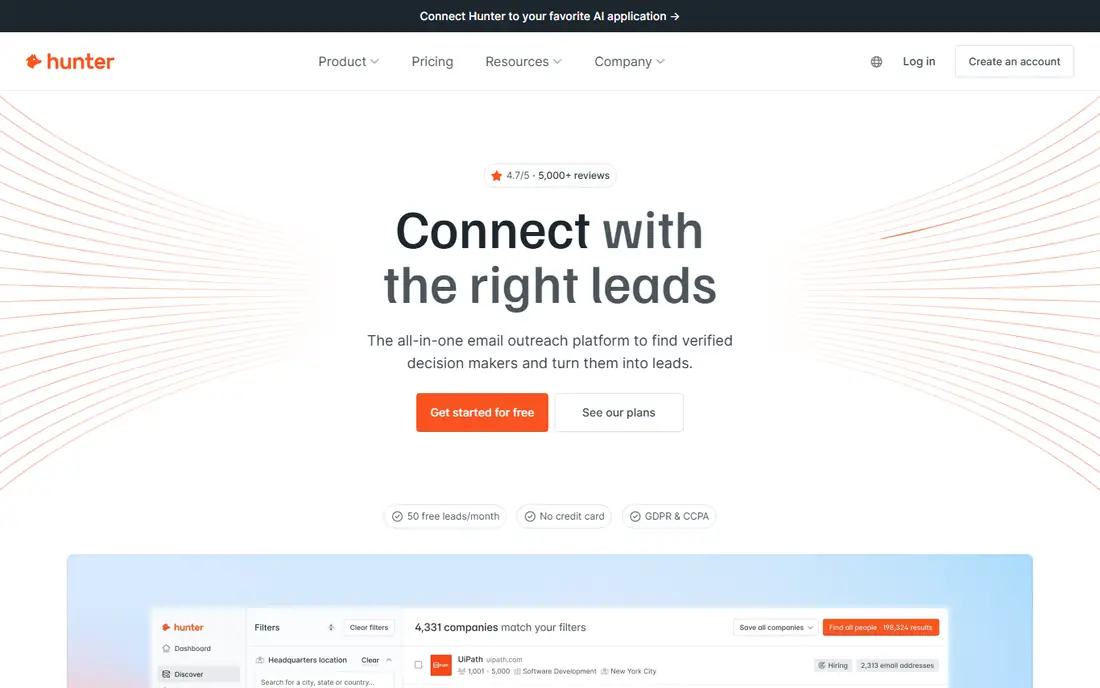
If Simple email finder is the job, start here: it finds email addresses by domain and verifies them, with a simple API. That simplicity suits teams that mainly need accurate emails, not a full platform. It fits readers who want a practical option without a long setup, and it pairs well with the other choices on this list for comparison.
The honest catch is that the free plan is limited, and data depth is narrower than full platforms. Pricing is quoted rather than published as a single list price, so check the vendor site for the current figure for your setup. That balance of strengths and limits is what kept it on the list, even though it is not the right pick for every reader.
- Domain search
- Email verification
- Simple API
- Free plan is limited
- Data depth is narrower
Apollo
Ideal for: Prospecting platform
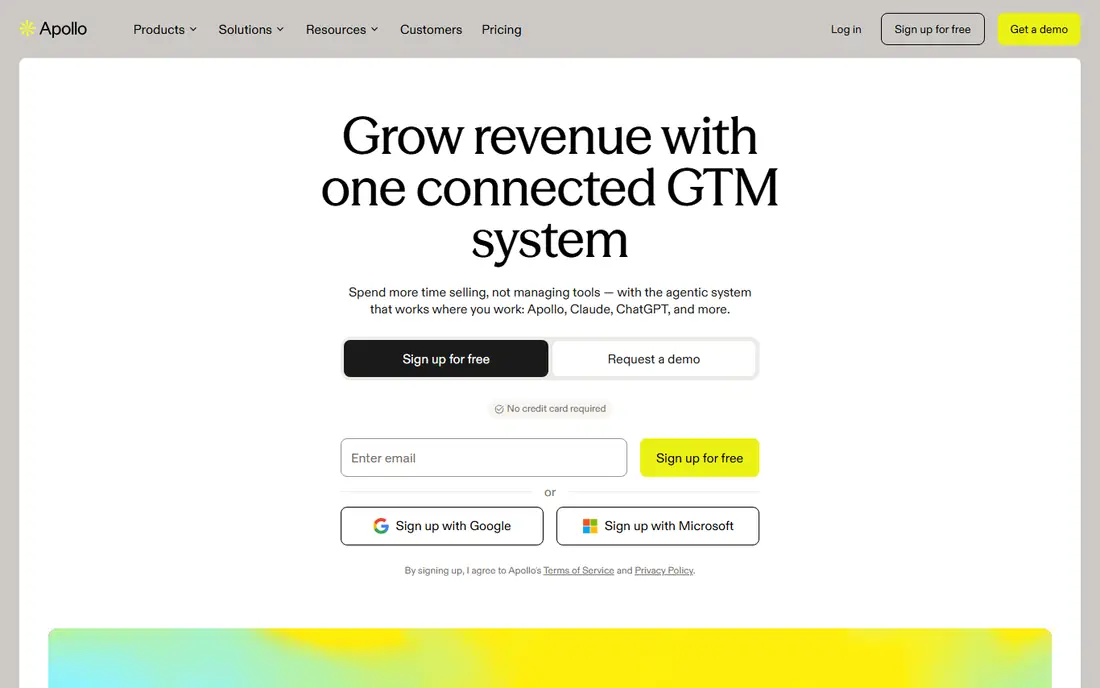
This option suits Prospecting platform well, since it combines a large contact database with sequences and CRM sync. That combination covers prospecting and outreach in one place. It fits readers who want a practical option without a long setup, and it pairs well with the other choices on this list for comparison.
What holds it back a little is that data accuracy varies by record, and paid tiers give full value. Pricing is quoted rather than published as a single list price, so check the vendor site for the current figure for your setup. That balance of strengths and limits is what kept it on the list, even though it is not the right pick for every reader.
- Large database
- Sequences
- CRM sync
- Data accuracy varies
- Paid tiers give full value
Lusha
Ideal for: Contact data for sales
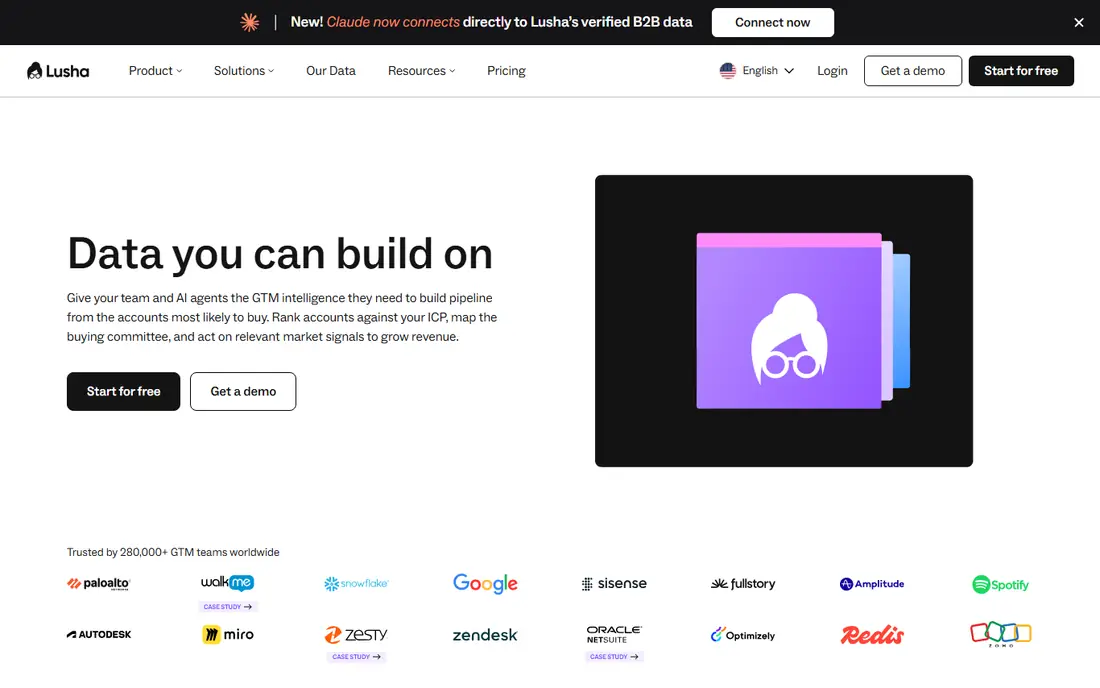
Buyers focused on Contact data for sales will find a lot to like, as it offers verified contact data through a LinkedIn extension and CRM sync. That LinkedIn workflow suits reps who prospect while browsing profiles. It fits readers who want a practical option without a long setup, and it pairs well with the other choices on this list for comparison.
The downside to weigh is that free credits are limited, and pricing is per credit. Pricing is quoted rather than published as a single list price, so check the vendor site for the current figure for your setup. That balance of strengths and limits is what kept it on the list, even though it is not the right pick for every reader.
- Verified contact data
- LinkedIn extension
- CRM sync
- Free credits are limited
- Pricing per credit
RocketReach
Ideal for: Contact and company data
For teams or readers weighing Contact and company data, this is a strong candidate because it provides a large database of email and phone data with integrations. Phone data helps teams that also prospect by call. It fits readers who want a practical option without a long setup, and it pairs well with the other choices on this list for comparison.
Before you commit, note that pricing is per lookup, and data varies by record. Pricing is quoted rather than published as a single list price, so check the vendor site for the current figure for your setup. That balance of strengths and limits is what kept it on the list, even though it is not the right pick for every reader.
- Large database
- Email and phone data
- Integrations
- Pricing per lookup
- Data varies by record
Skrapp
Ideal for: LinkedIn email finder
When LinkedIn email finder matters most, this option stands out for it finds emails from LinkedIn profiles with verification. That LinkedIn focus suits reps who build lists from profiles. It fits readers who want a practical option without a long setup, and it pairs well with the other choices on this list for comparison.
One limitation worth knowing is that the database is narrower, and the free plan is limited. Pricing is quoted rather than published as a single list price, so check the vendor site for the current figure for your setup. That balance of strengths and limits is what kept it on the list, even though it is not the right pick for every reader.
- LinkedIn email finding
- Verification
- Simple plans
- Narrower database
- Free plan is limited
FindThatLead
Ideal for: Email finder and verifier
For Email finder and verifier, this one earns a close look because it offers email finding plus verification and prospecting lists. Verification reduces bounces before a campaign starts. It fits readers who want a practical option without a long setup, and it pairs well with the other choices on this list for comparison.
The trade-off is that the database is smaller, and the interface is basic. Pricing is quoted rather than published as a single list price, so check the vendor site for the current figure for your setup. That balance of strengths and limits is what kept it on the list, even though it is not the right pick for every reader.
- Email finding
- Verification
- Prospecting lists
- Smaller database
- Interface is basic
Anymail Finder
Ideal for: Pay-per-email finder
If Pay-per-email finder is the job, start here: it charges only for emails it finds, with verification and an API. Pay-per-found pricing suits occasional users who dislike subscriptions. It fits readers who want a practical option without a long setup, and it pairs well with the other choices on this list for comparison.
The honest catch is that the database is smaller, and there is no full prospecting suite. Pricing is quoted rather than published as a single list price, so check the vendor site for the current figure for your setup. That balance of strengths and limits is what kept it on the list, even though it is not the right pick for every reader.
- Pay only for found emails
- Verification
- API
- Smaller database
- No full prospecting suite
Voila Norbert
Ideal for: Email finder with verification
This option suits Email finder with verification well, since it finds and verifies emails with basic enrichment. That focused job suits small teams that need clean emails fast. It fits readers who want a practical option without a long setup, and it pairs well with the other choices on this list for comparison.
What holds it back a little is that the free plan is limited, and data depth is narrower than platforms. Pricing is quoted rather than published as a single list price, so check the vendor site for the current figure for your setup. That balance of strengths and limits is what kept it on the list, even though it is not the right pick for every reader.
- Email finding
- Verification
- Enrichment basics
- Free plan is limited
- Data depth is narrower
How we picked these
We started from the topic itself and kept only products that exist, work in October 2026, and truly fit what a reader searching this topic would want. We compared official feature pages, pricing pages, app store listings, privacy policies, and public reviews, and we left out products whose pricing or core features we could not verify. Where a price was not published clearly, we wrote See website rather than guessing a figure.
We also gave weight to fit over fame. A well-known name stayed on the list only if it matched the topic, and a smaller option earned a place when it solved the same problem well. We did not claim hands-on testing that did not happen, and we noted honest weaknesses alongside the strengths for every option.
How to choose a Snov.io alternative
Start with your workflow. If you prospect on LinkedIn, an extension tool like Lusha or Skrapp fits best. If you build lists in bulk, a platform like Apollo fits better. If you only need emails, a simple finder saves money.
Next, test accuracy on your own list. Run a sample of real prospects through the tool and check bounce rates and title accuracy. Vendor accuracy claims vary, and your market may differ from the average.
Finally, check consent and outreach rules. Cold email laws vary by country, and data providers differ in sourcing. Use verified data, honor opt-outs, and keep outreach relevant to the recipient.
Frequently asked questions
What is Snov.io used for?
Snov.io finds email addresses, verifies them, and supports outreach campaigns. Alternatives offer similar email finding, verification, and prospecting features.
Which Snov.io alternative is best?
Apollo is the best full platform, while Hunter is the simplest email finder. Lusha and RocketReach suit LinkedIn-based prospecting, and smaller finders suit occasional use.
Are email finders accurate?
Accuracy varies by vendor and record, and no database is fully clean. Verification reduces bounces, but spot-checking key contacts remains wise.
Is cold email legal?
It depends on country law and consent rules, such as GDPR and CAN-SPAM. Check local rules, honor opt-outs, and keep messages relevant.
Do I need a full platform or just a finder?
A finder suffices if you only need emails, while a platform helps if you also need sequences, CRM sync, and company data. Start small and upgrade when a bottleneck appears.