Social Media Alternatives in 2026: 8 Options Compared

- Bluesky and Mastodon lead for people who want a Twitter style feed without one company controlling it.
- Threads suits Instagram users who want a simpler text feed.
- BeReal, Lemon8, and Cara appeal to people who want a narrower focus, from daily photos to art.
- Smaller networks mean smaller audiences, so expect a quieter feed at first.
Quick comparison
| Product | Ideal for | Price from | Free version | |
|---|---|---|---|---|
 Bluesky | A Twitter style feed with custom feeds | Free | Yes | Visit |
 Mastodon | A federated network of independent servers | Free | Yes | Visit |
 Threads | A simple text feed for Instagram users | Free | Yes | Visit |
 BeReal | Daily candid photos with friends | Free | Yes | Visit |
 Cara | An art focused network for creators | Free | Yes | Visit |
 Lemon8 | Photo and lifestyle sharing | Free | Yes | Visit |
 Pixelfed | A federated photo sharing network | Free | Yes | Visit |
 Substack Notes | Short posts from writers and readers | Free | Yes | Visit |
The best social media alternatives
Alternatives to the big social networks trade audience size for different rules, feeds, and ownership. The options below cover text, photos, video, and art, so pick the one whose community matches what you actually post.
Bluesky
Ideal for: A Twitter style feed with custom feeds
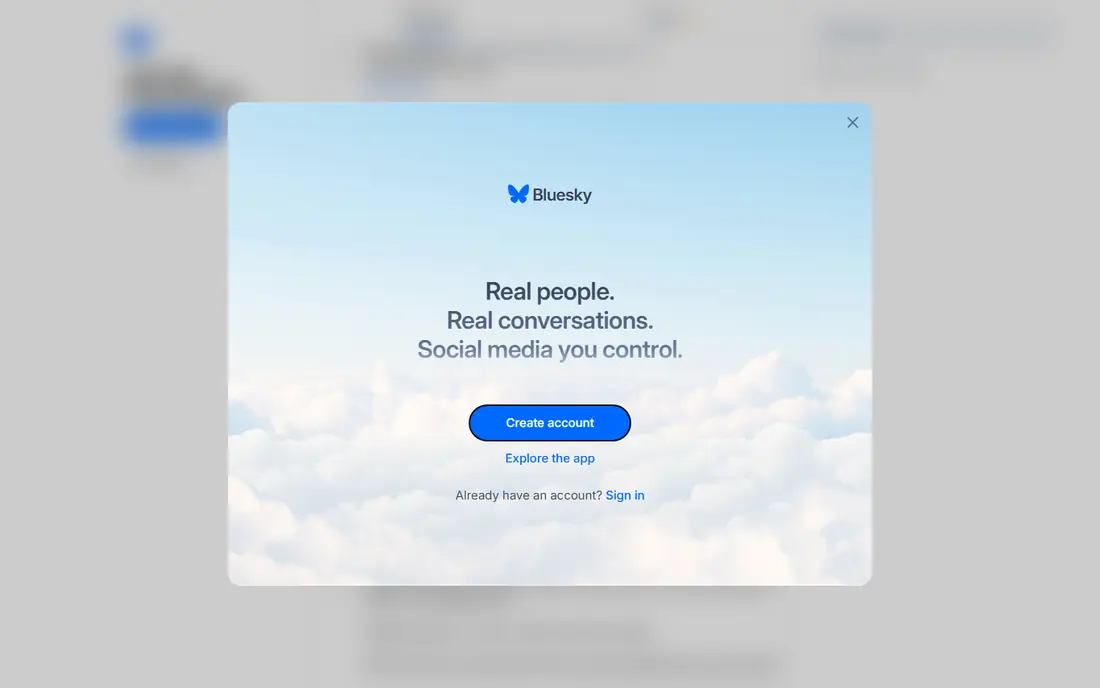
Bluesky feels familiar to former Twitter users, with posts, replies, and reposts plus custom feeds you can choose or build. Its decentralized design aims to give users more control and portability. The community has grown steadily and leans conversational.
Its audience is smaller than X, so breaking news and niche topics may be quieter. Some features are still maturing. For a Twitter alternative, Bluesky is our pick.
- Custom feeds
- Chronological options
- Growing community
- Smaller audience than X
- Some features still maturing
Mastodon
Ideal for: A federated network of independent servers
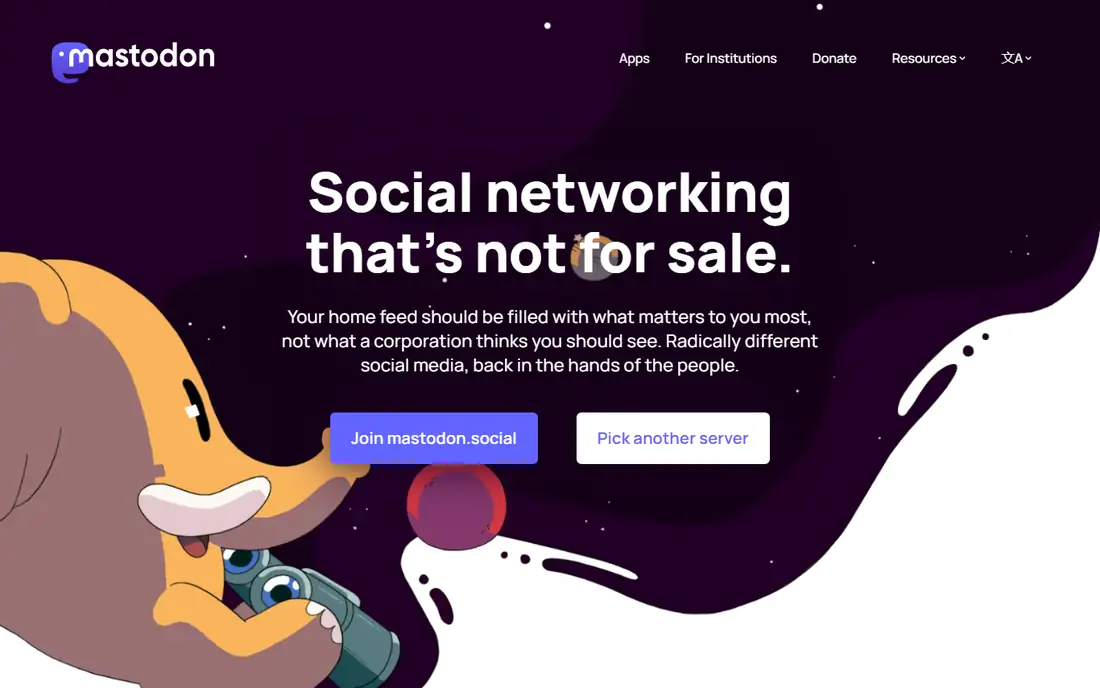
Mastodon is a network of independent servers that talk to each other, so you can pick a server that fits your interests and move later. Feeds are chronological by default, with no ads. It suits people who value independence and feed control.
Choosing a server confuses newcomers, and the audience is spread across servers. For a federated alternative, Mastodon is the established choice.
- Server choice
- Chronological feeds
- Account portability
- Server choice confuses newcomers
- Audience is fragmented
Threads
Ideal for: A simple text feed for Instagram users
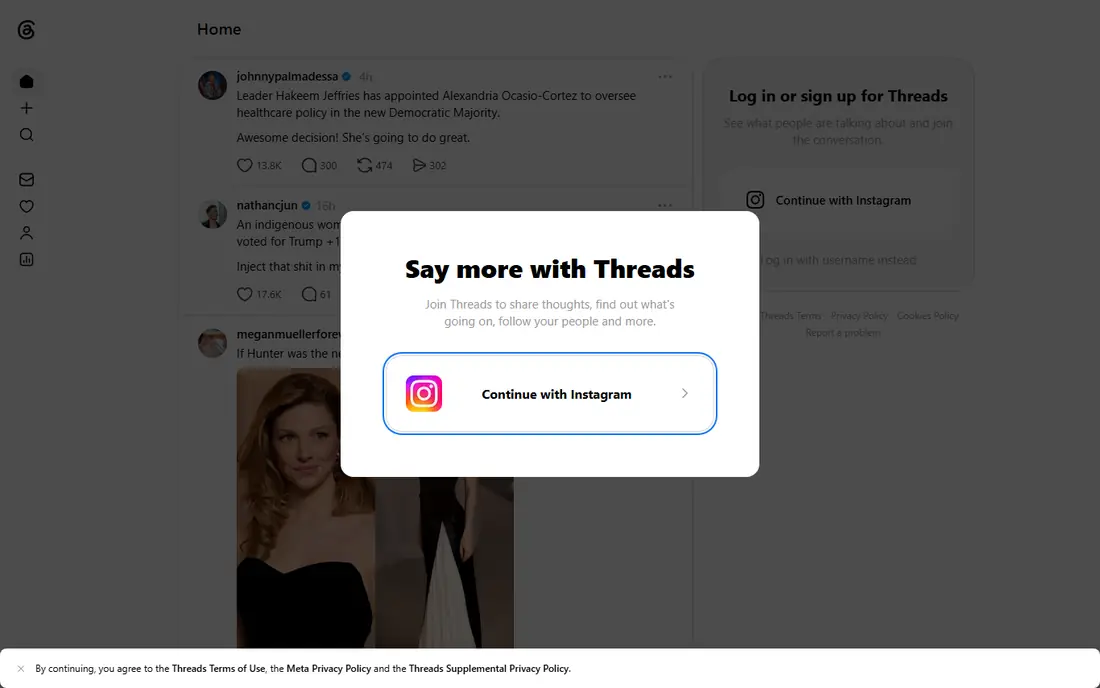
Threads, from Meta, offers a simple text feed that signs up through Instagram, making it easy to find people you already follow. It suits casual posters who want a calmer text feed without learning a new system. The audience is large.
Feed control is more limited than Bluesky or Mastodon, and it remains a Meta product with Meta policies. For Instagram users, Threads is the easiest switch.
- Easy Instagram signup
- Simple feed
- Large initial audience
- Algorithmic feed control is limited
- Fediverse links vary
BeReal
Ideal for: Daily candid photos with friends
BeReal asks friends to post a candid photo at a random time each day, with no filters or follower counts driving the feed. It suits close friend groups who want real moments rather than polished posts. The format keeps use brief.
Beyond daily photos, features are limited, and the audience is narrow. For a low pressure photo habit with friends, BeReal is a distinct alternative.
- Daily photo prompt
- No filters focus
- Small friend circles
- Limited features beyond photos
- Audience is narrow
Cara
Ideal for: An art focused network for creators
Cara is built for artists, with portfolio tools and a clear stance against AI training on user art. It suits illustrators and designers who want a community that respects creative work. Discovery favors art over viral posts.
Its audience is smaller and art focused, so general social use is limited. For artists, Cara is a strong community choice.
- Artist focused
- Portfolio tools
- No AI training stance
- Smaller audience
- Features are art focused
Lemon8
Ideal for: Photo and lifestyle sharing
Lemon8 focuses on lifestyle photo and video content, from food to travel, with editing tools and a discovery feed. It suits creators who like visual posts without the scale of Instagram. The format is friendly for casual sharing.
Its parent company policies and regional audience differences are worth reading before joining. For lifestyle visuals, Lemon8 is a colorful option.
- Lifestyle photo content
- Discovery feed
- Editing tools
- Ownership and data policies draw on its parent company
- Audience varies by region
Pixelfed
Ideal for: A federated photo sharing network
Pixelfed is a federated photo network similar in spirit to Instagram, with chronological feeds and no ads. It suits photographers who want a photo first feed and server choice. You can join a public server or run your own.
The audience is smaller, and server choice takes a moment to learn. For a federated photo alternative, Pixelfed is the natural pick.
- Federated photo sharing
- Chronological feed
- No ads
- Smaller audience
- Server choice needed
Substack Notes
Ideal for: Short posts from writers and readers
Substack Notes lets writers and readers share short posts alongside newsletters, with discussion that leans thoughtful. It suits readers who follow writers and want conversation around ideas. Newsletter links make it easy to go deeper.
It is not a general social network, and discovery centers on writers. For idea focused social reading, Notes is a good alternative feed.
- Writer community
- Newsletter links
- Thoughtful discussion
- Not a general social network
- Discovery is writer focused
How we picked these
We compared official feature pages, app store listings, and network policies for each platform, checking feed controls, moderation tools, and account portability. We favored platforms that explain their moderation and give users feed control. We did not claim hands-on testing; our comparison rests on published features and public documentation.
We also checked whether each option is still offered and supported, and we left out products with unclear pricing, broken pages, or a poor fit for the topic. Where a price or free tier could not be confirmed from the vendor site, we wrote See website rather than guessing. Readers should still check the vendor page before buying, since prices and plans change.
How to pick a social media alternative
Start with the people you want to reach. A network with strong features but none of your friends will feel empty. Check whether your community, creators, or interest groups already use it. A smaller active community beats a large silent one for most people.
Check feed control. Some platforms offer chronological feeds, custom feeds, or following only views, while others lean on algorithmic ranking. If you disliked algorithmic feeds, prioritize platforms that let you choose. Mute, block, and list tools matter for daily comfort.
Consider portability and ownership. Federated networks such as Mastodon let you move accounts between servers, while company owned networks do not. If you worry about a platform changing rules or shutting down, portability is a real advantage.
Try two networks for a month before deciding. Post regularly, follow people in your interests, and see which feed you actually open. Keep your main account during the trial, and move gradually rather than deleting everything at once.
Before you pay, confirm the total cost for the first year, including any add ons, renewal prices, and fees that only appear at checkout. A low starting price can hide a higher renewal rate, and a free tier can limit the feature you need most. Write down the features you will use weekly, and pay only for those.
After you choose, give the option a fair trial with your real workload, not just a quick tour. Set a reminder to review it after two to four weeks, and note what worked, what annoyed you, and what you never used. That review tells you whether to keep, upgrade, or switch before a renewal locks you in.
If the option disappoints, switch sooner rather than later. Export your data first, check whether you can keep your account history or settings, and confirm any cancellation terms. A good provider makes leaving straightforward, and a difficult exit is itself useful information about the service.
Talk to people who already use the option before you commit, especially for a business purchase. A short conversation with a current user reveals support quality, setup effort, and daily friction that marketing pages omit. Ask what surprised them after the first month, since early impressions often differ from longer use.
Keep a simple record of why you chose the option, including the price you were quoted and the features that mattered. That note makes renewal talks easier and helps a colleague or future you understand the decision. If the price rises or a key feature changes, the note shows whether the original reasons still hold.
Finally, plan the first week of use before you pay. List the setup steps, the data you need to move, and the people who need access. A clear first week plan turns a promising choice into a working routine, and it exposes missing features while you can still change your mind.
Save the vendor support page and the cancellation instructions in the same place as your receipt. When something goes wrong, you will want support details at hand rather than searching for them under pressure. A tidy record saves time and keeps a small problem from becoming a long one.
Keep notes on the first month of use, including any issues and how support handled them. Those notes give you clear evidence if you need a refund, an upgrade, or a switch, and they help you advise a friend or colleague who asks about the same choice later.
Frequently asked questions
What is the best social media alternative?
Bluesky is our pick for a Twitter style experience with custom feeds and a growing community. Mastodon suits people who want a federated network they can move between. Threads is easiest for Instagram users. Your community matters more than features alone.
What is the difference between Bluesky and Mastodon?
Both are decentralized, but Bluesky uses its own protocol with a main app and custom feeds, while Mastodon is a network of independent servers using ActivityPub. Mastodon offers more server choice, while Bluesky feels more like a single app. Both let you control your feed.
Can I leave Instagram or X and keep my followers?
Not directly. Followers do not transfer between networks, so you need to tell your audience where you moved. Post a notice on your old account, link the new one in your bio, and expect some followers not to follow. Export your data before leaving.
Are alternative social networks safer?
They vary. Smaller networks can have tighter communities and better moderation tools, but they also have fewer staff for large scale moderation. Check each platform moderation policy, block and mute tools, and reporting options before joining.
Do alternative networks have apps?
Yes, Bluesky, Threads, Mastodon, and most others offer iPhone and Android apps, plus web versions. Mastodon also has many third party apps. Check the official app store listing for the platform you choose.
How often should I review my choice?
Review it at least once a year, and sooner if your needs, budget, or team size change. Prices, features, and policies shift over time, and a better fit may appear. A short yearly check, comparing your current option with two alternatives, keeps you from paying for features you no longer use.