Best Software Supply Chain Tools and Practices in 2026: 8 Options Compared

- Start with an inventory of dependencies and a bill of materials before adding more scanners.
- Block malicious packages at ingestion rather than only scanning after the fact.
- Sign releases and keep provenance records so customers can verify what shipped.
- Use hardened, minimal container images to cut the patching queue.
Quick comparison
| Product | Ideal for | Price from | Free version | |
|---|---|---|---|---|
 Snyk | fixing vulnerable dependencies in developer workflows | See website | Yes | Visit |
 Sonatype | repository-level open-source governance | See website | Free trial | Visit |
 JFrog | artifact management plus package curation | See website | Free trial | Visit |
 Chainguard | hardened, low-vulnerability container images | See website | Yes | Visit |
 Sigstore | keyless signing and provenance for artifacts | Free | Yes | Visit |
 Socket | blocking malicious open-source packages | $25 per developer per month | Yes | Visit |
 Anchore | SBOM management and container policy | See website | Free trial | Visit |
 Endor Labs | reachability-based prioritization at scale | See website | Yes | Visit |
The best software supply chain tools
Software supply chain best practices mean knowing what code goes into your product, where it came from, and whether it was tampered with on the way. That covers open-source dependencies, build pipelines, signed artifacts, and container images. The tools below each cover a different stage, and strong teams combine several of them.
Snyk
Ideal for: fixing vulnerable dependencies in developer workflows
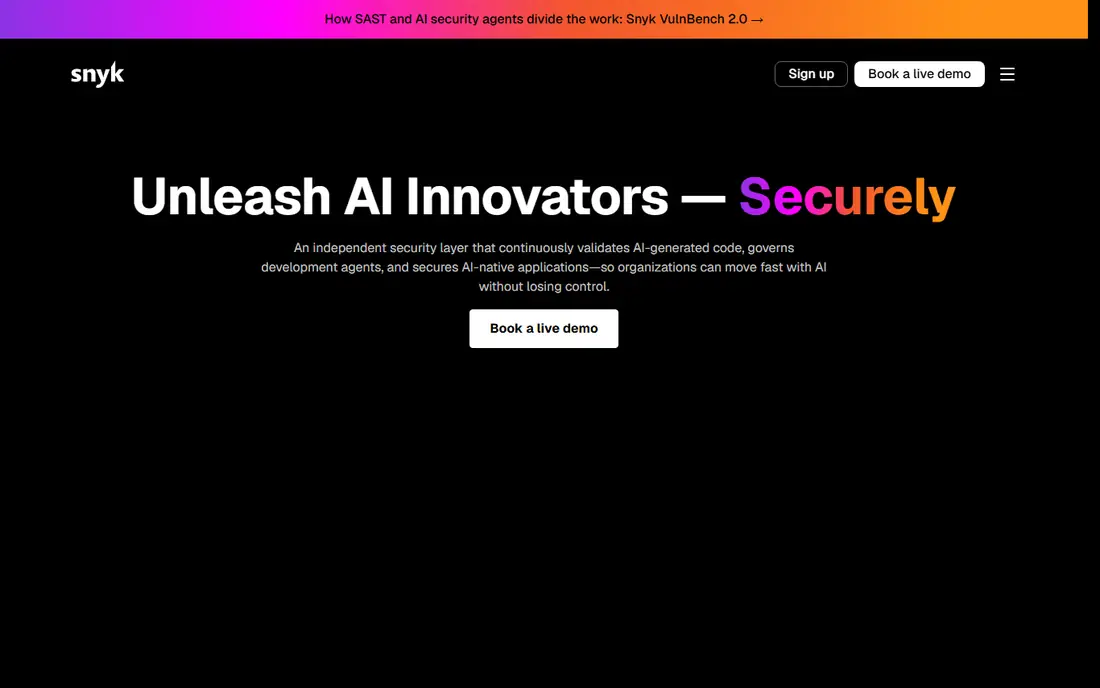
Snyk scans code, dependencies, containers, and infrastructure as code, and suggests fixes inside the developer workflow. It suits teams that want security feedback early, before vulnerable code reaches production. The free tier helps small projects, while larger teams pay per developer. That focus makes it a practical match for fixing vulnerable dependencies in developer workflows. On pricing, the starting point is see website, and the free plan status is yes. Its strengths include developer-friendly scanning; fix suggestions; broad ecosystem coverage. The trade-off to weigh is per-developer pricing adds up; triage still needs human judgment. We suggest checking the current plan limits on the vendor site before you commit, since tiers and trial terms change, and confirming that the plan you pick covers the seats, storage, or usage your team actually needs.
- Developer-friendly scanning
- Fix suggestions
- Broad ecosystem coverage
- Per-developer pricing adds up
- Triage still needs human judgment
Sonatype
Ideal for: repository-level open-source governance
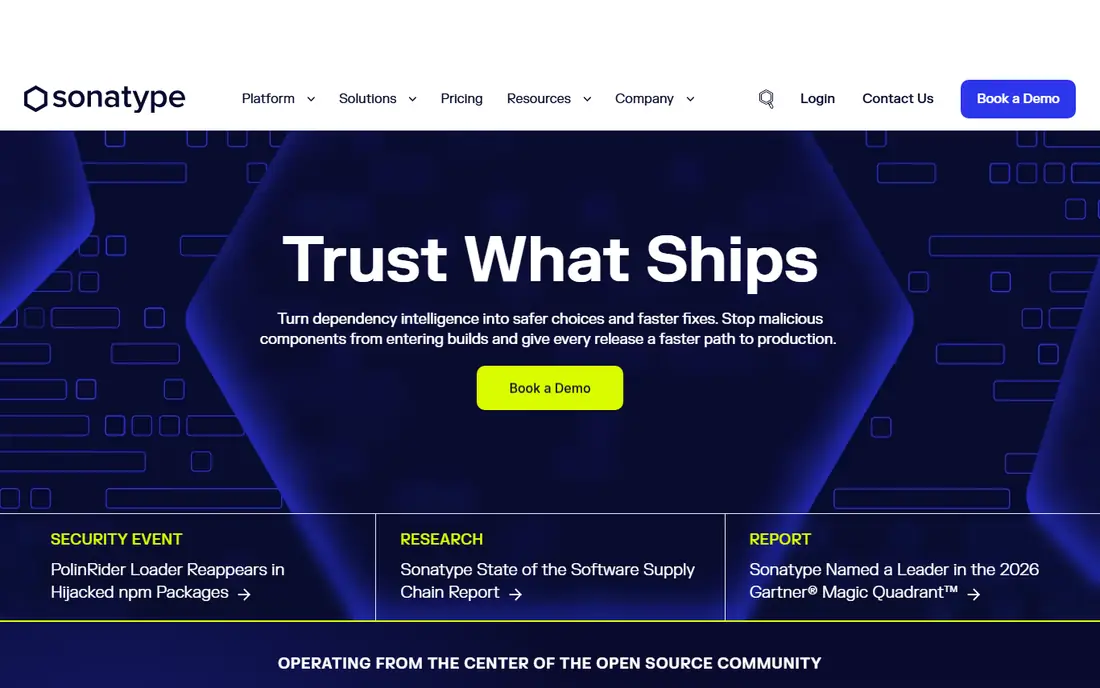
Sonatype sits at the repository, blocking components with known policy violations before developers can download them. Its research data helps teams judge component quality, not just known vulnerabilities. It suits organizations that want governance at the point of ingestion. That focus makes it a practical match for repository-level open-source governance. On pricing, the starting point is see website, and the free plan status is free trial. Its strengths include repository firewall blocks bad components; deep component research; policy enforcement. The trade-off to weigh is quote-based pricing; setup needs repository changes. We suggest checking the current plan limits on the vendor site before you commit, since tiers and trial terms change, and confirming that the plan you pick covers the seats, storage, or usage your team actually needs.
- Repository firewall blocks bad components
- Deep component research
- Policy enforcement
- Quote-based pricing
- Setup needs repository changes
JFrog
Ideal for: artifact management plus package curation

JFrog pairs the Artifactory repository with Xray scanning and curation, so teams control which packages reach builds and can trace artifacts to releases. It fits companies already standardizing on JFrog for artifact storage. Standalone buyers should compare the full platform price. That focus makes it a practical match for artifact management plus package curation. On pricing, the starting point is see website, and the free plan status is free trial. Its strengths include artifactory plus xray scanning; package curation; broad package support. The trade-off to weigh is platform pricing is significant; security features cost extra on some tiers. We suggest checking the current plan limits on the vendor site before you commit, since tiers and trial terms change, and confirming that the plan you pick covers the seats, storage, or usage your team actually needs.
- Artifactory plus Xray scanning
- Package curation
- Broad package support
- Platform pricing is significant
- Security features cost extra on some tiers
Chainguard
Ideal for: hardened, low-vulnerability container images
Chainguard builds minimal container images with few or no known vulnerabilities, signed and supplied with a bill of materials. Starting from a clean image cuts the patching queue that teams face with general-purpose base images. Migration takes engineering effort, since images and build files change. That focus makes it a practical match for hardened, low-vulnerability container images. On pricing, the starting point is see website, and the free plan status is yes. Its strengths include minimal signed images; continuous rebuilds; sbom included. The trade-off to weigh is per-image economics; migration work for existing images. We suggest checking the current plan limits on the vendor site before you commit, since tiers and trial terms change, and confirming that the plan you pick covers the seats, storage, or usage your team actually needs.
- Minimal signed images
- Continuous rebuilds
- SBOM included
- Per-image economics
- Migration work for existing images
Sigstore
Ideal for: keyless signing and provenance for artifacts
Sigstore lets developers sign software artifacts without managing long-lived keys, using short-lived identities and a public transparency log. It suits teams that want verifiable provenance for releases without building a signing system from scratch. Integration and key concepts need some learning. That focus makes it a practical match for keyless signing and provenance for artifacts. On pricing, the starting point is free, and the free plan status is yes. Its strengths include free and open source; keyless signing; public transparency log. The trade-off to weigh is needs integration work; transparency log concepts take learning. We suggest checking the current plan limits on the vendor site before you commit, since tiers and trial terms change, and confirming that the plan you pick covers the seats, storage, or usage your team actually needs.
- Free and open source
- Keyless signing
- Public transparency log
- Needs integration work
- Transparency log concepts take learning
Socket
Ideal for: blocking malicious open-source packages
Socket analyzes package behavior to catch malicious code, typosquatting, and risky dependency changes that traditional vulnerability scanners miss. It suits JavaScript and Python teams that pull many open-source packages. Teams in other ecosystems should check coverage first. That focus makes it a practical match for blocking malicious open-source packages. On pricing, the starting point is $25 per developer per month, and the free plan status is yes. Its strengths include detects malicious and risky package behavior; fast alerts; supply-chain focus. The trade-off to weigh is per-developer pricing; mainly covers package ecosystems. We suggest checking the current plan limits on the vendor site before you commit, since tiers and trial terms change, and confirming that the plan you pick covers the seats, storage, or usage your team actually needs.
- Detects malicious and risky package behavior
- Fast alerts
- Supply-chain focus
- Per-developer pricing
- Mainly covers package ecosystems
Anchore
Ideal for: SBOM management and container policy
Anchore manages software bills of materials and enforces container policies, built on the open-source Syft and Grype tools. It suits teams that must produce SBOMs for customers or regulators and check images against policy before deployment. The free open-source tools cover many needs on their own. That focus makes it a practical match for SBOM management and container policy. On pricing, the starting point is see website, and the free plan status is free trial. Its strengths include sbom generation and management; container policy checks; open-source syft and grype. The trade-off to weigh is enterprise pricing by quote; policy setup takes care. We suggest checking the current plan limits on the vendor site before you commit, since tiers and trial terms change, and confirming that the plan you pick covers the seats, storage, or usage your team actually needs.
- SBOM generation and management
- Container policy checks
- Open-source Syft and Grype
- Enterprise pricing by quote
- Policy setup takes care
Endor Labs
Ideal for: reachability-based prioritization at scale
Endor Labs checks whether a vulnerable function is actually called by your code, so teams fix reachable risks first instead of drowning in alerts. That reachability view is valuable for large codebases with many dependencies. Smaller teams may get similar value from free scanners. That focus makes it a practical match for reachability-based prioritization at scale. On pricing, the starting point is see website, and the free plan status is yes. Its strengths include function-level reachability cuts noise; dependency risk data; ci integration. The trade-off to weigh is quote-based pricing; best value at larger scale. We suggest checking the current plan limits on the vendor site before you commit, since tiers and trial terms change, and confirming that the plan you pick covers the seats, storage, or usage your team actually needs.
- Function-level reachability cuts noise
- Dependency risk data
- CI integration
- Quote-based pricing
- Best value at larger scale
How we picked these
We compared official feature pages, pricing pages, app store listings, privacy policies, and public reviews for each option, and we kept only products that exist, work in October 2026, and fit the topic directly. We did not claim hands-on testing we did not do, and we left out products whose fit was weak even when they are well known in a nearby category. Price and plan details change often, so where a vendor does not publish a clear price we write See website rather than guessing. The notes below reflect what each vendor publishes about its own product, not a promise about results for any single team.
Putting supply chain best practices into place
Begin with visibility: generate a software bill of materials for every release, inventory your build pipelines, and list every registry and artifact store that can reach production. Without that inventory, scanning tools produce noise and teams cannot tell which findings matter. Prioritize by whether a vulnerable component is actually reachable in running code, not by raw severity alone. Add controls where they help most. Block known-malicious packages at the repository, require signed commits and builds, scan dependencies and images in continuous integration, and store attestations with each release. Keep the pipeline itself protected, since an attacker who controls the build can bypass every scanner downstream. Make the program sustainable by assigning owners for dependency updates, setting a patching cadence, and rehearsing an incident response for a compromised package. Review supplier and open-source risk on a schedule, not only after a public incident, and keep evidence that auditors and enterprise customers can inspect.
Frequently asked questions
What is a software supply chain attack?
It is an attack that compromises software before it reaches users, by tampering with a dependency, a build pipeline, an update channel, or a container image. Victims install what looks like trusted software that already contains malicious code.
What is an SBOM?
A software bill of materials lists the components, versions, and suppliers in a software product, much like an ingredient list. It helps teams find affected products fast when a vulnerability is disclosed.
Do small teams need supply chain tools?
Yes, at a smaller scale. Free scanners, dependency updates, and signed releases cover most of the risk for small teams, while larger companies add policy enforcement and provenance tooling.
What is SLSA?
SLSA is a framework for build integrity that grades how protected a build is, from basic version control and provenance up to hermetic, reproducible builds. It gives teams a shared language for release trust.
Should we block packages or just scan them?
Scanning finds known problems, but blocking at ingestion stops malicious packages from entering at all. Most mature teams do both, with blocking for clearly malicious packages and scanning plus triage for vulnerabilities.