Best Spotify Backstage Alternatives in 2026: 8 Options Compared

- OpsLevel and Cortex are the leading dedicated developer portals, with service catalogues and maturity checks built in.
- Port and Roadie suit teams that want a Backstage-based or flexible portal without building everything from scratch.
- Atlassian Compass suits teams already using Jira and Confluence, since it connects to that ecosystem.
- Humanitec, Harness and Configure8 cover platform orchestration and catalogue needs for larger engineering organisations.
Quick comparison
| Product | Ideal for | Price from | Free version | |
|---|---|---|---|---|
 OpsLevel | service maturity and catalogue | See website | Free trial | Visit |
 Cortex | developer portal with scorecards | See website | Free trial | Visit |
 Port | flexible developer portal | See website | Free trial | Visit |
 Roadie | hosted Backstage experience | See website | Free trial | Visit |
 Atlassian Compass | developer portal for Atlassian teams | See website | Free trial | Visit |
 Humanitec | platform orchestration | See website | Free trial | Visit |
 Harness | developer platform with IDP | See website | Free trial | Visit |
 Configure8 | service catalogue and operations | See website | Free trial | Visit |
The best Spotify Backstage Alternatives
Here are our picks for the best spotify backstage alternatives, covering a mix of well-known leaders and strong smaller options. We compared official feature pages, pricing pages, app-store listings, privacy policies and public reviews to build this list.
OpsLevel
Ideal for: service maturity and catalogue
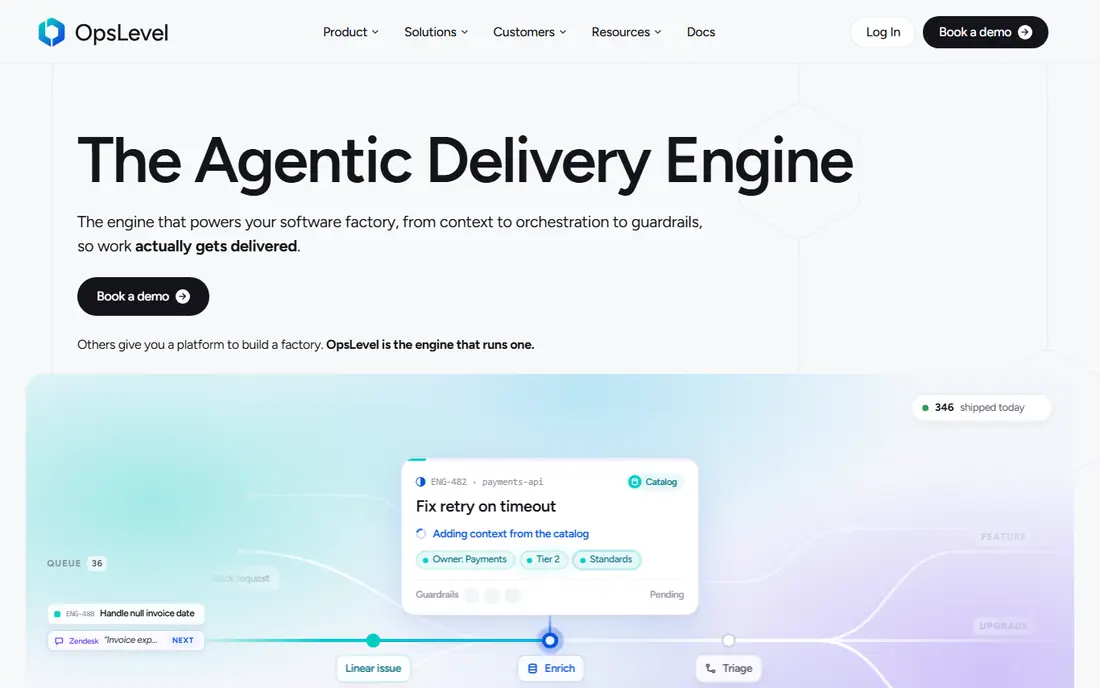
OpsLevel is a developer portal focused on service catalogues and maturity, helping teams track ownership, standards and health across services. Maturity checks show which services meet reliability and documentation standards, which helps platform teams drive improvements.
Pricing is quoted, and setup needs accurate service data to be useful. For teams that want to raise service standards systematically, OpsLevel is a leading choice.
Bottom line: OpsLevel suits service maturity and catalogue best. Its strongest point is service catalogue with maturity checks, while the main drawback to weigh is pricing is quoted. Check the current pricing page before deciding, since plans and limits change.
- Service catalogue with maturity checks
- Ownership tracking
- Good integrations
- Pricing is quoted
- Setup needs service data
Cortex
Ideal for: developer portal with scorecards
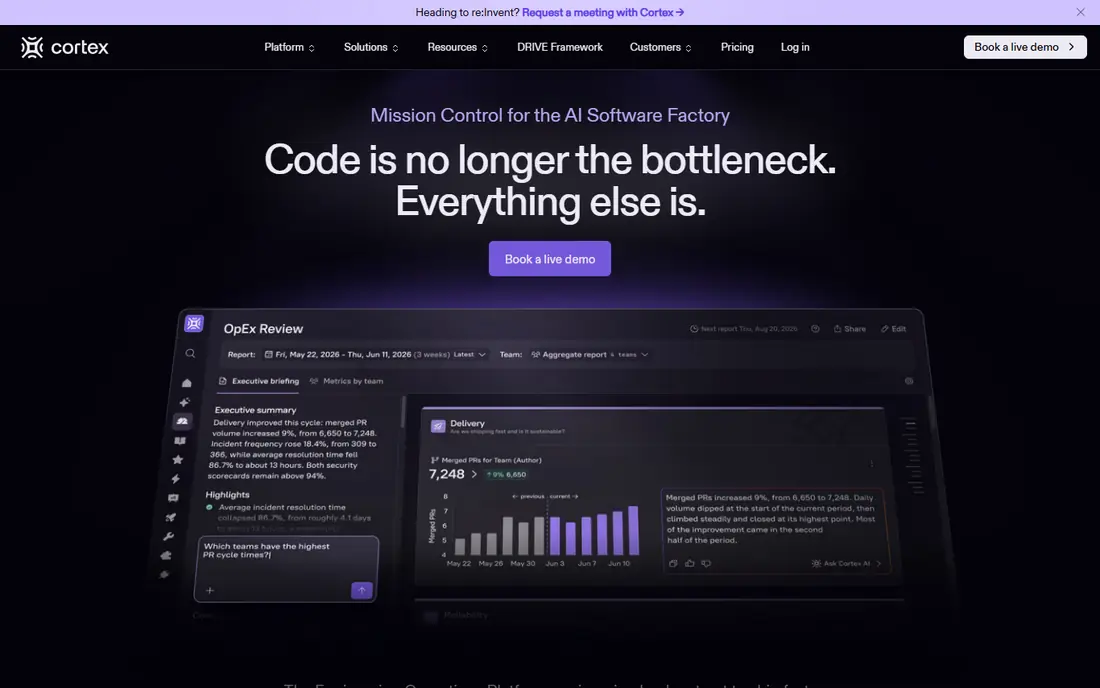
Cortex offers a service catalogue with scorecards that measure service quality against team standards, plus workflows for reviews and improvements. It integrates with common engineering tools, so catalogue data stays current. Platform teams use it to drive reliability and ownership.
Pricing is quoted, and scorecard setup takes thought. For teams that want measurable service standards, Cortex is a strong alternative.
Bottom line: Cortex suits developer portal with scorecards best. Its strongest point is scorecards for service quality, while the main drawback to weigh is pricing is quoted. Check the current pricing page before deciding, since plans and limits change.
- Scorecards for service quality
- Catalogue and workflows
- Strong integrations
- Pricing is quoted
- Learning curve for scorecard setup
Port
Ideal for: flexible developer portal
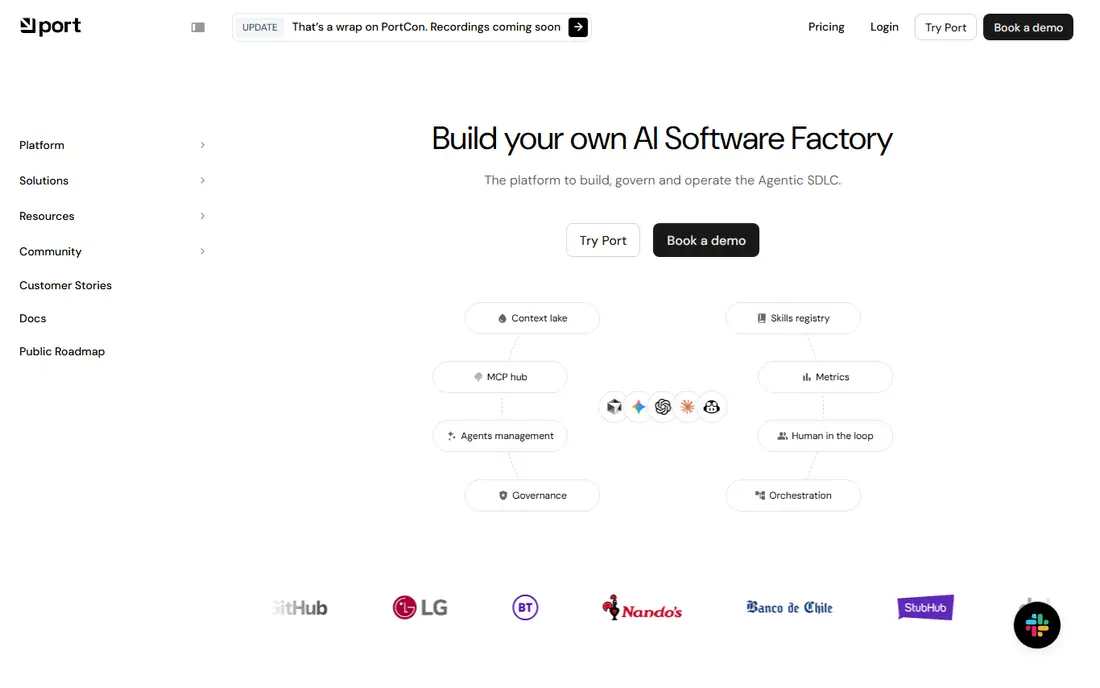
Port is a developer portal with a flexible data model, letting teams catalogue services, resources and cloud assets in a way that fits their organisation. Self-service actions let developers provision resources from the portal, which reduces tickets to platform teams.
That flexibility means more setup decisions upfront, and pricing is quoted. For teams that want a portal shaped to their own model, Port is a powerful option.
Bottom line: Port suits flexible developer portal best. Its strongest point is flexible data model, while the main drawback to weigh is flexibility means more setup decisions. Check the current pricing page before deciding, since plans and limits change.
- Flexible data model
- Self-service actions
- Good integrations
- Flexibility means more setup decisions
- Pricing is quoted
Roadie
Ideal for: hosted Backstage experience
Roadie provides Backstage as a hosted service, removing the hosting and maintenance work while keeping the familiar catalogue, templates and plugins. Teams that like Backstage but lack platform capacity to run it get the benefits without the operations burden.
Customisation follows Backstage patterns, so teams that want a very different portal may prefer Port or Cortex. For Backstage fans who want hosting handled, Roadie is the natural pick.
Bottom line: Roadie suits hosted Backstage experience best. Its strongest point is backstage without the hosting burden, while the main drawback to weigh is built on Backstage, so customisation follows Backstage patterns. Check the current pricing page before deciding, since plans and limits change.
- Backstage without the hosting burden
- Plugins included
- Familiar for Backstage users
- Built on Backstage, so customisation follows Backstage patterns
Atlassian Compass
Ideal for: developer portal for Atlassian teams
Atlassian Compass is a developer experience platform with a service catalogue that connects to Jira and Confluence. Teams already using Atlassian tools get a joined-up view of services, projects and documentation without a separate system.
It works best inside the Atlassian ecosystem, and it is newer than dedicated portals like OpsLevel. For Atlassian teams, Compass is a convenient and integrated choice.
Bottom line: Atlassian Compass suits developer portal for Atlassian teams best. Its strongest point is connects with Jira and Confluence, while the main drawback to weigh is best inside Atlassian ecosystem. Check the current pricing page before deciding, since plans and limits change.
- Connects with Jira and Confluence
- Service catalogue
- Team ownership
- Best inside Atlassian ecosystem
- Newer than dedicated portals
Humanitec
Ideal for: platform orchestration
Humanitec is an internal developer platform that goes beyond a catalogue, offering orchestration and dynamic configuration for environments and deployments. Platform teams use it to standardise how services are built and run, with a portal view on top.
It is broader than a simple catalogue, and setup needs platform expertise. For teams building a full internal platform, Humanitec is a capable choice.
Bottom line: Humanitec suits platform orchestration best. Its strongest point is internal developer platform with orchestration, while the main drawback to weigh is broader than a catalogue alone. Check the current pricing page before deciding, since plans and limits change.
- Internal developer platform with orchestration
- Dynamic configuration
- Good for platform teams
- Broader than a catalogue alone
- Setup takes platform expertise
Harness
Ideal for: developer platform with IDP
Harness offers an internal developer portal alongside CI, CD and feature management, which suits organisations that want one platform for delivery. Its portal covers service catalogues and templates, while the wider platform handles pipelines and deployments.
The platform is large, and pricing and setup reflect its enterprise focus. Smaller teams may find it more than they need. For enterprises standardising on Harness, its portal is a useful addition.
Bottom line: Harness suits developer platform with IDP best. Its strongest point is internal developer portal plus CI and CD, while the main drawback to weigh is large platform. Check the current pricing page before deciding, since plans and limits change.
- Internal developer portal plus CI and CD
- Broad platform
- Strong enterprise features
- Large platform
- Pricing and setup reflect enterprise focus
Configure8
Ideal for: service catalogue and operations
Configure8 provides a service catalogue that combines ownership, cost and operations data, helping platform teams see services in business as well as technical terms. Integrations pull data from cloud and engineering tools to keep the catalogue current.
It is a smaller vendor than OpsLevel or Cortex, and pricing is quoted. For teams that want catalogue data with cost visibility, Configure8 is a useful option.
Bottom line: Configure8 suits service catalogue and operations best. Its strongest point is service catalogue with cost and operations data, while the main drawback to weigh is smaller vendor than leading portals. Check the current pricing page before deciding, since plans and limits change.
- Service catalogue with cost and operations data
- Good integrations
- Smaller vendor than leading portals
- Pricing is quoted
How we picked these
We started from the original product and what people use it for, then compared official feature pages, pricing pages, app-store listings, privacy policies and public reviews for each candidate. We kept only products that exist, work in October 2026 and genuinely fit the topic, and we left out products that were discontinued, unrelated or too thin to recommend.
We weighed fit for the topic first, then price and free options, ease of setup and the honest downsides that show up in reviews and documentation. Prices are given as listed on the vendor's own site where we could verify them, and we wrote See website where a price was quoted, unclear or likely to change by plan.
We also left out products that no longer exist, that have been folded into a different product, or that only partly fit the topic. A longer list would have been easier to write, but a list padded with poor fits helps nobody choose, so we kept the list to products we can genuinely recommend for this use.
How to choose an internal developer portal
Start with the services you need to catalogue. A portal should show ownership, health, documentation and dependencies for every service, and it should stay accurate without manual updates. If the catalogue goes stale, developers will stop trusting it.
Next, check templates and golden paths. A good portal helps developers create new services from approved templates, which reduces setup time and keeps standards consistent. Test template creation during a trial, since it is a daily workflow for platform teams.
Finally, consider build versus buy effort. Open source Backstage is free but needs a team to run it, while hosted portals cost money but remove that burden. Match the choice to your platform team's capacity.
Check the renewal price, not just the first bill. Introductory discounts, per-user charges and usage limits can change the cost sharply in year two, so ask for the standard price and model it at your expected team size. A tool that stays affordable as you grow is worth more than a cheap first month.
Read the fine print on limits. Free tiers and entry plans often cap users, projects, storage or monthly usage, and those caps decide whether a plan works in practice. Confirm the limits that matter to you in writing before you commit to a paid plan.
Frequently asked questions
What is Spotify Backstage?
Spotify Backstage is an open source framework for building internal developer portals. It provides a service catalogue, software templates, documentation and plugins that help engineering teams manage their services and tools in one place.
What is the best Backstage alternative?
OpsLevel and Cortex are the leading hosted alternatives, with service catalogues and maturity scoring. Roadie offers a hosted Backstage experience, while Port provides a flexible portal with a different data model.
Is Backstage free?
Yes, Backstage itself is open source and free to use, but running it requires engineering time for hosting, maintenance and plugin management. Hosted alternatives charge a subscription but remove that work.
Do I need a developer portal?
Teams with dozens of services benefit most, since a portal keeps ownership and documentation visible. Small teams with a handful of services may manage with simpler documentation and a service list.
How long does it take to set up a portal?
Hosted portals can show value in days or weeks, while a custom Backstage build takes longer depending on plugins and integrations. Allow time for connecting data sources and defining ownership.
Can I try these options before paying?
Yes, in most cases. Nearly every option on this list offers a free tier or a free trial, and we note that in the comparison table and in each product block. Use the trial for real work rather than a quick look, and check the renewal price before the trial ends so there are no surprises.