Best Storyblocks Alternatives in 2026: 8 Stock Libraries Compared

- 1
 ArtgridCurated stock videoVisit
- 2
 Envato ElementsUnlimited downloadsVisit
- 3
 ShutterstockHuge stock libraryVisit
- 4
 Adobe StockCreative Cloud integrationVisit
- 5
 Pond5Pay-per-clip marketplaceVisit
- Envato Elements suits creators who want unlimited downloads across video, audio, and templates for one subscription.
- Artgrid and Pond5 suit video-first creators, with Artgrid offering curated footage and Pond5 offering a pay-per-clip marketplace.
- Shutterstock and Adobe Stock suit teams that need huge libraries with straightforward commercial licensing.
- Motion Array suits creators who also need templates, transitions, and effects alongside stock footage.
- Videvo and Pixabay suit tight budgets, with free content that works for smaller projects.
Quick comparison
| Product | Ideal for | Price from | Free version | |
|---|---|---|---|---|
| Artgrid | Curated stock video | See website | See website | Visit |
| Envato Elements | Unlimited downloads | See website | See website | Visit |
| Shutterstock | Huge stock library | See website | See website | Visit |
| Adobe Stock | Creative Cloud integration | See website | See website | Visit |
| Pond5 | Pay-per-clip marketplace | See website | See website | Visit |
 Motion Array | Stock plus templates | See website | See website | Visit |
 Videvo | Free and premium clips | See website | Yes | Visit |
 Pixabay | Free stock media | Free | Yes | Visit |
The best Storyblocks alternatives
Storyblocks sells subscription access to stock video, audio, and images for creators and small teams. The libraries below cover similar ground, and they differ in licensing model, catalog size, and price. Some offer unlimited downloads for a flat subscription, some sell clips one at a time, and some are free. The right pick depends on how much footage you use and how you license it.
Artgrid
Ideal for: Curated stock video
Artgrid focuses on quality over quantity, with footage shot by filmmakers and organized into stories rather than loose keyword dumps. That curation saves time when a project needs a consistent look, since the clips in a collection tend to match in color and tone. Resolutions reach 4K and 8K, which suits professional edits.
The trade-off is scope: Artgrid is video only, so music and sound effects need a separate service. There is no free download tier. For video creators who value a consistent, cinematic look, Artgrid is a strong pick.
- Carefully curated footage
- Story-driven collections
- 4K and 8K clips
- Video only, no audio or templates
- Subscription required for downloads
Envato Elements
Ideal for: Unlimited downloads
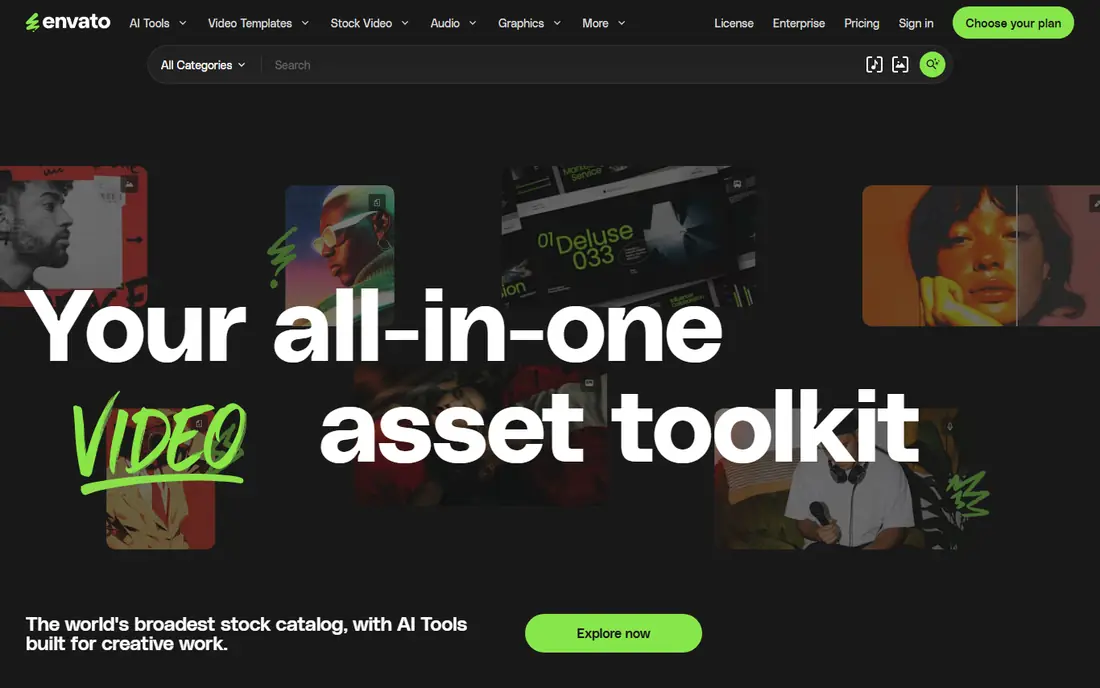
Envato Elements offers unlimited downloads from a catalog that covers stock video, music, sound effects, templates, fonts, and graphics for one subscription. That breadth suits creators who produce varied content, from YouTube videos to client presentations, since one plan covers nearly every asset type. The license is simple for most commercial projects.
With so much content, quality varies, and searching takes care to find the best clips. There is no pay-per-item option. For creators who download often across many categories, Envato Elements is hard to beat on value.
- Unlimited downloads across categories
- Video, audio, templates, and graphics
- Simple commercial license
- Quality varies across a huge catalog
- Subscription only
Shutterstock
Ideal for: Huge stock library
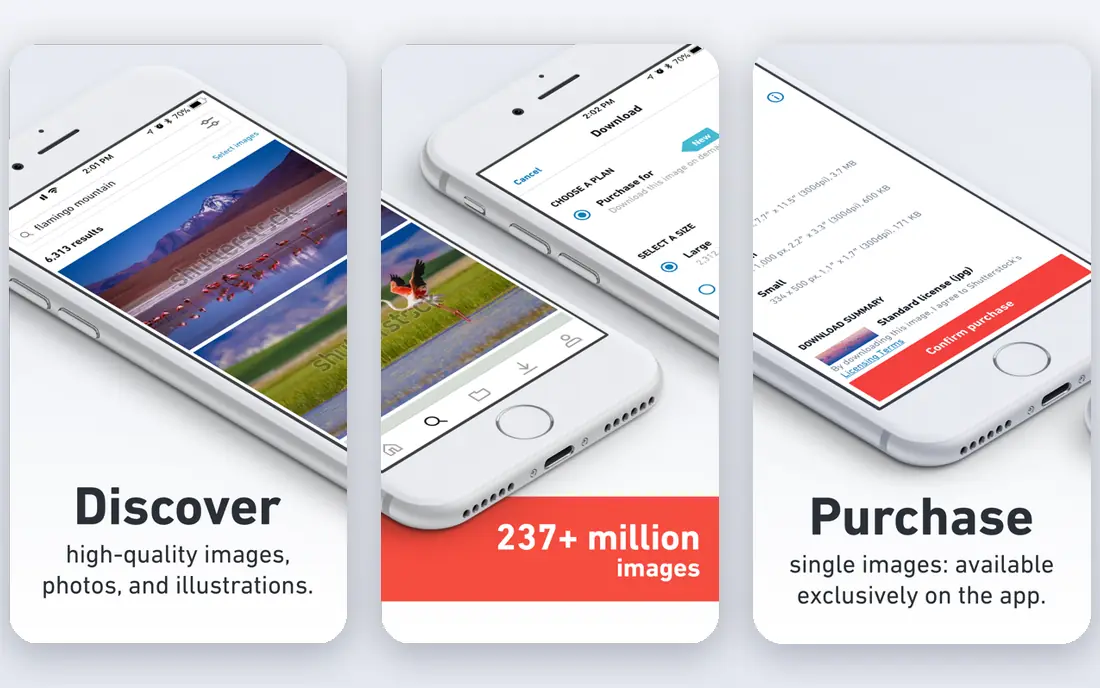
Shutterstock is one of the largest stock libraries, with millions of images, video clips, and music tracks. Its search tools, including filters for resolution, duration, and orientation, help narrow huge result sets quickly. Licensing is straightforward for commercial use, and editorial content is available for news-related projects.
Frequent downloading gets expensive, since plans are priced by download volume or subscription tier. For agencies and teams that need depth and reliable licensing, Shutterstock remains a default choice.
- Very large catalog
- Images, video, and music
- Clear licensing options
- Costs add up for frequent downloads
- Subscription tiers vary
Adobe Stock
Ideal for: Creative Cloud integration
Adobe Stock shines for editors already using Adobe tools, since clips and images can be previewed, licensed, and placed inside Premiere Pro or Photoshop without leaving the app. The catalog is large, and standard licenses cover most commercial projects. Search filters and visual similarity tools help find matching shots.
Outside a Creative Cloud plan, per-asset pricing is less attractive. For Adobe-based workflows, though, the time saved by in-app licensing is real, and Adobe Stock is our pick for those teams.
- Deep integration with Premiere Pro and Photoshop
- Large catalog
- Licensed for commercial use
- Best value inside Creative Cloud
- Per-asset costs outside plans
Pond5
Ideal for: Pay-per-clip marketplace
Pond5 works like a marketplace: contributors sell clips, music, and effects, and buyers pay per item rather than subscribing. That model suits projects that need a handful of specific shots, since you pay only for what you use and keep a perpetual license for the purchased item. The marketplace is large and covers niche subjects.
Costs vary by clip, and premium footage can be pricey. There is no unlimited plan for heavy users. For occasional buyers who want exact clips without a monthly bill, Pond5 is a practical pick.
- Buy only what you need
- Large marketplace
- Footage from many contributors
- No unlimited subscription
- Prices vary by clip
Motion Array
Ideal for: Stock plus templates
Motion Array combines stock video and audio with templates, transitions, titles, and presets for popular editing apps. That mix suits creators who want to speed up editing, not just fill gaps in footage. Plugins for Premiere Pro and After Effects bring assets into the timeline directly.
Template quality varies, and the catalog is smaller than the biggest libraries. For creators who value editing shortcuts as much as raw footage, Motion Array offers a useful bundle.
- Stock footage plus templates, transitions, and presets
- Plugin support
- Collaboration tools
- Template quality varies
- Subscription required
Videvo
Ideal for: Free and premium clips
Videvo offers free stock video, motion graphics, and sound effects alongside a premium plan with more content and simpler licensing. Free clips suit small projects, student work, and creators testing ideas before spending. The site is easy to browse, and previews make selection quick.
Some free clips require attribution, so checking the license on each download matters. The catalog is smaller than Shutterstock or Envato. For tight budgets, Videvo is a solid starting point.
- Free clips available
- Premium plan adds more
- Video, audio, and motion graphics
- Free clips require attribution in some cases
- Catalog smaller than leaders
Pixabay
Ideal for: Free stock media
Pixabay is a free library of images, video clips, music, and sound effects, all available under a simple license that suits most projects without payment. No account is needed for many downloads, which makes it quick for one-off needs. The catalog is large for a free service and covers everyday subjects well.
Quality varies, and the most popular images appear everywhere, so distinctive projects may need a paid library too. For blogs, social posts, and small videos, Pixabay covers a surprising amount at no cost.
- Free images, video, and music
- No account needed for many downloads
- Simple license
- Quality varies
- Popular subjects are overused
How we picked these
We compared official catalog pages, licensing terms, pricing, and public reviews for each library, and we favored services with clear commercial licenses and working downloads in October 2026. We kept a mix of subscription libraries, pay-per-clip marketplaces, and free options, so creators at different budgets can find a fit. We left out libraries with unclear licensing or catalogs that no longer accept new customers.
How to choose a stock library
Licensing details matter more than headline prices, so read the terms before committing to a plan.
Match the model to your volume
If you download dozens of assets a month, an unlimited subscription usually costs less per item than buying clips one at a time. If you need only a few clips per project, a marketplace like Pond5 avoids a monthly bill. Estimate your real monthly downloads from past projects rather than guessing, since the cheapest plan on paper can be the wrong one in practice.
Read the license for your use
Standard licenses cover most online videos, ads, and client work, but broadcast, resale items, and large print runs can need extended terms. Check whether the license covers your client work, whether attribution is required, and how long the license lasts after a subscription ends. A short license check now avoids awkward conversations with clients later.
Test search and quality
Run the same five searches on each service you are considering, using terms from a real upcoming project. Compare the top results for relevance, resolution, and consistent style, since a library that looks large can still be thin in your niche. Download a test clip and check it in your editor, including color, frame rate, and audio quality, before paying.
Licensing terms deserve a close read before you buy clips in bulk. Some licenses cover web and social use but limit broadcast, print runs, or client work, and those limits matter once a project ships. Check whether a license covers one end product or many, and whether attribution is required for the plan you hold. Indemnification caps also differ, so a team producing ads for clients should confirm the coverage ceiling in writing. A short checklist of use cases, read against each plan, prevents a cheap library from turning into an expensive rights problem.
Preview workflow matters as much as catalog size. Watermarked previews let you test a cut before paying, and consistent codecs save re-encoding time later. For audio, look for stems or loops that can be trimmed without awkward cuts, and confirm that music tracks list their mood and tempo clearly. For footage, check frame rates and resolutions against your delivery spec, since a 24-frame clip in a 30-frame timeline needs conversion. Teams that settle these details early spend less time fixing files and more time finishing edits.
Frequently asked questions
What is Storyblocks?
Storyblocks is a subscription stock library offering video, audio, and images for creators and businesses. The services here offer similar libraries with different pricing models, catalog sizes, and licensing terms.
Which Storyblocks alternative is free?
Pixabay is free, and Videvo offers free clips alongside a premium plan. Free libraries suit smaller projects, though paid libraries usually offer higher quality and more distinctive footage.
Is stock footage licensed for commercial use?
Most paid libraries include a commercial license with downloads, and free libraries like Pixabay use a simple license that covers most projects. Always check the license for broadcast, resale, or trademark-sensitive uses, since those can need extended terms.
Should I choose a subscription or pay per clip?
A subscription suits creators who download often, since the per-item cost drops with volume. Pay-per-clip suits occasional buyers who need a few specific shots without a monthly bill.
Can I use stock music from these libraries in client videos?
Yes, in most cases, as long as the license covers commercial client work and you follow any attribution rules. Check the terms for each track, since music licensing can differ from video licensing on the same platform.