Best Tactiq Alternatives in 2026: 7 Meeting Transcription Tools Compared

- Otter.ai and Fireflies.ai suit teams that want full meeting transcription and summaries.
- Fathom and tl;dv suit users who want free or low-cost meeting highlights.
- Notta suits multilingual transcription and translation needs.
- Grain and Supernormal suit teams that want shareable video clips and notes.
- Always get consent before recording or transcribing a meeting.
Quick comparison
| Product | Ideal for | Price from | Free version | |
|---|---|---|---|---|
 Otter.ai | Meeting transcription | See website | Yes | Visit |
 Fireflies.ai | Meeting notes and summaries | See website | Yes | Visit |
 Fathom | Free meeting highlights | See website | Yes | Visit |
 tl;dv | Meeting recording and clips | See website | Yes | Visit |
 Notta | Multilingual transcription | See website | Yes | Visit |
 Grain | Shareable meeting clips | See website | Free trial | Visit |
 Supernormal | Meeting notes with action items | See website | Free trial | Visit |
The best Tactiq alternatives
Tactiq provides live transcription and AI notes for Google Meet, Zoom, and Teams meetings. The tools below cover similar ground, from full transcription suites to highlight and clip tools. We compared official feature pages, pricing pages, and public documentation. Always inform participants before recording or transcribing.
Otter.ai
Ideal for: Meeting transcription
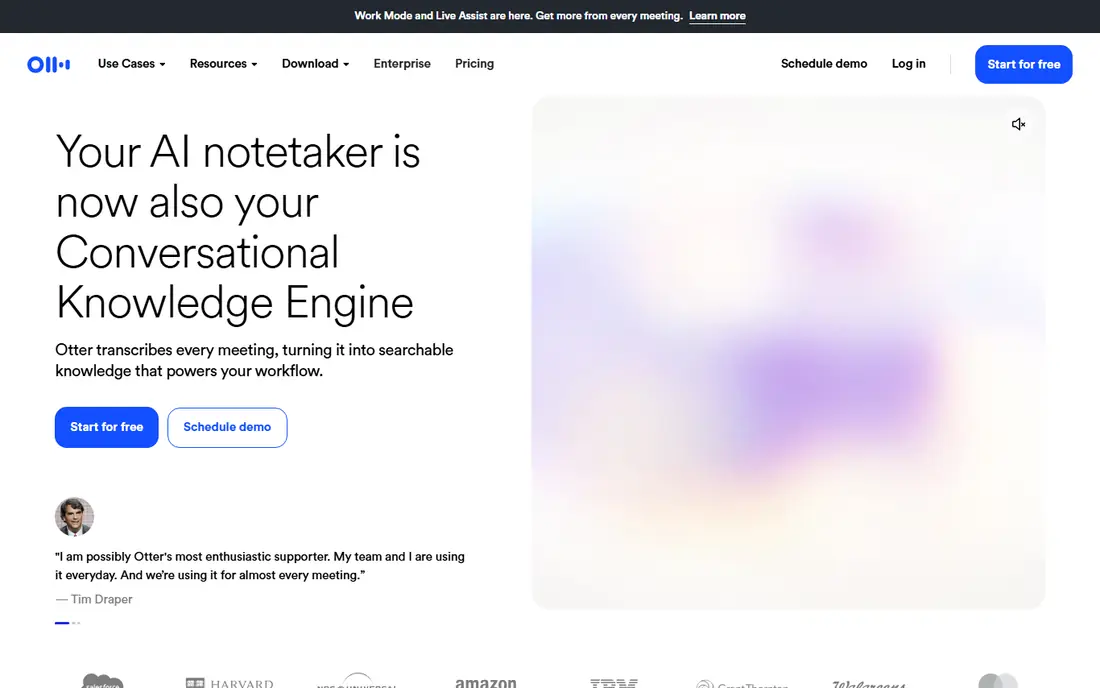
Otter.ai transcribes meetings in real time, identifies speakers, and generates summaries with action items that teams can search later. Its integrations with major video platforms make setup easy, and its mobile app supports in-person transcription too. For a full transcription replacement for Tactiq, Otter.ai is our pick for breadth.
Audio quality affects accuracy, so quiet speakers and background noise can cause errors. For consented meeting transcription with searchable notes, Otter.ai is a strong choice. Its free tier suits light meeting loads.
- Real-time transcription with speaker identification
- Summaries and action items
- Integrations with Zoom, Meet, and Teams
- Accuracy varies with audio quality
- Free tier limits monthly minutes
Fireflies.ai
Ideal for: Meeting notes and summaries
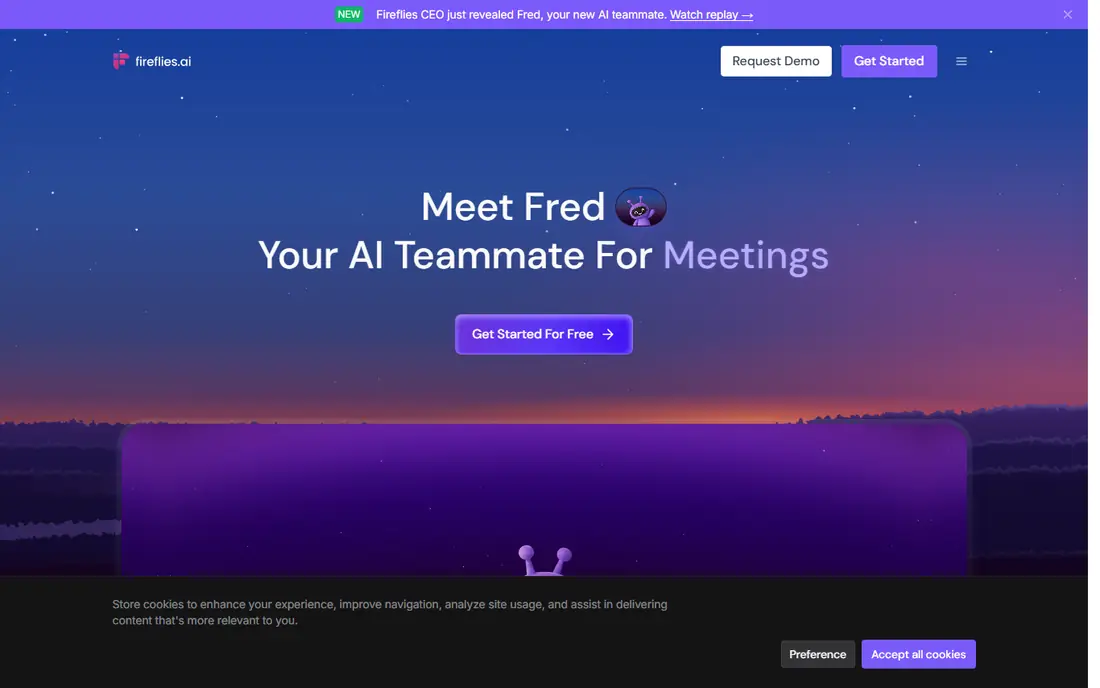
Fireflies.ai records and transcribes meetings, then produces searchable summaries, action items, and topic tracking. Sales and support teams use it to review calls, track topics, and push notes into CRMs. Its search across past meetings helps teams find decisions quickly.
Recording needs consent and platform bot rules, so inform participants before use. For consented meeting notes with CRM depth, Fireflies.ai is a strong pick. Its free tier covers basic meeting notes.
- Meeting recording with transcription, summaries, and search
- CRM integrations
- Topic and sentiment tracking
- Bot admission rules vary by platform
- Free tier limits storage
Fathom
Ideal for: Free meeting highlights
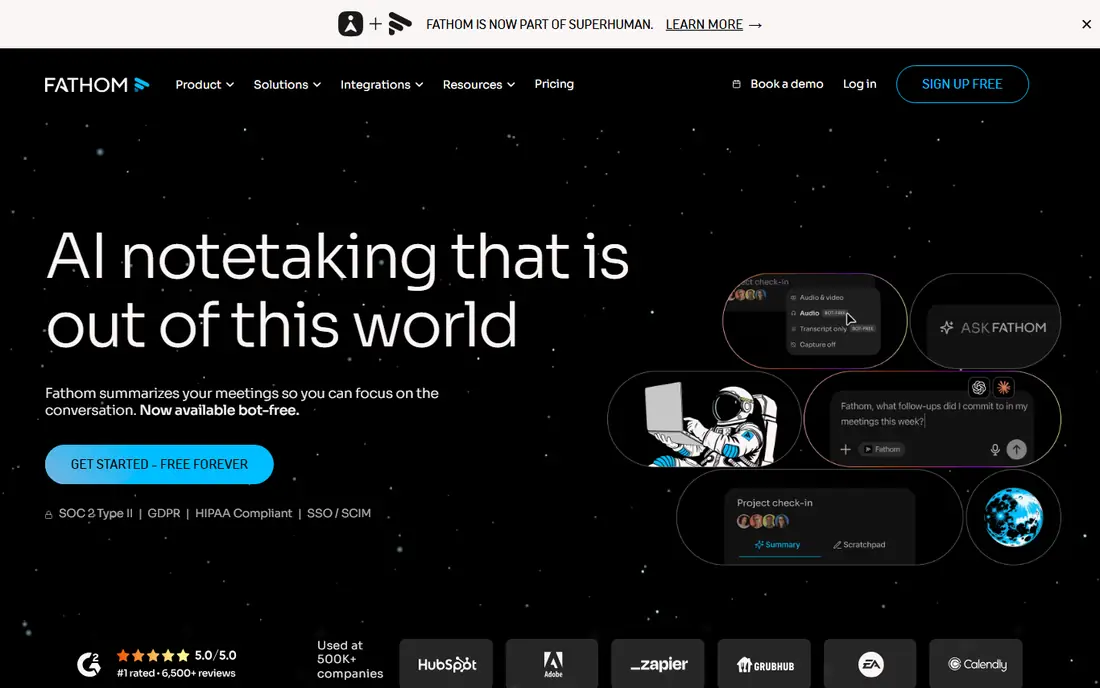
Fathom offers free meeting recording with one-click highlights, summaries, and action items for Zoom, Meet, and Teams. Users can mark key moments during a call and share them afterward, which suits teams that need highlights more than full transcripts. Its free tier is generous for individuals.
Advanced team features sit on paid plans. For a free, highlight-focused Tactiq alternative, Fathom is our pick for individuals and small teams. Check consent rules for your meetings before recording.
- Free meeting recording with instant highlights
- Summaries and action items
- Integrations with CRMs and Slack
- Free tier limits some advanced features
- Recording needs consent
tl;dv
Ideal for: Meeting recording and clips
tl;dv records meetings, adds timestamps and AI summaries, and lets users create shareable clips of key moments. Teams use clips to share decisions without sending a full recording, which saves time for absent colleagues. Integrations with CRMs and Slack push notes into workflows.
Free recording hours are limited, so heavy users need paid plans. For a team that shares meeting moments as clips, tl;dv is a strong pick. Trial it on your busiest meeting type first.
- Meeting recording with timestamps and clips
- AI summaries
- Integrations with CRMs and Slack
- Free tier limits recording hours
- Clip features need some learning
Notta
Ideal for: Multilingual transcription
Notta transcribes audio and video in many languages, with translation options that suit international teams. It handles meeting recordings, uploaded files, and live transcription, with summaries and export to docs. That language breadth sets it apart from English-focused tools.
Accuracy varies by language, accent, and audio quality, so verify important quotes. For a multilingual team that needs transcription and translation, Notta is a strong pick. Its free tier covers basic testing.
- Transcription in many languages with translation
- File and meeting transcription
- Summaries and export options
- Accuracy varies by language and audio quality
- Free tier limits minutes
Grain
Ideal for: Shareable meeting clips
Grain records meetings, lets users highlight key moments, and builds a searchable library of clips and notes. Teams share clips in Slack or Notion to spread decisions without long recordings. That clip-first approach suits product and sales teams that review calls often.
Adoption matters: clips help only if teammates actually create and share them. For a team that values shareable meeting moments, Grain is a good pick. Trial it with one team that meets often.
- Meeting recording with highlight clips and notes
- Searchable transcript library
- Integrations with Slack and Notion
- Clip workflow needs team adoption
- Pricing is per user
Supernormal
Ideal for: Meeting notes with action items
Supernormal produces meeting notes with summaries and action items, integrating with HubSpot, Notion, and Slack for follow-up. Its setup is simple, and its notes format suits teams that want clean, shareable summaries without a full transcript library. That simplicity appeals to busy managers.
It is smaller than Otter.ai or Fireflies.ai, so ecosystem depth is thinner. For clean meeting notes with action items, Supernormal is a practical pick. Trial it on your regular team meetings first.
- Meeting notes with action items and summaries
- Integrations with HubSpot, Notion, and Slack
- Simple setup
- Smaller vendor than Otter.ai
- Free tier is limited
How we picked these
We compared official feature pages, pricing pages, and public documentation, looking for meeting transcription, summary, or highlight features that match Tactiq. We favored tools that are actively maintained and work in October 2026, and we mixed full transcription suites with highlight tools. We did not claim hands-on testing, and we stress consent: inform participants before recording or transcribing any meeting.
We also weighed practical details that matter after signup. That included how easy each product is to set up, whether support answers promptly, and whether pricing stays clear as usage grows. We read user complaints as well as praise, since repeated complaints about billing, onboarding, or missing features often signal a real weakness. Where a product had a known limitation, we said so in its write-up rather than smoothing it over. Our goal was a shortlist that a reader can trust for tactiq alternatives, not a list of every vendor in the market. Readers with unusual needs should still test their top two choices, since fit depends on budget, team size, and the features used every day.
What to check before you choose
Start with your meeting platform: Zoom, Meet, or Teams support varies, and bot admission rules differ. Check whether the tool joins as a bot, uses a browser extension, or records locally, since that affects consent and IT approval. Also check language support if your team meets in several languages.
Next, test transcription accuracy on your real meetings, including accents, jargon, and background noise. Check summary quality too, since a neat summary that misses decisions is worse than a raw transcript. A trial week with your actual meetings will show whether notes save time or create extra review work.
Testing your shortlist before you commit
A short trial answers questions that no comparison table can settle. Sign up for your top two choices, run a real task from your own work, and watch how long it takes and where you get stuck. For tactiq alternatives, that real task might be a weekly workflow you repeat, a report you need every month, or a setup step your team must repeat for new members. If a tool slows that task down, it will cost time every week, no matter how good its feature list looks.
Pay attention to support during the trial as well. Send a question through the normal support channel and note how long a useful answer takes. Check billing clarity too: confirm what the trial includes, when it ends, and what the first paid invoice will actually show. A tool that is hard to cancel, or that hides fees until checkout, deserves caution.
Finally, ask who else on your team must use the tool. A product that only one person likes will stall, while a product the whole team adopts will pay for itself. Gather quick feedback from the people who will use it daily, compare their notes with your own, and then choose. That small amount of trial discipline prevents most bad purchases, and it costs far less than switching tools again in six months.
Budgeting the full cost, not just the headline price
Headline prices rarely tell the full story. Add up per-user fees, add-on charges, implementation help, and any training your team needs, then compare that total across your shortlist. A cheaper plan that needs three paid add-ons can end up costing more than a fuller plan from a rival. Check renewal terms as well, since introductory discounts often expire after the first term and the second year price is the one you will actually live with.
Think about exit costs too. Before you commit, confirm how your data exports, whether your content or history moves cleanly, and what happens if you pause or cancel. A tool with clean exports gives you freedom later, while a tool that locks data in makes switching painful. Choosing with the full cost and the exit path in mind keeps your tactiq alternatives decision sound for the long term, not just for the first month.
Frequently asked questions
What does Tactiq do?
Tactiq provides live transcription and AI-generated notes for Google Meet, Zoom, and Microsoft Teams meetings, with highlights and summaries for participants.
Which Tactiq alternative is best for free use?
Fathom and Otter.ai offer generous free tiers for meeting recording and transcription. Fathom suits highlights, while Otter.ai suits full transcripts.
Do I need consent to record meetings?
Yes, inform all participants before recording or transcribing, and follow company policy and local recording laws. Many tools show a recording notice automatically.
How accurate is meeting transcription?
Accuracy depends on audio quality, accents, and jargon, with most tools performing well on clear audio. Always review important quotes and action items before sharing notes.
Can meeting notes integrate with my CRM?
Yes, Fireflies.ai, Fathom, tl;dv, and Supernormal integrate with CRMs and tools such as Slack and Notion. Confirm your CRM during evaluation.