Best Teachable Alternatives in 2026: 8 Options Compared

- 1
 ThinkificBranded course schoolsVisit
- 2
 PodiaSimple all-in-one sellingVisit
- 3
 KajabiAll-in-one marketing and coursesVisit
- 4
 LearnWorldsInteractive course experiencesVisit
- 5
 Systeme.ioBudget all-in-one funnelsVisit
- Our pick for most people is Thinkific, because it covers the core needs of this category well without the highest price or the steepest learning curve.
- The cheapest way to start is often Podia or a free tier, but check what the free plan actually allows before you rely on it for daily work.
- Prices and free tiers change often, so confirm the current plan on the official site before you pay, especially for per-user and per-seat pricing.
- The best choice depends on your main use case, not on the longest feature list, so shortlist two options and trial them with a real task.
Quick comparison
| Product | Ideal for | Price from | Free version | |
|---|---|---|---|---|
| Thinkific | Branded course schools | $40 per month | Free trial | Visit |
| Podia | Simple all-in-one selling | $42 per month | Free trial | Visit |
| Kajabi | All-in-one marketing and courses | $143 per month | Free trial | Visit |
| LearnWorlds | Interactive course experiences | $24 per month | Free trial | Visit |
| Systeme.io | Budget all-in-one funnels | Free | Yes | Visit |
 Mighty Networks | Community plus courses | $79 per month | Free trial | Visit |
 LearnDash | WordPress course sites | $199 per year | Free trial | Visit |
 Udemy | Marketplace reach | Free to list | Yes | Visit |
The best teachable alternatives
We compared official feature pages, pricing pages, app store listings, privacy policies, and public reviews to build this list. Each option below is a real product that works today, with a clear strength and an honest trade-off, so you can match the choice to your budget and your main task. Use the comparison table to shortlist, then read the full entries for the options that fit your situation.
Thinkific
Ideal for: Branded course schools
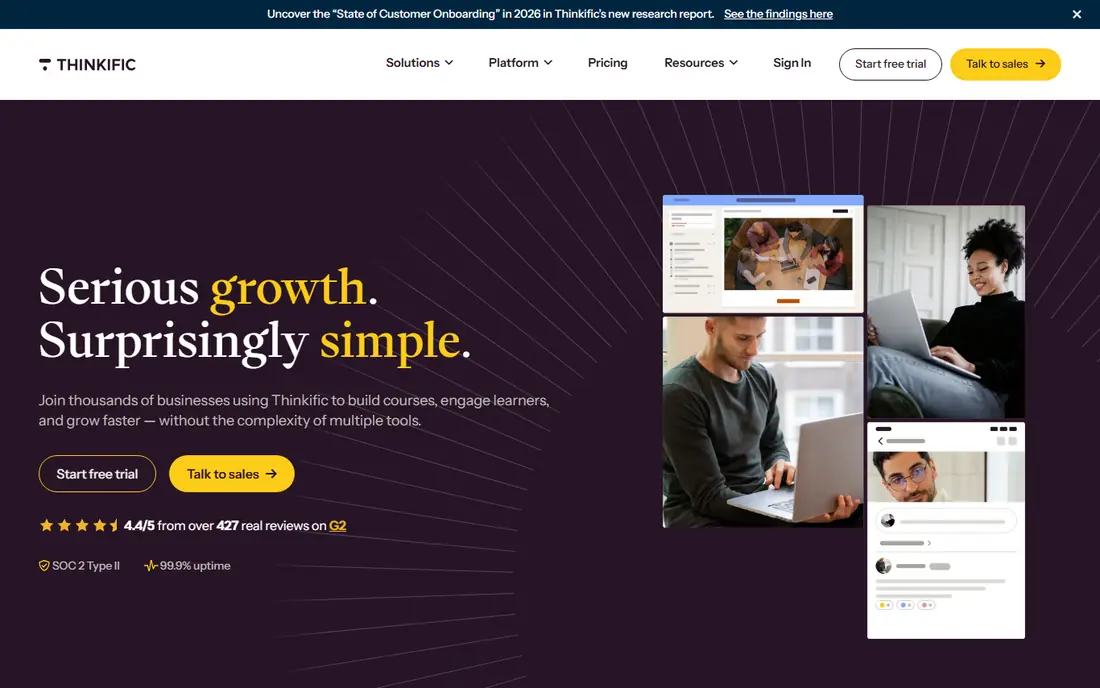
Thinkific is built around selling and delivering courses under your own brand, with lessons, quizzes, and student progress tracking in one place. It suits trainers who want a clean course site without stitching together several tools. For someone whose main need is branded course schools, that focus matters because it shapes the daily experience, from setup to the features you will actually use each week. On pricing, the starting point is $40 per month, with a free option listed as Free trial. That makes it worth checking the full pricing page before you commit, since the plan that looks cheapest can miss a feature you need, while a higher plan may include tools you would otherwise buy separately. The trade-off to weigh is this: higher plans needed for advanced features; design options take time to learn. If that trade-off does not block your main task, this option deserves a place on your shortlist, and a short trial with a real project will tell you more than any feature list.
- Course builder with good structure
- No transaction fee on its own payments
- Student community tools
- Higher plans needed for advanced features
- Design options take time to learn
Podia
Ideal for: Simple all-in-one selling

Podia keeps the setup short for solo creators who sell courses alongside downloads or coaching. You can publish a course, set a price, and start an email list without hiring a developer. For someone whose main need is simple all-in-one selling, that focus matters because it shapes the daily experience, from setup to the features you will actually use each week. On pricing, the starting point is $42 per month, with a free option listed as Free trial. That makes it worth checking the full pricing page before you commit, since the plan that looks cheapest can miss a feature you need, while a higher plan may include tools you would otherwise buy separately. The trade-off to weigh is this: entry plan carries a transaction fee; fewer advanced learning features than specialist platforms. If that trade-off does not block your main task, this option deserves a place on your shortlist, and a short trial with a real project will tell you more than any feature list.
- Courses, digital downloads, and coaching in one checkout
- Friendly setup
- Email tools included on higher plans
- Entry plan carries a transaction fee
- Fewer advanced learning features than specialist platforms
Kajabi
Ideal for: All-in-one marketing and courses
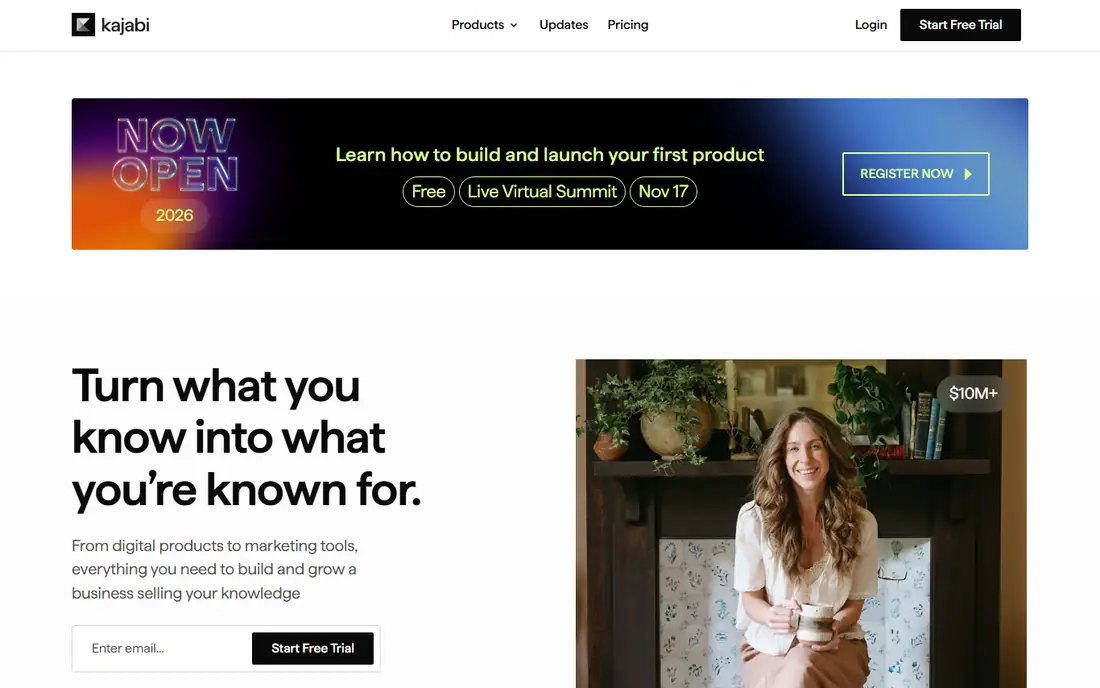
Kajabi combines course hosting with marketing pages, email, and automation, so a growing business can run most of its sales work in one place. It fits creators who already sell consistently and want fewer separate subscriptions. For someone whose main need is all-in-one marketing and courses, that focus matters because it shapes the daily experience, from setup to the features you will actually use each week. On pricing, the starting point is $143 per month, with a free option listed as Free trial. That makes it worth checking the full pricing page before you commit, since the plan that looks cheapest can miss a feature you need, while a higher plan may include tools you would otherwise buy separately. The trade-off to weigh is this: high starting price; more tool than a first course needs. If that trade-off does not block your main task, this option deserves a place on your shortlist, and a short trial with a real project will tell you more than any feature list.
- Built-in funnels, email, and course hosting
- Polished templates
- No transaction fee on its own payments
- High starting price
- More tool than a first course needs
LearnWorlds
Ideal for: Interactive course experiences
LearnWorlds focuses on how a course feels to a student, with interactive video, quizzes, and certificates. It suits schools and trainers who care about completion and engagement, not just publishing lessons. For someone whose main need is interactive course experiences, that focus matters because it shapes the daily experience, from setup to the features you will actually use each week. On pricing, the starting point is $24 per month, with a free option listed as Free trial. That makes it worth checking the full pricing page before you commit, since the plan that looks cheapest can miss a feature you need, while a higher plan may include tools you would otherwise buy separately. The trade-off to weigh is this: entry plan adds a fee per enrolment; pricing tiers can be hard to compare. If that trade-off does not block your main task, this option deserves a place on your shortlist, and a short trial with a real project will tell you more than any feature list.
- Interactive video and assessments
- Branded site and apps on higher plans
- SCORM support
- Entry plan adds a fee per enrolment
- Pricing tiers can be hard to compare
Systeme.io
Ideal for: Budget all-in-one funnels
Systeme.io is a low-cost way to test a course idea with funnels and email in the same account. It suits beginners who want to validate demand before paying for a specialist course platform. For someone whose main need is budget all-in-one funnels, that focus matters because it shapes the daily experience, from setup to the features you will actually use each week. On pricing, the starting point is Free, with a free option listed as Yes. That makes it worth checking the full pricing page before you commit, since the plan that looks cheapest can miss a feature you need, while a higher plan may include tools you would otherwise buy separately. The trade-off to weigh is this: course tools are simpler than specialist platforms; no certificates on basic plans. If that trade-off does not block your main task, this option deserves a place on your shortlist, and a short trial with a real project will tell you more than any feature list.
- Free starting tier
- Funnels, email, and courses together
- Low paid entry price
- Course tools are simpler than specialist platforms
- No certificates on basic plans
Mighty Networks
Ideal for: Community plus courses
Mighty Networks suits trainers who sell belonging as much as lessons, with discussion, events, and courses in one member space. It works well for cohorts and ongoing memberships. For someone whose main need is community plus courses, that focus matters because it shapes the daily experience, from setup to the features you will actually use each week. On pricing, the starting point is $79 per month, with a free option listed as Free trial. That makes it worth checking the full pricing page before you commit, since the plan that looks cheapest can miss a feature you need, while a higher plan may include tools you would otherwise buy separately. The trade-off to weigh is this: course tools are lighter than specialist platforms; price rises with member features. If that trade-off does not block your main task, this option deserves a place on your shortlist, and a short trial with a real project will tell you more than any feature list.
- Community, courses, and events together
- Member app options
- Good for cohorts
- Course tools are lighter than specialist platforms
- Price rises with member features
LearnDash
Ideal for: WordPress course sites
LearnDash turns a WordPress site into a course platform with quizzes, certificates, and drip-fed lessons. It suits owners who already run WordPress and want full control over design and data. For someone whose main need is wordpress course sites, that focus matters because it shapes the daily experience, from setup to the features you will actually use each week. On pricing, the starting point is $199 per year, with a free option listed as Free trial. That makes it worth checking the full pricing page before you commit, since the plan that looks cheapest can miss a feature you need, while a higher plan may include tools you would otherwise buy separately. The trade-off to weigh is this: needs wordpress hosting and setup; you manage updates and plugins. If that trade-off does not block your main task, this option deserves a place on your shortlist, and a short trial with a real project will tell you more than any feature list.
- Full control on WordPress
- Quizzes, certificates, and drip content
- One-time style pricing per site
- Needs WordPress hosting and setup
- You manage updates and plugins
Udemy
Ideal for: Marketplace reach
Udemy is a marketplace rather than your own school, so learners can discover your course without you driving all the traffic. It suits trainers who want reach first and accept marketplace rules on pricing. For someone whose main need is marketplace reach, that focus matters because it shapes the daily experience, from setup to the features you will actually use each week. On pricing, the starting point is Free to list, with a free option listed as Yes. That makes it worth checking the full pricing page before you commit, since the plan that looks cheapest can miss a feature you need, while a higher plan may include tools you would otherwise buy separately. The trade-off to weigh is this: marketplace pricing and discounts limit your control; revenue share on marketplace sales. If that trade-off does not block your main task, this option deserves a place on your shortlist, and a short trial with a real project will tell you more than any feature list.
- Huge built-in audience
- No monthly platform fee
- Simple publishing
- Marketplace pricing and discounts limit your control
- Revenue share on marketplace sales
How we picked these
We compared official feature pages and pricing pages, app store listings where relevant, privacy policies, and public reviews, and we only listed products that exist and work today and truly fit the topic. We mixed well-known leaders with strong smaller options, and we favoured products with clear pricing, clear free-tier terms, and a clear audience, rather than tools that try to cover every use case at once. We did not claim hands-on testing that did not happen. Instead, we weighed what each product is built for, who it fits best, what it costs to start, and where it falls short, so the pros and cons reflect real trade-offs you will meet in daily use. If a price could not be verified from an official source, we listed it as See website rather than guessing.
What to check before you choose
Start by listing what you must have: your own domain, certificates, live classes, community, or a marketplace audience. Then check transaction fees on the entry plan, because a small percentage can outweigh a low monthly price once sales grow. Trial the checkout as a student before you commit, and check how easy it is to export your student list and content if you later move. Also check support options, since help quality matters when something goes wrong at a busy moment. Look for clear documentation, a responsive support channel, and a way to export your data if you later switch. A tool that is easy to leave is often easier to trust, because you are not locked in by your own files. Finally, trial with a real task, not just a demo. Set up the exact workflow you will use, invite the people who will use it, and test on the devices you own. A week of real use reveals friction that a feature list hides, and it gives you a fair basis to compare your top two options before you pay.
Frequently asked questions
What is the best alternative to Teachable for beginners?
Podia and Systeme.io are the easiest starting points for a first course, while Thinkific gives more course structure once you have a clear curriculum. Pick the one whose checkout and lesson layout you find easiest to use in the trial.
Do Teachable alternatives charge transaction fees?
Some do on entry plans and some do not, and the fee often changes with the payment processor you choose. Read the pricing page carefully and work out the fee on your expected sales before comparing monthly prices.
Can I move my courses from Teachable?
Most platforms support importing video and text content, but quizzes, certificates, and student progress rarely transfer cleanly. Plan to rebuild assessments and re-check every lesson after import.
Is Kajabi worth the higher price?
It can be if you already use its email, funnels, and course tools together and would otherwise pay for several subscriptions. For a single first course, a cheaper specialist platform usually makes more sense.