Best Terapeak Alternatives in 2026: 7 eBay Research Tools Compared

- 1
 Zik AnalyticseBay product researchVisit
- 2
 ShelfTrendeBay market analyticsVisit
- 3
 InkfrogeBay listing and inventory toolsVisit
- 4
 WorthPointCollectibles pricing historyVisit
- 5
 WatchCountLive eBay trackingVisit
- Zik Analytics and ShelfTrend give the closest match to Terapeak for eBay product and keyword research.
- Inkfrog suits sellers who want listing templates and inventory tools beside research.
- WorthPoint helps sellers who deal in collectibles and antiques with historical pricing.
- WatchCount and Algopix add live eBay tracking and cross-marketplace price checks.
- Always compare sold-item data, not just listed prices, before sourcing stock.
Quick comparison
| Product | Ideal for | Price from | Free version | |
|---|---|---|---|---|
| Zik Analytics | eBay product research | See website | Free trial | Visit |
| ShelfTrend | eBay market analytics | See website | Free trial | Visit |
| Inkfrog | eBay listing and inventory tools | See website | Free trial | Visit |
| WorthPoint | Collectibles pricing history | See website | Free trial | Visit |
| WatchCount | Live eBay tracking | Free | Yes | Visit |
 Algopix | Cross-marketplace pricing | See website | Free trial | Visit |
 SaleHoo | Supplier directory | See website | Free trial | Visit |
The best Terapeak alternatives
Terapeak, now part of eBay Seller Hub, shows sold-item data, pricing trends, and category insights for eBay sellers. The tools below cover similar ground, from deep eBay analytics to supplier research. We compared official feature pages, pricing pages, and public seller guides.
Zik Analytics
Ideal for: eBay product research
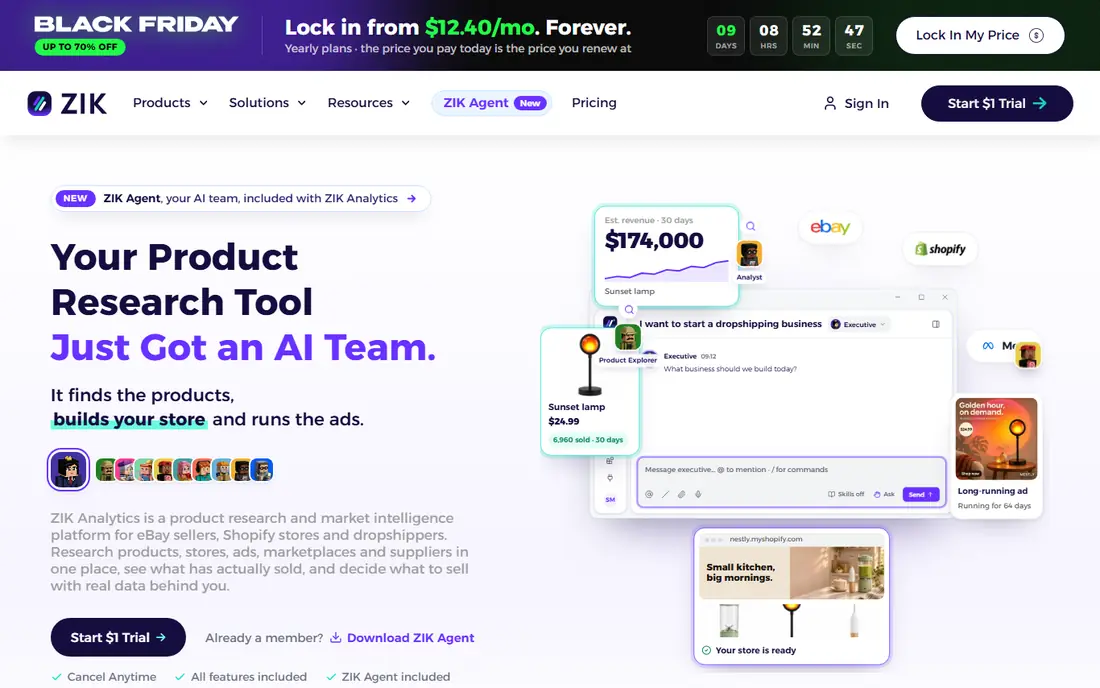
Zik Analytics is the most direct Terapeak replacement for many eBay sellers. It surfaces winning products, analyzes competitor listings, and shows title and keyword ideas drawn from eBay data. Sellers can filter by category, price, and sales history to shortlist items before buying stock.
The tool leans hard into eBay, so multi-marketplace sellers may still need another dashboard. For a seller whose main channel is eBay, that focus is a strength. Zik Analytics is our pick for most eBay sellers who want a single research hub.
- EBay product, title, and competitor research in one dashboard
- Market insights by category
- Dropshipping research tools
- EBay focus means less help for Amazon or Shopify sellers
- Learning curve for new sellers
ShelfTrend
Ideal for: eBay market analytics
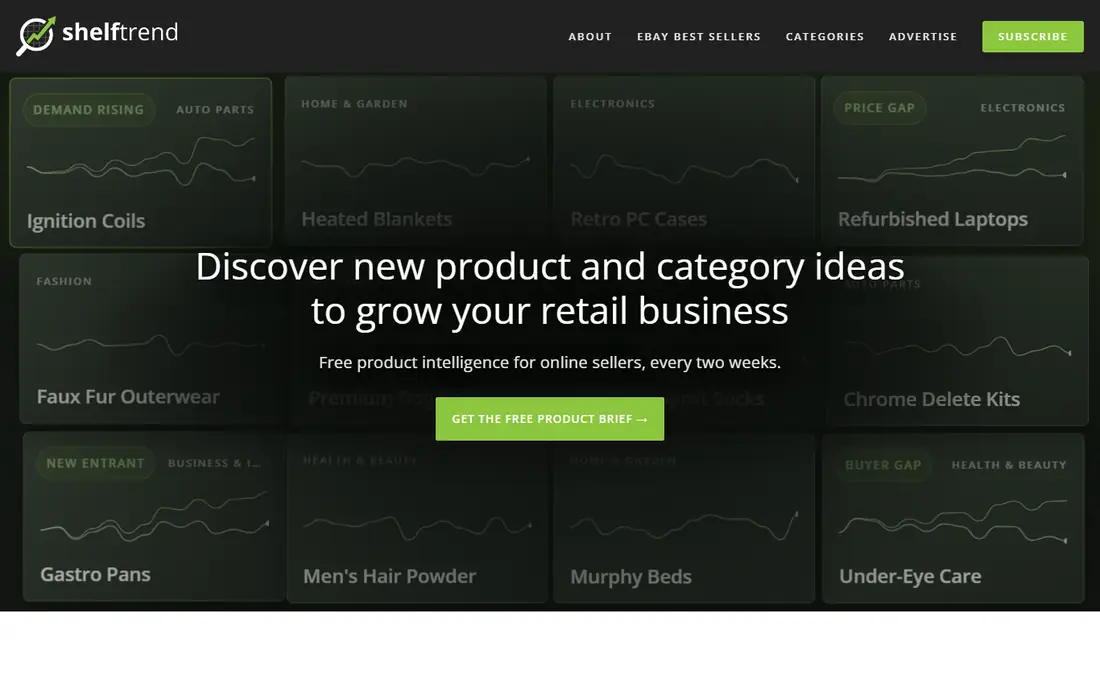
ShelfTrend focuses on eBay market data: what sold, at what price, and how demand moved over time. Sellers can track competitors, follow keywords, and spot rising categories before they saturate. Its reports suit sellers who plan inventory around data rather than hunches.
It does not try to be a supplier directory or a listing tool, so buyers may pair it with sourcing help elsewhere. For analytics-first sellers, that narrow focus keeps the dashboard clear. ShelfTrend suits experienced sellers who already know how to source and want sharper market reads.
- Detailed eBay sold data and category trends
- Competitor and keyword tracking
- Clean reporting dashboards
- Smaller feature set outside eBay analytics
- Pricing is subscription based
Inkfrog
Ideal for: eBay listing and inventory tools
Inkfrog helps eBay sellers create professional listings with templates, manage inventory, and process orders from one dashboard. Bulk listing tools save time for sellers with many items, and its design options help listings stand out in search results. That selling-side strength complements research tools rather than replacing them.
Sellers who need deep sold-item analytics should pair Inkfrog with Zik Analytics or ShelfTrend. For a seller who wants better listings and smoother order handling, Inkfrog is a practical pick. Trial it with a batch of real listings to judge template quality.
- EBay listing templates and design tools
- Inventory and order management
- Bulk listing features
- Listing focus means less deep market research than Zik Analytics
- Learning curve for template design
WorthPoint
Ideal for: Collectibles pricing history
WorthPoint serves a different seller: the antiques, vintage, and collectibles dealer who needs to know what an item sold for years ago. Its price database draws on auction and marketplace sales, and its reference library helps identify marks and makers. For estate-sale and thrift sellers, that history is hard to replace.
For new electronics or fashion, WorthPoint adds little. But if your stock is vintage, a WorthPoint check before listing can prevent underpricing rare items. It is the best pick on this list for collectibles research specifically.
- Large historical price database for antiques and collectibles
- Library of marks and reference guides
- Auction price history
- Less useful for new retail products
- Subscription needed for full price data
WatchCount
Ideal for: Live eBay tracking
WatchCount offers free eBay tools that show most-watched items, popular searches, and live listing data. Watcher counts act as a rough demand signal, helping sellers see which items attract attention before they commit money. It is a handy free starting point for quick checks.
It will not replace a full research suite, and its reports stay fairly simple. Pair it with a paid tool for sourcing decisions, or use it alone for casual selling. For a free first look at eBay demand, WatchCount is hard to beat.
- Free tools for popular and watched eBay items
- Search by watcher counts
- Useful for spotting demand signals
- Limited deep analytics
- Interface is basic compared with paid tools
Algopix
Ideal for: Cross-marketplace pricing
Algopix helps sellers who list on more than one marketplace. Enter a product identifier and it returns prices, fees, and estimated profit across major marketplaces, which helps decide where to list and at what price. Bulk analysis suits sellers reviewing a catalog rather than one item at a time.
Pure eBay sellers may prefer deeper eBay data from Zik Analytics or ShelfTrend. For multi-channel sellers, though, Algopix prevents pricing mistakes across sites. It is a practical second tool for sellers expanding beyond eBay.
- Compares prices across eBay, Amazon, and Walmart
- Estimates fees and profit margins
- Bulk product analysis
- EBay depth is thinner than eBay-only tools
- Best for sellers on multiple marketplaces
SaleHoo
Ideal for: Supplier directory
SaleHoo is best known as a supplier directory, with vetted wholesalers and dropship suppliers beside product research tools. Sellers can search suppliers by product type, check market demand, and connect with other sellers in its community. That combination suits sellers who struggle most with sourcing.
It is not a deep eBay analytics platform, so pair it with sold-data research before buying stock. For sellers who want a trusted supplier starting point, SaleHoo remains a well-known option. Check current pricing on its site, since plans change.
- Vetted supplier directory with research tools
- Market research lab for product ideas
- Active seller community
- Directory quality varies by niche
- Annual plans are the main option
How we picked these
We compared official feature pages, pricing pages, and public seller guides, looking for tools that cover sold-item data, keyword research, competitor tracking, or supplier sourcing for eBay sellers. We favored tools that are actively maintained and work in October 2026, and we mixed analytics tools with sourcing directories. We did not claim hands-on testing, and we note that marketplace data changes daily, so verify figures inside each tool before buying stock.
We also weighed practical details that matter after signup. That included how easy each product is to set up, whether support answers promptly, and whether pricing stays clear as usage grows. We read user complaints as well as praise, since repeated complaints about billing, onboarding, or missing features often signal a real weakness. Where a product had a known limitation, we said so in its write-up rather than smoothing it over. Our goal was a shortlist that a reader can trust for terapeak alternatives, not a list of every vendor in the market. Readers with unusual needs should still test their top two choices, since fit depends on budget, team size, and the features used every day.
What to check before you buy a research tool
Start with sold data, not listed prices. A tool that shows what items actually sold for, and how often, is worth more than one that lists asking prices. Check whether data covers your categories and regions, since some tools are stronger in US eBay data than elsewhere. Also confirm how fresh the data is, because stale figures lead to bad buys.
Next, match the tool to your stage. Beginners may value supplier access and guides, while experienced sellers need competitor tracking and keyword depth. Use free trials to run your own real product searches, and compare the results with eBay Seller Hub data you already have. A tool that saves one bad inventory buy often pays for itself.
Testing your shortlist before you commit
A short trial answers questions that no comparison table can settle. Sign up for your top two choices, run a real task from your own work, and watch how long it takes and where you get stuck. For terapeak alternatives, that real task might be a weekly workflow you repeat, a report you need every month, or a setup step your team must repeat for new members. If a tool slows that task down, it will cost time every week, no matter how good its feature list looks.
Pay attention to support during the trial as well. Send a question through the normal support channel and note how long a useful answer takes. Check billing clarity too: confirm what the trial includes, when it ends, and what the first paid invoice will actually show. A tool that is hard to cancel, or that hides fees until checkout, deserves caution.
Finally, ask who else on your team must use the tool. A product that only one person likes will stall, while a product the whole team adopts will pay for itself. Gather quick feedback from the people who will use it daily, compare their notes with your own, and then choose. That small amount of trial discipline prevents most bad purchases, and it costs far less than switching tools again in six months.
Budgeting the full cost, not just the headline price
Headline prices rarely tell the full story. Add up per-user fees, add-on charges, implementation help, and any training your team needs, then compare that total across your shortlist. A cheaper plan that needs three paid add-ons can end up costing more than a fuller plan from a rival. Check renewal terms as well, since introductory discounts often expire after the first term and the second year price is the one you will actually live with.
Think about exit costs too. Before you commit, confirm how your data exports, whether your content or history moves cleanly, and what happens if you pause or cancel. A tool with clean exports gives you freedom later, while a tool that locks data in makes switching painful. Choosing with the full cost and the exit path in mind keeps your terapeak alternatives decision sound for the long term, not just for the first month.
Frequently asked questions
Is Terapeak still available?
Terapeak research features were folded into eBay Seller Hub for eligible sellers. Many sellers still use third-party tools for deeper competitor and keyword data, which is where the options on this list fit.
What is the best free Terapeak alternative?
WatchCount offers free eBay tracking tools, and eBay Seller Hub includes basic research for sellers. For deep analytics, paid tools such as Zik Analytics and ShelfTrend offer trials worth testing.
How do I pick a winning eBay product?
Look for steady sold listings, a healthy sell-through rate, and a margin after fees and shipping. Avoid items with many identical competing listings unless you can differentiate on price, bundle, or condition.
Do these tools work for Amazon sellers too?
Algopix and SellHoo cover multiple marketplaces, while Zik Analytics and ShelfTrend focus on eBay. Check each tool's marketplace coverage before subscribing if you sell on more than one site.
How reliable is eBay research data?
Sold-item data is a strong signal, but demand shifts with seasons, trends, and supply. Treat research as guidance, start with small test orders, and track your own sales before scaling up.