Best Tidio Alternatives in 2026: 8 Options Compared

- Intercom and Zendesk are the most complete platforms, with chat, helpdesk and automation for growing teams.
- LiveChat and Crisp offer strong chat-focused tools with good value for small and mid-size teams.
- Drift suits B2B teams that use chat for sales conversations and lead qualification.
- HubSpot, Freshchat and Tawk.to cover CRM-connected chat, helpdesk chat and free chat respectively.
Quick comparison
| Product | Ideal for | Price from | Free version | |
|---|---|---|---|---|
 Intercom | complete customer messaging | See website | Free trial | Visit |
 Zendesk | helpdesk with live chat | See website | Free trial | Visit |
 LiveChat | chat-focused support tool | See website | Free trial | Visit |
 Crisp | modern chat with shared inbox | See website | Yes | Visit |
 Drift | conversational sales chat | See website | Free trial | Visit |
 HubSpot | chat connected to CRM | See website | Yes | Visit |
 Freshchat | helpdesk chat from Freshworks | See website | Free trial | Visit |
 Tawk.to | free live chat | Free | Yes | Visit |
The best Tidio Alternatives
Here are our picks for the best tidio alternatives, covering a mix of well-known leaders and strong smaller options. We compared official feature pages, pricing pages, app-store listings, privacy policies and public reviews to build this list.
Intercom
Ideal for: complete customer messaging
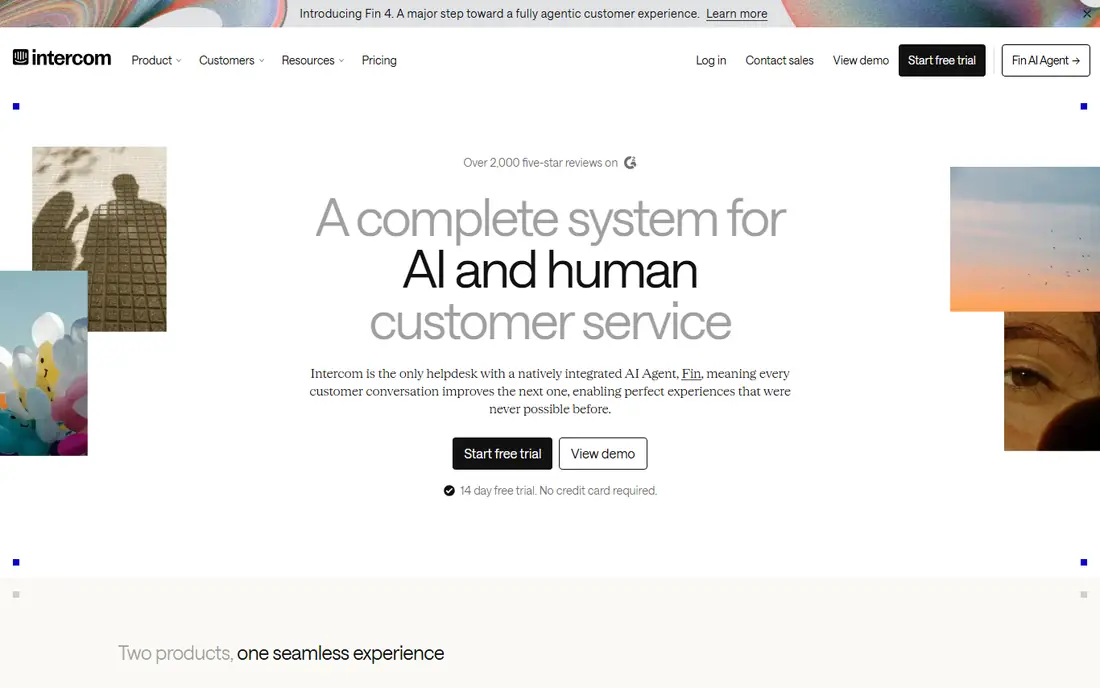
Intercom is the most complete customer messaging platform here, with live chat, bots, help centre and outbound messaging in one system. Growing teams value its automation, segmentation and integrations, which support both support and sales conversations.
Pricing is higher than chat-only tools, and the platform takes time to configure well. Smaller teams may find it more than they need. For a team outgrowing basic chat, Intercom is the standard upgrade.
Bottom line: Intercom suits complete customer messaging best. Its strongest point is rich messaging platform, while the main drawback to weigh is higher price. Check the current pricing page before deciding, since plans and limits change.
- Rich messaging platform
- Automation and bots
- Strong integrations
- Higher price
- Complexity for small teams
Zendesk
Ideal for: helpdesk with live chat
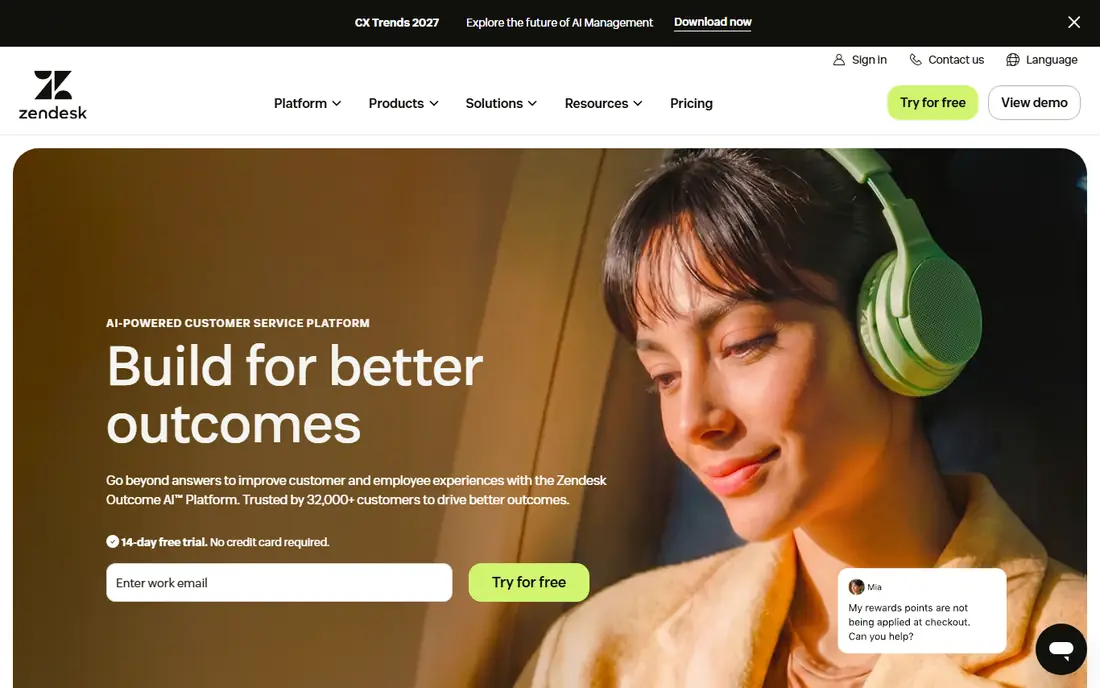
Zendesk combines a full helpdesk with live chat, so support teams can manage tickets, chat and knowledge base content in one place. Reporting is strong, and the app marketplace covers most integrations a support team needs.
Pricing rises as features are added, and full setup takes time. For teams that need helpdesk depth plus chat, Zendesk is a leading platform.
Bottom line: Zendesk suits helpdesk with live chat best. Its strongest point is full helpdesk plus chat, while the main drawback to weigh is pricing rises with features. Check the current pricing page before deciding, since plans and limits change.
- Full helpdesk plus chat
- Strong reporting
- Large app marketplace
- Pricing rises with features
- Setup takes time
LiveChat
Ideal for: chat-focused support tool
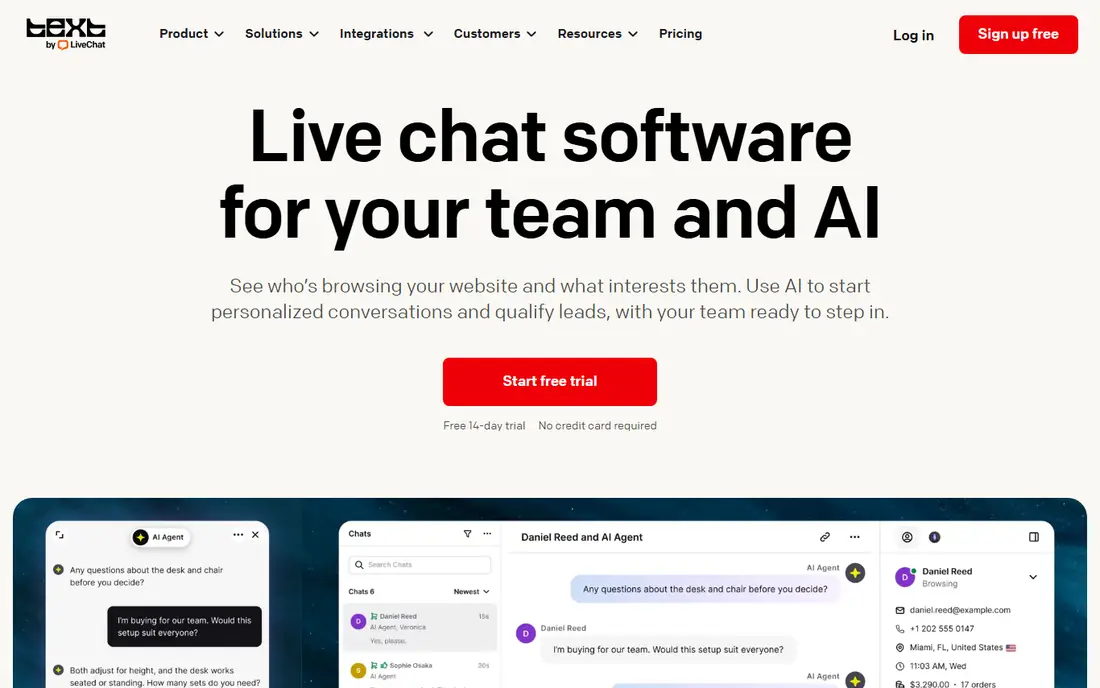
LiveChat is a chat-focused tool built for speed and reliability, with agent tools like canned responses, chat routing and visitor tracking. Ecommerce integrations help stores assist shoppers in real time, and the interface is polished for daily agent use.
It focuses on chat rather than full helpdesk ticketing, so teams that need deep ticket management may pair it with another tool. Pricing is per agent. For dedicated live chat, LiveChat is a top pick.
Bottom line: LiveChat suits chat-focused support tool best. Its strongest point is fast, reliable chat, while the main drawback to weigh is chat focused, so helpdesk features are thinner. Check the current pricing page before deciding, since plans and limits change.
- Fast, reliable chat
- Good agent tools
- Ecommerce integrations
- Chat focused, so helpdesk features are thinner
- Pricing per agent
Crisp
Ideal for: modern chat with shared inbox
Crisp offers modern live chat with a shared inbox, clean interface and a free tier for small teams. Setup is quick, the widget looks good on websites, and paid plans add automation, knowledge base and integrations.
Advanced automation needs paid plans, and the free tier limits history. For a modern, affordable chat tool, Crisp is a strong Tidio alternative.
Bottom line: Crisp suits modern chat with shared inbox best. Its strongest point is clean interface, while the main drawback to weigh is advanced automation needs paid plans. Check the current pricing page before deciding, since plans and limits change.
- Clean interface
- Shared inbox
- Free tier available
- Advanced automation needs paid plans
- History limits on free tier
Drift
Ideal for: conversational sales chat
Drift is built for B2B sales conversations, with chatbots that qualify visitors, route them to the right rep and book meetings. Sales teams use it to turn website traffic into pipeline, rather than just answering support questions.
Support features are thinner than in Zendesk or Intercom, and larger plans are quoted. For B2B sales chat, Drift is a specialised and effective choice.
Bottom line: Drift suits conversational sales chat best. Its strongest point is sales-focused chatbots, while the main drawback to weigh is sales focus means support features are thinner. Check the current pricing page before deciding, since plans and limits change.
- Sales-focused chatbots
- Lead qualification
- Meeting booking
- Sales focus means support features are thinner
- Pricing is quoted for larger plans
HubSpot
Ideal for: chat connected to CRM
HubSpot offers free live chat connected to its free CRM, which suits teams that want conversations tied to contact records. Tickets, knowledge base and reporting come with the free tools, and setup is guided step by step.
Advanced automation and routing need paid tiers, and the wider ecosystem can feel large. For CRM-connected chat at no starting cost, HubSpot is a strong option.
Bottom line: HubSpot suits chat connected to CRM best. Its strongest point is free chat and CRM, while the main drawback to weigh is advanced automation needs paid tiers. Check the current pricing page before deciding, since plans and limits change.
- Free chat and CRM
- Tickets and knowledge base
- Guided setup
- Advanced automation needs paid tiers
- Ecosystem is large
Freshchat
Ideal for: helpdesk chat from Freshworks
Freshchat, part of Freshworks, offers live chat with bots and messaging across channels, integrating with Freshdesk for ticket management. Support teams that use Freshworks products get a joined-up experience, and the chat widget is modern.
Advanced features need higher tiers, and standalone chat depth varies by plan. For Freshworks users and support teams, Freshchat is a natural choice.
Bottom line: Freshchat suits helpdesk chat from Freshworks best. Its strongest point is chat with bots, while the main drawback to weigh is advanced features need higher tiers. Check the current pricing page before deciding, since plans and limits change.
- Chat with bots
- Freshdesk integration
- Good for support teams
- Advanced features need higher tiers
- Standalone chat depth varies
Tawk.to
Ideal for: free live chat
Tawk.to offers live chat free with no per-agent fees, which makes it the budget pick on this list. Small businesses can add chat, answer from mobile apps and manage basic tickets without a monthly bill.
Branding appears unless you pay to remove it, and automation is basic compared with paid rivals. For free live chat, Tawk.to is unmatched on price.
Bottom line: Tawk.to suits free live chat best. Its strongest point is free with no per-agent fees, while the main drawback to weigh is branding unless you pay to remove it. Check the current pricing page before deciding, since plans and limits change.
- Free with no per-agent fees
- Mobile apps
- Basic ticketing
- Branding unless you pay to remove it
- Automation is basic
How we picked these
We started from the original product and what people use it for, then compared official feature pages, pricing pages, app-store listings, privacy policies and public reviews for each candidate. We kept only products that exist, work in October 2026 and genuinely fit the topic, and we left out products that were discontinued, unrelated or too thin to recommend.
We weighed fit for the topic first, then price and free options, ease of setup and the honest downsides that show up in reviews and documentation. Prices are given as listed on the vendor's own site where we could verify them, and we wrote See website where a price was quoted, unclear or likely to change by plan.
We also left out products that no longer exist, that have been folded into a different product, or that only partly fit the topic. A longer list would have been easier to write, but a list padded with poor fits helps nobody choose, so we kept the list to products we can genuinely recommend for this use.
How to choose a live chat tool
Start with the job chat must do. Support chat, sales chat and lead capture each need different features, from canned replies to qualification bots. A support-focused tool will frustrate a sales team, and vice versa.
Next, check chatbot and automation options. Basic bots answer common questions, while advanced bots qualify leads and route conversations. Match the bot depth to your volume, since a complex bot is wasted on ten chats a day.
Finally, check the total cost at your chat volume. Many tools charge per agent or per conversation, and costs rise with both. Price the plan for your real agent count and monthly chat volume before committing.
Run a real trial before you pay. Sign up for the free tier or trial, connect it to a real project, and test the exact tasks you do every week rather than the demo workflow. Check how long setup takes, how clear the reporting is and how quickly support replies, since those details decide whether a tool survives past the first month.
Plan the switch, not just the signup. Export your data from the old tool, check what imports cleanly and what must be rebuilt by hand, and keep the old system running until the new one has handled real work. A short overlap period avoids lost data and gives your team time to learn the new workflow.
Frequently asked questions
What is Tidio used for?
Tidio is a live chat and chatbot platform for websites, combining live chat with automated chatbots that answer common questions and capture leads. It is popular with small businesses and ecommerce stores.
What is the best Tidio alternative?
Crisp and LiveChat are the closest chat-focused alternatives, while Intercom and Zendesk suit larger teams. Tawk.to is the best free option, and HubSpot suits teams that want chat connected to a CRM.
Is there a free Tidio alternative?
Tawk.to offers free live chat, and Crisp and HubSpot offer free tiers with limits. Full chatbot automation usually needs a paid plan on any platform.
Do chat tools work for ecommerce?
Yes. LiveChat, Crisp and Intercom all offer ecommerce integrations, product recommendations and cart recovery features that help stores convert visitors. Check the integration for your store platform.
Can chatbots replace live agents?
For common questions, bots help a lot, but complex issues still need humans. The best setup uses bots for routine questions and hands over to agents smoothly when a conversation needs a person.
Can I try these options before paying?
Yes, in most cases. Nearly every option on this list offers a free tier or a free trial, and we note that in the comparison table and in each product block. Use the trial for real work rather than a quick look, and check the renewal price before the trial ends so there are no surprises.