Best TinyMCE Alternatives in 2026: 7 Editors Compared

- CKEditor is our pick for most teams that need a polished, full-featured editor with strong collaboration and support.
- Tiptap suits modern web teams that want a headless, framework-friendly editor they can shape completely.
- Quill suits teams that want a simple, free editor for basic rich text without heavy setup.
- Froala, ProseMirror, Lexical, and Slate cover commercial polish, deep customization, and framework-specific needs.
- Always test pasting, images, tables, and mobile behavior with your real content before committing.
Quick comparison
| Product | Ideal for | Price from | Free version | |
|---|---|---|---|---|
 CKEditor | Full-featured commercial editor | See website | Free trial | Visit |
 Quill | Simple free rich text | Free | Yes | Visit |
 Froala | Polished commercial editor | See website | Free trial | Visit |
 ProseMirror | Deep custom document editing | Free | Yes | Visit |
 Tiptap | Headless modern editor | See website | Free trial | Visit |
 Lexical | Framework-friendly editing | Free | Yes | Visit |
 Slate | Fully custom React editing | Free | Yes | Visit |
The best TinyMCE alternatives
TinyMCE is a widely used rich text editor for web apps, so a good replacement needs clean content output, solid formatting tools, and a fit for your framework and license needs. We compared official feature pages, documentation, pricing pages, and public reviews, focusing on editing features, customization, framework support, licensing, and support.
CKEditor
Ideal for: Full-featured commercial editor
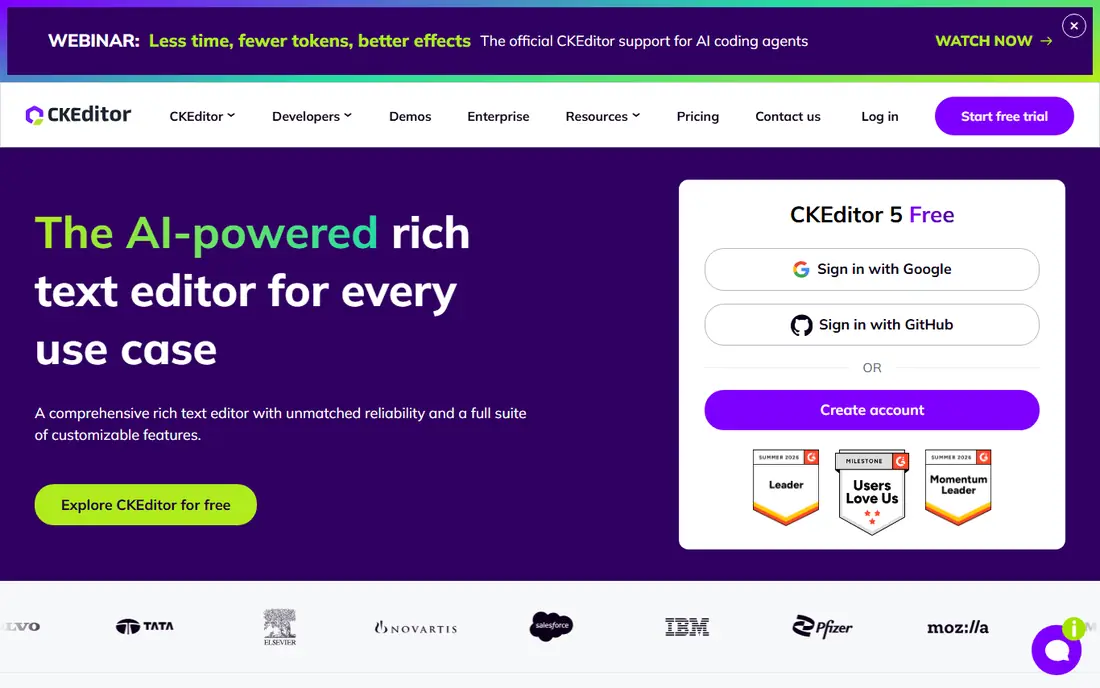
CKEditor is the most direct TinyMCE replacement for teams that want a complete, supported editor. Version 5 offers rich formatting, tables, images, media embeds, and collaboration features such as comments, track changes, and real-time editing, with integrations for major frameworks. Its paste handling from Word and Google Docs is a practical strength for content teams.
Commercial licensing is the main cost. Full features and support need a paid plan, and the bundle is larger than a minimal editor. For products where editing is core to the experience and support matters, CKEditor is our top pick.
- Polished editing and collaboration
- Strong paste and table tools
- Commercial support
- Commercial licensing costs for full features
- Larger bundle than minimal editors
Quill
Ideal for: Simple free rich text
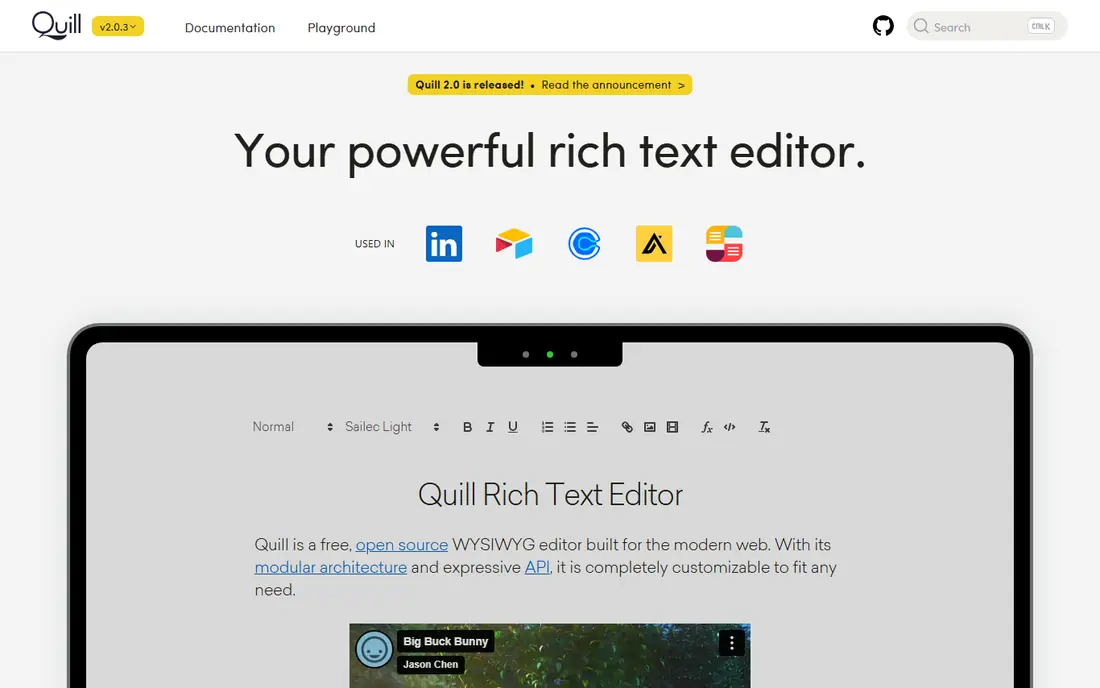
Quill is a free, open source editor built around a clean API and a modular design. It covers bold, italic, lists, links, images, and embeds well, with themes that make it easy to match your product design. Teams that need basic rich text without a large bundle often choose Quill first.
Advanced features such as tables, collaboration, and complex document structures need custom modules or other tools. For blogs, comments, notes, and simple content fields, Quill is fast, free, and easy to maintain.
- Free and open source
- Simple API
- Easy to theme and extend
- Fewer built-in features than CKEditor
- Advanced needs require custom modules
Froala
Ideal for: Polished commercial editor
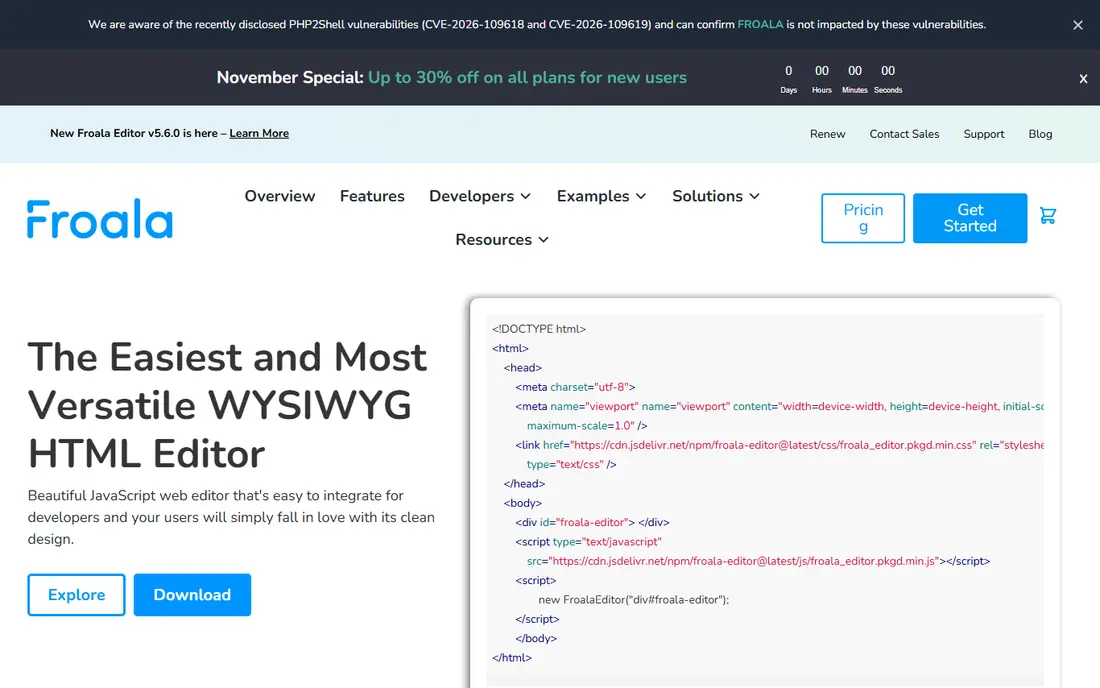
Froala is a polished commercial editor known for clean design and fast performance. It offers rich formatting, tables, images, video, and a plugin system, with support for major frameworks and a straightforward API. Products that want an editor that looks good out of the box often shortlist Froala alongside CKEditor.
A commercial license is required for full production use, and some advanced features sit on higher tiers. For teams that value design polish and are comfortable with commercial licensing, Froala is a strong TinyMCE replacement.
- Clean design and fast performance
- Rich formatting and media tools
- Good framework support
- Commercial license required for full use
- Some advanced features need higher tiers
ProseMirror
Ideal for: Deep custom document editing
ProseMirror is a toolkit for building rich text editors on a precise document model, rather than a drop-in editor. That design makes it ideal for structured documents, collaborative editing, comments, and custom schemas where content rules matter. Many well-known editors, including Tiptap, build on ProseMirror.
The trade-off is effort. ProseMirror gives you building blocks, not a finished editor, so teams need engineering time to design the interface and features. For products with unusual document needs and skilled developers, ProseMirror offers unmatched control.
- Free and open source
- Precise document model
- Excellent for custom structured editing
- Toolkit, not a ready editor
- Needs real engineering effort to build a full product
Tiptap
Ideal for: Headless modern editor
Tiptap wraps ProseMirror in a modern, headless editor that teams can shape completely. Its extension system covers formatting, tables, images, collaboration, and AI features, with strong support for React, Vue, and other frameworks. That flexibility suits products that want an editor matching their exact design system.
Headless means your team builds the toolbar and interface, which takes more design work than CKEditor or Froala. Some collaboration and AI features also need paid plans. For modern web teams that want full control without building on raw ProseMirror, Tiptap is an excellent pick.
- Headless and framework-friendly
- Built on ProseMirror
- Strong extension system
- Design and UI work fall on your team
- Commercial features need paid plans
Lexical
Ideal for: Framework-friendly editing
Lexical, from Meta, is a free, open source editor framework with a modern architecture focused on performance, accessibility, and extensibility. Its React support is a natural fit for React products, and its plugin system covers rich text, tables, lists, and collaboration building blocks.
The ecosystem is newer than ProseMirror, so ready-made solutions and plugins are still growing. Teams must also build their own toolbar and interface. For React teams that want a modern, free foundation for custom editing, Lexical is a promising choice.
- Free and open source
- Modern architecture
- Strong React support from Meta
- Newer ecosystem than ProseMirror
- Ready-made UI needs building
Slate
Ideal for: Fully custom React editing
Slate is a fully customizable framework for building rich text editors in React. It gives teams complete control over rendering, schemas, and plugins, which suits complex products such as document editors, knowledge tools, and custom content systems. Its plugin model has powered many well-known editors.
Like ProseMirror, Slate is a framework rather than a ready editor, so building a full product takes significant engineering effort. For React teams with unusual editing needs and the skill to build custom, Slate offers deep control that drop-in editors cannot match.
- Free and open source
- Fully customizable React framework
- Good for complex editors
- Framework, not a finished editor
- Needs significant engineering effort
How we picked these
We compared official feature pages, documentation, pricing pages, and public reviews, and we checked that the homepages listed here belong to the products named. We favored editors that produce clean web content, support common formatting and media, and fit modern web frameworks. We left out plain text and markdown-only editors with no rich text toolbar, and we did not include TinyMCE itself, since this list is about replacements.
We also checked how each product fits different team sizes, since a tool built for enterprises can overwhelm a small team, while a tool built for solo users can stall a growing company. We favored products that scale sensibly, with tiers that add depth without forcing a painful migration later. Free and trial access mattered in our scoring, because a team should be able to test real work before paying. Products that hide core features behind sales calls scored lower than products that let buyers try the actual workflow first.
What to check before you switch
Start with your content. Paste real documents from Word and Google Docs, test images, tables, lists, and embeds, and check the HTML output for cleanliness. An editor that mangles pasted content will frustrate content teams daily, no matter how nice its toolbar looks.
Next, check framework and license fit. Confirm the editor supports your framework versions, works on mobile, and meets your accessibility needs. Read the license carefully, since open source and commercial terms differ sharply for paid products and redistributed software.
Finally, build one real editing flow during a trial, including save, reload, and collaboration if you need it. Test performance with long documents and confirm that plugins or extensions cover your must-have features without heavy custom code.
Look at total cost over two years rather than the first month alone. A low starting price can rise once you add team members, higher tiers, or the add-ons that hold the features you actually need, while a higher starting price sometimes includes everything and stays flat. List every seat, every add-on, and every usage limit for your real team size, then compare that full number across finalists. Also check contract terms, including minimums, renewal rules, and what happens to your data if you cancel. A tool that exports cleanly and charges fairly for extra seats is easier to live with than a cheaper tool that traps your work. Finally, weigh support quality alongside price, since fast help during setup and outages saves more money than a small monthly discount ever will.
Frequently asked questions
What is the best TinyMCE alternative for most teams?
CKEditor is our pick for most teams, thanks to its polished features, collaboration tools, and commercial support. Tiptap suits modern teams that want a headless editor they can shape fully, while Quill suits simple free rich text needs.
Is there a free TinyMCE alternative?
Yes. Quill, ProseMirror, Lexical, and Slate are free and open source. CKEditor, Froala, and Tiptap offer free trials or limited free tiers, with commercial licenses for full features and support.
Which alternative is best for React apps?
Tiptap, Lexical, and Slate all offer strong React support, with Lexical and Slate built specifically around React patterns. CKEditor and Froala also support React through official integrations. Choose based on whether you want a ready editor or a custom framework.
Do these editors support collaboration?
CKEditor and Tiptap offer collaboration features, including comments and real-time editing, often on paid tiers. ProseMirror and Lexical provide building blocks for collaboration that teams can implement. Check tier details before assuming collaboration is included.
How hard is it to move from TinyMCE to another editor?
Content migration is usually straightforward for basic formatting, but custom plugins, toolbar setups, and stored HTML may need review. Test your real content in the new editor, check output HTML, and rebuild custom features before switching production traffic.
How long does it take to switch?
Most teams can pilot a new tool in two to four weeks, including setup, data import, and training for the people who will use it daily. A full migration takes longer when years of history, templates, or integrations must move, so plan a staged rollout rather than a single cutover day. Start with one team or one workflow, measure results, and only then move the rest. Keep the old tool running during the overlap so nothing is lost if the new setup needs fixes. Rushing a switch usually costs more time than a careful pilot, since broken workflows frustrate the very people you need to win over.