Comparing 7 Access Review Software for ID Platforms in 2026

- 1
 LumosMid-market IT and GRC teams that want fewer manual review decisionsVisit
- 2
 Okta Identity GovernanceBusinesses that already use Okta for workforce identityVisit
- 3
 ConductorOneSecurity teams that want modern, fast-to-connect governanceVisit
- 4
 SaviyntERP-heavy, compliance-driven enterprisesVisit
- 5
 VezaTeams that require to see effective permissions across cloud, data and SaaSVisit
- Top of the list is Lumos, which targets mid-market IT and GRC teams that want fewer manual review decisions.
- Lumos, Opal Security and the 5 others all need a premium plan or a trial, since no free plan is listed.
- For engineering-led teams that want policy as code and just-in-time access, Opal Security is worth a look.
- Microsoft Entra ID Governance has the lowest monthly starting price in this list: $7 per user/month.
- Lumos comes with a trade-off: pitched at mid-market and enterprise (the vendor cites roughly 200 or more employees).
Direct answer
Lumos comes first here, mainly for mid-market IT and GRC teams that want fewer manual review decisions. Look at Okta Identity Governance for firms that already use Okta for workforce identity, and at ConductorOne for Security teams that want modern, fast-to-connect governance. The remaining 4 options are covered below with prices and limits.
Quick comparison
| Product | Ideal for | Price from | Free version | |
|---|---|---|---|---|
| Lumos | Mid-market IT and GRC teams that want fewer manual review decisions | See website | No | Visit |
| Okta Identity Governance | Businesses that already use Okta for workforce identity | $17 per user/month (Essentials suite, billed yearly) | Free trial | Visit |
| ConductorOne | Security teams that want modern, fast-to-connect governance | See website | No | Visit |
| Saviynt | ERP-heavy, compliance-driven enterprises | See website | No | Visit |
| Veza | Teams that require to see effective permissions across cloud, data and SaaS | See website | No | Visit |
 Microsoft Entra ID Governance | Microsoft 365 and Azure environments | $7 per user/month (billed yearly, on top of Entra ID P1 or P2) | Free trial | Visit |
 Opal Security | Engineering-led teams that want policy as code and just-in-time access | See website | No | Visit |
7 access review software for ID platforms in detail
If you are comparing access review software for ID platforms, this page covers 7 tools in one place: what each is best for, what it costs to start, whether it has a free plan, and the main limit to know about.
Lumos
Ideal for: Mid-market IT and GRC teams that want fewer manual review decisions
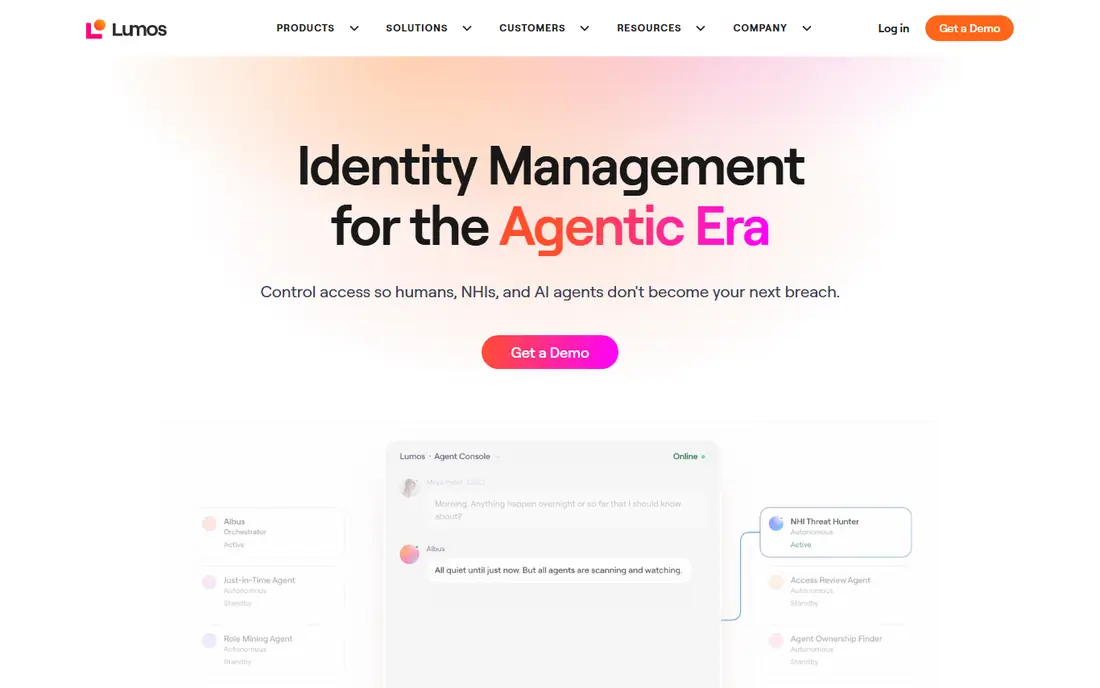
For mid-market IT and GRC teams that want fewer manual review decisions, Lumos is a natural candidate. Lumos is built around a straightforward idea: most review items are obvious. So the software should deal with them and send people only the doubtful ones.
For everyday use, Lumos publishes no firm price for reviews. More specifically, the system also includes joiner-mover-leaver automation and software license reclamation, so access reviews are one part of a wider IT buy. That breadth is a plus if you want one contract, and a distraction if you only need certification. No starting price is listed for Lumos here; confirm pricing on the vendor site. Lumos has no free tier.
What to check first: Sits on top of your identity provider instead of replacing it.
- Also includes lifecycle automation and SaaS spend
- Delta reviews that surface only entitlements changed since the last cycle
- Targeted at mid-market and enterprise (the vendor cites roughly 200 or more employees)
Okta Identity Governance
Ideal for: Businesses that already use Okta for workforce identity
Okta Identity Governance was built for businesses that already use Okta for workforce identity. Okta's reviews are well integrated with its own lifecycle tooling, but buyers with complicated entitlement models, heavy ERP separation-of-duties rules or lots of on-premises systems commonly find dedicated governance vendors go further. Beyond that, Okta suits teams that have already standardized sign-in and provisioning on Okta and want certification campaigns without adding another vendor.
Its Essentials suite bundles Access Governance, Lifecycle Management and a set of workflows, and the vendor sells it with an annual contract minimum. Some lower Okta suites do not include governance, so an upgrade may cost more than the headline per-user figure recommends. What you pay to start with Okta Identity Governance: $17 per user/month. Free access: Free trial.
Watch-outs: Value drops if Okta is not your primary identity provider.
- MFA and lifecycle management
- Governance sits next to SSO
- Not available in the cheapest Starter and Core Essentials suites
ConductorOne
Ideal for: Security teams that want modern, fast-to-connect governance
For Security teams that want modern, fast-to-connect governance, ConductorOne is a natural candidate. Rules are expressed as code-like policy, which appeals to technical teams and annoys others. Vendr data shows a median figure in the low five figures a year.
But it is a limited sample and your quote will rely on identities and modules. A competitor also points out it has no built-in software spend or license tooling, so it will not help with cost cutting. ConductorOne shows no starting price here, so confirm the cost on the vendor site. No free plan comes with ConductorOne.
Drawbacks to consider: Custom pricing that scales with identities and modules.
- Reviews and just-in-time access
- Made for quick connection of apps
- Policy-as-code approach needs continuing upkeep
Saviynt
Ideal for: ERP-heavy, compliance-driven enterprises
Saviynt makes the most sense for ERP-heavy, compliance-driven enterprises. Your number will differ, but it shows the range some buyers report. Worth adding: weigh those as opinions, then test them in a proof of concept with your own data.
For everyday use, Saviynt sells a cloud-based identity product with certification campaigns, access requests, lifecycle controls and application governance. One public data point from a pricing analysis: a quote of $120,000 a year for 5,000 users works out to about $2 per user a month. Pricing for Saviynt is not stated here, so ask the vendor for current figures. No free plan comes with Saviynt.
Watch-outs: Admin experience is frequently described as hard to learn.
Best features of Saviynt: application access and cloud entitlements in one suite.
- Solid separation-of-duties controls for ERP apps
- Governance
- No public pricing and long rollouts
Veza
Ideal for: Teams that require to see effective permissions across cloud, data and SaaS
Pick Veza if this describes you: teams that require to see effective permissions across cloud, data and SaaS. Veza starts from the permissions layer.
That is handy when the hard question is not who is in the group but what they can do. Veza shows no starting price here, so confirm the cost on the vendor site. No free plan comes with Veza.
Watch-outs: No public rate card.
- Supports event-driven micro-certifications
- Spans human and machine identities
- More permission analysis than a straightforward quarterly review needs
Microsoft Entra ID Governance
Ideal for: Microsoft 365 and Azure environments
Microsoft Entra ID Governance is designed for Microsoft 365 and Azure environments. Approved and denied decisions feed back into the directory, so removal does not need a ticket. More specifically, some entry-level review scenarios work with P2 alone.
Trade-offs to know: Licensing is layered and simple to get wrong.
From a buyer's view, read Microsoft's licensing notes for your exact scenario before you budget. On top of that, you can close that gap with connectors and custom work, but at that point compare it with a dedicated tool below. As for the details, Entra is the weakest pick when most of your risk sits in SaaS apps that are not connected to the directory. Entry price for Microsoft Entra ID Governance: $7 per user/month. Free options: Free trial.
- Access packages and privileged roles
- Native to the directory most US businesses already run
- Weaker for non-Microsoft apps without extra work
Opal Security
Ideal for: Engineering-led teams that want policy as code and just-in-time access
Choose Opal Security for engineering-led teams that want policy as code and just-in-time access. Reviews then become a cleanup of what is left, not a quarterly flood.
Upsides: SaaS and databases.
What to check first: Younger and smaller than enterprise vendors.
On top of that, customers with restricted engineering time may not enjoy writing and refactoring policy logic. Pricing for Opal Security is not stated here, so ask the vendor for current figures. Opal Security has no free plan.
- Access requests
- AI-grouped reviews to cut effort
- Policy-as-code means your team writes and maintains rules
How we chose
Selection started from tools commonly considered for access review software for ID platforms, then narrowed to 7 that have clear pricing information or a clear quote process. Seat minimums, billing terms and add-ons can move the real cost, so the starting prices here are a guide and not a quote. We ordered the tools by general fit, then by how clearly pricing is shown, then by free access. A buyer with unusual needs may reorder them.
What to confirm before you sign up
- Get a written quote from Lumos, ConductorOne, Saviynt and others; the list shows no starting price for them.
- Run a trial of Okta Identity Governance and Microsoft Entra ID Governance with real work before paying for a year; your own workflow is the best test.
- Before choosing Lumos, weigh its main limit: pitched at mid-market and enterprise (the vendor cites roughly 200 or more employees).
- Confirm you can export your data from Saviynt, so leaving later does not mean losing records.
- Get the contract term, renewal terms and any onboarding fees from ConductorOne in writing.
Frequently asked questions
How are the tools for access review software for ID platforms ordered?
Lumos sits first and Opal Security last because the order follows typical fit for access review software for ID platforms, then price clarity and free access. It is a judgement call, so read each profile for fit and limits.
Do these tools publish their prices?
Not all of them. Lumos, ConductorOne, Saviynt and others publish no starting price, so expect a quote request for those. The rest, Okta Identity Governance included, show a starting price, though seats and billing terms still change the final cost.
What is the cheapest option for access review software for ID platforms in this list?
On published monthly entry prices, Microsoft Entra ID Governance is the lowest here at $7 per user/month. Entry price is only part of the cost, because seats, add-ons and billing terms can change the total.
Is Lumos the right pick for everyone comparing access review software for ID platforms?
No single tool suits every team. Lumos comes first because it fits mid-market IT and GRC teams that want fewer manual review decisions, while Okta Identity Governance suits companies that already use Okta for workforce identity and ConductorOne suits Security teams that want modern, fast-to-connect governance. Match the tool to your own size, budget and workflow before deciding.
Do I need a separate tool if my identity provider already has reviews?
Not always. A dedicated tool makes sense when you have plenty of apps outside the directory, need usage data, or face strict separation-of-duties rules.