This list puts Canva first for quick design with templates and AI assists. Listed starting prices: Topaz Photo AI from $19 a month. Affinity Photo is better for precise, layered photo editing, and Adobe Photoshop is better for wide AI-assisted editing and compositing. All 5 tools are compared below on price, free plan and limits.
Ainotely put together this guide to AI-Powered image editing software for readers who want a clear shortlist without reading every vendor page. It compares 5 tools on starting price, free plans, who each one suits and where each one falls short.
Key takeaways
Canva takes the first slot, best suited to fast design with templates and AI assists.
Topaz Photo AI is the lowest-priced starter here at $19 per month.
What to know about Adobe Photoshop first: feature set can feel overwhelming for beginners.
Topaz Photo AI is the one to check for Sharpening, denoising, and upscaling images.
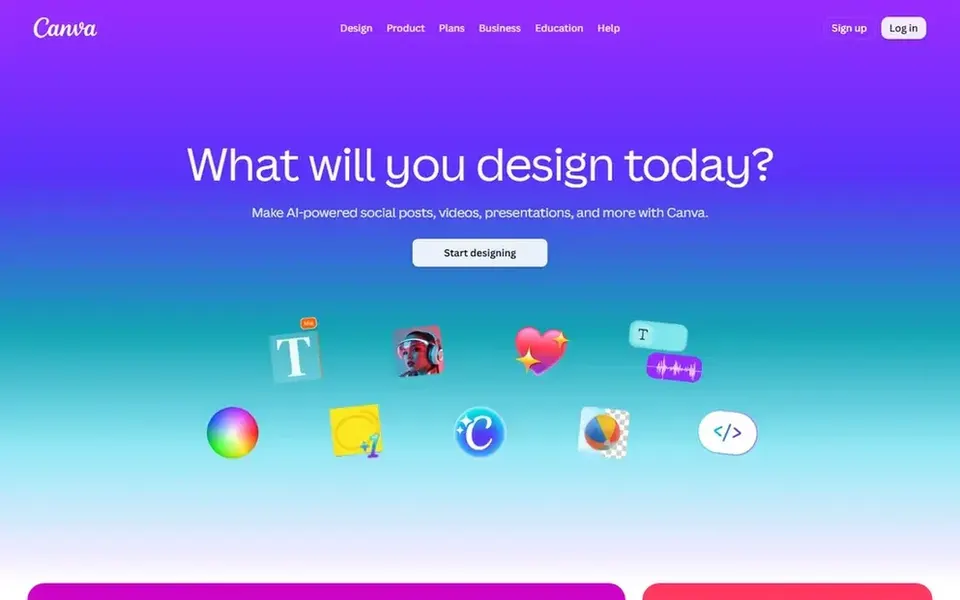
Best for: Quick design with templates and AI assists
In short, Canva is for quick design with templates and AI assists. Pick it for speed and templates; choose a dedicated photo editor when precise correction or layered compositing is the priority.
In daily use, Canva is not aimed at pixel-level retouching or advanced color grading, and heavy photo work will hit its limits. This comparison lists no price for Canva; ask the vendor. Trial and free access: Not stated.
Trade-offs to know: Less precise for advanced photo retouching.
Affinity Photo is built with precise, layered photo editing in mind. Its positioning emphasizes power in the editing workflow instead of template-based design or generative creation.
Worth adding: Affinity Photo is less oriented toward fast AI scene generation or template-driven social graphics. Affinity Photo does not show a starting price in this comparison, so check the vendor site for current pricing. Free options: Not stated.
Best for: Wide AI-assisted editing and compositing
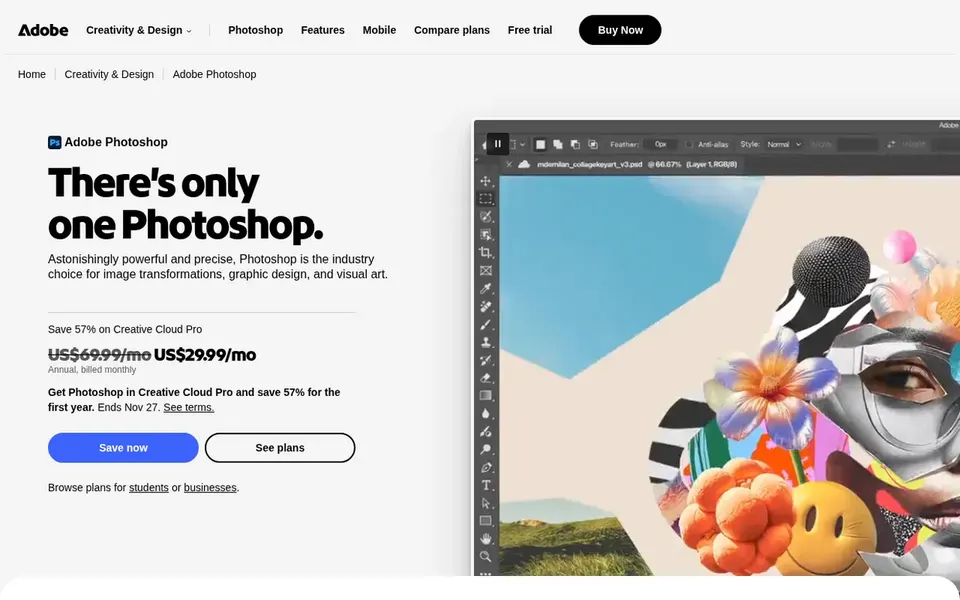
Adobe Photoshop works best for wide AI-assisted editing and compositing. Adobe Photoshop is a long-standing image editor that now comes with fast AI-assisted ways to produce custom scenes, make complicated edits, and combine images.
What to check first: Needs a ramp-up time for advanced work.
It runs online and through a mobile app, so work can continue across devices. As for the details, the breadth of tools can slow down newcomers, and straightforward one-click enhancements may be simpler elsewhere. Pricing for Adobe Photoshop is not stated here, so ask the vendor for current figures. Free plan details: Not stated.
Best for: AI-assisted photo enhancement for PC and Mac
Choose Luminar Neo for AI-assisted photo enhancement for PC and Mac. Luminar Neo is less oriented toward advanced compositing or precise multi-layer work than full professional editors. Luminar Neo is photo editing software for PC and Mac that uses AI to help edit photos as you imagine them.
It is pitched at photographers and enthusiasts who want quicker enhancement without deep manual adjustment. The emphasis is on approachable, AI-driven corrections instead of building complicated layered compositions. Luminar Neo shows no starting price here, so confirm the cost on the vendor site. Luminar Neo does not include a free plan.
Downsides: Niche advanced controls may be restricted.
Best for: Sharpening, denoising, and upscaling images
Topaz Photo AI was built for Sharpening, denoising, and upscaling images. Topaz Photo AI is image enhancement software that sharpens, denoises, unblurs, and upscales photos using AI technology.
The main drawbacks: Best used alongside a primary editor.
For everyday use, Topaz Photo AI does not aim to replace a full editor for compositing, design, or color grading. Choose it when image quality correction is the primary task; for layout, templates, or layered retouching, pair it with a broader tool. Topaz Photo AI cost at the entry level: $19 per month. Free options: Not stated. Upsides: Centred on image quality improvement.
Ask Canva, Affinity Photo, Adobe Photoshop and Luminar Neo for a written quote, since no starting price is shown.
Before choosing Canva, weigh its main limit: less precise for advanced photo retouching.
Add up seats, add-ons and usage charges for Luminar Neo before comparing it with cheaper entries.
Ask Canva how an export works before you move any records in; an easy exit lowers the risk.
Ask Adobe Photoshop whether prices are locked for the first term and what happens at renewal.
How we picked
Each tool was reviewed on what its vendor publishes: price, plan limits, core features and stated drawbacks. We did not run hands-on tests. Plan names, prices and limits change often. Treat the figures here as a starting point and verify them with the vendor. We ordered the tools by general fit, then by how clearly pricing is shown, then by free access. A buyer with unusual needs may reorder them. That approach shaped the order of the 5 AI-Powered image editing software tools listed here.
Every price and plan detail on this page comes from the vendors’ own websites. We did not run hands-on tests unless the text says so, and we do not publish star ratings or review scores. See how we score and our disclosure.
Keep your shortlist in one place
Paste prices, trial dates and notes from this guide into Ainotely, our AI note app. It files them into a topic and pulls out tasks like “cancel trial by Friday”. Free 7-day trial, no card needed.
Does any tool for AI-Powered image editing software here have a free plan?
No tool in this list, Canva and Topaz Photo AI included, has a permanent free plan. Trials and quotes are the usual route, so plan a short evaluation period.
Which AI image editor is a good match for beginners?
Canva is the pick this page puts first, mainly for quick design with templates and AI assists. If your situation differs, Affinity Photo suits precise, layered photo editing, and Adobe Photoshop suits wide AI-assisted editing and compositing. Compare price and limits before you decide.
Do I need a separate tool for sharpening and denoising?
Not always, but a focused tool like Topaz Photo AI can ease quality correction for noisy or soft images. Full editors also bundle sharpening and noise reduction, though frequently with more manual setup.
Is Canva the right pick for everyone comparing AI-Powered image editing software?
No single tool suits every team. Canva comes first because it fits fast design with templates and AI assists, while Affinity Photo suits precise, layered photo editing and Adobe Photoshop suits broad AI-assisted editing and compositing. Match the tool to your own size, budget and workflow before deciding.
Do these tools publish their prices?
Not all of them. Canva, Affinity Photo, Adobe Photoshop and Luminar Neo publish no starting price, so expect a quote request for those. The rest, Topaz Photo AI included, show a starting price, though seats and billing terms still change the final cost.
Can I try these options before paying?
Not by default. None of the tools, from Canva to Topaz Photo AI, lists a free plan or a free trial here, so ask each vendor for a demo before committing.