7 Top AI Powered Presentation Software Reviews Compared (2026)

- 1
 CanvaMarketing teams that require decks plus other designsVisit
- 2
 Microsoft 365 Copilot (in PowerPoint)Firms standardized on PowerPointVisit
- 3
 PitchSales and startup teams that track deck viewsVisit
- 4
 PreziConversational, non-linear presentationsVisit
- 5
 GammaQuick first drafts from a prompt or documentVisit
- This list starts with Canva, which is built for marketing teams that require decks plus other designs.
- One limit worth knowing about Prezi: teams plan costs $39 per user a month.
- Prezi has the lowest monthly starting price in this list: $7/month.
- For Google Workspace teams, Google Slides with Gemini is worth a look.
Direct answer
Canva comes first here, mainly for marketing teams that require decks plus other designs. Alternatives: Microsoft 365 Copilot (in PowerPoint) for businesses standardized on PowerPoint, and Pitch for sales and startup teams that track deck views. All 7 tools are compared below on price, free plan and limits.
Quick comparison
| Product | Ideal for | Price from | Free version | |
|---|---|---|---|---|
| Canva | Marketing teams that require decks plus other designs | See website | Yes | Visit |
| Microsoft 365 Copilot (in PowerPoint) | Firms standardized on PowerPoint | $21 per user/month add-on (billed yearly) | No | Visit |
| Pitch | Sales and startup teams that track deck views | €10/month (billed yearly) | Yes | Visit |
| Prezi | Conversational, non-linear presentations | $7/month (billed yearly) | Free trial (14 days) | Visit |
| Gamma | Quick first drafts from a prompt or document | See website | Yes | Visit |
 Plus AI | AI inside PowerPoint and Google Slides | $10 per user/month (billed yearly) | Free trial (7 days) | Visit |
 Google Slides with Gemini | Google Workspace teams | $14 per user/month (Business Standard, annual) | Free trial (14 days) | Visit |
The full AI powered presentation software reviews list
Ainotely compared 7 AI powered presentation software reviews. The goal is a practical shortlist: published prices, free plan facts, best-fit use cases and honest limits for every entry.
Canva
Ideal for: Marketing teams that require decks plus other designs
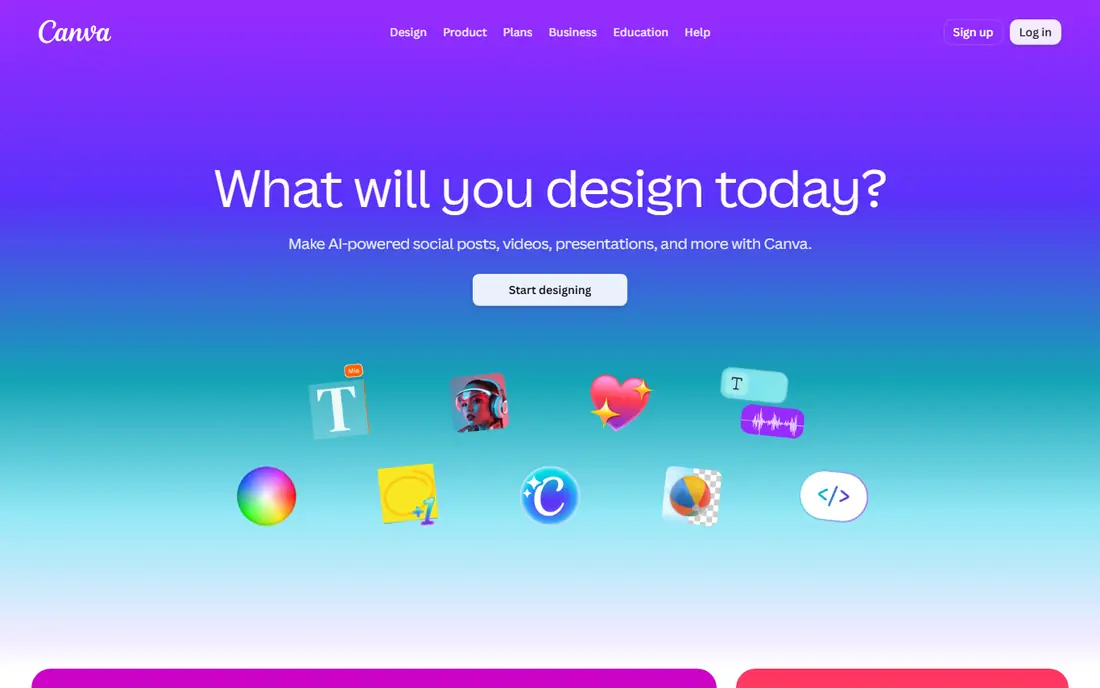
Think of Canva for marketing teams that require decks plus other designs. Canva Business is listed at $20 per person a month with no seat minimum, based on Canva's own announcement, and it comes with data connector apps for Google Analytics, Salesforce and HubSpot.
The trade-off is depth. Canva also provides a free plan and other premium levels, so check the pricing page for the choice that matches your team size. Check the vendor site for Canva pricing; none is listed in this comparison. Canva offers a free plan.
Points against: premium AI and brand features sit behind higher levels.
- Ample free plan
- Canva Business has no seat minimum
- Heavy template use can make decks look familiar
Microsoft 365 Copilot (in PowerPoint)
Ideal for: Firms standardized on PowerPoint
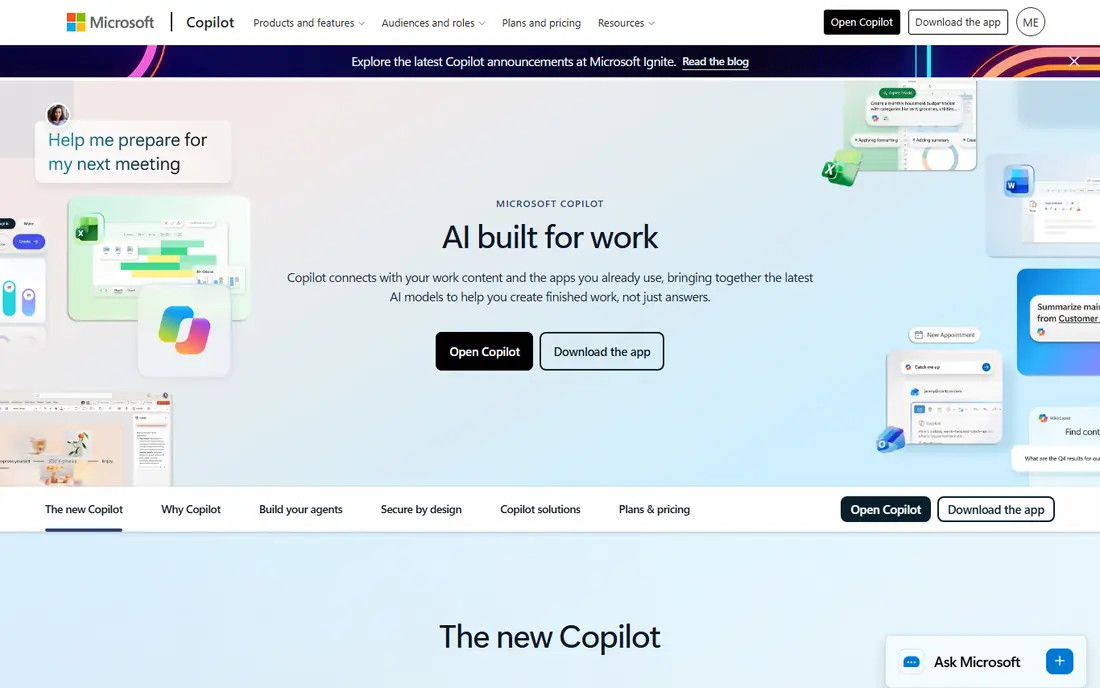
Pick Microsoft 365 Copilot (in PowerPoint) if this describes you: businesses standardized on PowerPoint. For a company that lives in Outlook, Teams and SharePoint, Copilot is the path of least resistance. It drafts slides from a prompt or an existing document, rewrites text, and summarizes long decks, all inside PowerPoint.
Downsides: Add-on needs an eligible Microsoft 365 plan.
Microsoft's pricing page lists the Copilot Business add-on at $21 per user a month on annual billing (a lower promotional price was showing when we checked) and $25.20 on monthly billing. As for the details, the trade-off is cost per seat and design quality. For everyday use, bundles are also available: Business Standard with Copilot at $23.50 and Business Premium with Copilot at $32 per user per month, premium yearly. Worth adding: Microsoft also notes usage-based billing for select advanced AI features. The starting price for Microsoft 365 Copilot (in PowerPoint): $21 per user/month add-on. There is no free plan with Microsoft 365 Copilot (in PowerPoint).
Main advantages: One license also includes Word, Excel.
- Builds and edits decks inside desktop
- Can draw on Word files and other Microsoft 365 content
- Annual subscription that auto-renews
Pitch
Ideal for: Sales and startup teams that track deck views
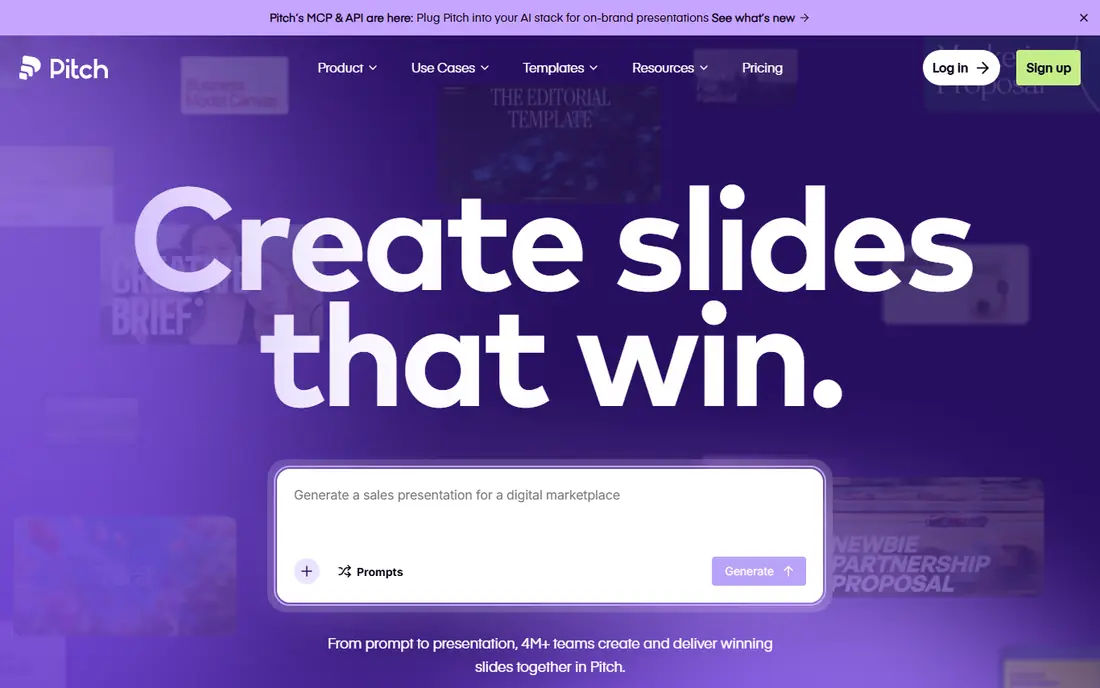
Pitch works best for sales and startup teams that track deck views. The standout is what happens after you hit send: advanced links present visits, slide views and time spent per slide, and "pitch rooms" bundle decks and files behind one link so you can see how a buyer engages. As for the details, US buyers should check the dollar price at checkout.
Honest limits: Enterprise needs a minimum of 30 seats.
On top of that, AI is a supporting feature here, not the primary event. Pitch's help center confirms annual billing is 17% cheaper and that every member is billed except commenters. More specifically, credit allowances are modest (500 a month on Plus and Team, 750 on Business), with extra credits sold at $0.004 each. Starting cost for Pitch: €10/month. Free access exists with Pitch.
- Free plan for up to 5 members with unlimited presentations
- Google Sheets
- Free AI credits (100) do not renew
Prezi
Ideal for: Conversational, non-linear presentations
Prezi works best for conversational, non-linear presentations. Prezi has been around far longer than the AI wave, and its zooming canvas is still its identity. As for the details, premium is $29 a month.
Watch-outs: Teams plan costs $39 per user a month.
Teams costs $39 per user a month with brand kits, analytics and single sign-on. Worth adding: the weakness is fit. Board reports, financial reviews and anything that will be printed typically work better as linear slides. Entry price for Prezi: $7/month. As for free access: Free trial (14 days).
- Zooming canvas holds attention in live and video presentations
- Prezi AI listed as unlimited from the Plus plan
- The motion-based style is not right for every audience
Gamma
Ideal for: Quick first drafts from a prompt or document
Choose Gamma for quick first drafts from a prompt or document. In practice, Gamma's pricing page lists up to 10 slides per prompt, PDF and PPTX imports, and exports to PDF, PPTX, PNG and Google Slides. The main limit is that Gamma thinks in scrolling cards, not fixed 16:9 slides.
From a buyer's view, premium levels raise the per-prompt limit to 100 slides, remove the Gamma branding, and add custom branding, analytics and custom domains on Pro. In daily use, the company states it is SOC 2 Type II compliant, which helps if procurement asks. Also, the free plan is unusually usable. Check the vendor site for Gamma pricing; none is listed in this comparison. Gamma offers a free plan.
What to check first: Free plan brings Gamma branding and caps each prompt at 10 slides.
- Web pages and social graphics
- PNG and Google Slides
- Card-based layouts can need cleanup after export to PowerPoint
Plus AI
Ideal for: AI inside PowerPoint and Google Slides
Plus AI was built for AI inside PowerPoint and Google Slides. Every premium plan starts with a 7-day trial that contains 1,000 credits. Also, the Basic plan is $10 per user a month on annual billing, or $15 month to month, with 1,500 AI credits a month.
On top of that, Plus AI takes a different approach from Gamma and Pitch. Rather than asking you to move into a new editor, it installs as an add-in for Google Slides and PowerPoint. That makes it the easiest sell in businesses where IT or clients insist on native.pptx files. Plus AI notes that an usual task uses between 40 and 170 credits based on complexity, so Basic includes a moderate amount of work. On cost, Plus AI starts like this: $10 per user/month. Free options: Free trial (7 days).
Honest limits: No permanent free plan.
- Works inside the apps your team already uses
- Lowest premium entry price on this list
- Credit-metered, with tasks using roughly 40 to 170 credits each
Google Slides with Gemini
Ideal for: Google Workspace teams
Google Slides with Gemini makes the most sense for Google Workspace teams. Teams already on Google Workspace should test Gemini before buying anything else. It can draft slide content, create images and help reorganize decks inside Google Slides, and your files stay where they already are.
The downside is that Gemini is a helper, not a designer. Beyond that, Gemini in Docs, Meet "and more" begins at Business Standard, which costs $14 per user a month on an annual plan or $16.80 on the adaptable monthly plan. Google Slides with Gemini starts at: $14 per user/month. Free plan details: Free trial (14 days).
Limits to weigh: Gemini in Docs and the other apps begins at Business Standard, not Starter.
- Google states company data is not used to train its models
- Adaptable monthly plan available
- Slide design help is lighter than specialist tools
How we compared the tools
For each of the 7 tools we noted price, free plan or trial, fit for AI powered presentation software reviews and the main limit, using vendor pages and documentation. Treat prices as a snapshot: vendors change plans often, so check the vendor site for the figure that applies today. We ordered the tools by general fit, then by how clearly pricing is shown, then by free access. A buyer with unusual needs may reorder them.
Pre-purchase checklist
- Get a written quote from Canva and Gamma; the list shows no starting price for them.
- Look at free plan limits closely: Canva, Pitch and Gamma have one, and the caps decide whether it is usable for real work.
- Take the trial from Prezi, Plus AI and Google Slides with Gemini and push a live task through it before you pay.
- Read the limits listed for Canva first: premium AI and brand features sit behind higher levels.
- Check the support hours and onboarding help Plus AI offers; smaller vendors vary a lot here.
- Involve the people who will use Pitch daily; a short pilot beats a long feature checklist.
Frequently asked questions
Which AI powered presentation software reviews have a free plan?
Canva, Pitch and Gamma offer a free plan in this list. Free plans usually cap users, projects or features, so check the limits on the vendor page. Several others offer a trial instead.
What is the best AI-powered presentation software for a small business?
Start with Canva if you need marketing teams that require decks plus other designs. Microsoft 365 Copilot (in PowerPoint) is the better match for firms standardized on PowerPoint, and Pitch for sales and startup teams that track deck views. The best choice depends on budget, team size and workflow.
Can I try these tools before paying?
Often, yes. Canva, Pitch and Gamma have a free plan and Prezi, Plus AI and Google Slides with Gemini offer a free trial. Use your own data and a real task during the test, and check what the free tier or trial limits before you rely on it.
Do these tools publish their prices?
Not all of them. Canva and Gamma publish no starting price, so expect a quote request for those. The rest, Microsoft 365 Copilot (in PowerPoint) included, show a starting price, though seats and billing terms still change the final cost.
How do AI credits work in presentation software?
Credits measure how much AI work you can do each month. Also, plans differ widely, so compare monthly allowances and the price of extra credits, not just the subscription fee.
How are the AI powered presentation software reviews ordered?
Canva sits first and Google Slides with Gemini last because the order follows typical fit for AI powered presentation software reviews, then price clarity and free access. It is a judgement call, so read each profile for fit and limits.