Comparing 6 AI Video Editing Software February Tools in 2026
- Kapwing takes the first slot, best suited to small teams editing together in a browser.
- Adobe Premiere Pro is the one to check for in-house editors who require a pro timeline.
- A free plan is available from 4 of the 6 tools: Kapwing, OpusClip, Runway, Descript.
- The lowest published monthly entry price here is $15/month, from OpusClip.
- What to know about Runway first: credit-based plans burn rapidly on longer or higher-resolution generations.
Direct answer
Kapwing is the first pick on this list for small teams editing together in a browser. OpusClip is the stronger choice for turning long videos into short clips, while Runway suits generating B-roll and new shots with AI. All 6 tools are compared below on price, free plan and limits.
Quick comparison
| Product | Ideal for | Price from | Free version | |
|---|---|---|---|---|
 Kapwing | Small teams editing together in a browser | See website | Yes | Visit |
 OpusClip | Turning long videos into short clips | $15/month (Starter, billed per month) | Yes | Visit |
 Runway | Generating B-roll and new shots with AI | See website | Yes | Visit |
 Descript | Editing talking-head video by transcript | $16 per person/month (billed yearly), $24 billed per month | Yes | Visit |
 Pictory | Turning scripts and articles into stock-footage videos | $25/month (billed yearly), $29 billed per month | Free trial (14 days) | Visit |
 Adobe Premiere Pro | In-house editors who require a pro timeline | See website | Free trial (7 days) | Visit |
6 options for AI video editing software february in detail
Ainotely compared 6 tools for AI video editing software february. The goal is a practical shortlist: published prices, free plan facts, best-fit use cases and honest limits for every entry.
Kapwing
Ideal for: Small teams editing together in a browser
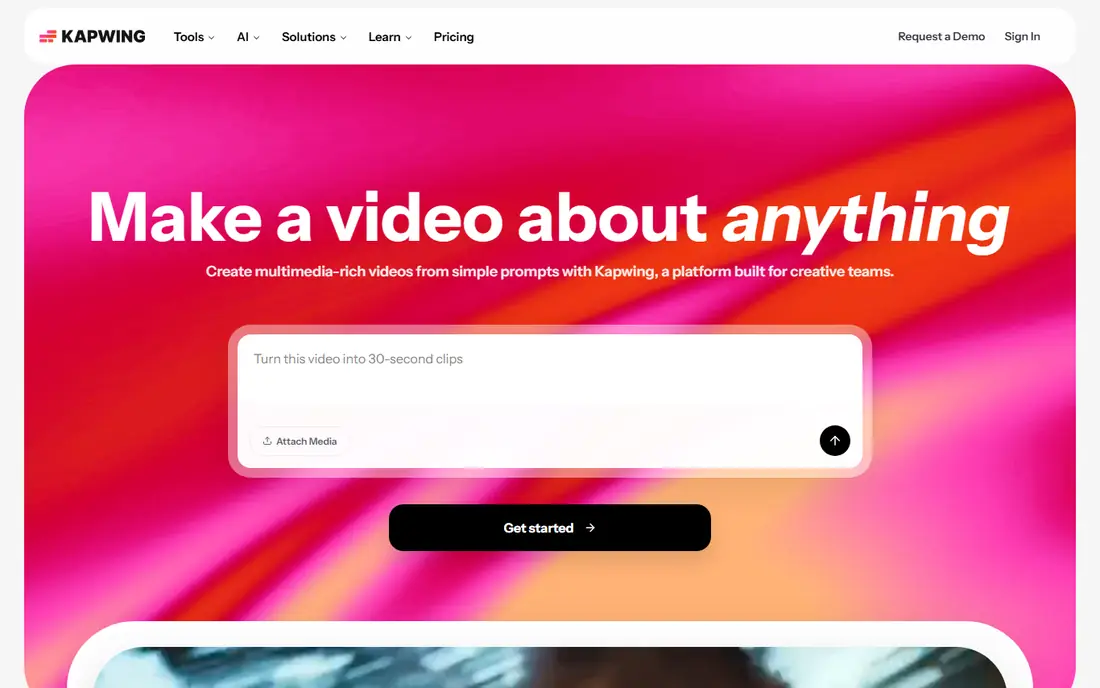
Kapwing is built with small teams editing together in a browser in mind. Kapwing feels closest to a shared document for video. That makes it a solid fit for a small marketing team where a manager reviews and a coordinator edits.
Drawbacks to consider: Free plan brings watermarks and limits exports.
It also deals with the repetitive jobs well: auto subtitles, cutting silences, and resizing one video into square, vertical and widescreen versions. More specifically, pricing is per member, with Pro and Business levels and a custom Enterprise plan. Annual billing is noticeably less expensive than monthly. The free plan lets you try the editor, but exports are watermarked and restricted. Check the vendor site for Kapwing pricing; none is listed in this comparison. Kapwing has a free plan.
- Low-friction interface for occasional editors
- AI tools for subtitles
- AI credit allowances can run down quicker than expected on higher-volume teams
OpusClip
Ideal for: Turning long videos into short clips
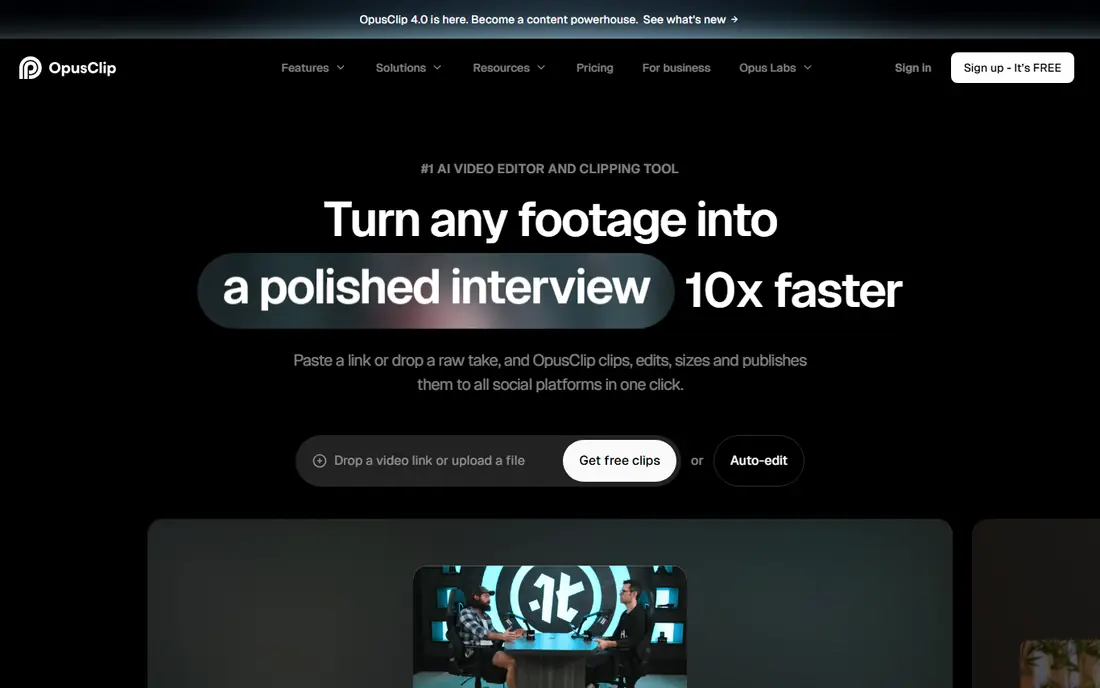
OpusClip was built for turning long videos into short clips. You upload or link the video, the AI finds the most solid moments, reframes them for vertical screens and brings animated captions. Worth adding: Pro is $29 a month or $174 a year ($14.50 a month), with 300 monthly credits that roll over for two months and a team workspace with two seats.
Where OpusClip stands out: Captions in 20+ languages and auto-posting to YouTube Shorts.
Starter costs $15 a month (monthly billing only) for 150 credits. As for the details, the limits on the free plan are real: clips are watermarked, you cannot edit them. They can no longer be exported after three days. Worth adding: the free plan hands 60 credits a month. As for the details, starter also brings filler and silence removal, a brand template and watermark removal. Starting cost for OpusClip: $15/month. You can start on OpusClip without paying. What to check first: Free plan exports carry a watermark and expire after three days.
- TikTok and Instagram Reels
- Pro plan works out to $14.50 a month on annual billing, with a two-seat workspace
- Not a general-purpose editor, so you still need another tool for long-form work
Runway
Ideal for: Generating B-roll and new shots with AI
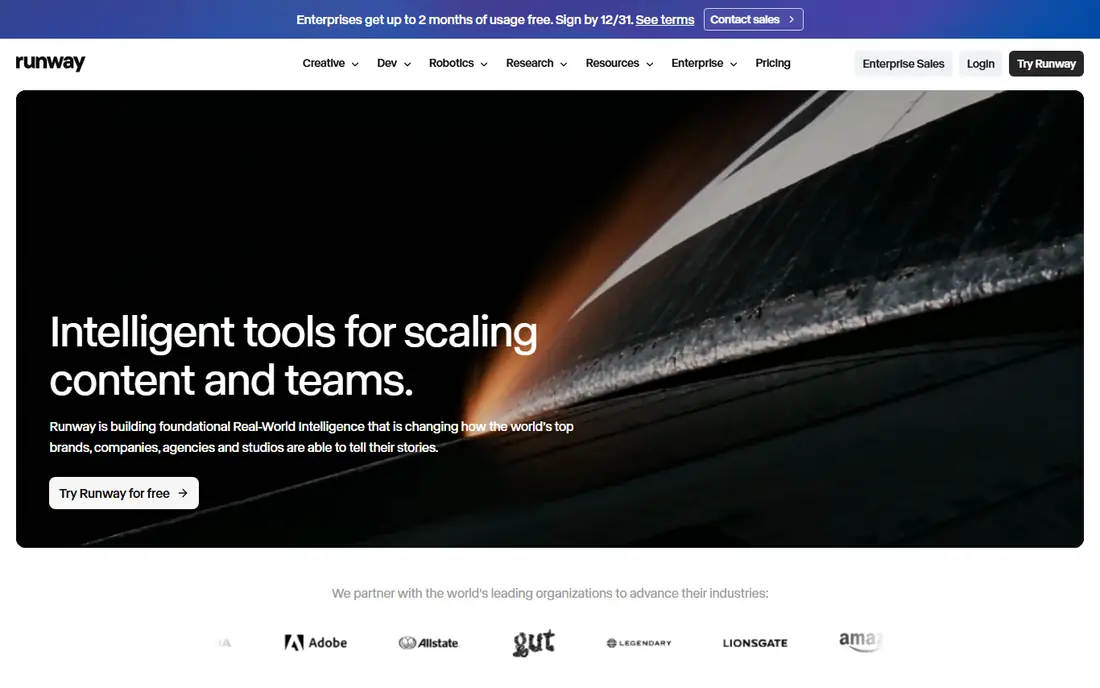
Pick Runway if this describes you: generating B-roll and new shots with AI. The free level is a one-time allowance of 125 credits with watermarked video. That is enough to judge output quality but not to produce work.
What users get: product concept shots and visual effects you could not afford to film.
Downsides: Free plan is a one-time test allowance with watermarked output. Also, premium plans are priced per user with a monthly credit allowance. The number of seconds you get relies on the model and resolution you choose. Worth adding: the trade-off is that Runway does not replace a timeline editor. No starting price is listed for Runway here; confirm pricing on the vendor site. A free plan is available with Runway.
- Per-user plans that scale from solo to team and enterprise
- Handy for B-roll
- Credit-based plans burn rapidly on longer or higher-resolution generations
Descript
Ideal for: Editing talking-head video by transcript
Descript works best for editing talking-head video by transcript. Creator ($24 per person a month on annual billing) moves you to 30 media hours, 800 credits and 4K export. For everyday use, business ($50) brings Brand Studio, translation and dubbing in 30+ languages, and priority support with a SLA.
The main drawbacks: Hobbyist plan caps you at 10 media hours and 1080p export.
From a buyer's view, media hours and AI credits reset monthly, and heavy users will end up buying top-ups. For everyday use, studio Sound cleans up audio, filler-word removal strips out the "ums", and Underlord, Descript's AI co-editor, can manage multi-step edits on request. Descript is also less comfortable with heavy motion graphics or color work, so agencies producing refined ads normally pair it with a traditional editor. On cost, Descript starts like this: $16 per person/month. Free access exists with Descript.
- Studio Sound and filler-word removal clean up rough recordings
- Edit video by editing a text transcript
- AI credits run out rapidly if you lean on generation features
Pictory
Ideal for: Turning scripts and articles into stock-footage videos
Pictory makes the most sense for turning scripts and articles into stock-footage videos. Paste in a blog post, script or webinar transcript, and it builds a video with matching stock clips, captions and an AI voiceover. On top of that, professional ($35 per month annually) triples the allowance and brings voice clones, cloned avatars and five brand kits.
What users get: Annual plans contain a consultation with a video expert.
Worth adding: Pictory is for teams that have more written content than footage. The honest catch is the look. In practice, the Starter plan costs $25 a month on annual billing ($29 monthly). It comes with one user, one brand kit, stock avatars, all AI models and up to 30 minutes of video a month. Starting cost for Pictory: $25/month. Trial and free access: Free trial (14 days).
Limits to weigh: Output depends on stock footage, which can look generic.
- Turns scripts
- Blog posts and existing footage into videos with matched stock clips
- Starter handles only one user and up to 30 minutes of video a month
Adobe Premiere Pro
Ideal for: In-house editors who require a pro timeline
For in-house editors who require a pro timeline, Adobe Premiere Pro is a natural candidate. Freelancers and agencies know Premiere, project files move between people easily. It sits next to Photoshop, After Effects and Adobe Express if your design team already pays for Creative Cloud.
Downsides: Subscription only, with no free level.
It also assumes skill. In daily use, the practical advantage for a business is hiring. Worth adding: if you already employ a video editor, or plan to hire one, Premiere Pro is the safe choice. It is the industry-standard timeline editor. Check the vendor site for Adobe Premiere Pro pricing; none is listed in this comparison. As for free access: Free trial (7 days).
- AI features like text-based editing and generative clip extension built into a standard editor
- Full professional timeline with color
- Steep ramp-up time for non-editors
How the list was put together
Selection started from tools commonly considered for AI video editing software february, then narrowed to 6 that have clear pricing information or a clear quote process. Where a vendor does not publish a price, the entry says quote. Where a price depends on seats or billing term, the entry says so. Position on the page reflects fit for a typical buyer first, with price clarity and free access breaking ties. Treat it as a guide, not a ruling.
What to check before you buy
- Ask Kapwing, Runway and Adobe Premiere Pro for a written quote, since no starting price is shown.
- Check what the free option really includes: Kapwing, OpusClip, Runway and Descript offer a free plan, and usage caps differ.
- Use real work to test the free trial from Pictory and Adobe Premiere Pro, rather than a demo project.
- Read the limits listed for Kapwing first: free plan brings watermarks and limits exports.
- Ask Pictory how an export works before you move any records in; an easy exit lowers the risk.
- Ask Kapwing which support channels and response times come with the plan you would buy.
Frequently asked questions
How are the tools for AI video editing software february ordered?
Kapwing sits first and Adobe Premiere Pro last because the order follows typical fit for AI video editing software february, then price clarity and free access. It is a judgement call, so read each profile for fit and limits.
Which options for AI video editing software february have a free plan?
On this list, Kapwing, OpusClip, Runway and Descript include a free plan. Caps on seats, usage or features are common, so test the free plan against your real workload. Several others offer a trial instead.
Can I try these tools before paying?
Often, yes. Kapwing, OpusClip, Runway and Descript have a free plan and Pictory and Adobe Premiere Pro offer a free trial. Use your own data and a real task during the test, and check what the free tier or trial limits before you rely on it.
What is the best AI video editing software for beginners?
Kapwing comes first here and is built for small teams editing together in a browser. Buyers with other needs may prefer OpusClip (for turning long videos into short clips) or Runway (for generating B-roll and new shots with AI). Compare costs and limits first.
How much should a small business expect to pay?
For the tools whose prices we could verify, entry plans start around $15 to $25 a month for one user, and team plans cost substantially more. Expect to buy AI credit top-ups if you produce lots of video.
Can AI video editors replace a human editor?
They can replace lots of repetitive work, like cutting filler words, captioning, resizing and finding highlight clips. They do not replace judgment on story, pacing and brand fit.