Best Alternatives to ActivTrak in 2026: 8 Workforce Analytics Tools Compared

- 1
 Time DoctorTime tracking with activity monitoringVisit
- 2
 HubstaffTime tracking for remote teamsVisit
- 3
 TeramindDetailed workforce monitoring and securityVisit
- 4
 InsightfulWorkforce analytics with a lighter touchVisit
- 5
 DeskTimeAutomatic time and productivity trackingVisit
- Time Doctor and Hubstaff are the closest direct matches.
- Insightful and DeskTime suit teams that want lighter monitoring.
- Teramind suits firms that need detailed security and monitoring.
- Set a clear monitoring policy before you roll out any tool in this list.
Quick comparison
| Product | Ideal for | Price from | Free version | |
|---|---|---|---|---|
| Time Doctor | Time tracking with activity monitoring | See website | Free trial | Visit |
| Hubstaff | Time tracking for remote teams | See website | Free trial | Visit |
| Teramind | Detailed workforce monitoring and security | See website | Free trial | Visit |
| Insightful | Workforce analytics with a lighter touch | See website | Free trial | Visit |
| DeskTime | Automatic time and productivity tracking | See website | Free trial | Visit |
 Monitask | Simple employee monitoring for small teams | See website | Free trial | Visit |
 Kickidler | Employee monitoring with live views | See website | Free trial | Visit |
 Veriato | Workforce monitoring with insider risk focus | See website | No | Visit |
The best alternatives to ActivTrak
ActivTrak tracks workforce activity and productivity. The alternatives below range from simple time tracking to full monitoring platforms, so the right pick depends on how much detail you need and how you handle staff privacy.
Employee monitoring should follow local law and company policy, and staff should be told clearly what is tracked, why it is tracked and how the data is used.
Time Doctor
Ideal for: Time tracking with activity monitoring
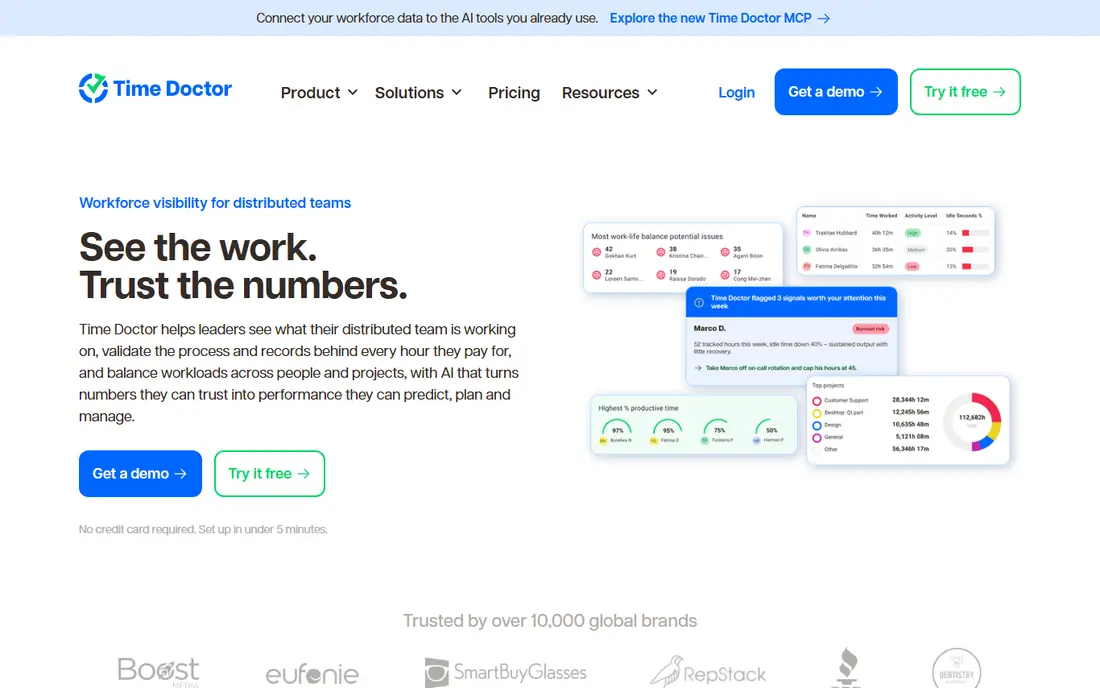
Time Doctor is a practical option for time tracking with activity monitoring. Time Doctor tracks time with optional activity monitoring and payroll features. On its official feature and pricing pages, the strengths that stand out most are activity and screenshot options and payroll features. We compared its official pages with the other tools here.
For day to day use, Time Doctor suits people who want time tracking with activity monitoring without a long setup process. Time Doctor tracks time with optional activity monitoring and payroll features. Try the free option or trial first if one is offered, and check current plan details on the official site.
The honest catch is monitoring needs clear policies. Monitoring features need a clear policy, since they affect staff trust. If that trade-off matters, compare the next option on price and setup effort.
- Activity and screenshot options
- Payroll features
- Good reports
- Monitoring needs clear policies
- Pricing is per user
Hubstaff
Ideal for: Time tracking for remote teams
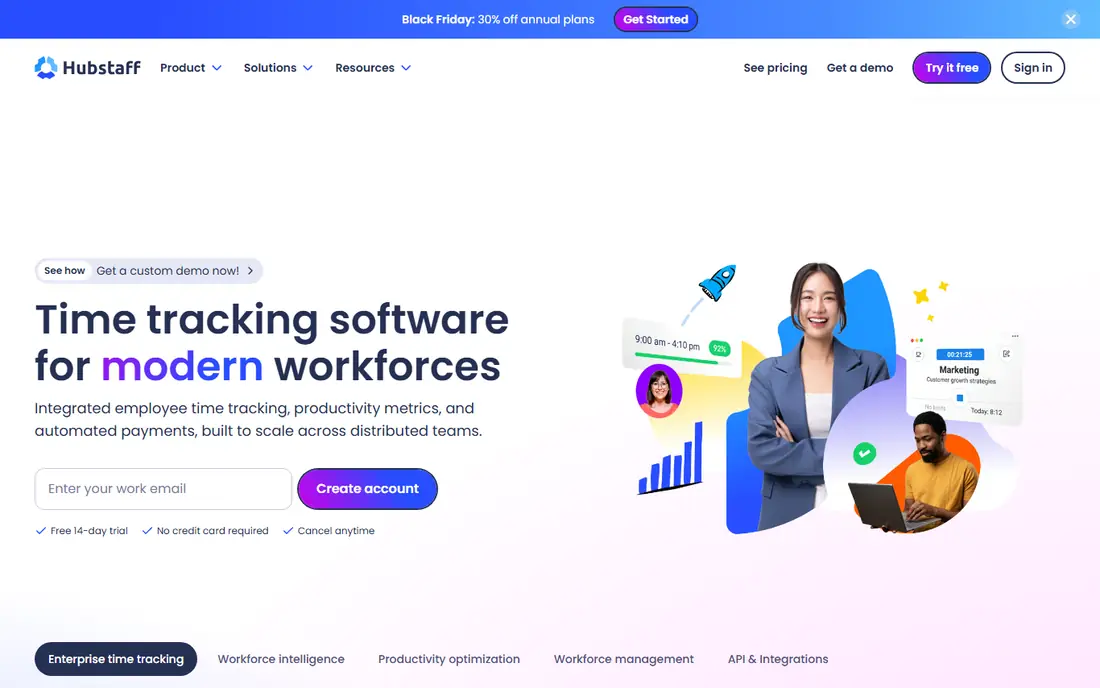
For time tracking for remote teams, Hubstaff deserves a close look. Hubstaff offers time tracking for remote teams with activity, payroll and invoicing. Its official pages point to activity levels and screenshots as a core strength. We checked its feature pages, pricing and app store listing against the other options here.
What makes Hubstaff useful in practice is the way it handles the main job without adding extra steps. Hubstaff offers time tracking for remote teams with activity, payroll and invoicing. Try the free plan or trial first on a real task from your own routine before you commit.
No tool is free of trade-offs, and here the main one is monitoring can feel intrusive. Monitoring can feel intrusive, so explain the policy clearly before rollout. Weigh that against price and the features you need most.
- Activity levels and screenshots
- Payroll and invoicing
- GPS options
- Monitoring can feel intrusive
- Setup needs policy care
Teramind
Ideal for: Detailed workforce monitoring and security
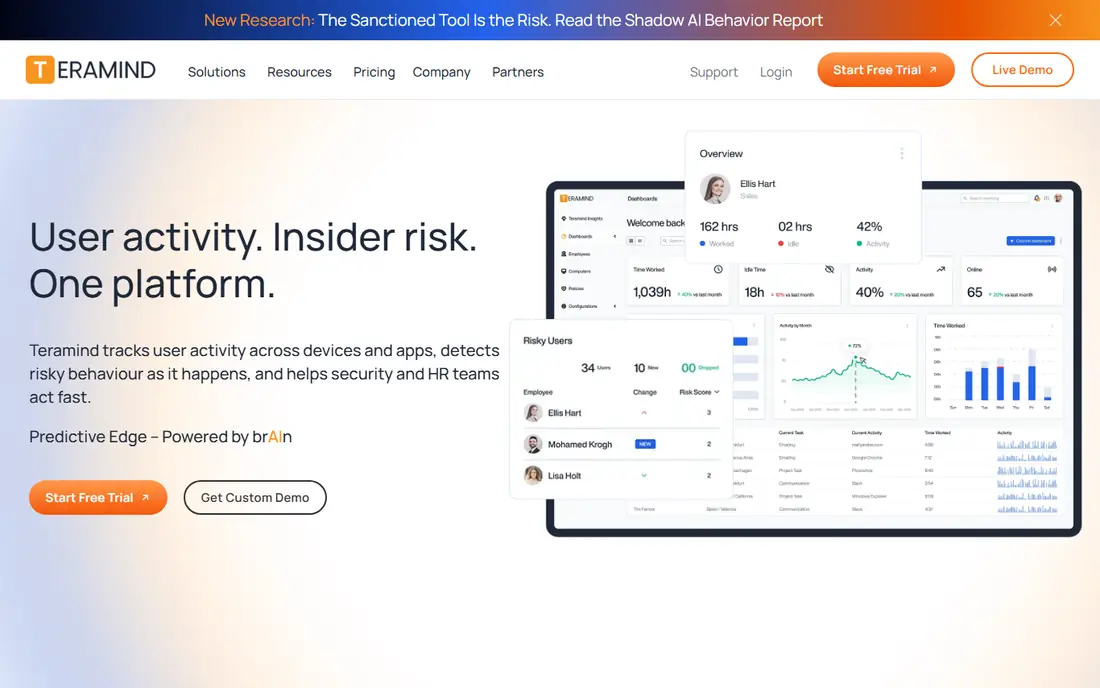
Teramind takes a different approach to detailed workforce monitoring and security, and that is why it is on this list. Teramind offers detailed workforce monitoring with security alerts and reporting. The official feature page highlights detailed activity and security monitoring.
In use, Teramind is best judged on one question: does it handle your main task with less effort than the tool you use now? Teramind offers detailed workforce monitoring with security alerts and reporting. If the answer is yes, the price is easier to justify. If not, compare the next product side by side.
The catch to note is pricing is high. The depth of monitoring needs careful policy and legal review before use. Read the pricing page carefully and confirm the plan covers the features you will rely on.
- Detailed activity and security monitoring
- Alerts
- Good reporting
- Pricing is high
- Monitoring depth needs careful policy
Insightful
Ideal for: Workforce analytics with a lighter touch
If your priority is workforce analytics with a lighter touch, Insightful is worth shortlisting. Insightful, formerly Workpuls, offers workforce analytics with activity, attendance and time tools. We compared its official pages with the other products here, and activity analytics came through as its clearest advantage.
Day to day, Insightful is straightforward to pick up. Insightful, formerly Workpuls, offers workforce analytics with activity, attendance and time tools. Use any free plan or trial to run a real task through it, since that tells you more than a feature list.
Be aware of one limit: screenshot options vary by plan. Screenshot options vary by plan, so check the tier that matches your policy. Check the official pricing page before you pay.
- Activity analytics
- Attendance and time tools
- Clean dashboards
- Screenshot options vary by plan
- Advanced features need higher tiers
DeskTime
Ideal for: Automatic time and productivity tracking
DeskTime is a practical option for automatic time and productivity tracking. DeskTime tracks time automatically with productivity reports and project features. On its official feature and pricing pages, the strengths that stand out most are automatic tracking and productivity reports. We compared its official pages with the other tools here.
For day to day use, DeskTime suits people who want automatic time and productivity tracking without a long setup process. DeskTime tracks time automatically with productivity reports and project features. Try the free option or trial first if one is offered, and check current plan details on the official site.
The honest catch is monitoring features need policy care. Monitoring features need policy care, so set expectations with staff first. If that trade-off matters, compare the next option on price and setup effort.
- Automatic tracking
- Productivity reports
- Project features
- Monitoring features need policy care
- Pricing is per user
Monitask
Ideal for: Simple employee monitoring for small teams
For simple employee monitoring for small teams, Monitask deserves a close look. Monitask is a simple employee monitoring tool for small teams with screenshots and activity data. Its official pages point to simple monitoring as a core strength. We checked its feature pages, pricing and app store listing against the other options here.
What makes Monitask useful in practice is the way it handles the main job without adding extra steps. Monitask is a simple employee monitoring tool for small teams with screenshots and activity data. Try the free plan or trial first on a real task from your own routine before you commit.
No tool is free of trade-offs, and here the main one is feature set is smaller than larger rivals. The feature set is smaller than larger rivals, but the price is lower. Weigh that against price and the features you need most.
- Simple monitoring
- Screenshots and activity
- Low cost plans
- Feature set is smaller than larger rivals
- Interface is basic
Kickidler
Ideal for: Employee monitoring with live views
Kickidler takes a different approach to employee monitoring with live views, and that is why it is on this list. Kickidler offers employee monitoring with live screen views, activity reports and time tracking. The official feature page highlights live screen views.
In use, Kickidler is best judged on one question: does it handle your main task with less effort than the tool you use now? Kickidler offers employee monitoring with live screen views, activity reports and time tracking. If the answer is yes, the price is easier to justify. If not, compare the next product side by side.
The catch to note is interface feels dated. The interface feels dated, but the live view feature is useful for support teams. Read the pricing page carefully and confirm the plan covers the features you will rely on.
- Live screen views
- Activity reports
- Time tracking
- Interface feels dated
- Pricing varies by plan
Veriato
Ideal for: Workforce monitoring with insider risk focus
If your priority is workforce monitoring with insider risk focus, Veriato is worth shortlisting. Veriato offers workforce monitoring with an insider risk focus, alerts and reporting. We compared its official pages with the other products here, and insider risk and activity monitoring came through as its clearest advantage.
Day to day, Veriato is straightforward to pick up. Veriato offers workforce monitoring with an insider risk focus, alerts and reporting. Use any free plan or trial to run a real task through it, since that tells you more than a feature list.
Be aware of one limit: pricing is quote based. Pricing is quote based, and the depth needs careful policy and legal review. Check the official pricing page before you pay.
- Insider risk and activity monitoring
- Alerts
- Reporting
- Pricing is quote based
- Depth needs careful policy
How we picked these
We compared official feature pages, pricing pages, app store listings, privacy policies and public reviews for each product in this list. We kept only products that exist and work in October 2026 and that fit the topic directly, and we left out products that only partly matched. Where a price could not be verified from the vendor site or app store listing, we wrote See website rather than guessing.
How to choose an ActivTrak alternative
Start with law and policy, not features. Check local employment law, works council rules where they apply, and your own policy on what is tracked and why. A tool that tracks more than your policy allows will create problems, not solve them.
Then test reporting on real work. Check that activity data matches actual productive work, not just screen time, and confirm that exports work for payroll or reviews. Roll out to a small team first and gather feedback before a company wide launch.
Frequently asked questions
What is the best option for top alternatives to activtrak?
There is no single winner for every reader, because the right pick depends on budget, team size and the features you will use daily. Start with the best_for note in the comparison table, then test the free plan or trial on a real task. That short test usually shows which tool fits your routine best.
Are there free options for top alternatives to activtrak?
Yes, several products in this list offer a free plan or a free trial, and the table shows which ones do. Free plans usually limit volume, seats or advanced features, so check those limits before you rely on one. A paid plan is often worth it once the free limits start to slow you down.
How do I switch from my current tool for top alternatives to activtrak?
Export your data first, then set up the new tool alongside the old one for a short overlap period. Move one project or workflow at a time and check that the important data carried over correctly. Cancel the old plan only after the new setup has handled a full week of normal work.
Which option is best for a small team or a single user?
A single user or small team should favour a tool with a clear free or low cost plan and a short learning curve. Larger teams should weigh admin controls, permissions and support more heavily. The product notes in this list call out which audience each tool suits best.
Do I need to pay straight away for top alternatives to activtrak?
No, most tools here let you start free or on a trial, and you should use that period well. Test the features you will use most, not just the headline features on the marketing page. Pay only when the tool has already proved useful on real work.