Best Teramind Alternatives in 2026: 7 Tools Compared

- 1
 ActivTrakProductivity patterns for teamsVisit
- 2
 HubstaffRemote time tracking and payrollVisit
- 3
 Time DoctorTime tracking with gentle oversightVisit
- 4
 InsightfulWorkforce analytics for growing teamsVisit
- 5
 ControlioDetailed monitoring for compliance needsVisit
- ActivTrak is our pick for teams that want productivity patterns without heavy surveillance features.
- Hubstaff and Time Doctor suit remote teams that need time tracking plus screenshots and payroll links.
- Insightful and DeskTime offer lighter monitoring with clearer dashboards for small teams.
- Always publish a written monitoring policy before rollout, and give staff a way to ask questions.
Quick comparison
| Product | Ideal for | Price from | Free version | |
|---|---|---|---|---|
| ActivTrak | Productivity patterns for teams | See website | Free trial | Visit |
| Hubstaff | Remote time tracking and payroll | See website | Free trial | Visit |
| Time Doctor | Time tracking with gentle oversight | See website | Free trial | Visit |
| Insightful | Workforce analytics for growing teams | See website | Free trial | Visit |
| Controlio | Detailed monitoring for compliance needs | See website | Free trial | Visit |
 DeskTime | Simple time and productivity tracking | See website | Free trial | Visit |
 Workstatus | Time tracking for field and remote staff | See website | Free trial | Visit |
The best Teramind alternatives
Teramind is known for detailed employee monitoring, but many teams want something lighter, clearer, or more focused on productivity than surveillance. The tools below range from simple time tracking to fuller workforce analytics.
We compared official feature pages, pricing pages, and privacy documentation for each tool. Our pick for most teams is ActivTrak, because it focuses on team patterns rather than keystroke-level detail, and its reporting is easy to explain to staff.
A plain note on trust: monitoring software affects morale and, in some places, the law. Tell staff what is tracked, why, and how data is used, and check local rules before you switch anything on.
ActivTrak
Ideal for: Productivity patterns for teams
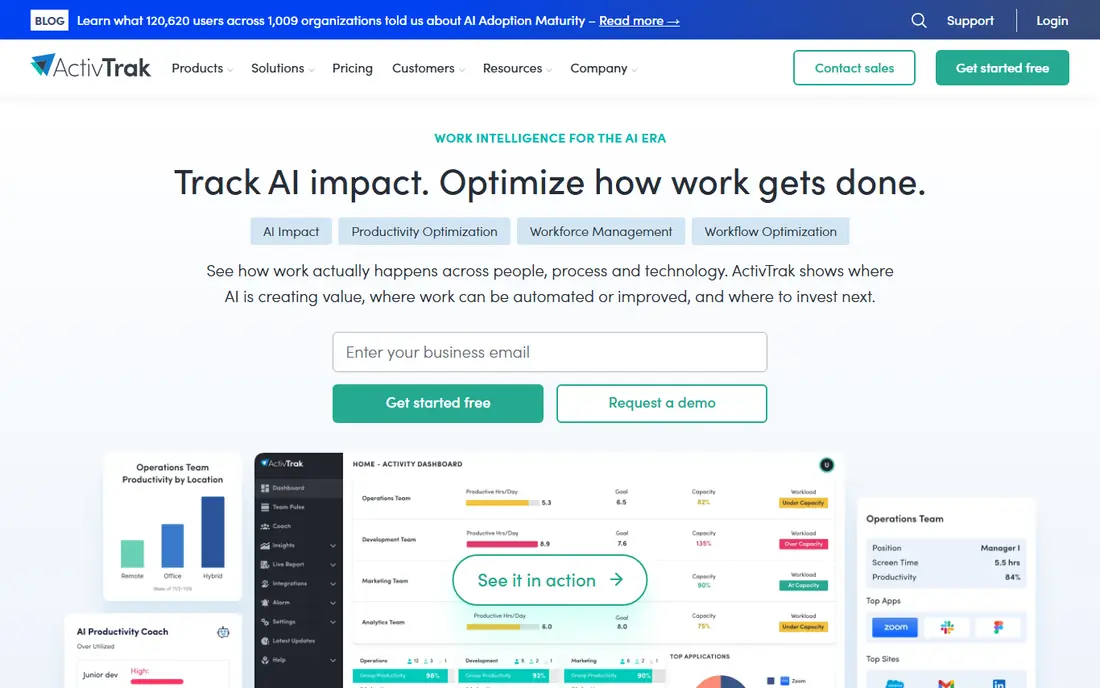
ActivTrak focuses on how teams spend time across apps and websites, and it turns that into patterns managers can act on. It is less about watching one person minute by minute and more about spotting workload and focus problems.
The platform includes coaching, goals, and alarms for unusual patterns. That framing helps managers talk about results rather than surveillance, though staff communication still matters.
Our view: the best balance here for teams that want insight without a heavy surveillance feel.
Bottom line: ActivTrak is a strong fit for productivity patterns for teams, and its main draw is team-level productivity insights. Weigh that against the limits above before you commit, and test it with your own real work during any trial or free period.
- Team-level productivity insights
- Coaching and goal tools
- Clearer privacy stance than deep surveillance tools
- Advanced features sit on higher tiers
- Pricing needs a quote for larger teams
Hubstaff
Ideal for: Remote time tracking and payroll
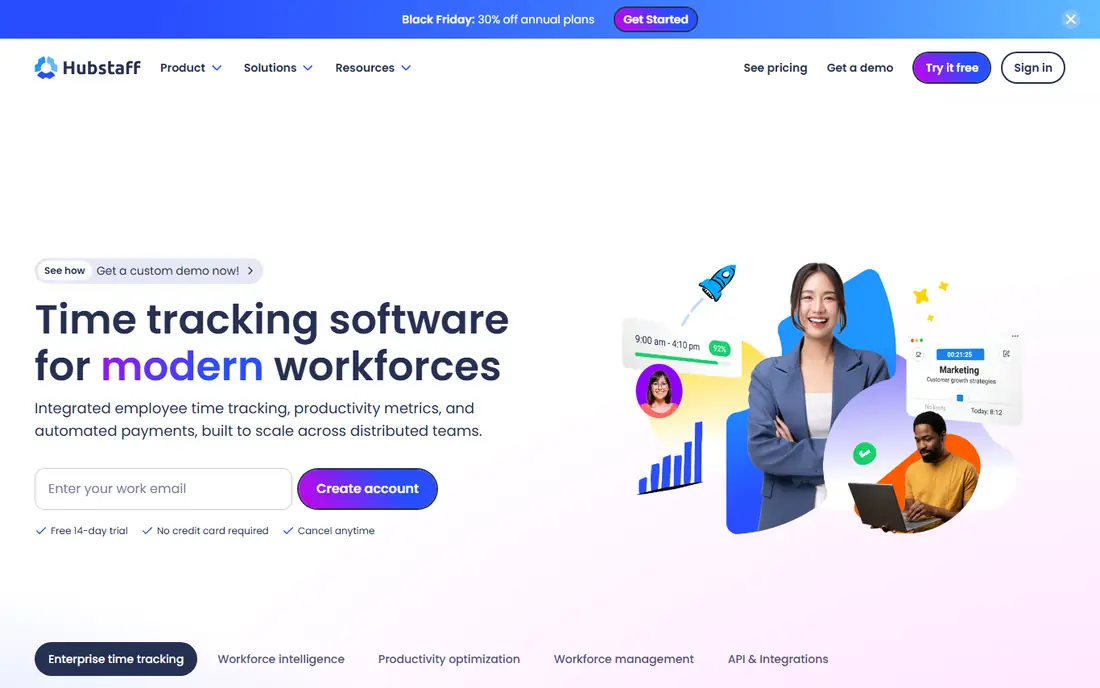
Hubstaff combines time tracking, activity levels, and optional screenshots with payroll and invoicing tools. Remote teams use it to track hours, approve timesheets, and pay staff from the same system.
The tool is flexible, which is both a strength and a risk. Teams should switch on only the features they truly need and explain them clearly to staff.
Our view: a practical pick for remote teams that need hours, proof of work, and payroll in one place.
Bottom line: Hubstaff is a strong fit for remote time tracking and payroll, and its main draw is time tracking with screenshots. Weigh that against the limits above before you commit, and test it with your own real work during any trial or free period.
- Time tracking with screenshots
- Payroll and invoicing links
- Apps for desktop and mobile
- Screenshot features can feel intrusive if misused
- Setup takes care for larger teams
Time Doctor
Ideal for: Time tracking with gentle oversight
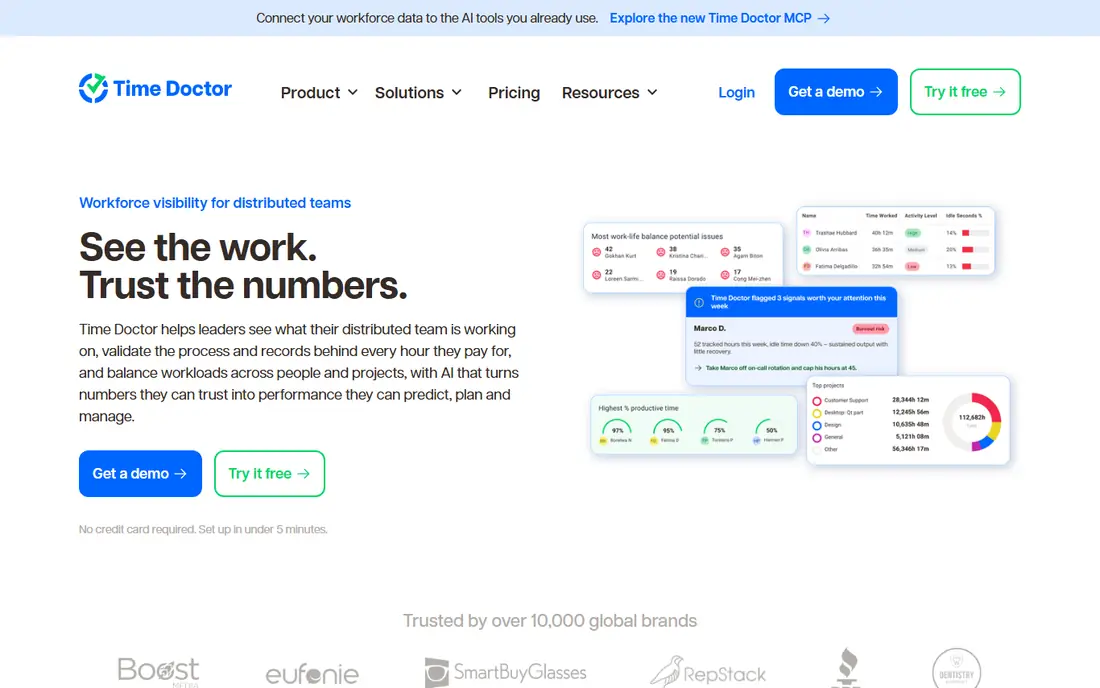
Time Doctor tracks time across tasks and projects, with optional screenshots and distraction alerts. Managers get reports on hours, projects, and idle time, while staff can see their own records too.
It suits agencies and remote teams that bill by the hour. As with any monitoring tool, the settings you choose will shape how staff feel about it, so keep them minimal and open.
Our view: a solid choice for billable-hour teams that need trustworthy time records.
Bottom line: Time Doctor is a strong fit for time tracking with gentle oversight, and its main draw is time tracking and reporting. Weigh that against the limits above before you commit, and test it with your own real work during any trial or free period.
- Time tracking and reporting
- Distraction alerts
- Payroll integrations
- Screenshot and monitoring settings need careful policy choices
- Interface is functional rather than pretty
Insightful
Ideal for: Workforce analytics for growing teams
Insightful, formerly Workpuls, offers time tracking, productivity analytics, and optional screenshots. It gives both managers and staff views of the data, which helps with open conversations about workload.
The tool offers visible and stealth modes, and we advise against hidden tracking. Transparency protects trust and keeps you on safer legal ground in most workplaces.
Our view: a capable analytics option, provided you run it openly and with a written policy.
Bottom line: Insightful is a strong fit for workforce analytics for growing teams, and its main draw is productivity analytics and time tracking. Weigh that against the limits above before you commit, and test it with your own real work during any trial or free period.
- Productivity analytics and time tracking
- Employee and manager views
- Stealth or visible modes
- Mode choices raise trust questions if hidden tracking is used
- Pricing varies by tier
Controlio
Ideal for: Detailed monitoring for compliance needs
Controlio is a closer match to Teramind in depth, with detailed activity records, screen data, and behaviour alerts. It also offers an on-premise option for organisations with strict data rules.
That depth is justified in some regulated or security-sensitive settings, but it is too much for most ordinary teams. Use it only where a clear security or compliance need exists.
Our view: pick Controlio only for a specific compliance need, not as a general productivity tool.
Bottom line: Controlio is a strong fit for detailed monitoring for compliance needs, and its main draw is detailed activity and screen records. Weigh that against the limits above before you commit, and test it with your own real work during any trial or free period.
- Detailed activity and screen records
- Behaviour alerts
- On-premise option
- Depth of monitoring can harm trust
- Best suited to regulated settings, not general teams
DeskTime
Ideal for: Simple time and productivity tracking
DeskTime tracks time automatically across apps and projects, and it produces reports on productive time, projects, and costs. Setup is simpler than enterprise monitoring suites.
It suits small teams that want a clear picture of the working day without a complex rollout. Larger organisations may outgrow its reporting depth.
Our view: a good light-touch start for small teams that want honest time data.
Bottom line: DeskTime is a strong fit for simple time and productivity tracking, and its main draw is automatic time tracking. Weigh that against the limits above before you commit, and test it with your own real work during any trial or free period.
- Automatic time tracking
- Project and cost reports
- Simple setup
- Less deep than enterprise tools
- Screenshot features are optional extras
Workstatus
Ideal for: Time tracking for field and remote staff
Workstatus covers time tracking, attendance, screenshots, and GPS for field staff, plus scheduling and reporting. It suits teams that mix office, remote, and field work.
Its integration list is narrower than larger rivals, so check your payroll and project tools before committing. Pricing is friendlier for small teams, which is part of its appeal.
Our view: a budget-friendly option for mixed teams that need time, location, and basic reporting.
Bottom line: Workstatus is a strong fit for time tracking for field and remote staff, and its main draw is time tracking with GPS and screenshots. Weigh that against the limits above before you commit, and test it with your own real work during any trial or free period.
- Time tracking with GPS and screenshots
- Scheduling and reporting
- Affordable tiers
- Smaller vendor with a narrower integration list
- Mobile focus may not suit office-only teams
How we picked these
We compared official feature pages, pricing pages, and privacy documentation, and we looked for time tracking, reporting, screenshot options, and transparency controls. We favoured tools that make it easy to run monitoring openly.
We did not test these tools on staff or claim hands-on monitoring. Where pricing was not published, we wrote See website rather than guessing.
How to choose a Teramind alternative without losing trust
Start with the problem you actually need to solve. If the issue is billable hours, a time tracker is enough. If the issue is workload balance, team analytics help more than screen recording. Buying deeper surveillance than you need creates trust problems.
Write a monitoring policy before you buy. State what is tracked, what is not, who can see it, and how long data is kept. Share it with staff and invite questions. A tool that makes this conversation harder is the wrong tool.
Check local law and any works council or union rules that apply. Monitoring rules differ by country and state, and some features that are legal in one place are restricted in another. Get advice if you operate across borders.
Test with a small group first. Run the tool openly for a few weeks, review the reports together, and ask staff whether the data feels fair. Adjust settings before a company-wide rollout.
Finally, review the data regularly and act on it kindly. If reports show overload, fix workload rather than blaming individuals. Monitoring data should improve work, not just measure it.
Frequently asked questions
Is employee monitoring legal?
It depends on your country, state, and workplace rules. In many places you must inform staff and have a lawful reason. Check local rules and get advice before enabling monitoring features.
What is the least intrusive Teramind alternative?
DeskTime and ActivTrak are lighter in feel, especially when screenshots and keystroke features stay off. The least intrusive setup is usually time tracking plus team-level reports.
Do these tools work for remote teams?
Yes. Hubstaff, Time Doctor, and Workstatus are built for remote and field teams, with desktop and mobile apps and payroll links.
Should I tell staff that monitoring is running?
Yes. Open communication protects trust and is required in many places. Hidden tracking tends to backfire when staff find out, as they usually do.
Can I use these tools for contractors?
Yes, but terms differ by contract and location. Agree tracking terms in writing with contractors, and track only what the contract allows.