7 Best Business Automation Software for Docs for 2026

- 1
 PandaDocProposals and contracts with eSignatureVisit
- 2
 DocuSignAgreements and eSignature at scaleVisit
- 3
 DocuWareDocument management with AI-powered workflowsVisit
- 4
 airSlate WorkFlowNo-code document workflow automationVisit
- 5
 LaserficheContent management with process automationVisit
- Top of the list is PandaDoc, which targets proposals and contracts with eSignature.
- For forms, documents, and eSignatures in one suite, Formstack is worth a look.
- Starting prices begin at $19/user/month with PandaDoc.
- PandaDoc comes with a trade-off: document management depth is thinner than pure DMS tools.
- Just one of the 7 tools, PandaDoc, has a free plan.
Direct answer
PandaDoc is the first pick on this list for proposals and contracts with eSignature. Alternatives: DocuSign for agreements and eSignature at scale, and DocuWare for document management with AI-powered workflows. The remaining 4 options are covered below with prices and limits.
Quick comparison
| Product | Ideal for | Price from | Free version | |
|---|---|---|---|---|
| PandaDoc | Proposals and contracts with eSignature | $19/user/month (Starter) | Yes | Visit |
| DocuSign | Agreements and eSignature at scale | See website | Free trial (30 days) | Visit |
| DocuWare | Document management with AI-powered workflows | See website | No | Visit |
| airSlate WorkFlow | No-code document workflow automation | See website | Free trial | Visit |
| Laserfiche | Content management with process automation | See website | No | Visit |
 Nintex | Enterprise process and document automation | See website | Free trial (30 days) | Visit |
 Formstack | Forms, documents, and eSignatures in one suite | See website | Free trial | Visit |
7 business automation software for docs in detail
If you are comparing business automation software for docs, this page covers 7 tools in one place: what each is best for, what it costs to start, whether it has a free plan, and the main limit to know about.
PandaDoc
Ideal for: Proposals and contracts with eSignature
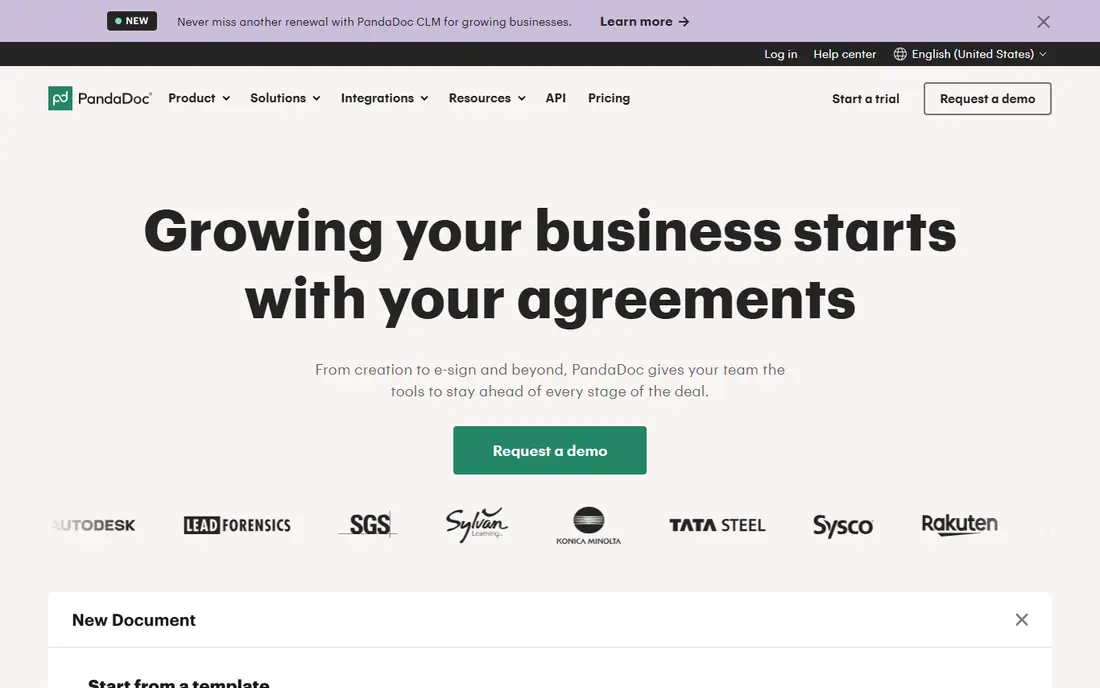
Pick PandaDoc if this describes you: proposals and contracts with eSignature. PandaDoc handles the full agreement lifecycle: build documents from templates, negotiate with commenting, collect legally binding eSignatures, and even take payments. The main limit is that PandaDoc is an agreement tool first, not a document management system.
Drawbacks to consider: Advanced workflow features cost more.
Pricing is refreshingly transparent: a free eSign plan, Starter at $19 per user a month, and Business at $49. In practice, if your need is long-term document governance and retention instead of getting contracts signed, pair it with or pick a DMS instead. Worth adding: the drag-and-drop builder is genuinely simple, and integrations with HubSpot and Salesforce pull deal data straight into proposals. PandaDoc cost at the entry level: $19/user/month. You can start on PandaDoc without paying.
- Free eSign plan
- Drag-and-drop document builder with CRM integrations
- Document management depth is thinner than pure DMS tools
DocuSign
Ideal for: Agreements and eSignature at scale
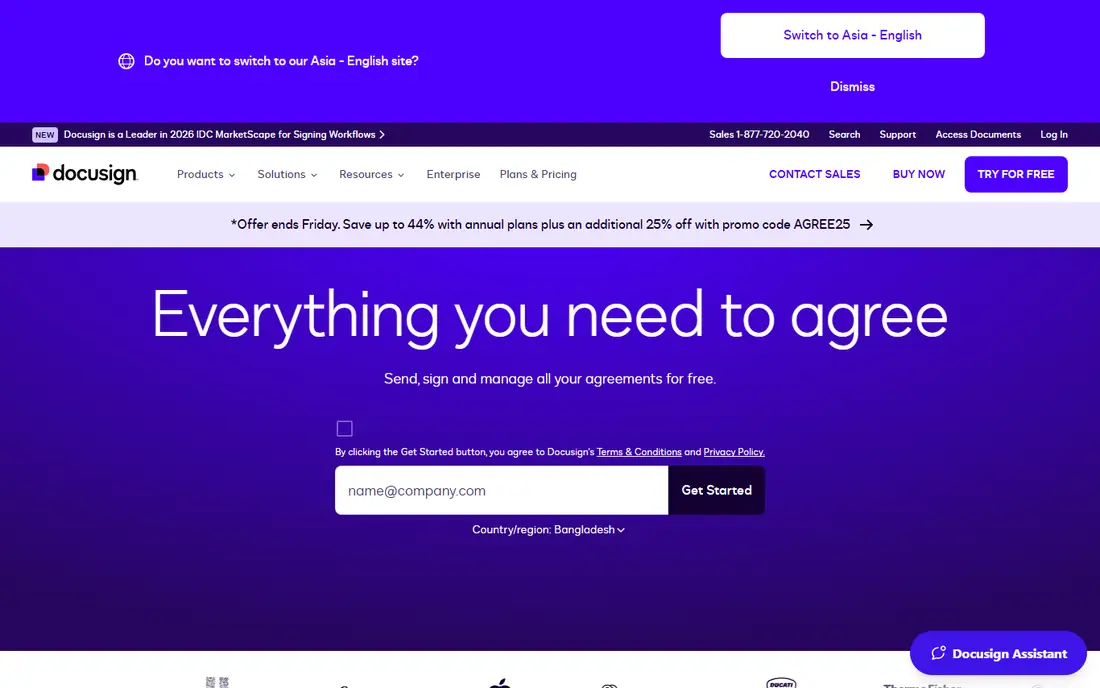
DocuSign is built with agreements and eSignature at scale in mind. DocuSign is the name most people think of for eSignature, and it has grown into an Intelligent Agreement Management system including the entire agreement lifecycle: generation, negotiation, signing, and AI-powered analysis of signed agreements.
The pricing deserves a careful read. eSignature plans carry envelope limits and overage fees, and the newer IAM product is priced separately. On top of that, for pure signing at scale, nothing beats its recognition and reliability. No starting price is listed for DocuSign here; confirm pricing on the vendor site. Free plan details: Free trial (30 days).
Points against: Full system pricing is quote-based.
- Intelligent Agreement Management system
- 1,000 plus integrations
- Pricing is complex with envelope limits
DocuWare
Ideal for: Document management with AI-powered workflows
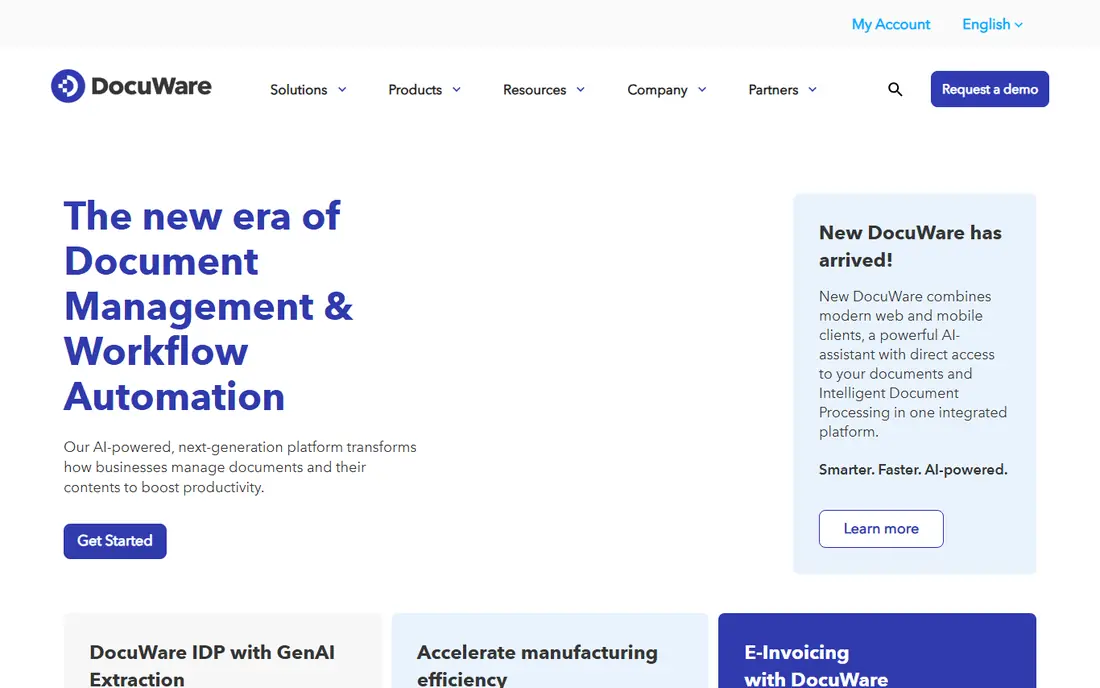
Think of DocuWare for document management with AI-powered workflows. Its newer AI-powered product layers on intelligent document processing: extracting data from documents automatically rather than manual indexing. Like its enterprise peers, it sells through quotes and demos instead of self-serve pricing.
With a long history in the space and recognition from Gartner and IDC, DocuWare is a safe enterprise pick, especially in manufacturing, finance, and the public sector. In practice, mid-sized teams that require AI-assisted document capture with deployment adaptability should shortlist it. Check the vendor site for DocuWare pricing; none is listed in this comparison. DocuWare has no free plan.
Downsides: Enterprise sales process.
- AI-powered intelligent document processing
- Cloud and on-premises choices
- Quote-only pricing
airSlate WorkFlow
Ideal for: No-code document workflow automation
In short, airSlate WorkFlow is for no-code document workflow automation. Hundreds of pre-built bots manage the repetitive steps, and integrations link flows to Salesforce, NetSuite, and other systems of record.
It is a solid fit for operations teams that own their own processes and do not want to wait on IT. You define a document's lifecycle visually: who fills it in, who approves it, where the data goes, and what happens next. airSlate WorkFlow is a document workflow automation system built around no-code flow building. airSlate WorkFlow shows no starting price here, so confirm the cost on the vendor site. Free options: Free trial.
Points against: Ramp-up time for complicated multi-branch flows.
- Visual no-code workflow builder
- Hundreds of automation bots
- Pricing not published
Laserfiche
Ideal for: Content management with process automation
Laserfiche is aimed squarely at content management with process automation. Documents are stored, classified, and governed with retention policies, whereas built-in workflow tools automate the processes around them. It is a Leader in the 2026 Gartner Magic Quadrant for Document Management, which reflects its enterprise credibility.
This is not self-serve software. Laserfiche is an intelligent content system that pairs document management with process automation. Pricing for Laserfiche is not stated here, so ask the vendor for current figures. There is no free plan with Laserfiche.
What to check first: Implementation is a project, not an afternoon.
- Solid compliance and records features
- Mature document management with workflow automation
- Quote-only pricing
Nintex
Ideal for: Enterprise process and document automation
Nintex works best for enterprise process and document automation. Small teams will find it more system than they need. In practice, Nintex is a process automation system that spans workflows, forms, apps, and documents in one governed system.
Its document generation, including Nintex DocGen for Salesforce, deals with complicated templates and approvals that more straightforward tools cannot. This is enterprise software with enterprise pricing: quotes, demos, and implementation conversations. Check the vendor site for Nintex pricing; none is listed in this comparison. Free options: Free trial (30 days).
Limits to weigh: More product than small teams need.
- Governance and audit trails
- Solid document generation for Salesforce
- Quote-based enterprise pricing
Formstack
Ideal for: Forms, documents, and eSignatures in one suite
Choose Formstack for forms, documents, and eSignatures in one suite. Formstack, now part of the Intellistack company, bundles online forms, document generation, and eSignatures into one no-code suite. The pitch is straightforward: collect data with forms, produce documents from that data, and get them signed, all without leaving the system.
Its Salesforce integration is a particular strength. In practice, teams that require best-in-class workflow automation or heavy document management may find the modules limiting. No starting price is listed for Formstack here; confirm pricing on the vendor site. Trial and free access: Free trial.
The main drawbacks: Pricing not published.
- Solid Salesforce integration
- No-code builders
- Suite breadth means each module is less deep than specialists
How we built this list
Each tool was reviewed on what its vendor publishes: price, plan limits, core features and stated drawbacks. We did not run hands-on tests. Plan names, prices and limits change often. Treat the figures here as a starting point and verify them with the vendor. Position on the page reflects fit for a typical buyer first, with price clarity and free access breaking ties. Treat it as a guide, not a ruling.
Pre-purchase checklist
- Ask DocuSign, DocuWare, airSlate WorkFlow and others for a written quote, since no starting price is shown.
- Look at the free plan from PandaDoc closely: its caps decide whether it is usable for real work.
- Run a trial of DocuSign, airSlate WorkFlow, Nintex and Formstack with real work before paying for a year; your own workflow is the best test.
- Before choosing PandaDoc, weigh its main limit: document management depth is thinner than pure DMS tools.
- Price Laserfiche for your actual team size; headline prices rarely include add-ons or overage.
- Check whether the features you need in PandaDoc sit on the entry plan or only on higher tiers.
Frequently asked questions
Do these tools publish their prices?
Not all of them. DocuSign, DocuWare, airSlate WorkFlow and others publish no starting price, so expect a quote request for those. The rest, PandaDoc included, show a starting price, though seats and billing terms still change the final cost.
Which tool is a good match for contracts specifically?
This list starts with PandaDoc, which fits proposals and contracts with eSignature. For other needs, DocuSign is aimed at agreements and eSignature at scale, and DocuWare at document management with AI-powered workflows. Check each tool's price and main limit first.
How do I migrate existing documents into a new system?
Plan the migration as its own project: clean up duplicates first, decide your metadata scheme, and migrate in phases instead of all at once.
What is business automation software for documents?
It is software that automates document-heavy work: generating documents from templates, routing them through approvals, collecting eSignatures, and storing finished files with audit trails.
How are the business automation software for docs ordered?
The order follows typical fit for business automation software for docs, with PandaDoc first and Formstack last, then price clarity and free access. It is editorial judgement, not a score, so another team could rank the tools differently.
Which business automation software for docs have a free plan?
PandaDoc is the only tool in this list with a free plan. Free plans usually cap users, projects or features, so check the limits on the vendor page. Several others offer a trial instead.