Top Expense Management Software Comparison in 2026: 8 Tools Compared

- Card-first platforms such as Ramp and Brex control spend before it happens, while report-first tools such as Expensify suit reimbursement workflows.
- Navan is the strongest pick when travel booking and expenses must live in one system.
- SAP Concur fits large companies with complex policies, but smaller teams may find it heavy to set up.
- Fyle stands out for teams that want to keep their existing corporate cards and collect receipts by text.
Quick comparison
| Product | Ideal for | Price from | Free version | |
|---|---|---|---|---|
 Ramp | Card-first spend control | See website | No | Visit |
 Brex | Global cards and banking | See website | No | Visit |
 Expensify | Receipts and reimbursements | Free | Yes | Visit |
 Navan | Travel plus expenses | See website | No | Visit |
 Airbase | Payables plus expenses | See website | No | Visit |
 Zoho Expense | Zoho users and value | See website | Free trial | Visit |
 SAP Concur | Large enterprise policies | See website | No | Visit |
 Fyle | Receipts by text on existing cards | See website | Free trial | Visit |
The best expense management software
We compared official feature pages, pricing pages, and app-store listings for expense tools available in October 2026. The list covers card-first platforms, travel-linked tools, and classic expense reporting, so different company shapes can find a fit.
This is not financial advice. Card limits, credit terms, and fees vary by company and region, so confirm eligibility and current terms on the vendor's website before applying.
Ramp
Ideal for: Card-first spend control
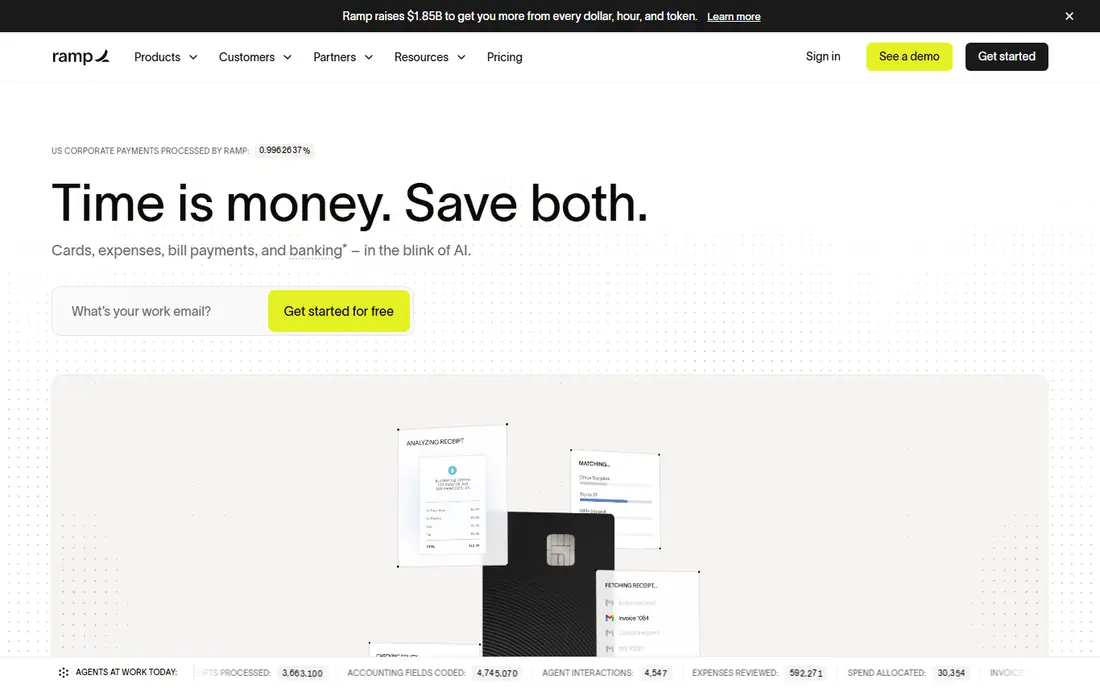
Ramp combines corporate cards with expense management and bill payments in one platform. Managers set limits by team, vendor, or category, and transactions that break policy get flagged before money is spent rather than after. Receipts are matched automatically, and accounting sync keeps the books current.
The catch is access. Ramp cards are issued based on company eligibility, so very small or very new businesses may not qualify for the full card program. Teams that do qualify get one of the tightest spend-control setups available, with less chasing of receipts at month end.
- Strong spend controls and approvals
- Automatic receipt matching
- Accounting integrations
- Card eligibility depends on company profile
- Some features need the paid tier
Brex
Ideal for: Global cards and banking
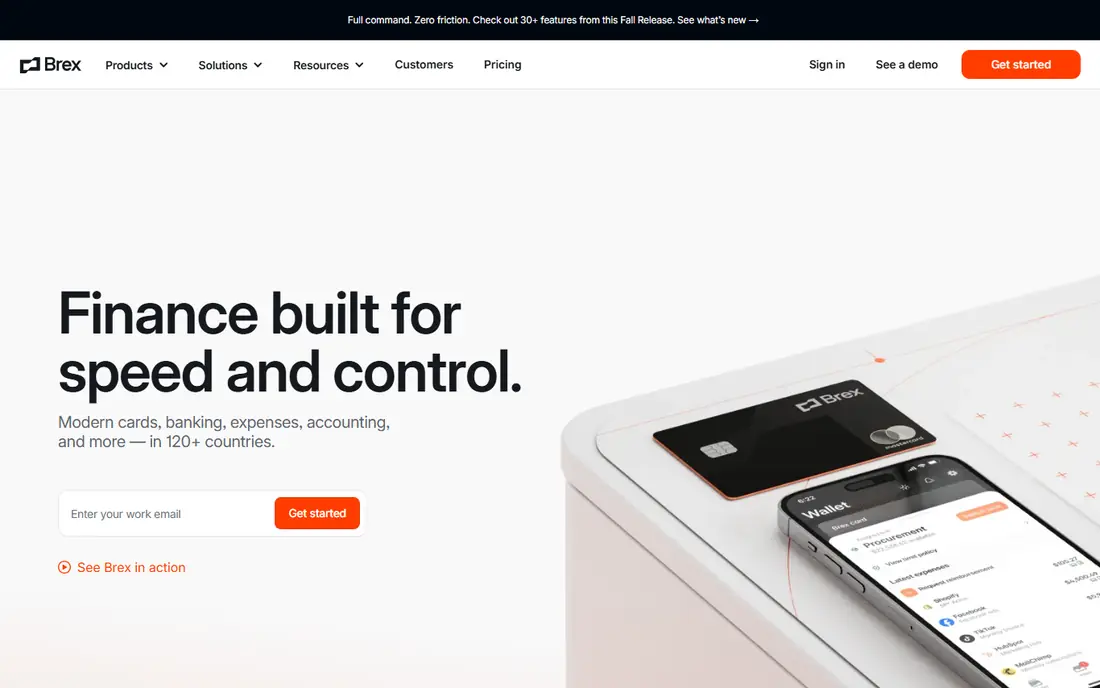
Brex offers cards, business banking, travel booking, and expense management under one roof, with support for spending in many countries. Its mobile app handles receipts and approvals, and budgets can be enforced automatically as employees spend. Travel booking sits inside the same system, which helps finance teams see the full trip cost.
Smaller teams may find parts of Brex more than they need, and pricing for larger plans is quote-based. For a company with international staff or frequent travel, the combined stack removes several separate tools and gives finance one place to watch spend.
- Cards, banking, travel, and expenses in one stack
- Strong global coverage
- AI expense help
- Enterprise pricing can be complex
- Some features suit larger teams best
Expensify
Ideal for: Receipts and reimbursements
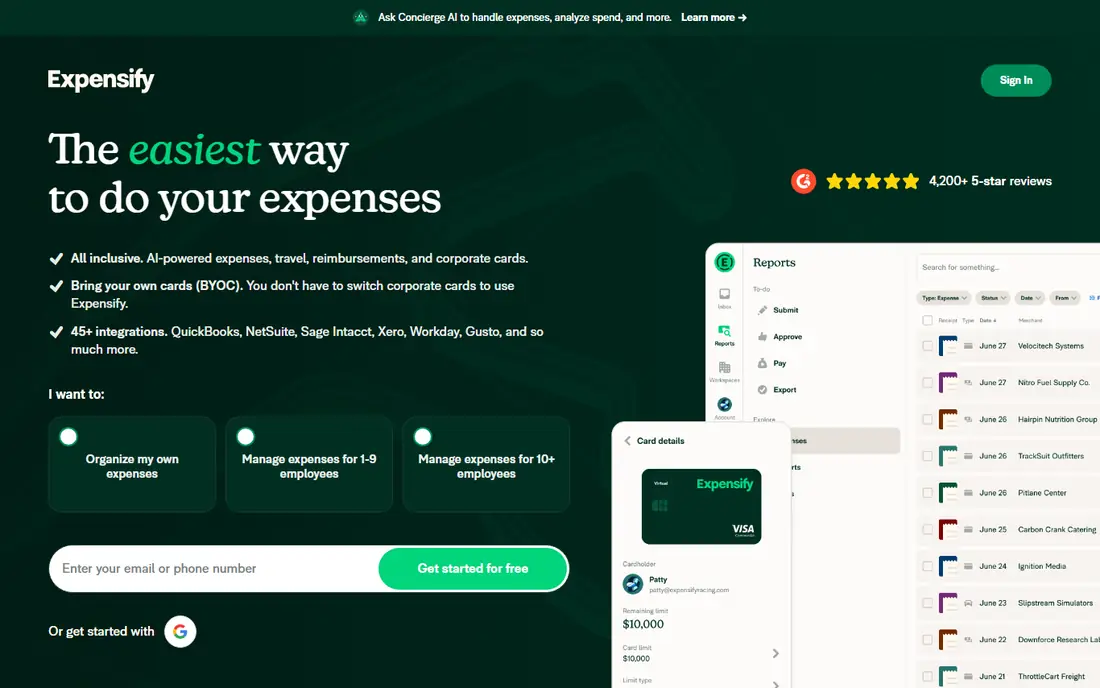
Expensify is free for individuals, and company plans start at $5 per member according to its own site. Employees scan receipts with a phone, forward them by email, or swipe the Expensify Card, and reports are built and approved quickly. Reimbursements can reach bank accounts in as little as one business day, and integrations cover QuickBooks, Xero, NetSuite, and Sage Intacct.
The pricing model deserves attention. Per-member fees grow with headcount, and some policy controls require higher tiers. For a team that mainly needs clean receipt capture and fast reimbursement, Expensify remains one of the easiest tools to roll out.
- Free for individuals
- Fast receipt scanning
- Broad accounting integrations
- Expensify Card with cash back
- Per-member pricing adds up for large teams
- Advanced controls sit on higher plans
Navan
Ideal for: Travel plus expenses
Navan, formerly TripActions, joins business travel booking with expense management. Employees book flights and hotels inside policy limits, and the same app handles receipts, approvals, and corporate cards. Managers see travel and expense together, which makes it easier to spot overspending on trips.
A company with little travel will not use half of what Navan offers, and pricing requires a sales conversation. For a team that travels often, though, combining booking and expenses removes the usual gap between a trip and its expense report, and the support team helps when plans change.
- Travel booking and expenses in one app
- Policy guardrails at booking
- 24/7 travel support
- Travel focus may be overkill for office-only teams
- Pricing is quote-based
Airbase
Ideal for: Payables plus expenses
Airbase brings corporate cards, bill payments, and employee reimbursements into one approval flow. Finance teams can set policies once and apply them across cards, bills, and expenses, with accounting sync to major ERPs. The platform is aimed at midsize companies that want payables and expenses governed together.
One note: Airbase is now part of Paylocity, and its site points visitors to Paylocity for Finance. That backing may strengthen the product, but buyers should confirm the roadmap and support terms during evaluation. For a midsize finance team, the combined payables and expense workflow is still a strong draw.
- Combines cards, bill payments, and reimbursements
- Strong approval workflows
- ERP integrations
- Now part of Paylocity, so product direction may shift
- Pricing is quote-based
Zoho Expense
Ideal for: Zoho users and value
Zoho Expense covers travel booking, expense reporting, and corporate card management with AI receipt capture and policy checks. It integrates with Zoho Books and other Zoho apps, plus third-party accounting tools, and it supports multi-entity companies with different policies per region. Approval workflows can be multi-level, with delegates and escalations.
Pricing is not as openly published as some rivals, so buyers need a quote to compare totals. For a business already running Zoho apps, the value is clear: expenses, accounting, and travel share data without extra integration work. As a standalone tool it is still capable, just less transparent on price.
- Travel, expenses, and cards in one system
- Strong automation
- Good value inside the Zoho suite
- Standalone pricing is less clear
- Some advanced travel features need higher plans
SAP Concur
Ideal for: Large enterprise policies
SAP Concur is the enterprise standard for travel, expense, and invoice management. It offers granular policy rules, audit controls, and integrations with major ERP systems, and it handles multi-country tax and currency needs that smaller tools struggle with. Large companies with thousands of travelers rely on it for consistent enforcement.
The trade-off is weight. Implementation takes planning, admin training matters, and smaller teams may find the system more complex than they need. If your company has strict compliance rules, many entities, or heavy travel volume, Concur's depth justifies the effort. If not, a lighter tool will get you live faster.
- Deep policy and compliance controls
- Huge integration library
- Global tax and currency handling
- Setup can be long and costly
- Interface feels dated in places
Fyle
Ideal for: Receipts by text on existing cards
Fyle, now Sage Expense Management, takes a different approach: it works with the corporate cards a company already has. Employees get a text alert when they spend and reply with a photo of the receipt, and the system codes and matches the expense automatically. Real-time card feeds mean finance sees spend as it happens, not at statement time.
The rebrand to Sage Expense Management is worth noting when searching for pricing and support pages, since both names appear online. For a team that does not want to switch card providers, Fyle's model removes a common barrier to adopting expense software, and its text-based receipt flow is genuinely easy for staff to use.
- Works with existing corporate cards
- Receipt collection by text
- Real-time feeds
- Fast reconciliation
- Now branded as Sage Expense Management, which may confuse buyers
- Pricing is quote-based
How we picked these
We compared official feature pages, pricing pages, and app-store listings for expense management tools available in October 2026. We favored tools with receipt capture, approval workflows, policy controls, and accounting integrations, and we included both card-first and report-first models. We did not include our own product in this list.
How to choose expense software for your team
Start by deciding whether you want to control spend before or after it happens. Card-first platforms set limits in advance and block out-of-policy spend, which suits teams with many cardholders. Report-first tools suit reimbursement-heavy teams, where staff pay out of pocket and claim back later. Your answer here narrows the list fast.
Then check the integrations that matter. The tool should sync with your accounting system without manual exports, and it should handle your card provider if you plan to keep existing cards. Run a pilot with one department, measure how many receipts arrive on time, and ask staff how the mobile app feels. A tool employees avoid will not fix your expense problem, no matter how good its dashboard looks.
Frequently asked questions
What is expense management software?
Expense management software captures receipts, applies company policy, routes approvals, and syncs approved expenses to accounting. Some tools also issue corporate cards and control spend limits, while others focus on reimbursing staff who pay out of pocket.
Do I need corporate cards to use expense software?
No. Tools such as Expensify and Fyle work with reimbursements or with cards you already have. Card-first platforms such as Ramp and Brex issue their own cards, which adds control but requires the company to qualify for the card program.
How much does expense management software cost?
Pricing ranges from free for individuals on Expensify to per-member monthly fees or quote-based enterprise plans. Card-first platforms often bundle software with the card program, while report-first tools charge per user, so compare the total for your headcount.
Can expense software enforce our spending policy?
Yes. Most tools let finance set category limits, approval chains, and receipt requirements, and they flag out-of-policy claims automatically. Card-first platforms can also block or decline spending that breaks a rule before the purchase is made.
Which expense tool is best for travel-heavy teams?
Navan is the strongest pick when travel booking and expenses must live together, since it books trips inside policy and tracks the related spend. SAP Concur also suits large travel programs, while Zoho Expense covers travel for midsize teams at lower cost.