HR Software for Time Tracking: 7 Options Side by Side (2026)

- 1
 Zoho PeopleBudget-conscious businesses wanting HR with timesheetsVisit
- 2
 RipplingBusinesses unifying HR, IT and workforce managementVisit
- 3
 DeelGlobal and remote teams tracking time across countriesVisit
- 4
 EddySmall US companies with hourly and frontline workersVisit
- 5
 DeputyShift-based firms needing scheduling plus time trackingVisit
- The list opens with Zoho People, aimed at budget-conscious firms wanting HR with timesheets.
- Free plans exist at 2 of 7 tools (Zoho People, Deel).
- For the cheapest start, look at Zoho People: $1.25 per user/month.
- The main caution on Zoho People: interface feels dated next to BambooHR or Gusto.
Direct answer
Start with Zoho People if you need budget-conscious companies wanting HR with timesheets. Look at Rippling for firms unifying HR, IT and workforce management, and at Deel for global and remote teams tracking time across countries. Details, prices and limits for the rest of the 7 tools are below.
Quick comparison
| Product | Ideal for | Price from | Free version | |
|---|---|---|---|---|
| Zoho People | Budget-conscious businesses wanting HR with timesheets | $1.25 per user/month | Yes | Visit |
| Rippling | Businesses unifying HR, IT and workforce management | $8 per employee/month | No | Visit |
| Deel | Global and remote teams tracking time across countries | $5 per employee/month | Yes | Visit |
| Eddy | Small US companies with hourly and frontline workers | $4 per person/month + $50 base | Free trial | Visit |
| Deputy | Shift-based firms needing scheduling plus time tracking | $5 per user/month | Free trial (31 days) | Visit |
 BambooHR | Mid-sized businesses wanting HR plus time tracking | $10 per employee/month | Free trial (7 days) | Visit |
 When I Work | Small teams wanting the simplest scheduling and time clock | $2.50 per user/month | Free trial (14 days) | Visit |
The best HR software for time tracking
Short on time? The summary and table above give the quick view of 7 tools for HR software for time tracking, and the profiles that follow give the detail behind each entry.
Zoho People
Ideal for: Budget-conscious businesses wanting HR with timesheets
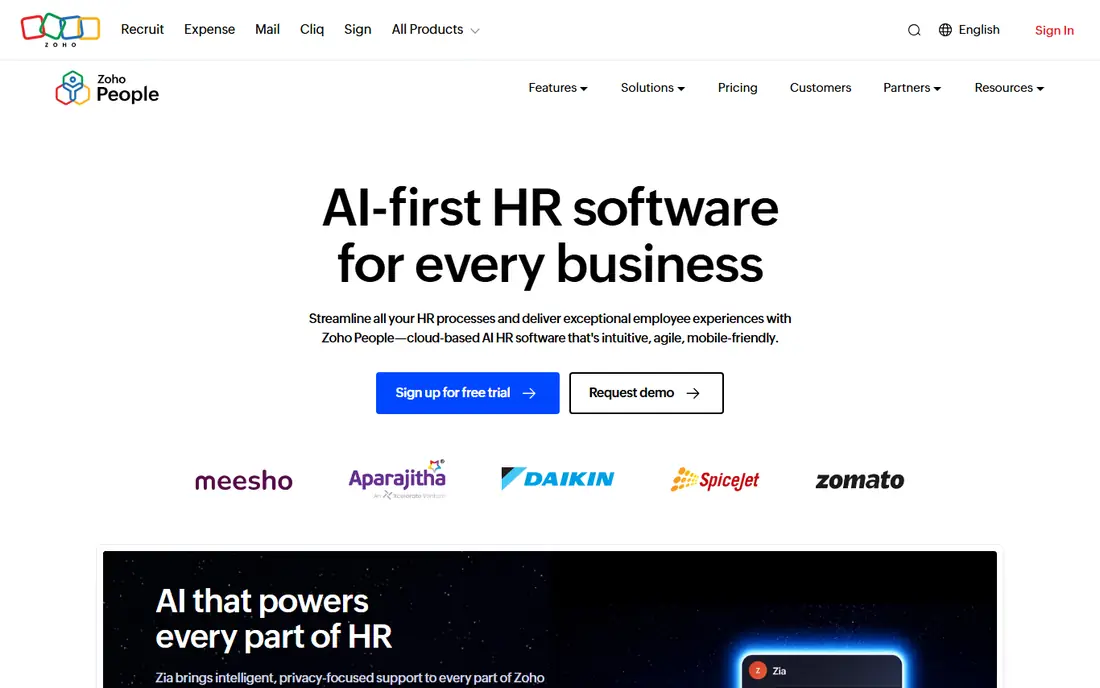
Zoho People is a good fit for budget-conscious businesses wanting HR with timesheets. Zoho People is the value play in HR software. For the price, the feature list is long.
More specifically, timesheets and attendance tracking arrive on the Professional plan at $2.50 per user a month ($2.00 annual). Zoho People does not feel as modern as BambooHR or as focused as Deputy. Companies already using Zoho CRM, Zoho Books or other Zoho apps get additional value from the integrations. What you pay to start with Zoho People: $1.25 per user/month. A free plan is available with Zoho People.
Drawbacks to consider: Time tracking features need the Professional level or higher.
- Professional plan with timesheets and attendance at $2.50 per user a month
- Free for up to 5 employees
- Interface feels dated next to BambooHR or Gusto
Rippling
Ideal for: Businesses unifying HR, IT and workforce management
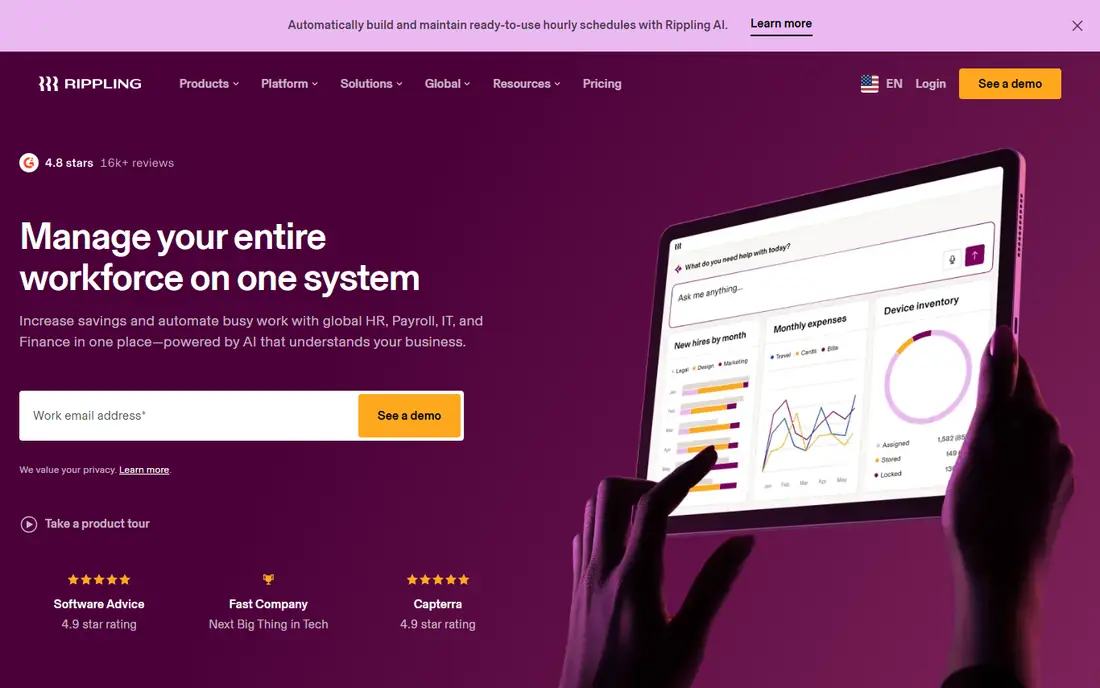
Pick Rippling if this describes you: companies unifying HR, IT and workforce management. When someone clocks in, that data feeds payroll, but it also links to the broader system that runs their laptop, software accounts and benefits. Beyond that, onboarding a new hire provisions everything at once.
What to check first: No free trial, demos only.
Where it shines: devices and apps. The pricing reflects the system ambition. For businesses where HR and IT overlap, this single system removes lots of duplicate work. Price to start with Rippling: $8 per employee/month. Rippling has no free plan.
- Global payroll support
- Time and attendance connects to payroll
- Time and Attendance is a separate add-on module
Deel
Ideal for: Global and remote teams tracking time across countries
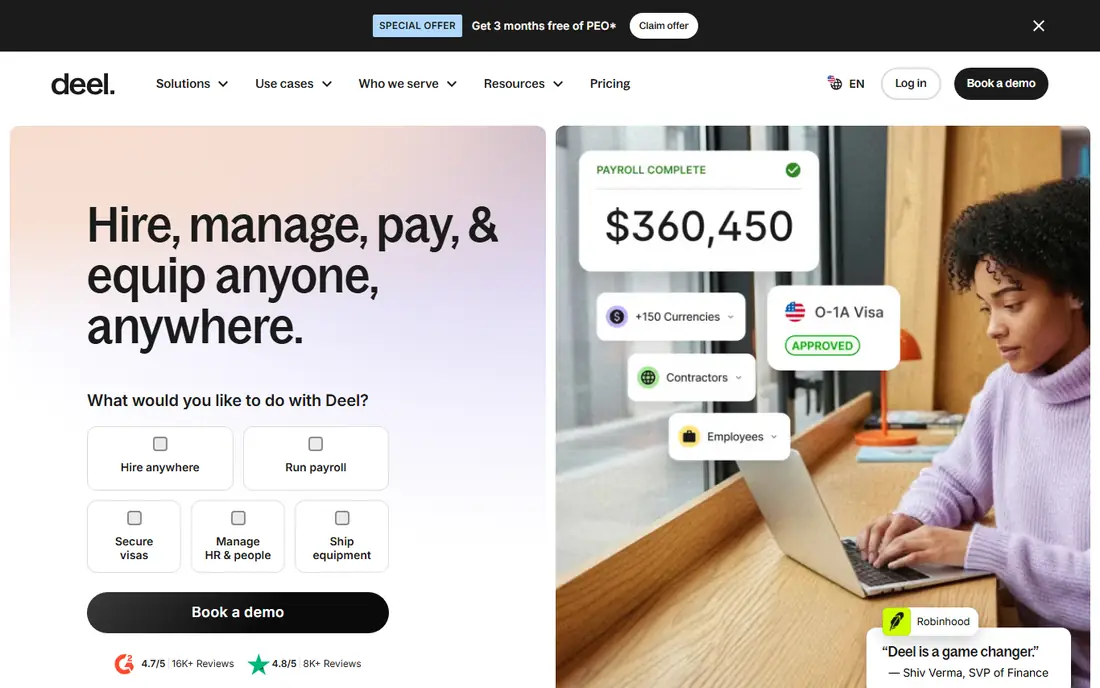
Deel is aimed squarely at global and remote teams tracking time across countries. Deel was aimed at firms hiring across borders, so time tracking works alongside contractor payments, employer-of-record services and compliance in 150-plus countries. In practice, a remote team spread across time zones gets consistent time records without stitching tools together.
Points against: Support response varies by region.
From a buyer's view, the Core HR plan at $5 per employee a month spans time tracking alongside the employee records, org charts and document management. Worth adding: firms with up to 200 employees can use the core HRIS at no cost, which makes Deel one of the most ample choices for startups that require proper time records without a big budget. Deel cost at the entry level: $5 per employee/month. Deel includes a free tier.
- Time tracking included in the $5 Core HR plan
- HRIS free for businesses up to 200 employees
- The system keeps expanding, which can confuse new users
Eddy
Ideal for: Small US companies with hourly and frontline workers
For small US companies with hourly and frontline workers, Eddy is a natural candidate. Eddy centres on the firms that larger HR systems overlook.
Eddy provides a free trial to test the fit. Pricing begins at $4 per person a month plus a $50 base fee on the Starter plan, with Growth at $8 per person plus $75. Eddy starts at: $4 per person/month + $50 base. Free plan details: Free trial.
What to check first: Restricted international support.
- HR and payroll
- Made for local companies with frontline staff
- Younger company with a smaller integration ecosystem
Deputy
Ideal for: Shift-based firms needing scheduling plus time tracking
Choose Deputy for shift-based companies needing scheduling plus time tracking. There is no free level, but the 31-day trial hands a full month to test with a real team. Also, office teams with salaried staff will find it more than they need.
Where it falls short: No free plan, trial only.
Deputy was aimed at the reality of shift work. From a buyer's view, managers build schedules in minutes with templates and auto-scheduling, staff claim open shifts from their phones. The time clock verifies who is actually on site with GPS and optional photo verification. On cost, Deputy starts like this: $5 per user/month. Free options: Free trial (31 days).
Highlights: 31-day free trial.
- Capable scheduling with auto-fill and shift swapping
- GPS time clocks with facial recognition choices
- Pricing per user brings up for large hourly teams
BambooHR
Ideal for: Mid-sized businesses wanting HR plus time tracking
BambooHR is a good fit for mid-sized businesses wanting HR plus time tracking. Staff actually use it without complaints, which matters more than any feature list when you are trying to get accurate hours. The interface is the reason firms choose BambooHR.
In daily use, BambooHR approaches time tracking as part of a complete HR picture instead of a standalone feature. BambooHR sells Core, Pro and Elite levels beginning at $10 per employee a month, and the time tracking add-on is quoted separately. The starting price for BambooHR: $10 per employee/month. On free options: Free trial (7 days).
Points against: Pricing rises with headcount; Implementation takes longer than more straightforward tools.
- Clean interface that employees adopt rapidly
- Capable reporting on hours and labor costs
- Not included in base plans
When I Work
Ideal for: Small teams wanting the simplest scheduling and time clock
When I Work targets small teams wanting the simplest scheduling and time clock. The Essentials plan begins at $2.50 per user a month, which is the lowest entry price among the dedicated scheduling tools here. The 14-day trial is enough to run a couple of schedule cycles.
Main advantages: Clean mobile app staff learn in minutes.
More specifically, adding time and attendance raises the price. On top of that, managers approve timesheets and push hours toward payroll. In practice, essentials with attendance runs $4 per user a month, Pro with attendance is $7, and Premium with attendance is $10. Worth adding: teams that want the basics done well will be happy here. On cost, When I Work starts like this: $2.50 per user/month. Free plan details: Free trial (14 days).
Trade-offs to know: Time and attendance features cost additional on top of base plans.
- Scheduling
- Lowest starting price in this roundup
- Reporting is lighter than Deputy or BambooHR
How the list was put together
We compared the tools on published pricing, free plan or trial availability, feature coverage for HR software for time tracking, and the limits each vendor documents. Treat prices as a snapshot: vendors change plans often, so check the vendor site for the figure that applies today. Position on the page reflects fit for a typical buyer first, with price clarity and free access breaking ties. Treat it as a guide, not a ruling.
What to check before you buy
- Confirm the entry price on the vendor page: Zoho People starts at $1.25 per user/month, but seat counts and billing terms change the total.
- Check what the free option really includes: Zoho People and Deel offer a free plan, and usage caps differ.
- Run a trial of Eddy, Deputy, BambooHR and When I Work with real work before paying for a year; your own workflow is the best test.
- Read the limits listed for Zoho People first: interface feels dated next to BambooHR or Gusto.
- Map your must-have features to a specific Zoho People plan before you compare prices.
- Check whether Rippling bills monthly or annually, and what cancelling early costs.
Frequently asked questions
Is Zoho People the right pick for everyone comparing HR software for time tracking?
No single tool suits every team. Zoho People comes first because it fits budget-conscious companies wanting HR with timesheets, while Rippling suits companies unifying HR, IT and workforce management and Deel suits global and remote teams tracking time across countries. Match the tool to your own size, budget and workflow before deciding.
Do these tools publish their prices?
Yes. Every tool from Zoho People to When I Work shows a starting price, though seats, add-ons and billing terms still change the final cost.
Can I try these tools before paying?
Often, yes. Zoho People and Deel have a free plan and Eddy, Deputy, BambooHR and When I Work offer a free trial. Use your own data and a real task during the test, and check what the free tier or trial limits before you rely on it.
What is the difference between time tracking and time and attendance?
Time and attendance includes clock-ins, breaks, overtime rules and absence management for payroll. Make sure the plan you buy contains the compliance features your state requires.
Should small companies pay for time tracking?
A five-person office can commonly run with free levels from Zoho People or Deel. A 30-person restaurant with rotating shifts will save more in reduced overtime errors than Deputy or When I Work costs. Calculate one month of payroll mistakes and compare it to the subscription.
What is the cheapest option for HR software for time tracking in this list?
On published monthly entry prices, Zoho People is the lowest here at $1.25 per user/month. Entry price is only part of the cost, because seats, add-ons and billing terms can change the total.