Comparing 6 iPaaS for Automating Software Workflows in 2026

- 1
 BoomiHybrid cloud and on-premise integrationVisit
- 2
 CeligoOrder-to-cash and ERP-centered integrationsVisit
- 3
 Microsoft Power AutomateMicrosoft 365 shops and desktop automationVisit
- 4
 WorkatoEnterprise-grade automation across departmentsVisit
- 5
 Tray.aiUsage-based automation with AI agents and governanceVisit
- Boomi sits first on this list: hybrid cloud and on-premise integration.
- Zapier suits non-technical teams connecting many SaaS apps.
- Starting prices begin at $19.99 per month with Zapier.
- Only Zapier offers a free plan among these 6 tools.
Direct answer
This list puts Boomi first for hybrid cloud and on-premise integration. For a different need, Celigo covers order-to-cash and ERP-centered integrations and Microsoft Power Automate covers Microsoft 365 shops and desktop automation. All 6 tools are compared below on price, free plan and limits.
Quick comparison
| Product | Ideal for | Price from | Free version | |
|---|---|---|---|---|
| Boomi | Hybrid cloud and on-premise integration | $99 a month plus usage (Pay-as-You-Go, billed per month) | Free trial (30 days) | Visit |
| Celigo | Order-to-cash and ERP-centered integrations | See website | Free trial | Visit |
| Microsoft Power Automate | Microsoft 365 shops and desktop automation | See website | Free trial (30 days) | Visit |
| Workato | Enterprise-grade automation across departments | See website | Not stated | Visit |
| Tray.ai | Usage-based automation with AI agents and governance | $50 per month | Free trial | Visit |
 Zapier | Non-technical teams connecting plenty of SaaS apps | $19.99 a month (Professional, billed yearly) | Yes | Visit |
iPaaS for Automating Software Workflows compared in detail
Ainotely put together this guide to iPaaS for automating software workflows for readers who want a clear shortlist without reading every vendor page. It compares 6 tools on starting price, free plans, who each one suits and where each one falls short.
Boomi
Ideal for: Hybrid cloud and on-premise integration
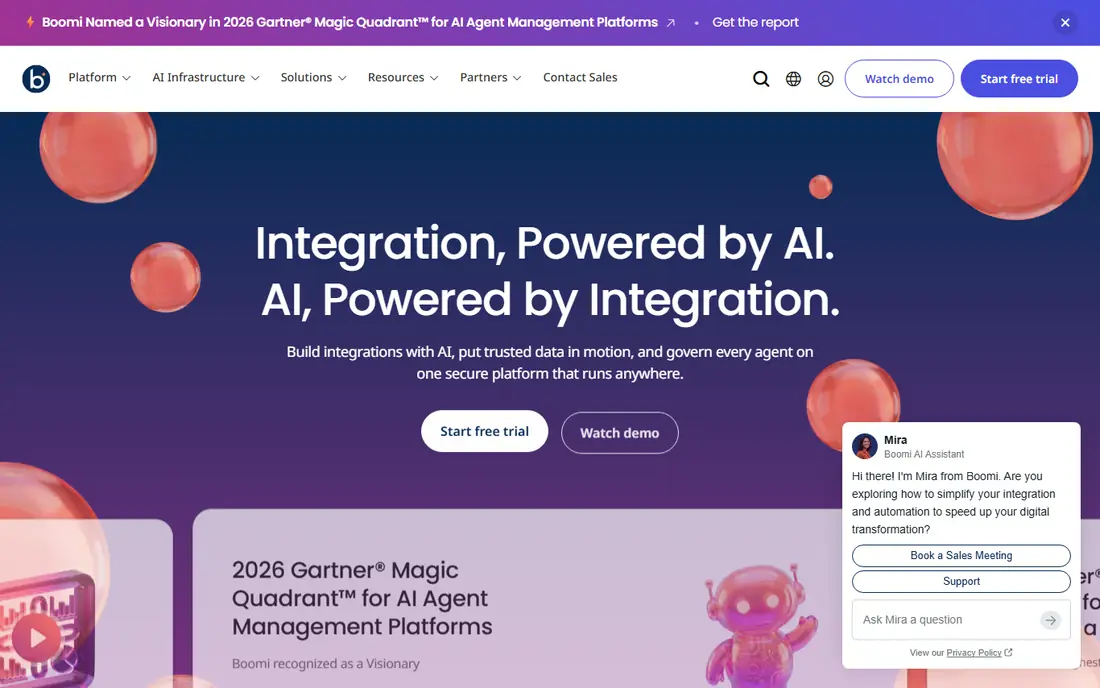
Boomi is built with hybrid cloud and on-premise integration in mind. Boomi is one of the older names in this market and still one of the most capable for hybrid setups, where some systems sit in the cloud and others sit in a data center. It is the kind of system an integration team adopts to deal with EDI, APIs and application connectivity under one roof.
As for the details, the company says it serves more than 30,000 customers. The main limit is complexity. On top of that, a 30-day free trial provides restricted access to the product. For everyday use, usage is metered in a single unit called the Boomi Message. The starting price for Boomi: $99 per month plus usage. As for free access: Free trial (30 days).
Downsides: Usage is metered in Boomi Messages, which takes time to estimate.
- Pay-as-You-Go choice with no contract
- Takes care of cloud and on-premise systems
- Large system with a ramp-up time
Celigo
Ideal for: Order-to-cash and ERP-centered integrations
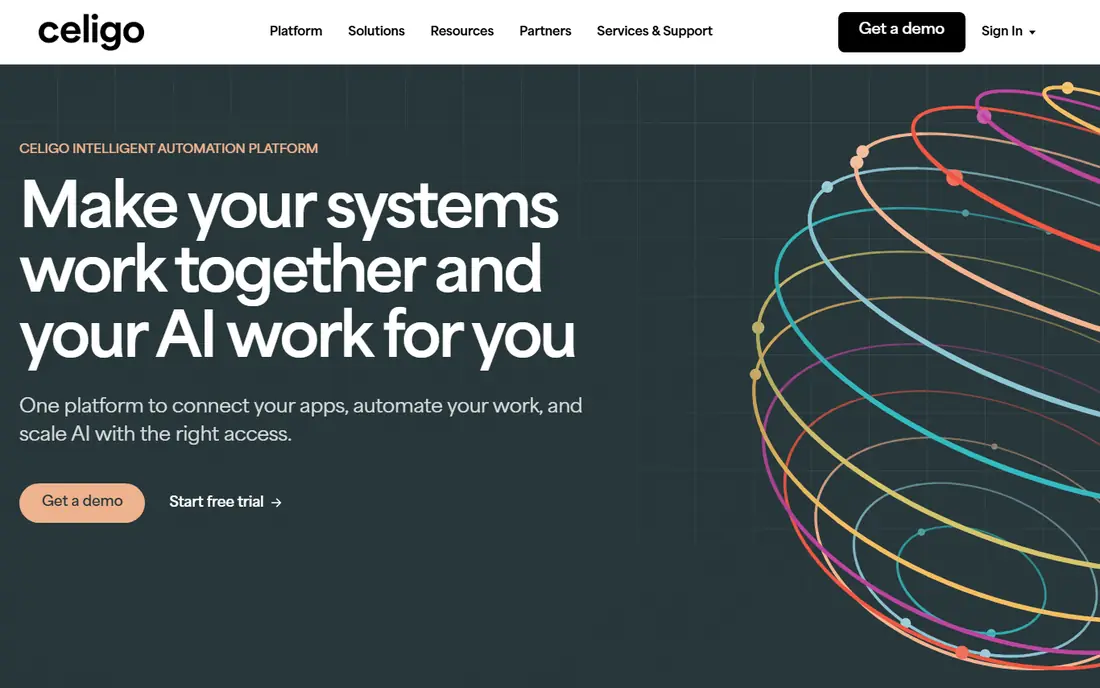
Choose Celigo for order-to-cash and ERP-centered integrations. The weakness is breadth of appeal. From a buyer's view, if you largely want to link light marketing and sales apps, Celigo will feel heavier than you need.
Honest limits: Pricing is not completely public.
As for the details, plans are tiered (Starter, Professional and Enterprise, per external pricing data), and cost usually relies on the number of connected endpoints and flows instead of on users. In daily use, the vendor supplies a free trial. This comparison lists no price for Celigo; ask the vendor. Free plan details: Free trial. Reasons to shortlist it: Prebuilt templates for typical ERP.
- Ecommerce and finance flows
- Tiered plans by size
- Costs rely on endpoints and flow counts
Microsoft Power Automate
Ideal for: Microsoft 365 shops and desktop automation
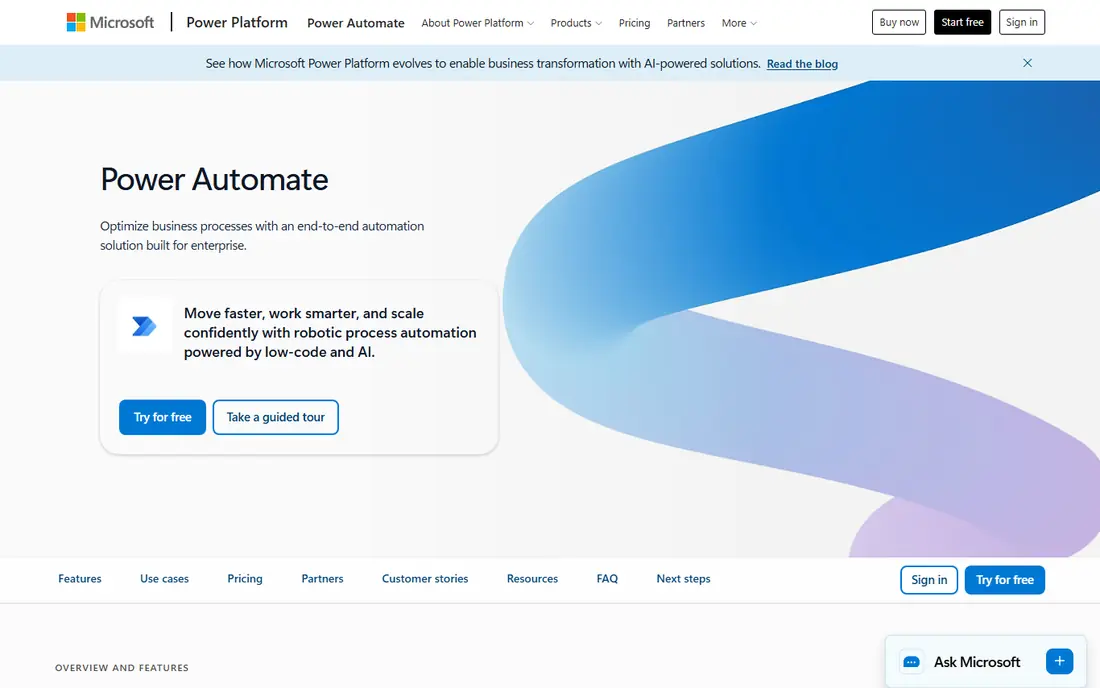
Microsoft Power Automate was built for Microsoft 365 shops and desktop automation. Power Automate makes the most sense when your company already lives in Microsoft 365. In daily use, desktop flows are a real strength for old software with no API, but they can be fragile when screens change.
The main drawbacks: Weaker for workflows centered on non-Microsoft apps.
premium licensing is split between per-user plans and per-bot plans for unattended desktop automation, and premium connectors and Dataverse features sit behind premium levels. IT admins also get the familiar Microsoft governance and identity controls. Worth adding: external guides describe a per-user entry plan, a per-bot process plan and a hosted process plan, and a 30-day trial is available. Its central weakness is outside the Microsoft ecosystem. This comparison lists no price for Microsoft Power Automate; ask the vendor. On free options: Free trial (30 days).
- SharePoint and Dynamics
- Plenty of firms already own some access
- Premium licensing is confusing
Workato
Ideal for: Enterprise-grade automation across departments
Choose Workato for enterprise-grade automation across departments. That matters once dozens of people are building automations and you have to know who changed what.
It earns its price when you have plenty of systems, plenty of builders and a compliance team asking questions. Workato does not show a starting price in this comparison, so check the vendor site for current pricing. On free options: Not stated.
What Workato does well: Works for both integration and process automation.
Trade-offs to know: Pricey for small teams.
- Solid governance
- Audit and environment management
- Pricing is mostly quote-based
Tray.ai
Ideal for: Usage-based automation with AI agents and governance
Tray.ai is aimed squarely at usage-based automation with AI agents and governance. Tray.ai positions itself as an orchestration system handling integration, automation and AI agents. Its pricing page states that plans start at $50 a month and that a free trial lets you size your usage.
Downsides: Plan limits are tied to workspaces and usage units.
As for the details, pricing is based on usage, measured in tasks and Helix Compute Units. In daily use, the three levels are Pro, Team and Enterprise: Pro supports up to 3 workspaces, Team supports 20, and Enterprise supplies unlimited workspaces plus regional hosting, log streaming and on-premise connectivity. There are no per-user or per-connection fees, which is handy if numerous people need access. Beyond that, HIPAA support and SSO appear in the Enterprise feature list. On cost, Tray.ai starts like this: $50 per month. Free options: Free trial.
- No per-user or per-connection fees
- Adaptable builder with both visual and code choices
- Higher plans are sales-led
Zapier
Ideal for: Non-technical teams connecting plenty of SaaS apps
Zapier works best for non-technical teams connecting plenty of SaaS apps. The free plan spans 100 tasks a month, which is enough to test an idea but not to run a department. Also, the Team plan is $69 a month billed yearly and layers on shared folders, shared app connections, user roles and SAML SSO.
Where it falls short: Complicated logic gets awkward on a linear builder.
In daily use, premium plans start with Professional at $19.99 a month billed yearly, with a 14-day trial and 750 tasks included. In practice, every action in a workflow that does real work counts as a task. So a busy workflow can burn through an allowance quick, and additional tasks are billed on top. From a buyer's view, Zapier is the tool most people try first, and for decent reason. Worth adding: the main limit is cost at scale. On cost, Zapier starts like this: $19.99 per month. Zapier offers a free plan.
- Very large app library
- Paths and formatting steps do not count as tasks
- Task-based billing climbs rapidly at volume
How we built this list
For each of the 6 tools we noted price, free plan or trial, fit for iPaaS for automating software workflows and the main limit, using vendor pages and documentation. Plan names, prices and limits change often. Treat the figures here as a starting point and verify them with the vendor. Order on the page follows fit for the typical buyer first, then price transparency and free access. Your own requirements should decide the final pick.
A buyer's checklist
- Get a written quote from Celigo, Microsoft Power Automate and Workato; the list shows no starting price for them.
- Look at the free plan from Zapier closely: its caps decide whether it is usable for real work.
- Take the trial from Boomi, Celigo, Microsoft Power Automate and Tray.ai and push a live task through it before you pay.
- Before choosing Boomi, weigh its main limit: large product with a ramp-up time.
- Before you load data into Workato, check what an export looks like and who can run it.
- Ask the daily users to test Zapier on a live task before you roll it out to everyone.
Frequently asked questions
Is Boomi the right pick for everyone comparing iPaaS for automating software workflows?
No single tool suits every team. Boomi comes first because it fits hybrid cloud and on-premise integration, while Celigo suits order-to-cash and ERP-centered integrations and Microsoft Power Automate suits Microsoft 365 shops and desktop automation. Match the tool to your own size, budget and workflow before deciding.
What is the cheapest option for iPaaS for automating software workflows in this list?
On published monthly entry prices, Zapier is the lowest here at $19.99 per month. Entry price is only part of the cost, because seats, add-ons and billing terms can change the total.
Can I try these tools before paying?
Often, yes. Zapier has a free plan and Boomi, Celigo, Microsoft Power Automate and Tray.ai offer a free trial. Use your own data and a real task during the test, and check what the free tier or trial limits before you rely on it.
Which options for iPaaS for automating software workflows have a free plan?
Zapier is the only tool in this list with a free plan. Free plans usually cap users, projects or features, so check the limits on the vendor page. Several others offer a trial instead.
Do I need an iPaaS if I only use Microsoft 365?
Possibly not. Power Automate can manage plenty of approvals and file workflows, and some access is bundled with Microsoft 365 plans.