6 Best Knowledge Base Software with AI Automation Options for 2026

- The list opens with Bloomfire, aimed at large research and insights libraries.
- Slite has the lowest monthly starting price in this list: $10 per user/month.
- A fair warning about Bloomfire: sales-led pricing geared toward bigger organizations.
- For teams that want docs, wiki and projects in one place, Notion is worth a look.
- Help Scout, Notion: these are the 2 tools out of 6 that offer a free plan.
Direct answer
Bloomfire is the first pick on this list for large research and insights libraries. If your case is different, Helpjuice suits flat-rate pricing for public help centers and Help Scout suits support teams pairing a help center with an inbox. The full list of 6 tools follows, with prices and free plan facts.
Quick comparison
| Product | Ideal for | Price from | Free version | |
|---|---|---|---|---|
 Bloomfire | Large research and insights libraries | See website | No | Visit |
 Helpjuice | Flat-rate pricing for public help centers | See website | Free trial | Visit |
 Help Scout | Support teams pairing a help center with an inbox | $25 per user/month (billed yearly) | Yes | Visit |
 Guru | Governed AI answers across plenty of tools | See website | No | Visit |
 Slite | Small teams wanting AI-maintained internal docs | $10 per user/month (billed yearly) | Free trial | Visit |
 Notion | Teams that want docs, wiki and projects in one place | See website | Yes | Visit |
Knowledge Base Software with AI Automation, one by one
If you are comparing knowledge base software with AI automation, this page covers 6 tools in one place: what each is best for, what it costs to start, whether it has a free plan, and the main limit to know about.
Bloomfire
Ideal for: Large research and insights libraries

Think of Bloomfire for large research and insights libraries. Employees can ask questions, experts answer, and those answers become searchable content for the next person. As for the details, for organizations where lots of knowledge lives in a handful of senior people's heads, that capture loop is valuable.
The main drawbacks: Sales-led pricing aimed at bigger organizations.
Also, Bloomfire is sold through sales with custom contracts, public buyer data points to enterprise-level spend, and there is no free plan. A 20-person company will normally get more value per dollar from Slite or Notion. Bloomfire does not show a starting price in this comparison, so check the vendor site for current pricing. Bloomfire has no free tier.
Reasons to shortlist it: video and audio.
- Q&A features that capture expert knowledge
- Solid for market research and insights teams
- No free plan or self-serve start
Helpjuice
Ideal for: Flat-rate pricing for public help centers
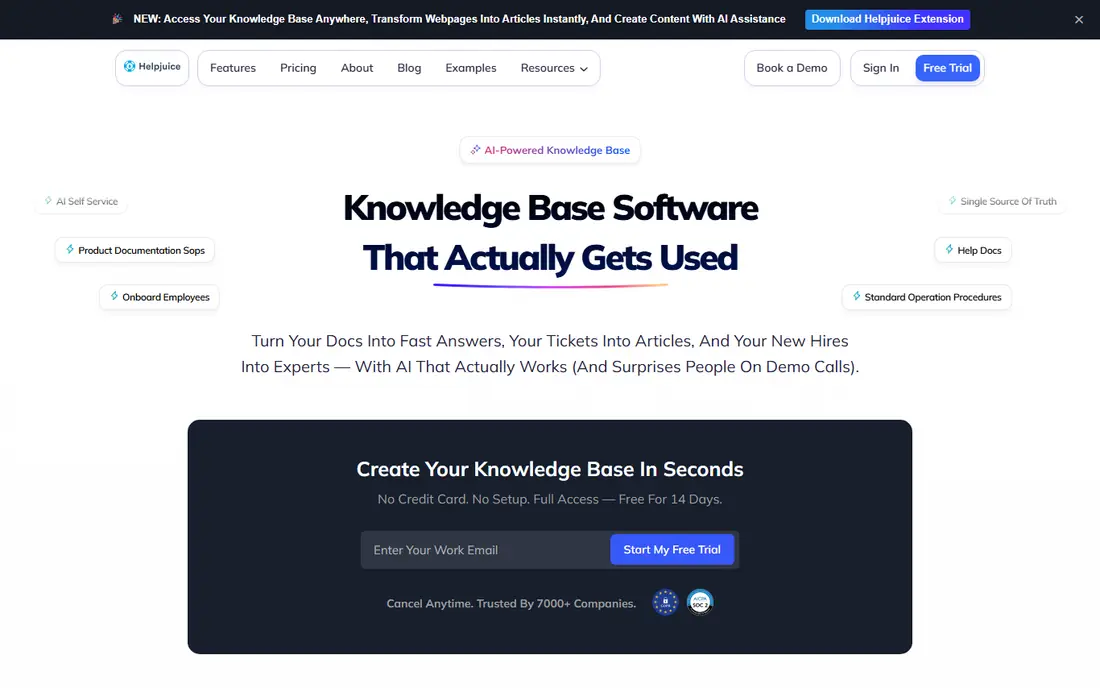
Helpjuice targets flat-rate pricing for public help centers. Helpjuice has been a dedicated knowledge base vendor for over a decade and is recognised for help centers that can be styled heavily to match a brand.
In practice, Helpjuice charges a flat monthly fee by plan instead of per seat, which works in your favor if numerous people have to write or edit. The pricing model is its central differentiator. Check the vendor site for Helpjuice pricing; none is listed in this comparison. Free plan details: Free trial.
Limits to weigh: Entry cost is high for very small teams.
- AI features for search and writing on qualifying plans
- Highly customizable help center design
- AI features are not on every level
Help Scout
Ideal for: Support teams pairing a help center with an inbox
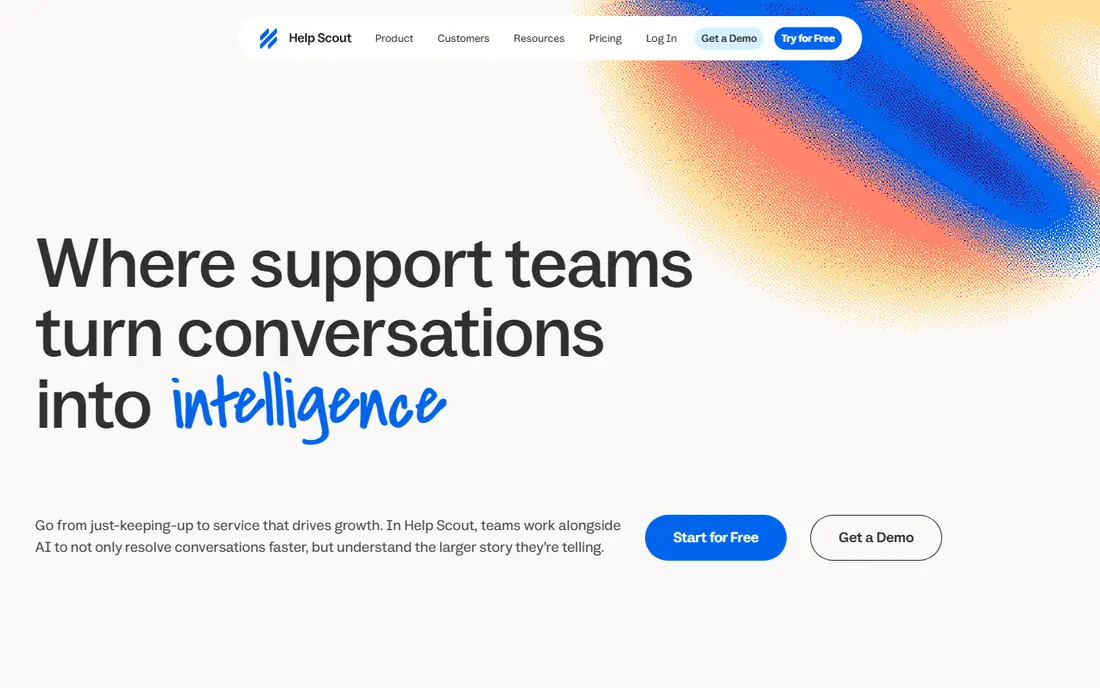
Help Scout targets support teams pairing a help center with an inbox. Its Docs product builds a searchable, branded help center. It lives in the same product as the shared inbox, so agents can pull articles into replies without switching tools.
It is billed at $0.75 per resolution on every plan, so you pay for outcomes instead of seats. If you need a private internal wiki for the entire company, pair Help Scout with something else. For everyday use, docs site limits are worth checking. On top of that, the Free plan bundles one, Standard two, Plus three and Pro five, with additional sites at $20 a month billed yearly. On top of that, the Standard plan at $25 per user/month (billed yearly) comes with an AI inbox assistant, several knowledge bases and entry-level workflows. Plus at $45 layers on unlimited AI drafts and Salesforce, Jira and HubSpot integrations; Pro is $75. What you pay to start with Help Scout: $25 per user/month. Help Scout has a free plan.
The main drawbacks: not a full internal wiki.
- Every plan has Docs sites built in
- Envoy AI answers customers from your knowledge base on a pay-per-resolution basis
- Docs is a help center
Guru
Ideal for: Governed AI answers across plenty of tools
For governed AI answers across numerous tools, Guru is a natural candidate. A 15-person agency will likely find it more process than it needs.
In practice, Guru's own pricing page says they now verify and unverify information for you, which targets the oldest problem in any wiki: content that quietly goes out of date. Guru has repositioned itself as an "AI knowledge layer" that sits underneath the rest of your stack. This comparison lists no price for Guru; ask the vendor. Guru has no permanent free option.
The main drawbacks: No published price.
- 100+ integrations plus MCP delivery to other AI tools
- Answers are permission-aware and bundle citations
- Every deal is scoped by sales
Slite
Ideal for: Small teams wanting AI-maintained internal docs
Pick Slite if this describes you: small teams wanting AI-maintained internal docs. Slite is the most approachable choice here for a company that wants an internal wiki with AI built in and does not want a sales call. For everyday use, the automation gets more interesting on Pro at $20 per user/month.
Trade-offs to know: The Slite Agent and cross-tool search need the $20 Pro plan.
For everyday use, the Basic plan at $10 per user/month (billed annually) contains unlimited docs, Ask (AI search and answers within Slite), a doc verification workflow, a Knowledge Management Panel and API plus MCP access. In practice, AI answers inside Slack are available on every plan, which matters since plenty of teams never open the wiki itself. Worth adding: watch the limits on Basic. Slite cost at the entry level: $10 per user/month. As for free access: Free trial.
- Markdown and HTML
- Exports to PDF
- Entry-level plan caps AI search at 30 questions per seat each month
Notion
Ideal for: Teams that want docs, wiki and projects in one place
Notion makes the most sense for teams that want docs, wiki and projects in one place. Notion is not a dedicated knowledge base product, but numerous small firms end up using it as one. Its AI can answer questions across your workspace, summarize long pages and draft new ones.
Downsides: Knowledge pages have no built-in ownership discipline unless you set it up.
Its newer agent features can perform multi-step tasks inside the workspace. Check the current plan table on Notion's site before you budget, and confirm which AI features are included compared with metered. Beyond that, the strength is adaptability. That same adaptability is the weakness: without someone owning structure and review dates, a Notion wiki can grow messy quick. It lacks the strict verification workflows that Guru or Slite build in. More specifically, for a team that already runs projects and meeting notes in Notion, adding a company wiki costs almost no additional setup. Notion does not show a starting price in this comparison, so check the vendor site for current pricing. Notion includes a free tier.
- Databases and project tracking
- One workspace for wiki pages
- The fuller AI features sit on higher premium levels
How we built this list
Ainotely looked at what each vendor publishes: pricing, plan limits, feature coverage for knowledge base software with AI automation and stated drawbacks. No hands-on testing is claimed. Where a vendor does not publish a price, the entry says quote. Where a price depends on seats or billing term, the entry says so. Position on the page reflects fit for a typical buyer first, with price clarity and free access breaking ties. Treat it as a guide, not a ruling.
Pre-purchase checklist
- Confirm the entry price on the vendor page. For Bloomfire, Helpjuice, Guru and Notion that means a quote rather than a fixed price.
- Look at free plan limits closely: Help Scout and Notion have one, and the caps decide whether it is usable for real work.
- Take the trial from Helpjuice and Slite and push a live task through it before you pay.
- Before choosing Bloomfire, weigh its main limit: sales-led pricing aimed at bigger organizations.
- Check how data leaves Guru: formats, limits and whether exports are available on every plan.
- Pick one real project and run it in Bloomfire first; a small pilot shows fit faster than a checklist.
Frequently asked questions
Is Bloomfire the right pick for everyone comparing knowledge base software with AI automation?
No single tool suits every team. Bloomfire comes first because it fits large research and insights libraries, while Helpjuice suits flat-rate pricing for public help centers and Help Scout suits support teams pairing a help center with an inbox. Match the tool to your own size, budget and workflow before deciding.
Do these tools train AI models on my data?
Policies differ by vendor. Guru states that your data never trains its models. For every other tool, read the vendor's AI or trust documentation and ask sales to confirm in writing before uploading sensitive content.
What is the cheapest option for knowledge base software with AI automation in this list?
On published monthly entry prices, Slite is the lowest here at $10 per user/month. Entry price is only part of the cost, because seats, add-ons and billing terms can change the total.
How are the tools for knowledge base software with AI automation ordered?
Bloomfire sits first and Notion last because the order follows typical fit for knowledge base software with AI automation, then price clarity and free access. It is a judgement call, so read each profile for fit and limits.
Can I try these tools before paying?
Often, yes. Help Scout and Notion have a free plan and Helpjuice and Slite offer a free trial. Use your own data and a real task during the test, and check what the free tier or trial limits before you rely on it.