8 ML Tools for Productivity Software Options Ranked for 2026

- 1
 GrammarlyClearer writing across email, docs and browser appsVisit
- 2
 Fireflies.aiLow-cost meeting notes with CRM and workflow integrationsVisit
- 3
 SuperhumanHeavy email users who want AI triage and quicker repliesVisit
- 4
 Microsoft 365 CopilotTeams that live in Word, Excel, Outlook and TeamsVisit
- 5
 Reclaim.aiProtecting focus time and habits on Google Calendar or OutlookVisit
- Grammarly is the opening pick, best for clearer writing across email, docs and browser apps.
- Otter.ai is the one to check for live transcription and searchable meeting notes.
- A free plan is available from 4 of the 8 tools: Grammarly, Fireflies.ai, Reclaim.ai, Otter.ai.
- For the cheapest start, look at Google Workspace with Gemini: $7 per user/month.
Direct answer
Start with Grammarly if you need clearer writing across email, docs and browser apps. Look at Fireflies.ai for low-cost meeting notes with CRM and workflow integrations, and at Superhuman for heavy email users who want AI triage and quicker replies. The full list of 8 tools follows, with prices and free plan facts.
Quick comparison
| Product | Ideal for | Price from | Free version | |
|---|---|---|---|---|
| Grammarly | Clearer writing across email, docs and browser apps | $12 per member/month (billed yearly) | Yes | Visit |
| Fireflies.ai | Low-cost meeting notes with CRM and workflow integrations | $10 per seat/month (billed yearly) | Yes | Visit |
| Superhuman | Heavy email users who want AI triage and quicker replies | $300 per user/year ($30 billed monthly) | No | Visit |
| Microsoft 365 Copilot | Teams that live in Word, Excel, Outlook and Teams | $21 per user/month add-on (premium yearly) | Free trial | Visit |
| Reclaim.ai | Protecting focus time and habits on Google Calendar or Outlook | See website | Yes | Visit |
 Motion | Managers who want tasks scheduled for them automatically | See website | Free trial | Visit |
 Google Workspace with Gemini | Gmail and Docs teams | $7 per user/month (Business Starter, 1-year commitment) | Free trial | Visit |
 Otter.ai | Live transcription and searchable meeting notes | See website | Yes | Visit |
Our 8 picks for ML tools for productivity software
This Ainotely guide covers 8 options for ML tools for productivity software. Each profile lists a starting price, free plan details, strengths and drawbacks, so you can drop poor fits quickly.
Grammarly
Ideal for: Clearer writing across email, docs and browser apps
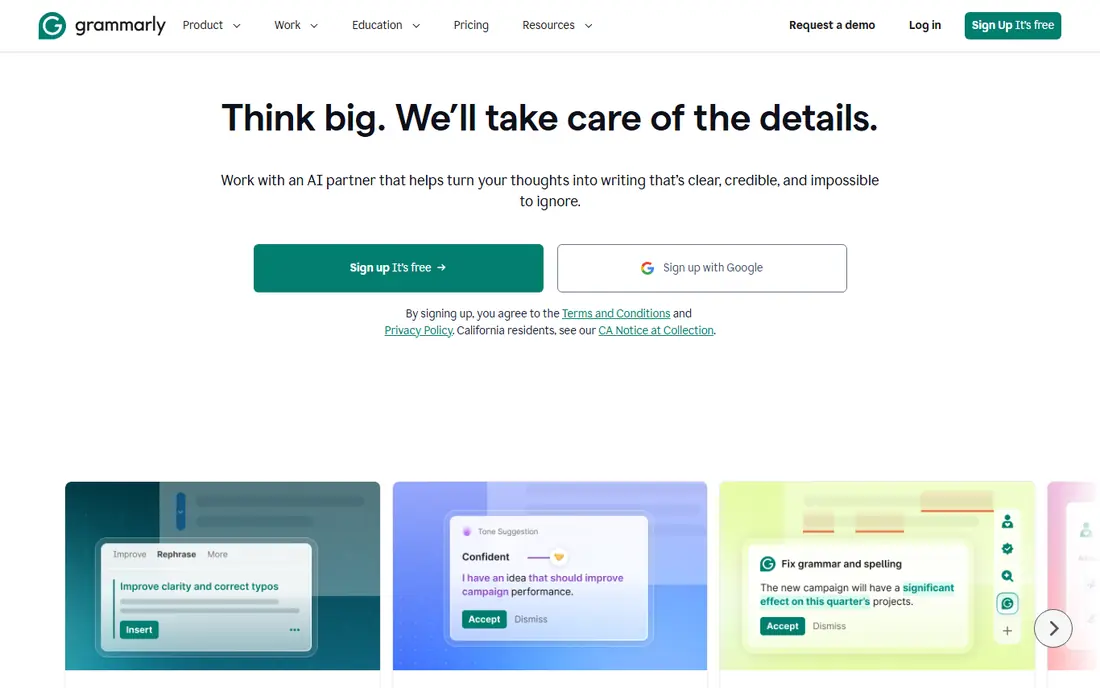
Grammarly is aimed squarely at clearer writing across email, docs and browser apps. It follows your staff into Gmail, Outlook, Slack, Google Docs, CRMs and web forms, so writing help presents up wherever people type. More specifically, the weakness is redundancy.
Honest limits: Monthly billing costs much more than annual.
Reasons to shortlist it: Team plans keep writing on-brand.
If your company has Copilot or Gemini, much of the drafting help is already premium for. The free plan handles spelling, grammar and a restricted number of AI prompts, which is enough for an individual to judge whether it helps. On cost, Grammarly starts like this: $12 per member/month. You can start on Grammarly without paying.
- Tone and clarity suggestions plus generative AI prompts
- Works in most browsers
- Overlaps with built-in writing help in Copilot and Gemini
Fireflies.ai
Ideal for: Low-cost meeting notes with CRM and workflow integrations
Fireflies.ai serves low-cost meeting notes with CRM and workflow integrations. Pro is $10 per seat/month billed yearly ($18 monthly), Business is $19 billed yearly ($29 monthly), and Enterprise is $39 per seat/month on annual billing only. In practice, Fireflies competes on price and breadth.
Trade-offs to know: Free plan has restricted AI summaries and 400 minutes of storage per team.
Its free plan comes with unlimited transcription (with limits in the fine print), restricted AI summaries, 400 minutes of storage per team and 20 AI credits. It works with Zoom, Google Meet and Teams, and its AskFred assistant answers questions about what was said. Fireflies.ai cost at the entry level: $10 per seat/month. A free plan is available with Fireflies.ai.
- Mobile and Chrome apps plus API access
- Transcription in more than 100 languages
- Enterprise level is annual only
Superhuman
Ideal for: Heavy email users who want AI triage and quicker replies
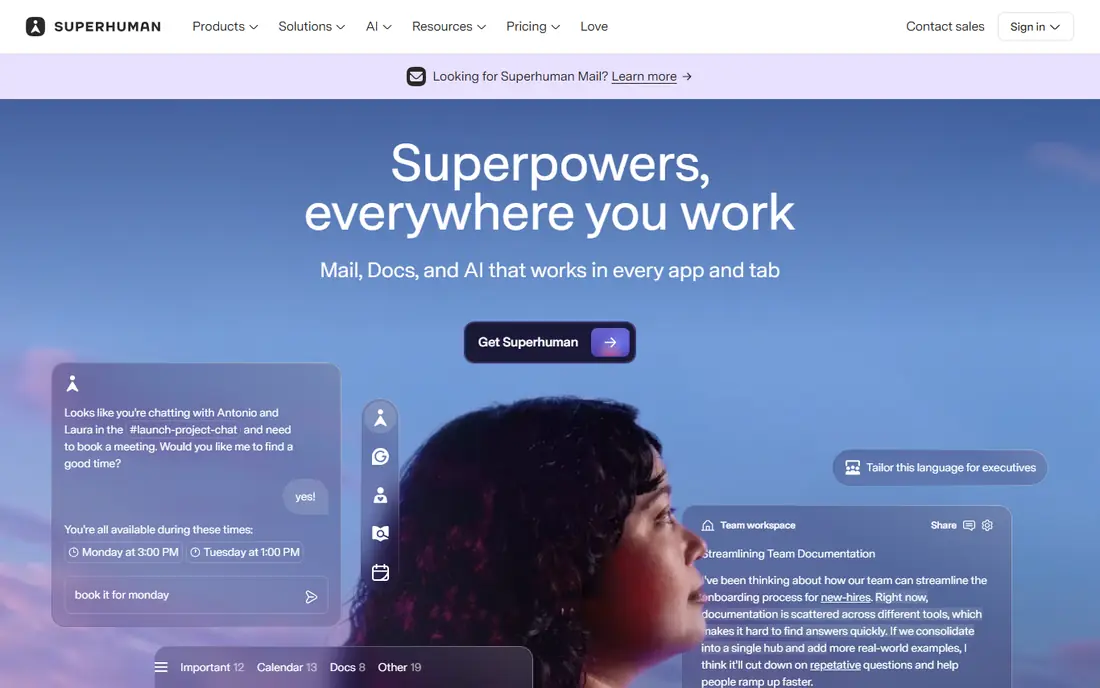
Superhuman serves heavy email users who want AI triage and quicker replies. Superhuman is a narrow choice, and that is the point.
Honest limits: No free plan.
Superhuman's help center lists Starter at $30 a month or $300 a year, and Business at $40 a month or $396 a year, with Enterprise quoted on request. Most staff will get enough from Gemini in Gmail or Copilot in Outlook. Entry price for Superhuman: $300 per user/year. Superhuman does not include a free plan.
- Keyboard-driven inbox aimed at speed
- Works on top of existing Gmail and Outlook accounts
- Costly compared to the AI already inside Gmail and Outlook
Microsoft 365 Copilot
Ideal for: Teams that live in Word, Excel, Outlook and Teams
Microsoft 365 Copilot was built for teams that live in Word, Excel, Outlook and Teams. For a company already on Microsoft 365 Business Standard or Business Premium, Copilot is the shortest path to AI that knows your work. Worth adding: Microsoft's pricing page lists the Copilot Business add-on at $21 per user/month on a yearly plan ($25.20 month to month).
It has shown a lower promotional rate at times. Microsoft's business plans include organizations of up to 300 users. If you are buying licenses from scratch, Business Standard with Copilot is listed at $23.50 and Business Premium with Copilot at $32 per user/month, premium yearly. Microsoft 365 Copilot starts at: $21 per user/month add-on. Trial and free access: Free trial.
Points against: Annual subscription that auto-renews.
- Bundles available that contain the full Microsoft 365 suite
- Grounded in your own email
- Some advanced AI features are billed by usage on top of the seat price
Reclaim.ai
Ideal for: Protecting focus time and habits on Google Calendar or Outlook
Where Reclaim.ai fits: protecting focus time and habits on Google Calendar or Outlook. Reclaim works as a layer on top of your existing calendar instead of replacing your task app. It blocks time for focus work, recurring habits, lunch and travel, then flexes those blocks as meetings come and go.
Limits to weigh: The free plan limits how far ahead you can schedule.
More specifically, Dropbox acquired Reclaim in 2024; it still runs as a standalone product. The weakness is scope. If you want something that decides your entire day for you, Motion goes further. Pricing for Reclaim.ai is not stated here, so ask the vendor for current figures. A free plan is available with Reclaim.ai. Main advantages: Defends focus blocks.
- Smart meetings find times that work for every attendee
- Free Lite plan for individuals
- Per-seat pricing adds up for entire teams
Motion
Ideal for: Managers who want tasks scheduled for them automatically
Motion works best for managers who want tasks scheduled for them automatically. Motion is for the person whose to-do list never suits the calendar. Motion has grown into a broader work hub with projects, docs and AI features, and it sells per-seat plans with AI credit allowances.
Honest limits: project features are lighter than dedicated PM software.
It provides a short free trial instead of a free level, so set up real tasks on day one to test it properly. You add tasks with deadlines and estimated durations, and Motion's scheduling engine suits them into open time, pushing lower-priority work when a meeting lands. Pricing for Motion is not stated here, so ask the vendor for current figures. As for free access: Free trial.
- Automatically places tasks into open calendar time by priority and deadline
- Merges tasks
- No permanent free plan
Google Workspace with Gemini
Ideal for: Gmail and Docs teams
Google Workspace with Gemini targets Gmail and Docs teams that want AI in the suite they already use. That level extends Gemini into Docs, Meet and other apps, brings expanded access to its notebook research tool, and bundles meeting recording and appointment booking pages.
Points against: The cheapest level limits Gemini largely to Gmail and chat.
For everyday use, the weakness is that small teams on Starter may find the AI too restricted to change how they work. Google Workspace with Gemini starts at: $7 per user/month. On free options: Free trial.
- AI is included in the plan price instead of sold as a separate add-on
- Low entry price for small teams
- Prices exclude tax and the lowest rates need an annual commitment
Otter.ai
Ideal for: Live transcription and searchable meeting notes
Choose Otter.ai for live transcription and searchable meeting notes. After the call, Otter produces a summary, action items and a searchable archive. On top of that, the main limit is overlap.
If you already pay for Copilot or Gemini, both suites now bundle meeting recaps, so Otter has to earn its place through accuracy, the live view, or workflows your suite does not include. In practice, Otter is one of the longest-running AI note takers, and it displays in the live transcript. Otter.ai shows no starting price here, so confirm the cost on the vendor site. Otter.ai offers a free plan.
Honest limits: Admin and security controls sit on higher levels.
- Joins Zoom
- Live transcript that attendees can follow during the meeting
- The free plan caps transcription minutes
How we compared the tools
Ainotely used vendor pricing pages and product documentation as the base, then compared plans, free access and documented limits for 8 tools. Where a price is missing, the vendor does not list one publicly or ties it to a quote. Always confirm before budgeting. Position on the page reflects fit for a typical buyer first, with price clarity and free access breaking ties. Treat it as a guide, not a ruling.
What to check before you buy
- Confirm the entry price on the vendor page. For Reclaim.ai, Motion and Otter.ai that means a quote rather than a fixed price.
- Look at free plan limits closely: Grammarly, Fireflies.ai, Reclaim.ai and Otter.ai have one, and the caps decide whether it is usable for real work.
- Run a trial of Microsoft 365 Copilot, Motion and Google Workspace with Gemini with real work before paying for a year; your own workflow is the best test.
- Read the limits listed for Grammarly first: monthly billing costs much more than annual.
- Ask Superhuman whether prices are locked for the first term and what happens at renewal.
- Ask Otter.ai how an export works before you move any records in; an easy exit lowers the risk.
Frequently asked questions
How much should a 20-person company budget for AI productivity software?
It relies on how plenty of tools you stack. One per-seat tool in the $10 to $25 range costs roughly $2,400 to $6,000 per year for 20 people, before any usage-based credits.
Can I try these options before paying?
Often, yes. Grammarly, Fireflies.ai, Reclaim.ai and Otter.ai have a free plan and Microsoft 365 Copilot, Motion and Google Workspace with Gemini offer a free trial. Use your own data and a real task during the test, and check what the free tier or trial limits before you rely on it.
Is Grammarly the right pick for everyone comparing ML tools for productivity software?
No single tool suits every team. Grammarly comes first because it fits clearer writing across email, docs and browser apps, while Fireflies.ai suits low-cost meeting notes with CRM and workflow integrations and Superhuman suits heavy email users who want AI triage and faster replies. Match the tool to your own size, budget and workflow before deciding.
How are the tools for ML tools for productivity software ordered?
The order follows typical fit for ML tools for productivity software, with Grammarly first and Otter.ai last, then price clarity and free access. It is editorial judgement, not a score, so another team could rank the tools differently.
What is the cheapest option for ML tools for productivity software in this list?
On published monthly entry prices, Google Workspace with Gemini is the lowest here at $7 per user/month. Entry price is only part of the cost, because seats, add-ons and billing terms can change the total.
What counts as a ML productivity tool?
It is software that uses machine learning models to do part of a knowledge task for you, for example drafting text, transcribing and summarizing meetings, scheduling tasks or answering questions from company documents.