The 6 Best PDF Editing Software Options to Shortlist in 2026

- 1
 SmallpdfFast PDF tasks without installing softwareVisit
- 2
 PDF-XChangeA quick, light desktop PDF editorVisit
- 3
 Master PDF EditorLow-cost PDF editing across Windows, Mac, and LinuxVisit
- 4
 SejdaStraightforward online PDF editing with an ample free levelVisit
- 5
 Adobe AcrobatAnyone who needs the definitive PDF toolVisit
- The list opens with Smallpdf, aimed at fast PDF tasks without installing software.
- A free plan is available from 3 of the 6 tools: Smallpdf, PDF-XChange, Sejda.
- Pricing for Master PDF Editor, Adobe Acrobat and Foxit is quote-based, which adds a sales step before you can compare cost.
- For enterprises that want Acrobat-class PDF at lower cost, Foxit is worth a look.
- Check the limits for Smallpdf before you commit: free level restricted daily.
Direct answer
This list puts Smallpdf first for fast PDF tasks without installing software. PDF-XChange fits a quick, light desktop PDF editor; Master PDF Editor fits low-cost PDF editing across Windows, Mac, and Linux. Details, prices and limits for the rest of the 6 tools are below.
Quick comparison
| Product | Ideal for | Price from | Free version | |
|---|---|---|---|---|
| Smallpdf | Fast PDF tasks without installing software | Free; premium plans available | Yes | Visit |
| PDF-XChange | A quick, light desktop PDF editor | Free; premium plans available | Yes | Visit |
| Master PDF Editor | Low-cost PDF editing across Windows, Mac, and Linux | See website | Free trial | Visit |
| Sejda | Straightforward online PDF editing with an ample free level | Free; premium plans available | Yes | Visit |
| Adobe Acrobat | Anyone who needs the definitive PDF tool | See website | Free trial | Visit |
 Foxit | Enterprises that want Acrobat-class PDF at lower cost | See website | Free trial | Visit |
PDF Editing Software profiles
This Ainotely guide covers 6 options for PDF editing software. Each profile lists a starting price, free plan details, strengths and drawbacks, so you can drop poor fits quickly.
Smallpdf
Ideal for: Fast PDF tasks without installing software
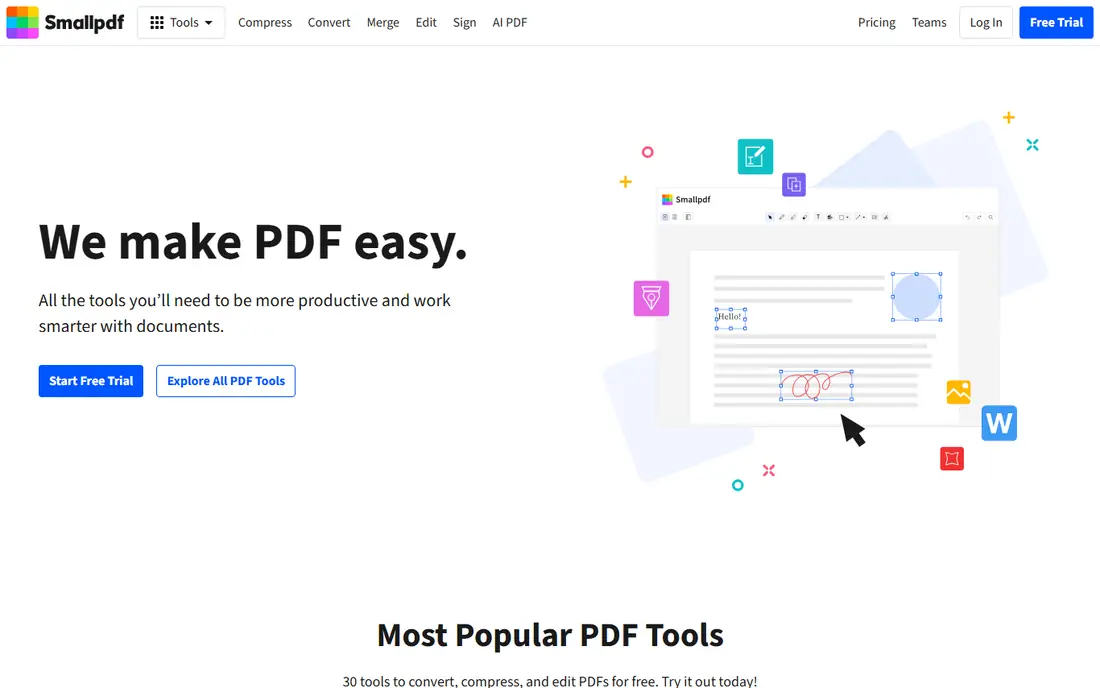
Smallpdf makes the most sense for quick PDF tasks without installing software. Smallpdf is the web utility for PDFs: compress, convert, merge, split, and sign from the browser. Beyond that, heavy editing needs a desktop tool, and the free limits frustrate regular users.
Best features of Smallpdf: No install needed.
Limits to weigh: Free level restricted daily. But for the occasional PDF task, Smallpdf's convenience is unmatched. Compression is the killer feature: shrinking a 50MB scanned PDF to emailable size in seconds. Smallpdf pricing: Free. A free plan is available with Smallpdf.
- Decent compression
- Free level usable
- Needs internet
PDF-XChange
Ideal for: A quick, light desktop PDF editor
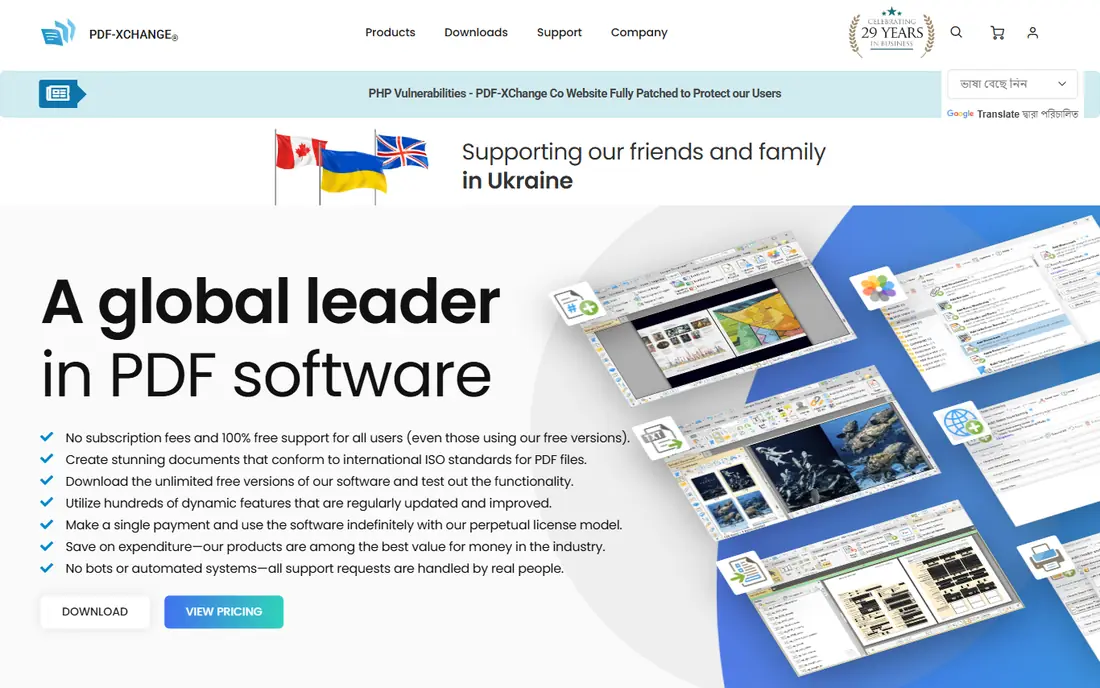
PDF-XChange is designed for a quick, light desktop PDF editor. PDF-XChange is the light champion: a quick desktop editor that opens immediately and sips resources.
On older hardware, the difference is dramatic: where Acrobat takes half a minute to open, PDF-XChange is ready at once. Starting cost for PDF-XChange: Free. A free plan is available with PDF-XChange.
Drawbacks to consider: Interface dated.
- Good annotation
- Free version capable
- Mac version restricted
Master PDF Editor
Ideal for: Low-cost PDF editing across Windows, Mac, and Linux
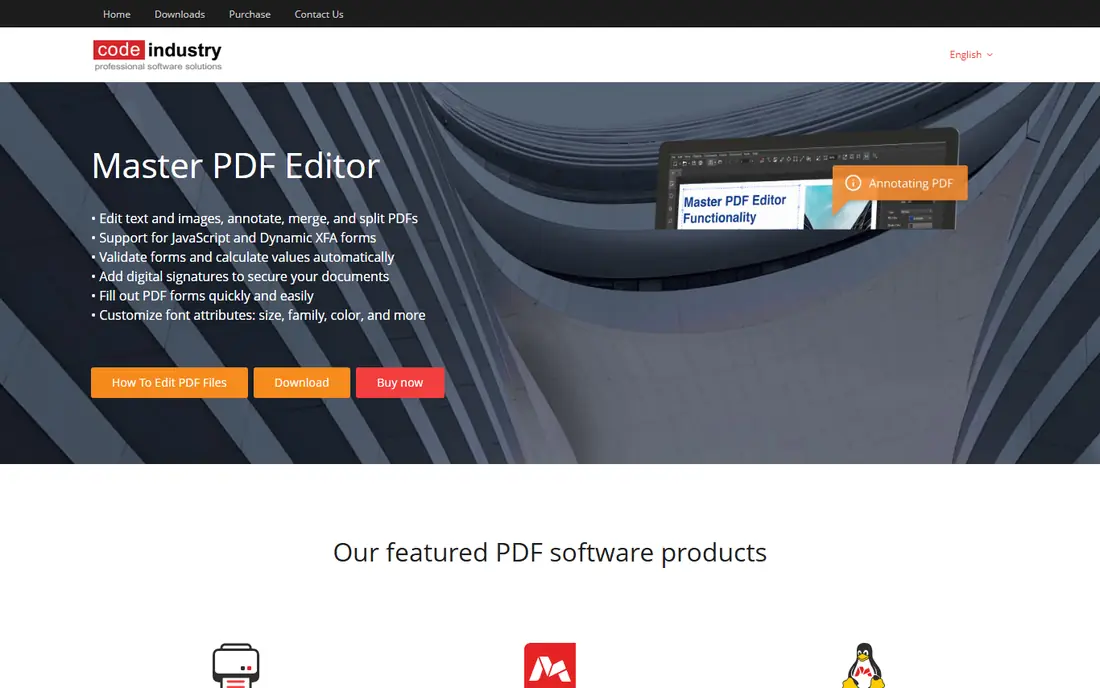
Master PDF Editor was built for low-cost PDF editing across Windows, Mac, and Linux. Master PDF Editor is the cross-platform value pick: full PDF editing on Windows, Mac, and Linux, where Linux users have few decent choices. For everyday use, Linux professionals in engineering and academia, who live in PDFs but lack native Adobe tools, are the core audience.
Trade-offs to know: Smaller company.
Form creation and JavaScript support are more solid than expected at this price point. From a buyer's view, the interface is functional instead of beautiful. Master PDF Editor shows no starting price here, so confirm the cost on the vendor site. Free plan details: Free trial.
- True cross-platform including Linux
- Full editing features
- Fewer integrations
Sejda
Ideal for: Straightforward online PDF editing with an ample free level
Sejda makes the most sense for straightforward online PDF editing with a generous free level. Sejda gives you straightforward online PDF editing: add text, annotate, merge, and convert without accounts or installs for entry-level use.
No account, no install, no watermark on entry-level tasks: the lack of friction is the whole value proposition. The starting price for Sejda: Free. Sejda offers a free plan.
The main drawbacks: Daily limits on free.
Main advantages: Simple online editor.
- Clean design
- Ample free usage
- Advanced features need desktop
Adobe Acrobat
Ideal for: Anyone who needs the definitive PDF tool
Adobe Acrobat is designed for anyone who needs the definitive PDF tool. Acrobat is the PDF standard since Adobe created the format: edit text and images straight, convert to and from Office formats, collect e-signatures, redact sensitive content, and compare documents. In daily use, the subscription costs real money annually, and the application is heavier than alternatives.
But when PDFs are central to your work, Acrobat's depth and reliability justify the price. Compatibility is total, since every PDF tool targets Acrobat's behavior. Pricing for Adobe Acrobat is not stated here, so ask the vendor for current figures. Free plan details: Free trial.
Where it is weaker: Can feel heavy.
- E-signatures included
- Deepest feature set
- Subscription pricing
Foxit
Ideal for: Enterprises that want Acrobat-class PDF at lower cost
Foxit targets enterprises that want Acrobat-class PDF at lower cost. The interface and some advanced features trail Acrobat. But for the organization standardizing PDF software across hundreds of seats, Foxit's value is compelling.
Downsides: Brand smaller.
Foxit built its business as the Acrobat alternative: full PDF editing, conversion, signing, and security at prices that undercut Adobe substantially. As for the details, performance is snappy, and the enterprise administration tools suit IT departments managing deployments. From a buyer's view, the PhantomPDF heritage means the feature set was designed from the start as a business tool, not a consumer utility. Check the vendor site for Foxit pricing; none is listed in this comparison. Free access: Free trial.
Main advantages: Lower pricing.
- Enterprise administration
- Solid feature parity with Acrobat
- Some features trail Acrobat
A closer look at PDF editing software
The PDF is the document format that refuses to die: contracts, reports, forms, manuals. It persists since it preserves layout exactly across devices, which matters for anything official. But editing PDFs has historically meant costly software or awkward workarounds.
The tools below include the full range, from the industry standard to free web utilities. So you can match the tool to how seriously you take PDFs.
Our selection method
Ainotely looked at what each vendor publishes: pricing, plan limits, feature coverage for PDF editing software and stated drawbacks. No hands-on testing is claimed. Treat prices as a snapshot: vendors change plans often, so check the vendor site for the figure that applies today. Tools are placed by general fit for PDF editing software, with price clarity and free access as tie-breakers. A different team can reasonably rank them differently.
Pre-purchase checklist
- Confirm the entry price on the vendor page. For Master PDF Editor, Adobe Acrobat and Foxit that means a quote rather than a fixed price.
- Read the fine print on the free plans from Smallpdf, PDF-XChange and Sejda; seat, project and feature caps differ.
- Take the trial from Master PDF Editor, Adobe Acrobat and Foxit and push a live task through it before you pay.
- Before choosing Smallpdf, weigh its main limit: free level restricted daily.
- Add up seats, add-ons and usage charges for Master PDF Editor before comparing it with cheaper entries.
- Look at which plan of Adobe Acrobat unlocks the features you need; entry tiers are often cut down.
Frequently asked questions
Can I try these options before paying?
Often, yes. Smallpdf, PDF-XChange and Sejda have a free plan and Master PDF Editor, Adobe Acrobat and Foxit offer a free trial. Use your own data and a real task during the test, and check what the free tier or trial limits before you rely on it.
Which options for PDF editing software have a free plan?
Smallpdf, PDF-XChange and Sejda offer a free plan in this list. Free plans usually cap users, projects or features, so check the limits on the vendor page. Several others offer a trial instead.
How are the tools for PDF editing software ordered?
Smallpdf sits first and Foxit last because the order follows typical fit for PDF editing software, then price clarity and free access. It is a judgement call, so read each profile for fit and limits.
Is Smallpdf the right pick for everyone comparing PDF editing software?
No single tool suits every team. Smallpdf comes first because it fits quick PDF tasks without installing software, while PDF-XChange suits a fast, lightweight desktop PDF editor and Master PDF Editor suits affordable PDF editing across Windows, Mac, and Linux. Match the tool to your own size, budget and workflow before deciding.