Best PDF Signing Software (2026): 6 Options Compared

- Adobe Acrobat Sign is the opening pick, best for teams already in the Adobe ecosystem.
- Check the limits for BoldSign before you commit: smaller brand recognition with signers.
- The lowest published monthly entry price here is $10/month, from DocuSign.
- SignWell fits solopreneurs wanting unlimited documents cheap.
Direct answer
For teams already in the Adobe ecosystem, Adobe Acrobat Sign is where this list starts. Look at Zoho Sign for teams already using Zoho apps, and at BoldSign for developer teams needing API-first signing. The full list of 6 tools follows, with prices and free plan facts.
Quick comparison
| Product | Ideal for | Price from | Free version | |
|---|---|---|---|---|
 Adobe Acrobat Sign | Teams already in the Adobe ecosystem | From $12.99/month | Free trial | Visit |
 Zoho Sign | Teams already using Zoho apps | Free; Standard $10/user/month (annual) | Yes | Visit |
 BoldSign | Developer teams needing API-first signing | Free; Growth from $10/month | Yes | Visit |
 DocuSign | Firms that sign lots of things | $10/month (Personal, annual) | Free trial | Visit |
 PandaDoc | Sales teams sending proposals and quotes | $19/user/month (Starter, annual) | Yes | Visit |
 SignWell | Solopreneurs wanting unlimited documents cheap | Free; Light $12/month | Yes | Visit |
Every option for PDF signing software explained
Short on time? The summary and table above give the quick view of 6 tools for PDF signing software, and the profiles that follow give the detail behind each entry.
Adobe Acrobat Sign
Ideal for: Teams already in the Adobe ecosystem
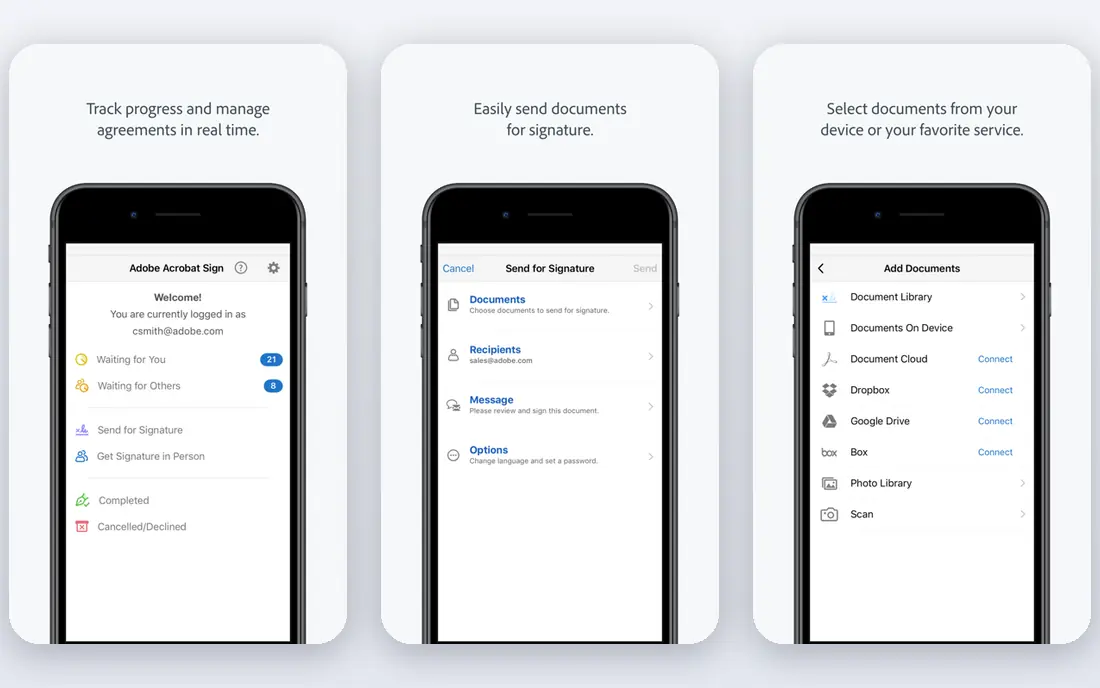
Adobe Acrobat Sign is built with teams already in the Adobe ecosystem in mind. Adobe Acrobat Sign makes the most sense as an add-on. Standalone plans start around $12.99 a month.
Beyond that, as a pure signing purchase, it is not the cheapest choice here, and the experience is more enterprise-formal than startup-friendly. But the compliance story is solid: legally binding signatures in nearly every country, certificate-based digital signatures. The full weight of Adobe's document infrastructure. Also, if your team already pays for Acrobat or Creative Cloud, signing capabilities are frequently included or a small step up, and the product is deeply integrated into Microsoft 365, Teams, SharePoint and Dynamics. What you pay to start with Adobe Acrobat Sign: From $12.99/month. Free options: Free trial.
Points against: Pricier than multiple rivals at entry.
- Bundled with Acrobat plans plenty of teams already pay for
- Microsoft's preferred e-signature option with deep M365 integration
- Free trial instead of a free plan
Zoho Sign
Ideal for: Teams already using Zoho apps
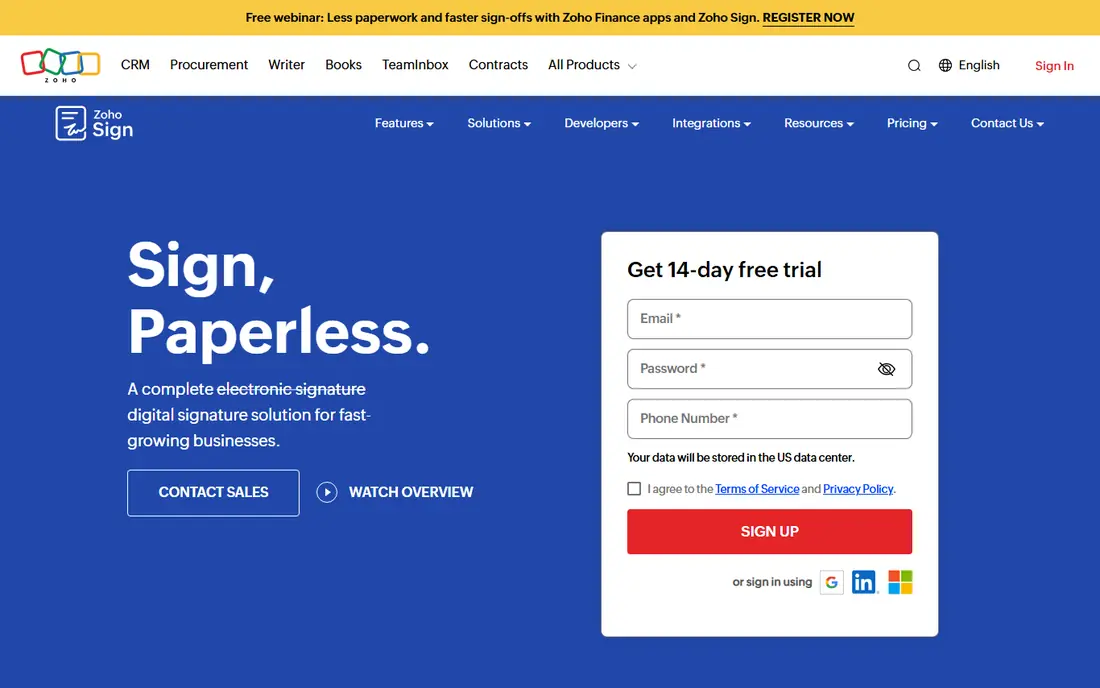
Zoho Sign is a good fit for teams already using Zoho apps. It plugs straight into the Zoho suite, and the pricing is honest: a free plan spans five documents per month, Standard at $10 per user a month billed yearly raises that to 25 per user, and Professional at $16 per user a month removes the cap entirely. More specifically, compliance is taken seriously, with ESIGN and eIDAS compliance plus choices like 21 CFR Part 11 controls.
Limits to weigh: Best experience needs other Zoho products.
Outside the Zoho ecosystem it is a capable but unremarkable signer. But for a Zoho shop, the combination of the free plan, the integrations and the price makes it very hard to justify paying DocuSign instead. Zoho Sign pricing: Free. You can start on Zoho Sign without paying.
- Deep integration with the Zoho suite
- Free plan with five documents per month
- Interface is functional instead of beautiful
BoldSign
Ideal for: Developer teams needing API-first signing

In short, BoldSign is for developer teams needing API-first signing. If your priority is collecting signatures on your own documents, the big brands may be worth the premium. More specifically, the honest weakness is brand.
In practice, the API is well documented, the pricing undercuts DocuSign at every level, and the free Essential plan spans 25 envelopes per month, which is more ample than most free levels in this category. As for the details, if your priority is building signing into software at a sane price, BoldSign is one of the best-value APIs available. Worth adding: BoldSign, from Syncfusion, is designed for teams that want to embed signing into their own product. BoldSign pricing: Free. BoldSign includes a free tier.
Where it falls short: Smaller brand recognition with signers.
- Generous free Essential plan with 25 envelopes per month
- Solid REST API for embedding signing
- API plans are priced separately
DocuSign
Ideal for: Firms that sign lots of things
Choose DocuSign for companies that sign lots of things. DocuSign is the Kleenex of e-signatures: the name people use for the entire category. That brand recognition is a genuine feature, because signers open a DocuSign link without hesitation.
If your clients already expect to see DocuSign in their inbox, it is hard to argue with the default. On top of that, DocuSign also sells a broader Intelligent Agreement Management suite if your contract workflow goes beyond signing. From a buyer's view, the Personal plan at $10 a month billed yearly handles a solo user sending a handful of documents, with templates, reminders and an audit trail. As for the details, teams step up to Standard at $25 per user a month for collaboration features and more envelopes. Price to start with DocuSign: $10/month. Free access: Free trial.
Where it is weaker: No permanent free plan.
- 350+ integrations
- Reusable templates and automatic reminders
- Meaningful features sit on the $25/user/month Standard plan
PandaDoc
Ideal for: Sales teams sending proposals and quotes
For sales teams sending proposals and quotes, PandaDoc is a natural candidate. PandaDoc is a document system that happens to contain e-signatures, which is exactly what sales teams want.
In daily use, there is also a free eSign plan for entry-level signing, which is rare at this price point. PandaDoc cost at the entry level: $19/user/month. PandaDoc includes a free tier.
What to check first: Some features need higher levels.
- Unlimited signatures on premium plans
- Free eSign plan for entry-level signing
- Pricing is per seat, so costs scale with team size
SignWell
Ideal for: Solopreneurs wanting unlimited documents cheap
SignWell is a good fit for solopreneurs wanting unlimited documents cheap. That is unlimited signing for the price of two coffees, with HIPAA compliance and SOC 2 Type II included. Worth adding: the onboarding takes minutes, which is the entire point.
Where it falls short: No mobile app; Business plan jumps to $36/month for three senders.
What users get: Light plan hands unlimited documents for $12/month.
On top of that, there are gaps. There is no mobile app, you cannot do much document editing inside the tool. The Business plan at $36 a month spans three senders minimum. But for a freelancer or consultant who sends contracts and needs them back signed, SignWell is the cheapest path to unlimited signing that still looks professional. SignWell starts at: Free. Free access exists with SignWell.
- Free plan for up to three documents per month
- 9,000+ integrations via Zapier
- Restricted in-app document editing
Selection criteria
Each tool was reviewed on what its vendor publishes: price, plan limits, core features and stated drawbacks. We did not run hands-on tests. Where a vendor does not publish a price, the entry says quote. Where a price depends on seats or billing term, the entry says so. Position on the page reflects fit for a typical buyer first, with price clarity and free access breaking ties. Treat it as a guide, not a ruling.
What to confirm before you sign up
- Check the vendor page for the current price: DocuSign starts at $10/month here, and seats or billing terms can move it.
- Check what the free option really includes: Zoho Sign, BoldSign, PandaDoc and SignWell offer a free plan, and usage caps differ.
- Use real work to test the free trial from Adobe Acrobat Sign and DocuSign, rather than a demo project.
- Read the limits listed for Adobe Acrobat Sign first: pricier than multiple rivals at entry.
- Verify that exporting from BoldSign is possible on your plan and covers all your records.
- Check the support hours and onboarding help SignWell offers; smaller vendors vary a lot here.
Frequently asked questions
How are the tools for PDF signing software ordered?
The order follows typical fit for PDF signing software, with Adobe Acrobat Sign first and SignWell last, then price clarity and free access. It is editorial judgement, not a score, so another team could rank the tools differently.
Which options for PDF signing software have a free plan?
Zoho Sign, BoldSign, PandaDoc and SignWell offer a free plan in this list. Free plans usually cap users, projects or features, so check the limits on the vendor page. Several others offer a trial instead.
Do these tools publish their prices?
Yes. Every tool from Adobe Acrobat Sign to SignWell shows a starting price, though seats, add-ons and billing terms still change the final cost.
What is the cheapest option for PDF signing software in this list?
On published monthly entry prices, DocuSign is the lowest here at $10/month. Entry price is only part of the cost, because seats, add-ons and billing terms can change the total.
Are electronic signatures legally binding?
Yes. Electronic signatures are legally binding in the US under the ESIGN Act and UETA, in the EU under eIDAS, and in most other countries under equivalent laws.