6 Best Plant Scheduling Software for Manufacturing Options for 2026

- 1
 PlanetTogetherERP users who require a constraint-based APS layerVisit
- 2
 DELMIA Ortems Production SchedulerMulti-planner, multi-resource short-term schedulingVisit
- 3
 User Solutions EDGEBIC (formerly Resource Manager DB)Job shops that want a one-time licenseVisit
- 4
 KatanaSmall makers moving off spreadsheetsVisit
- 5
 MRPeasySmall manufacturers that want scheduling plus MRPVisit
- This list starts with PlanetTogether, which is built for ERP users who require a constraint-based APS layer.
- MRPeasy is the lowest-priced starter here at $49 per user/month.
- Siemens Opcenter APS is the one to check for mid-sized and large plants with complicated constraints.
- Katana stands alone as the one tool in this list with a free plan.
Direct answer
PlanetTogether is the first pick on this list for ERP users who require a constraint-based APS layer. DELMIA Ortems Production Scheduler is the stronger choice for multi-planner, multi-resource short-term scheduling, while User Solutions EDGEBIC (formerly Resource Manager DB) suits job shops that want a one-time license. Prices, free plans and limits for all 6 tools follow.
Quick comparison
| Product | Ideal for | Price from | Free version | |
|---|---|---|---|---|
| PlanetTogether | ERP users who require a constraint-based APS layer | See website | No | Visit |
| DELMIA Ortems Production Scheduler | Multi-planner, multi-resource short-term scheduling | See website | No | Visit |
| User Solutions EDGEBIC (formerly Resource Manager DB) | Job shops that want a one-time license | $25,000 one-time license (EDGEBIC APS); $35,000 for EDGEBIC Complete | No | Visit |
| Katana | Small makers moving off spreadsheets | Free (up to 30 SKUs); Advantage plan custom-quoted | Yes | Visit |
| MRPeasy | Small manufacturers that want scheduling plus MRP | $49 per user/month (Starter, billed per month) | No | Visit |
 Siemens Opcenter APS | Mid-sized and large plants with complicated constraints | See website | Free trial | Visit |
6 options for plant scheduling software for manufacturing in detail
Ainotely put together this guide to plant scheduling software for manufacturing for readers who want a clear shortlist without reading every vendor page. It compares 6 tools on starting price, free plans, who each one suits and where each one falls short.
PlanetTogether
Ideal for: ERP users who require a constraint-based APS layer
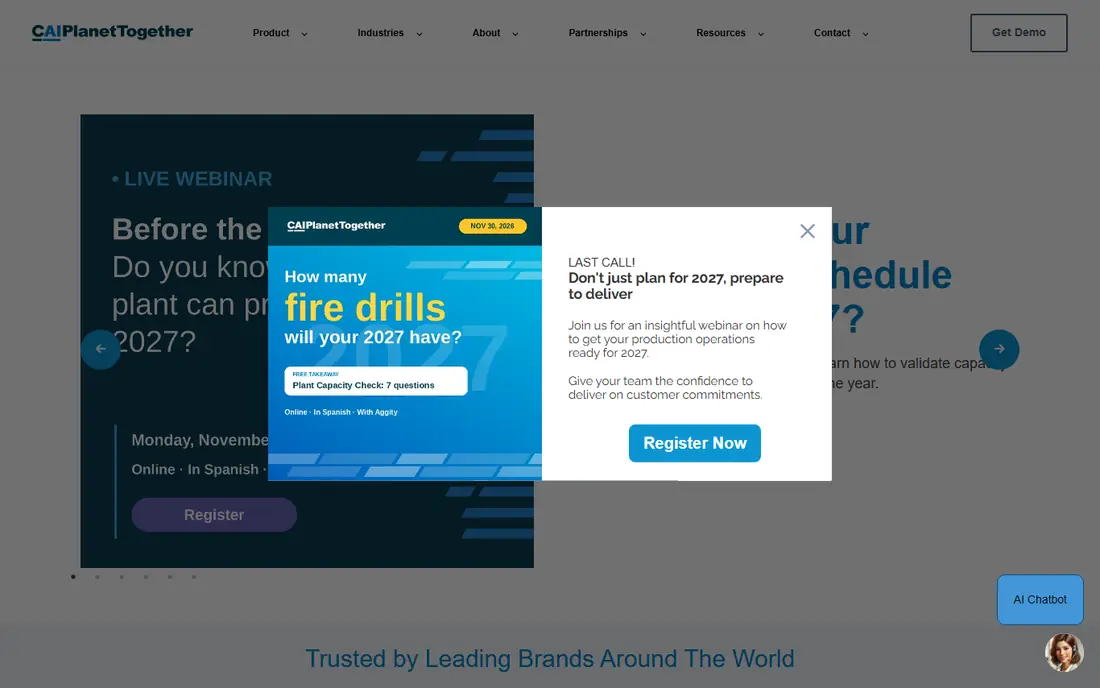
In short, PlanetTogether is for ERP users who require a constraint-based APS layer. PlanetTogether documents connectors for Microsoft Dynamics (AX, NAV, GP and 365 for Operations), SAP Business One, Infor Fourth Shift and multiple mid-market systems. It also targets many different industries, including food and beverage, life sciences, chemicals, metal fabrication and packaging.
Trade-offs to know: The payoff relies on how clean your ERP data is.
That matters since a scheduler aimed at a bottling line behaves very differently from one designed for a machine shop. The weak spot is shared by every APS add-on. Pricing comes only from a sales conversation, even on its Microsoft marketplace listing. No starting price is listed for PlanetTogether here; confirm pricing on the vendor site. There is no free plan with PlanetTogether.
- Discrete and process plants
- SAP Business One and Infor
- No public pricing
DELMIA Ortems Production Scheduler
Ideal for: Multi-planner, multi-resource short-term scheduling
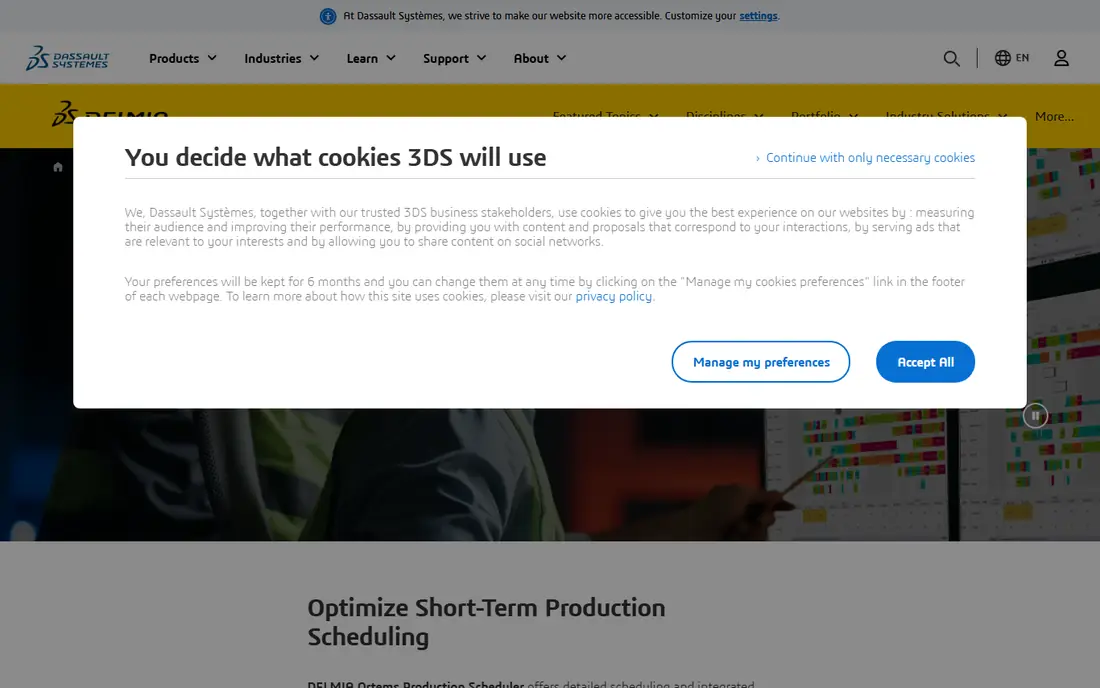
Pick DELMIA Ortems Production Scheduler if this describes you: multi-planner, multi-resource short-term scheduling. Expect a scoped project instead of a self-serve signup. It is a better fit for a multi-line plant than for a 15-person job shop.
Watch-outs: Sold chiefly through resellers with quote-only pricing.
Worth adding: Dassault Systèmes built Ortems for plants where multiple people touch the schedule. In daily use, on the downside, Ortems is part of the large DELMIA portfolio, and buying normally happens through value-added resellers. Multiple planners can edit the same plan at the same time, and supply chain participants see it at their own level of responsibility. No starting price is listed for DELMIA Ortems Production Scheduler here; confirm pricing on the vendor site. No free plan comes with DELMIA Ortems Production Scheduler.
- Schedules machines
- Tools and operators together
- Overkill for a single-site shop with a handful of machines
User Solutions EDGEBIC (formerly Resource Manager DB)
Ideal for: Job shops that want a one-time license
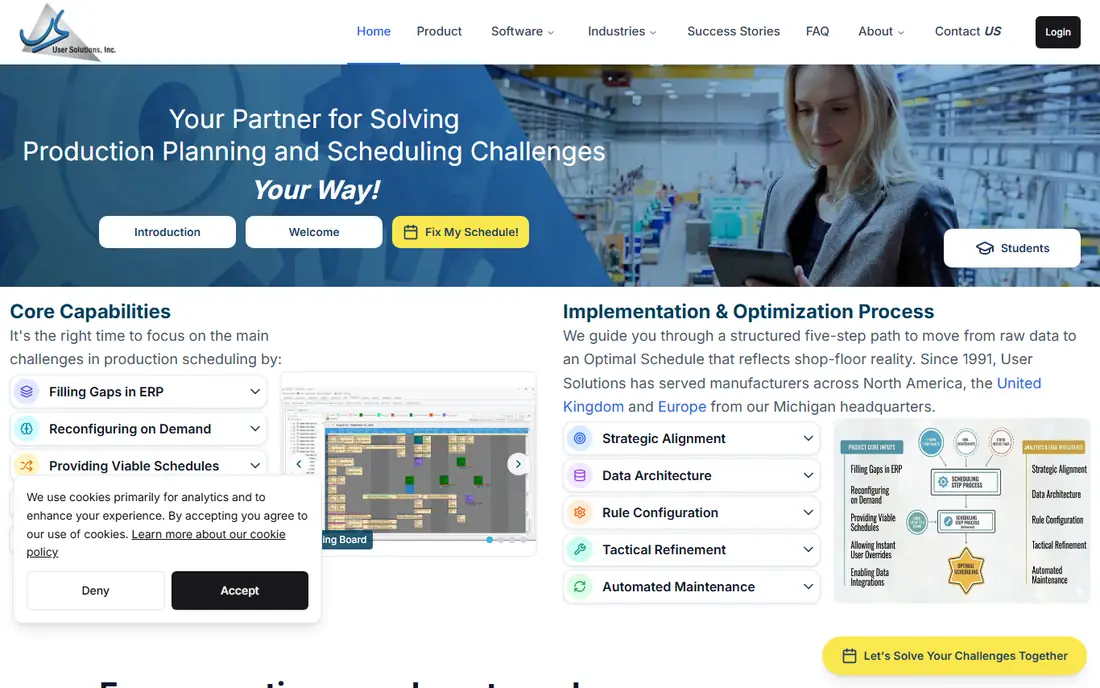
User Solutions EDGEBIC (formerly Resource Manager DB) serves job shops that want a one-time license. A finance team that dislikes recurring software costs can treat it as a capital purchase. Beyond that, there is no per-seat subscription.
What to check first: Large upfront payment.
More specifically, ask for a demo that uses your own routing data before you pay $25,000. As for the details, EDGEBIC, the current generation of Resource Manager DB (RMDB), is a one-time license: $25,000 for EDGEBIC APS or $35,000 for EDGEBIC Complete. Beyond that, the product takes care of finite capacity job shop scheduling with multi-shift planning, schedule optimization and drag-and-drop editing. It is meant to run next to an existing ERP. Starting cost for User Solutions EDGEBIC (formerly Resource Manager DB): $25,000 one-time license. User Solutions EDGEBIC (formerly Resource Manager DB) has no permanent free option.
Best features of User Solutions EDGEBIC (formerly Resource Manager DB): Epicor and QuickBooks without replacing them.
- Over 35 years in finite capacity scheduling
- Perpetual license rather than a monthly subscription
- No free trial
Katana
Ideal for: Small makers moving off spreadsheets
Katana is a good fit for small makers moving off spreadsheets. For them, scheduling means ranking make orders against live stock and material availability, not optimizing a 40-machine plant. As a plant scheduler, Katana is light.
It does not model in-depth finite capacity across shifts and tooling the way an APS does. The step up is the Advantage plan. Also, Katana describes it as one custom annual contract in which its options engineering team scopes and maintains your integrations, automations and dashboards, with an assigned customer success manager. It does mean you trade a self-serve monthly price for a negotiated contract. Price to start with Katana: Free. A free plan is available with Katana.
Where it falls short: premium plan is a custom annual contract with no public price.
- All features included even on the free level
- Integrations and locations
- Free level capped at 30 SKUs
MRPeasy
Ideal for: Small manufacturers that want scheduling plus MRP
MRPeasy is built with small manufacturers that want scheduling plus MRP in mind. The pricing page lists four levels: Starter at $49, Professional at $69, Enterprise at $99, and Unlimited at $149 per user a month (Unlimited needs a minimum of 2 users). From a buyer's view, most small teams can set it up themselves without hiring an integrator.
In daily use, drag-and-drop rescheduling and shop floor reporting through a kiosk interface come on every level. Beyond that, from the 11th user, additional seats cost $79 per 10 users, and annual billing provides you one month free. Worth adding: there are no contracts and no module fees. Don't expect a full optimization engine like the ones Siemens or Dassault sell. Starting cost for MRPeasy: $49 per user/month. MRPeasy has no free plan.
Downsides: Costs climb with headcount on the higher levels.
- MRP, inventory
- Transparent per-user pricing with no contracts
- Scheduling is more straightforward than a dedicated APS engine
Siemens Opcenter APS
Ideal for: Mid-sized and large plants with complicated constraints
Siemens Opcenter APS serves mid-sized and large plants with complicated constraints. Many long-time planners still call this product by its old name, Preactor. As for the details, Opcenter Planning manages forecasts and long-range orders.
What works well: Handles long-term planning.
The primary strength is depth. Siemens positions the suite for everything from strategic planning measured in months or years down to the in-depth sequence on each machine. You can start with scheduling alone and add planning later. Siemens Opcenter APS does not show a starting price in this comparison, so check the vendor site for current pricing. Free access: Free trial.
Watch-outs: Pricing only through sales or partners.
- Mid-term planning and in-depth sequencing
- Long track record under the Preactor name
- Configuration normally needs a consultant
What went into this list
For each of the 6 tools we noted price, free plan or trial, fit for plant scheduling software for manufacturing and the main limit, using vendor pages and documentation. Seat minimums, billing terms and add-ons can move the real cost, so the starting prices here are a guide and not a quote. The ranking is editorial: typical fit first, then clear pricing, then free access. If your needs are unusual, read the profiles rather than relying on position.
A buyer's checklist
- Confirm the entry price on the vendor page. For PlanetTogether, DELMIA Ortems Production Scheduler and Siemens Opcenter APS that means a quote rather than a fixed price.
- Look at the free plan from Katana closely: its caps decide whether it is usable for real work.
- Take the trial from Siemens Opcenter APS and push a live task through it before you pay.
- Read the limits listed for PlanetTogether first: no public pricing.
- Make sure PlanetTogether lets you export your data in a format another tool can read.
- Confirm that MRPeasy connects to the apps your team already uses, on the plan you would actually buy.
Frequently asked questions
Do I need APS if my ERP already has a scheduling module?
ERP scheduling modules frequently assume infinite capacity or deal with constraints only loosely, which is fine for straightforward shops. If planners still rebuild the schedule in a spreadsheet every day, an APS layer for example PlanetTogether or Opcenter APS is normally worth evaluating.
What is the cheapest option for plant scheduling software for manufacturing in this list?
On published monthly entry prices, MRPeasy is the lowest here at $49 per user/month. Entry price is only part of the cost, because seats, add-ons and billing terms can change the total.
Can I try these tools before paying?
Often, yes. Katana has a free plan and Siemens Opcenter APS offers a free trial. Use your own data and a real task during the test, and check what the free tier or trial limits before you rely on it.
Which options for plant scheduling software for manufacturing have a free plan?
Katana is the only tool in this list with a free plan. Free plans usually cap users, projects or features, so check the limits on the vendor page. One other tool offers a trial instead.
Is PlanetTogether the right pick for everyone comparing plant scheduling software for manufacturing?
No single tool suits every team. PlanetTogether comes first because it fits ERP users who need a constraint-based APS layer, while DELMIA Ortems Production Scheduler suits multi-planner, multi-resource short-term scheduling and User Solutions EDGEBIC (formerly Resource Manager DB) suits job shops that want a one-time license. Match the tool to your own size, budget and workflow before deciding.