7 Best Shipping Software for Order Fulfillment Options for 2026

- 1
 EasyPostDevelopers building shipping into a productVisit
- 2
 ShipHeroBrands running their own warehouseVisit
- 3
 ShippoLow-volume sellers and API usersVisit
- 4
 ShipStationExpanding multichannel keepsVisit
- 5
 Pirate ShipSmall sellers who want straightforward labelsVisit
- The list opens with EasyPost, aimed at developers building shipping into a product.
- Veeqo is the one to check for Amazon and multichannel sellers.
- Before buying EasyPost, weigh this: you build the workflow yourself.
- Only 2 of the 7 tools have a free plan (Shippo, Veeqo), so check the caps.
- ShipStation is the lowest-priced starter here at $14.99 per month.
Direct answer
This list puts EasyPost first for developers building shipping into a product. If your case is different, ShipHero suits brands running their own warehouse and Shippo suits low-volume sellers and API users. All 7 tools are compared below on price, free plan and limits.
Quick comparison
| Product | Ideal for | Price from | Free version | |
|---|---|---|---|---|
| EasyPost | Developers building shipping into a product | See website | Not stated | Visit |
| ShipHero | Brands running their own warehouse | See website | Not stated | Visit |
| Shippo | Low-volume sellers and API users | Free (Starter, 30 labels a month); Pro from $17 per month on annual billing | Yes | Visit |
| ShipStation | Expanding multichannel keeps | $14.99 a month (Starter, 50 shipments a month) | Free trial | Visit |
| Pirate Ship | Small sellers who want straightforward labels | See website | Not stated | Visit |
 Ordoro | Dropshipping and inventory-heavy shops | See website | Not stated | Visit |
 Veeqo | Amazon and multichannel sellers | Free shipping plan; inventory plan from $19 a month | Yes | Visit |
Tool-by-tool breakdown
Ainotely put together this guide to shipping software for order fulfillment for readers who want a clear shortlist without reading every vendor page. It compares 7 tools on starting price, free plans, who each one suits and where each one falls short.
EasyPost
Ideal for: Developers building shipping into a product
EasyPost is built with developers building shipping into a product in mind. There is no built-in picking workflow and no one to configure rules for you. From a buyer's view, developers use it to get rates, buy labels, track parcels and manage returns across multiple carriers through a single integration.
Downsides: Not a point-and-click tool for non-technical teams.
On top of that, pair it with a warehouse system or a developer if you go this route. Worth adding: if you have engineering help and an order system that is already custom, EasyPost can be a clean way to add shipping without building each carrier connection yourself. For an usual small business without a developer, it is the wrong tool. On top of that, marketplaces, subscription firms and software systems are the usual customers. No starting price is listed for EasyPost here; confirm pricing on the vendor site. Free plan details: Not stated.
- Plenty of carriers behind one integration
- Suited to high-volume programmatic shipping
- You build the workflow yourself
ShipHero
Ideal for: Brands running their own warehouse
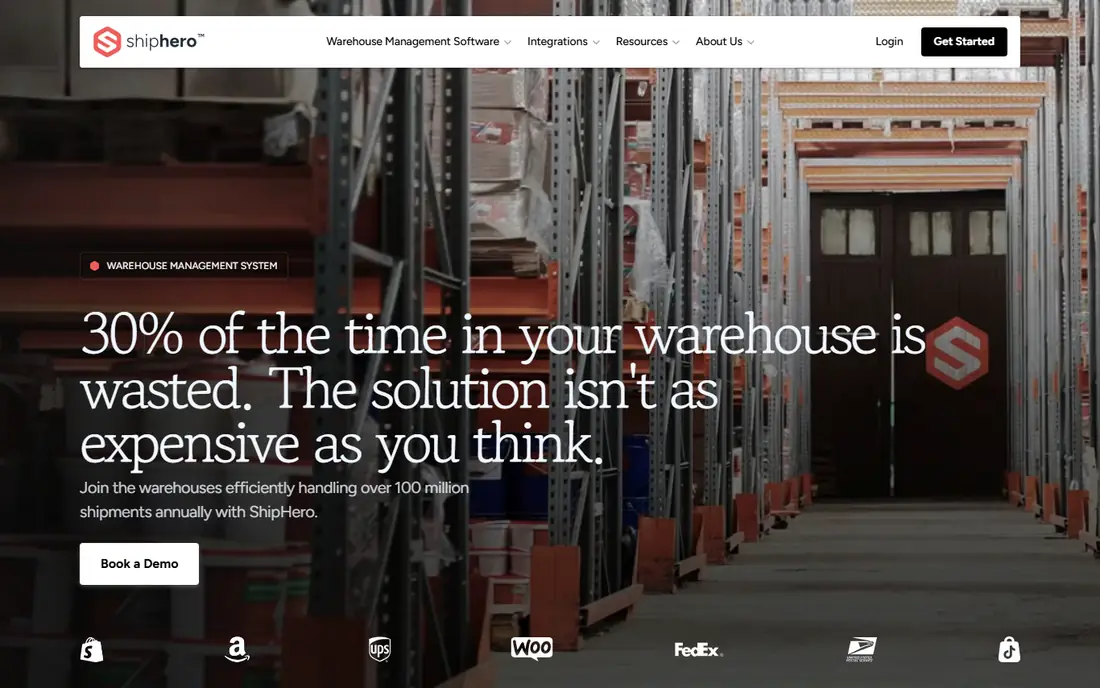
ShipHero serves brands running their own warehouse. You will need barcodes on your products, a defined bin layout and a handful of days of staff training. In daily use, external logistics providers also use systems like this to manage several clients.
the main limit is fit. A seller shipping 40 orders a day from a spare room does not need warehouse management, and paying for it will feel heavy. Brands with a dedicated fulfillment space and multiple people picking orders get the most out of it. Beyond that, request a quote and a demo so you can compare the total cost against what a shipping tool plus a spreadsheet would cost. ShipHero does not show a starting price in this comparison, so check the vendor site for current pricing. Free plan details: Not stated.
Where it is weaker: More than most small shops need.
- Shipping and inventory in one system
- Warehouse management with barcode-driven picking and packing
- Pricing is not a straightforward self-serve number
Shippo
Ideal for: Low-volume sellers and API users
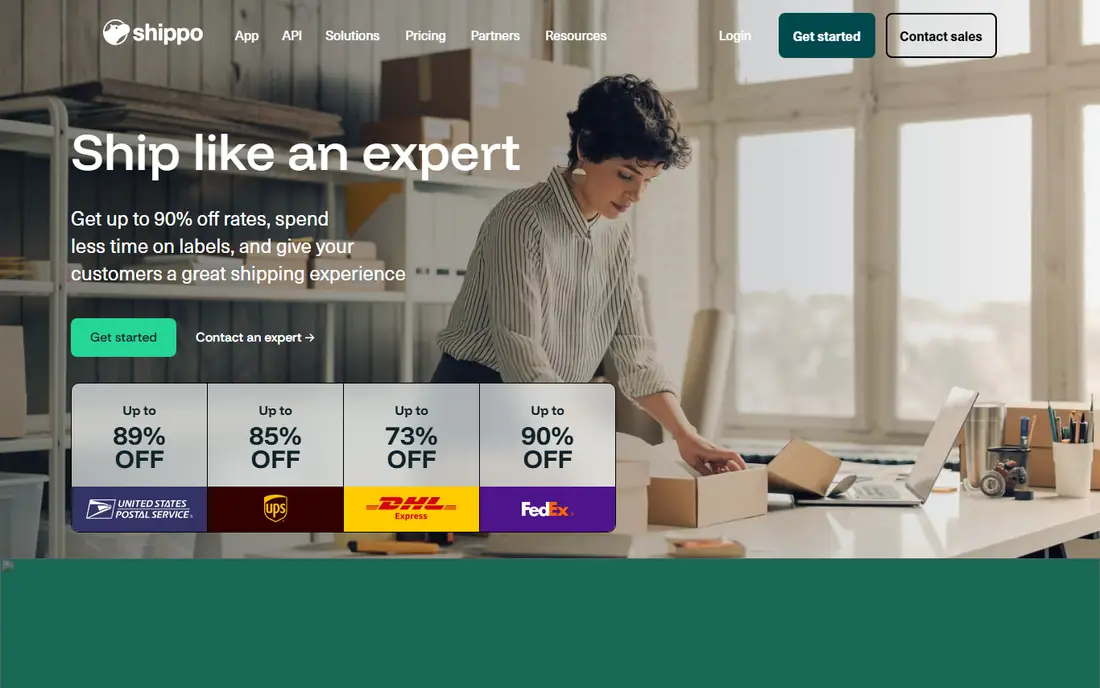
Choose Shippo for low-volume sellers and API users. Pro opens at $17 a month when billed yearly (the monthly rate is a little higher) for 1 to 200 labels per month. It steps up through volume bands to 10,000 labels.
Points against: Starter caps you at 30 labels and one user.
Strengths: FedEx and DHL Express rates.
It layers on branded tracking pages and packing slips, pick and pack with pick lists, chat and phone support, and up to 5 user logins. Worth adding: linking your own carrier accounts is free on Pro. On top of that, every account can also try the Pro plan free for 30 days. Shippo starts at: Free. Shippo has a free plan.
- Pro layers on pick lists and scan-to-print
- Unlimited store connections
- Using your own carrier account costs 5 cents per label on Starter
ShipStation
Ideal for: Expanding multichannel keeps
ShipStation targets expanding multichannel keeps. It pulls orders from your sales channels into one queue, applies rules (for instance, route heavy orders to one carrier or tag wholesale orders), and prints labels in batches. The main limit is cost and support sentiment.
Downsides: Inventory management is restricted to the top Premium plan.
Most buyers can link a store and ship the first batch the same afternoon. From a buyer's view, standard begins at $29.99 a month for 50 shipments, comes with 10 users, unlimited automations and API access, and Premium starts at $349.99 a month with 15 users and inventory management. In practice, check your real peak-month volume before you pick a level, and confirm the contract terms on the pricing page. ShipStation starts at: $14.99 per month. Free access: Free trial.
- Plans scale in clear steps from 50 to 15,000 shipments
- Automation rules on every plan
- Price climbs rapidly with volume
Pirate Ship
Ideal for: Small sellers who want straightforward labels
Pirate Ship targets small sellers who want straightforward labels. It is pitched at small online sellers who want to paste in or import a batch of orders, compare rates and print labels without learning a full order management system.
The main drawbacks: Not an order or inventory system.
Check the site for the current carrier list and rate details, as these change with carrier contracts. When your order count grows or you add a second sales channel, you will likely graduate to something larger. This comparison lists no price for Pirate Ship; ask the vendor. Free options: Not stated.
- Straightforward label printing with commercial carrier rates
- No complicated plan levels to compare
- Fewer automation and integration choices than the bigger tools
Ordoro
Ideal for: Dropshipping and inventory-heavy shops
In short, Ordoro is for dropshipping and inventory-heavy shops. That mix matters for a business that sells some products from its own shelves and others through suppliers who ship straight. The product pages describe separate features for shipping and order management, inventory management and dropshipping management.
Also, a public comparison against ShipStation is also posted on the site, though you should read any vendor comparison with some skepticism. As for the details, the company also publishes a partners page handling marketplaces, shopping carts, point of sale, accounting, carriers and suppliers, which is a handy list to check against your own stack before you commit. On top of that, purchase orders, supplier routing and stock levels sit in the same account as your labels. In practice, the downside is that this is a wider product than a pure label printer. So setup takes longer and the price may be higher than the entry tools. This comparison lists no price for Ordoro; ask the vendor. Trial and free access: Not stated.
- Inventory and dropshipping management in one product
- Integrations with marketplaces
- Pricing needs a direct check or a quote
Veeqo
Ideal for: Amazon and multichannel sellers
In short, Veeqo is for Amazon and multichannel sellers. Veeqo is owned by Amazon and provides away its core shipping software. A handful of listing tools are still marked as coming soon on the pricing page.
Where it falls short: Owned by Amazon, which some sellers dislike.
Main advantages: Up to 5% back in Veeqo Credits.
Beyond that, the trade-off is that the best features are premium. The free plan is meant to bring you into an Amazon-backed ecosystem. For a seller who largely wants labels and a single order queue, though, it is hard to beat on price. On top of that, you get unlimited users, unlimited products and SKUs, and pre-negotiated rates with Amazon Shipping, UPS, USPS, FedEx, DHL and OnTrac. Also, if you want automatic stock sync between channels, demand forecasting and the scanner for digital picking, the Inventory plan begins at $19 a month and rises with order volume. Price to start with Veeqo: Free shipping plan. Veeqo offers a free plan.
- Unlimited users
- Shipments and warehouses on the free plan
- Inventory sync and digital picking cost additional
How these tools were picked
Ainotely looked at what each vendor publishes: pricing, plan limits, feature coverage for shipping software for order fulfillment and stated drawbacks. No hands-on testing is claimed. Plan names, prices and limits change often. Treat the figures here as a starting point and verify them with the vendor. We ordered the tools by general fit, then by how clearly pricing is shown, then by free access. A buyer with unusual needs may reorder them.
Before you commit
- Get a written quote from EasyPost, ShipHero, Pirate Ship and Ordoro; the list shows no starting price for them.
- Look at free plan limits closely: Shippo and Veeqo have one, and the caps decide whether it is usable for real work.
- Use real work to test the free trial from ShipStation, rather than a demo project.
- Read the limits listed for EasyPost first: you build the workflow yourself.
- Test the integrations you rely on with Shippo before committing; some connectors sit on upper tiers.
- Look at the help docs and support options for ShipHero before you commit.
Frequently asked questions
Do these tools publish their prices?
Not all of them. EasyPost, ShipHero, Pirate Ship and Ordoro publish no starting price, so expect a quote request for those. The rest, Shippo included, show a starting price, though seats and billing terms still change the final cost.
How much does shipping software cost?
Entry plans from the vendors with published prices run from free to $14.99 per month, and ShipStation climbs to $349.99 a month for Premium. Costs rise with shipment volume, so compare plans at your expected peak month. In practice, always check the vendor page for current numbers.
Is EasyPost the right pick for everyone comparing shipping software for order fulfillment?
No single tool suits every team. EasyPost comes first because it fits developers building shipping into a platform, while ShipHero suits brands running their own warehouse and Shippo suits low-volume sellers and API users. Match the tool to your own size, budget and workflow before deciding.
Which options for shipping software for order fulfillment have a free plan?
Shippo and Veeqo offer a free plan in this list. Free plans usually cap users, projects or features, so check the limits on the vendor page. One other tool offers a trial instead.
What is the cheapest option for shipping software for order fulfillment in this list?
On published monthly entry prices, ShipStation is the lowest here at $14.99 per month. Entry price is only part of the cost, because seats, add-ons and billing terms can change the total.
What is shipping software for order fulfillment?
It is software that takes orders from your store or marketplace, compares carrier rates, prints shipping labels and sends tracking to customers. Some products add inventory tracking, picking and packing tools, and returns handling.