Start with ClickSoftware if you need front-line workforce scheduling and operations. Listed starting prices: Housecall Pro from $59 a month. If your case is different, ServiceMax suits asset-centric equipment service operations and FieldEdge suits tracking dispatches and service history. All 6 tools are compared below on price, free plan and limits.
Ainotely compared 6 software for dispatching field technicians. The goal is a practical shortlist: published prices, free plan facts, best-fit use cases and honest limits for every entry.
Key takeaways
Top of the list is ClickSoftware, which targets front-line workforce scheduling and operations.
Housecall Pro has the lowest monthly starting price in this list: $59 per month.
FieldEdge comes with a trade-off: needs a demo to assess full fit.
A permanent free plan is missing from all 6 tools, ClickSoftware and Microsoft Dynamics 365 Field Service included; plan for a trial or a premium start.
Best for: Front-line workforce scheduling and operations
Choose ClickSoftware for front-line workforce scheduling and operations. ClickSoftware is field service management software associated with Salesforce. It is presented as a way to boost productivity for the front-line workforce, lower operating costs, and transform service operations, which makes it relevant for organizations scheduling field teams at scale within a Salesforce environment.
What users get: Field service and operations management focus.
Its enterprise and Salesforce orientation may be more than a small contractor needs. Companies without Salesforce in place should weigh whether a standalone dispatch tool is a better starting point. ClickSoftware shows no starting price here, so confirm the cost on the vendor site. Free options: Free trial. Trade-offs to know: Salesforce context matters for adoption.
Best for: Asset-centric equipment service operations
ServiceMax makes the most sense for asset-centric equipment service operations. ServiceMax is asset-centric field service management software from PTC.
Where it falls short: Enterprise orientation can mean longer setup.
It is built around improving technician productivity, simplifying operational efficiency, and boosting equipment uptime, which makes it a fit for organizations that service machines and equipment where asset history and uptime matter as much as the dispatch itself. ServiceMax does not show a starting price in this comparison, so check the vendor site for current pricing. As for free access: Not stated.
FieldEdge is aimed squarely at tracking dispatches and service history. Evaluating FieldEdge generally starts with a demo, so buyers should plan time for that step.
It suits service companies that want dispatch and customer records connected so technicians and office staff work from the same service history. FieldEdge shows no starting price here, so confirm the cost on the vendor site. FieldEdge has no free tier.
Where FieldEdge stands out: Tracks customers, dispatches. Watch-outs: May be more than very small teams need.
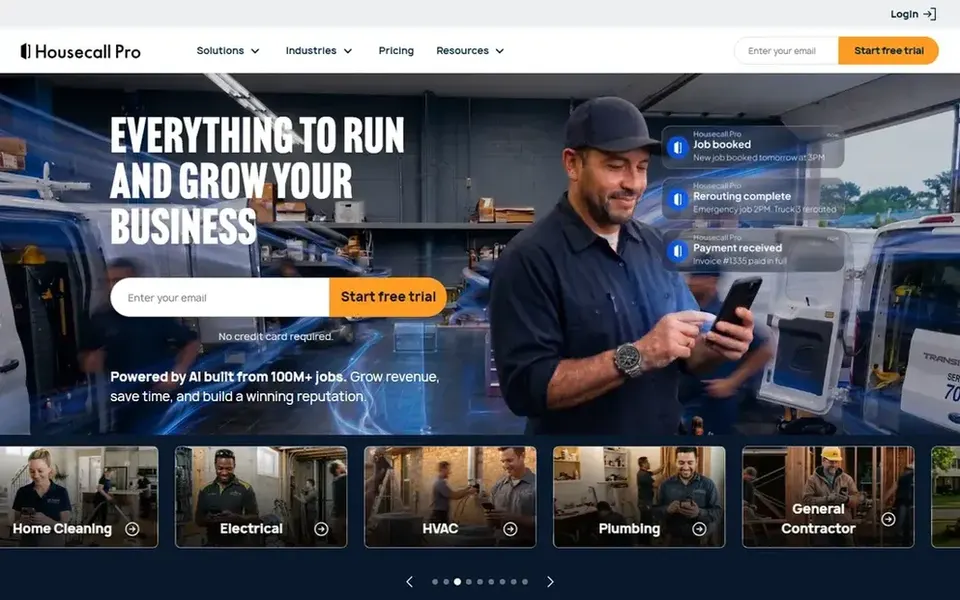
Housecall Pro serves home service companies managing dispatch. It is positioned as a solution for field service firms and handles the scheduling and customer service side of dispatch, which suits residential contractors who want a focused tool instead of a wide enterprise product.
What to check first: Home services focus may not fit industrial equipment work.
Businesses with complex multi-site operations should compare it against enterprise field service systems before deciding. On cost, Housecall Pro starts like this: $59 per month. Trial and free access: Free trial.
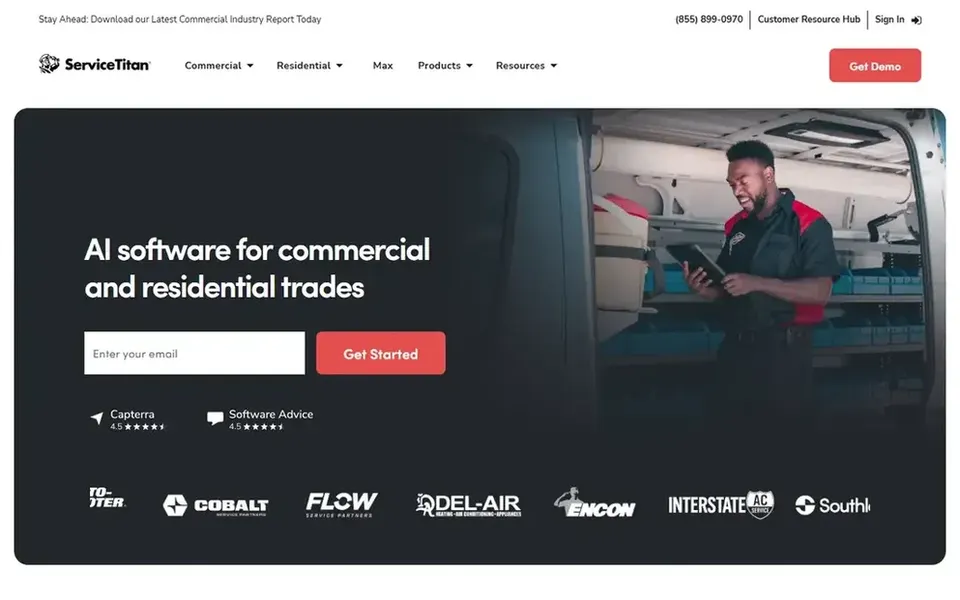
ServiceTitan is designed for home and commercial trades contractors. It is meant to keep service visits and construction projects running smoothly in one place, which fits trades firms that want dispatch, job tracking, and project work under a single system instead of piecing together separate tools.
In daily use, the breadth of the product can be heavy for very small operations that only need entry-level scheduling. Check the vendor site for ServiceTitan pricing; none is listed in this comparison. Free access: Free trial.
The main drawbacks: Wide feature set may be more than small shops need.
For teams already using Microsoft tools, Microsoft Dynamics 365 Field Service is a natural candidate. Smaller service firms without an existing Microsoft footprint may find a more straightforward dispatch app quicker to adopt.
Check the vendor site for Microsoft Dynamics 365 Field Service pricing; none is listed in this comparison. Free access: Not stated.
Where it falls short: Configuration can be involved for smaller teams.
Get a written quote from ClickSoftware, ServiceMax, FieldEdge and others; the list shows no starting price for them.
Take the trial from ClickSoftware, Housecall Pro and ServiceTitan and push a live task through it before you pay.
Read the limits listed for ClickSoftware first: enterprise orientation may not suit small shops.
Make sure ServiceMax lets you export your data in a format another tool can read.
The entry price of Microsoft Dynamics 365 Field Service is only the starting point; model the full cost with seats and extras.
How we picked
Ainotely looked at what each vendor publishes: pricing, plan limits, feature coverage for software for dispatching field technicians and stated drawbacks. No hands-on testing is claimed. Where a vendor does not publish a price, the entry says quote. Where a price depends on seats or billing term, the entry says so. Position on the page reflects fit for a typical buyer first, with price clarity and free access breaking ties. Treat it as a guide, not a ruling.
Every price and plan detail on this page comes from the vendors’ own websites. We did not run hands-on tests unless the text says so, and we do not publish star ratings or review scores. See how we score and our disclosure.
Keep your shortlist in one place
Paste prices, trial dates and notes from this guide into Ainotely, our AI note app. It files them into a topic and pulls out tasks like “cancel trial by Friday”. Free 7-day trial, no card needed.
Often, yes. ClickSoftware, Housecall Pro and ServiceTitan offer a free trial. Use your own data and a real task during the test, and check what the free tier or trial limits before you rely on it.
Does any tool for software for dispatching field technicians here have a free plan?
A permanent free plan is not offered by ClickSoftware, Microsoft Dynamics 365 Field Service or the other tools here. ClickSoftware, Housecall Pro, ServiceTitan offer a trial. Plan a short evaluation period instead.
Should I choose dispatch software that suits my existing business system?
If your company already runs on Microsoft or Salesforce, tools like Dynamics 365 Field Service or ClickSoftware can fit into that environment. Staying within an existing system can cut integration work, but confirm the dispatch features meet your needs first.
Do these tools publish their prices?
Not all of them. ClickSoftware, ServiceMax, FieldEdge and others publish no starting price, so expect a quote request for those. The rest, Housecall Pro included, show a starting price, though seats and billing terms still change the final cost.
Is ClickSoftware the right pick for everyone comparing software for dispatching field technicians?
No single tool suits every team. ClickSoftware comes first because it fits front-line workforce scheduling and operations, while ServiceMax suits asset-centric equipment service operations and FieldEdge suits tracking dispatches and service history. Match the tool to your own size, budget and workflow before deciding.