Best TutuApp Alternatives in 2026: 8 Options Compared

- 1
 Apple App StoreOfficial apps for iPhone and iPadVisit
- 2
 Google PlayOfficial apps for Android devicesVisit
- 3
 Amazon AppstoreApps for Fire devices and AndroidVisit
- 4
 Samsung Galaxy StoreOfficial apps for Samsung devicesVisit
- 5
 Huawei AppGalleryOfficial apps for Huawei devicesVisit
- Our pick for most people is Apple App Store, because it balances price, features and ease of use for the widest group of readers.
- Free plans are real here, but the limits matter: check what Google Play and Amazon Appstore actually include before you commit.
- Prices in this guide come from vendor pricing pages and current comparisons checked in October 2026, and they can change, so confirm the plan on the vendor site before you buy.
- The best choice depends on your budget, your experience level and how much support you want, not on which brand is most famous.
Quick comparison
| Product | Ideal for | Price from | Free version | |
|---|---|---|---|---|
| Apple App Store | Official apps for iPhone and iPad | Free | Yes | Visit |
| Google Play | Official apps for Android devices | Free | Yes | Visit |
| Amazon Appstore | Apps for Fire devices and Android | Free | Yes | Visit |
| Samsung Galaxy Store | Official apps for Samsung devices | Free | Yes | Visit |
| Huawei AppGallery | Official apps for Huawei devices | Free | Yes | Visit |
 F-Droid | Free and open-source Android apps | Free | Yes | Visit |
 AltStore | Sideloading apps on iOS with a computer | Free | Yes | Visit |
 APKMirror | Verified APK downloads for Android | Free | Yes | Visit |
The best TutuApp Alternatives in 2026
We compared official feature pages, pricing pages, app store listings, privacy policies and public reviews to build this list for tutuapp alternatives. Every option below exists and works today, and each one earns its place for a different kind of reader.
Apple App Store
Ideal for: Official apps for iPhone and iPad
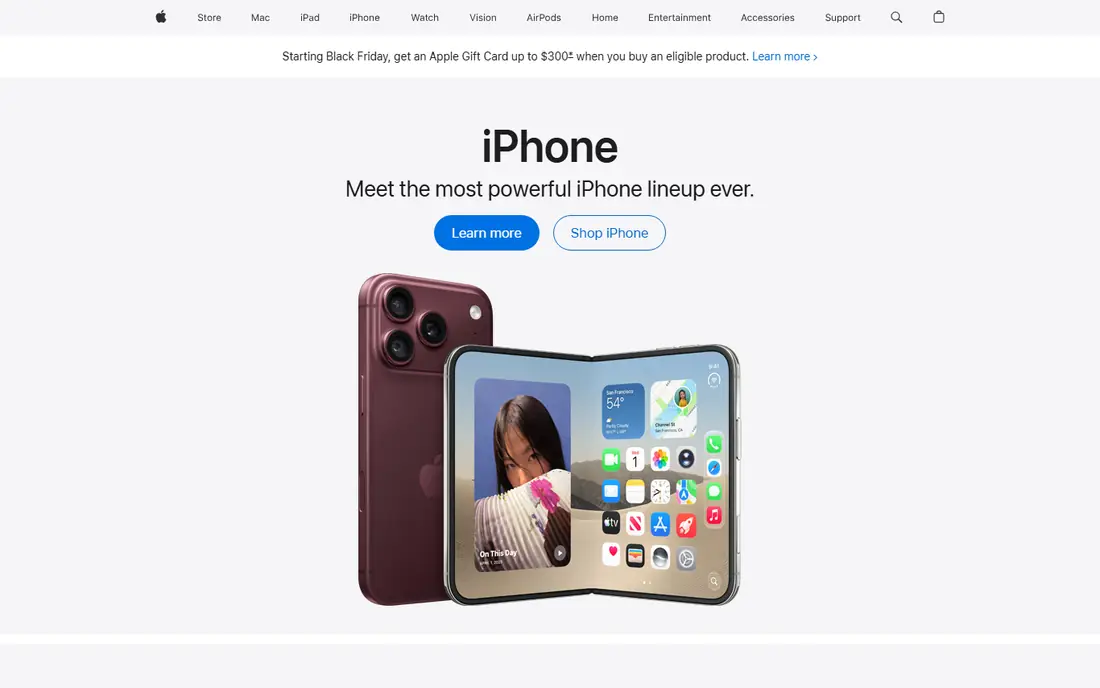
Here is the short version. The Apple App Store is the official, safest place to get iPhone and iPad apps, with review, secure payments and family controls. It fits readers who want official apps for iphone and ipad, and its published feature set matches that promise rather than trying to cover every possible use case at once. The price picture is free, with a free plan status of yes. Its stricter review rules mean some app types are not available, but that control is also what keeps it safer. Before you sign up, check the current plan limits on the official site, because caps on users, usage or features are where most buyers get surprised after the first month.
- Official, reviewed apps
- Secure payments
- Family controls
- Apple devices only
- Stricter app review limits some app types
Google Play
Ideal for: Official apps for Android devices
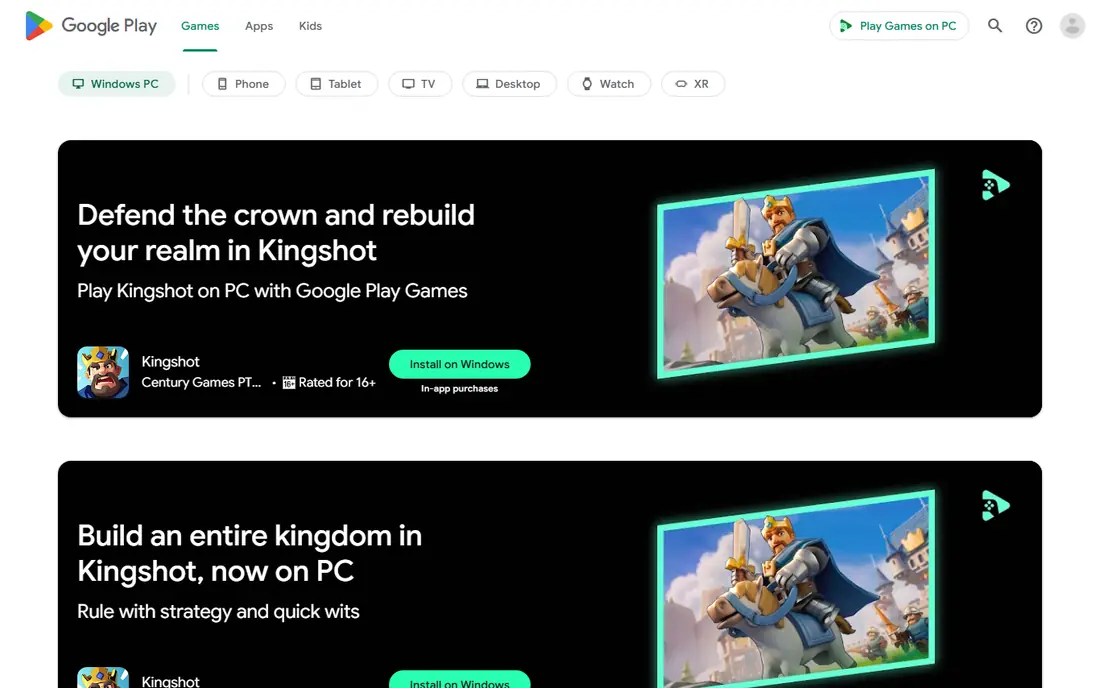
Start here if you want the safe default. Google Play is the official Android store, with a huge app choice and Play Protect scanning for harmful apps. It fits readers who want official apps for android devices, and its published feature set matches that promise rather than trying to cover every possible use case at once. The price picture is free, with a free plan status of yes. App availability varies by region, and sideloaded apps outside Play remain a risk, so stick to the store where possible. Before you sign up, check the current plan limits on the official site, because caps on users, usage or features are where most buyers get surprised after the first month.
- Official Android store
- Huge app choice
- Play Protect scanning
- Android only
- Some regions have limited app availability
Amazon Appstore
Ideal for: Apps for Fire devices and Android

This one suits a specific kind of reader. The Amazon Appstore suits Fire tablet owners and Android users who want an official alternative store with Amazon payments. It fits readers who want apps for fire devices and android, and its published feature set matches that promise rather than trying to cover every possible use case at once. The price picture is free, with a free plan status of yes. Its catalog is smaller than Google Play, so some apps may not be available there. Before you sign up, check the current plan limits on the official site, because caps on users, usage or features are where most buyers get surprised after the first month.
- Official store for Fire tablets
- Android app choice
- Amazon payment tools
- Smaller catalog than Google Play
- Fire device focus
Samsung Galaxy Store
Ideal for: Official apps for Samsung devices
Consider this if the top picks do not fit. The Samsung Galaxy Store gives Samsung owners an official store with Samsung apps and device integration beside Google Play. It fits readers who want official apps for samsung devices, and its published feature set matches that promise rather than trying to cover every possible use case at once. The price picture is free, with a free plan status of yes. Samsung-only availability and a smaller catalog mean it works best as a second store, not a replacement for Google Play. Before you sign up, check the current plan limits on the official site, because caps on users, usage or features are where most buyers get surprised after the first month.
- Official Samsung store
- Samsung app exclusives
- Device integration
- Samsung devices only
- Smaller catalog than Google Play
Huawei AppGallery
Ideal for: Official apps for Huawei devices
A strong option for a narrower need. Huawei AppGallery is the official store for Huawei devices, with a growing catalog and device integration. It fits readers who want official apps for huawei devices, and its published feature set matches that promise rather than trying to cover every possible use case at once. The price picture is free, with a free plan status of yes. Google app availability is limited on newer Huawei phones, so check your must-have apps first. Before you sign up, check the current plan limits on the official site, because caps on users, usage or features are where most buyers get surprised after the first month.
- Official Huawei store
- Growing app catalog
- Device integration
- Huawei devices focus
- Google apps are limited on newer Huawei phones
F-Droid
Ideal for: Free and open-source Android apps
Worth a close look before you decide. F-Droid lists only free and open-source Android apps, which makes it a strong privacy-focused choice for users who value open code. It fits readers who want free and open-source android apps, and its published feature set matches that promise rather than trying to cover every possible use case at once. The price picture is free, with a free plan status of yes. Its catalog is smaller and excludes paid commercial apps, so it suits open-source fans rather than general app shoppers. Before you sign up, check the current plan limits on the official site, because caps on users, usage or features are where most buyers get surprised after the first month.
- Free and open-source apps only
- No tracking in listed apps
- Privacy focus
- Smaller catalog
- No paid commercial apps
- Interface is basic
AltStore
Ideal for: Sideloading apps on iOS with a computer
This belongs on the shortlist for a reason. AltStore lets iPhone users sideload apps through an official method that does not need a jailbreak. It fits readers who want sideloading apps on ios with a computer, and its published feature set matches that promise rather than trying to cover every possible use case at once. The price picture is free, with a free plan status of yes. It needs a computer to refresh apps, and app choice is limited, so it suits technical users who want specific open apps. Before you sign up, check the current plan limits on the official site, because caps on users, usage or features are where most buyers get surprised after the first month.
- Official sideloading method
- Open-source apps
- No jailbreak needed
- Needs a computer for refresh
- App choice is limited to signed apps
APKMirror
Ideal for: Verified APK downloads for Android
Do not overlook this one. APKMirror hosts verified APK files with signature checks, which makes it safer than random APK sites for users who need a specific version. It fits readers who want verified apk downloads for android, and its published feature set matches that promise rather than trying to cover every possible use case at once. The price picture is free, with a free plan status of yes. It is not a full app store with automatic updates, and sideloading always carries some risk, so prefer Google Play where possible. Before you sign up, check the current plan limits on the official site, because caps on users, usage or features are where most buyers get surprised after the first month.
- Verified APK signatures
- Older app versions
- Official app files
- Not a full store with updates
- Sideloading still carries risk if files are mishandled
How we picked these
We started from official feature pages and pricing pages, then checked app store listings, privacy policies and public reviews to confirm each product still works and still fits the topic. Products that could not be verified, or that only partly matched the topic, were left out, even when they were well known. Safety note: use only legitimate app stores and official developer downloads. Do not install pirated, cracked or modified apps, because they often carry malware, steal accounts and break the law, and they can get your device or accounts banned. If an app costs money, buy it from the official store or the developer. We favoured a mix of established leaders and strong smaller options, and we weighted price transparency, a usable free tier or trial, and honest limits more heavily than marketing claims. No product on this list paid for its place, and our pick for most people is the one we would suggest to a friend with ordinary needs and an ordinary budget.
How to get apps safely without pirated or cracked copies
Start with the official store for your device, because Apple App Store and Google Play review apps, scan for malware and handle payments securely. Only use a second official store, such as Amazon Appstore, Samsung Galaxy Store or Huawei AppGallery, when it matches your device. Avoid any store or site that offers paid apps for free, cracked apps or modified apps, because those files often carry malware, steal accounts or break the law. If an app is not in an official store, check whether the developer offers a direct download or a beta program, and verify the developer name and website before installing anything. Also check permissions before you install, and keep automatic updates on so security fixes arrive quickly. If an app asks for permissions it does not need, such as contacts for a calculator, do not install it. For children, use family controls in the official store, and never let a child install apps from outside the store. A legitimate app is worth paying for, while a pirated copy can cost far more in stolen data or a compromised device.
Frequently asked questions
What is the best TutuApp alternative?
The Apple App Store suits iPhone users, Google Play suits Android users, and F-Droid suits open-source Android users. The right pick is almost always the official store for your device.
Is TutuApp safe?
Third-party stores that offer modified or paid apps for free carry malware and account risks, and they can break app store rules. We recommend official stores only, and we do not recommend pirated or cracked apps.
Can I get apps not in the official store?
Some developers offer direct downloads, beta programs or open-source stores such as F-Droid and AltStore. Verify the developer and the official website before installing anything outside a store.
Is sideloading apps safe?
Sideloading carries risk, because files outside a store are not reviewed in the same way. Use verified sources such as APKMirror only when needed, check signatures, and prefer the official store where possible.
What about free apps outside the store?
Free apps from unknown sites often bundle malware or unwanted software. Stick to official stores, open-source stores with clear listings, and developer websites you have verified.