Best Uscreen Alternatives in 2026: 7 Platforms Compared

- Vimeo OTT is our pick for most video businesses that want polished apps and subscription tools without building their own.
- Kajabi suits creators who want courses, memberships, marketing, and video in one business platform.
- Teachable and Thinkific suit course creators, while Patreon suits community-funded creators.
- Dacast and Muvi cover live, paywall, and white-label streaming needs with different strengths.
- Always test signup, payment, and playback on phones and TVs before launching a paid membership.
Quick comparison
| Product | Ideal for | Price from | Free version | |
|---|---|---|---|---|
 Vimeo OTT | Video subscription apps | See website | Free trial | Visit |
 Kajabi | Creator business platform | See website | Free trial | Visit |
 Teachable | Online course sales | See website | Free trial | Visit |
 Patreon | Community-funded creators | See website | See website | Visit |
 Dacast | Live and paywall streaming | See website | Free trial | Visit |
 Muvi | White-label video platform | See website | Free trial | Visit |
 Thinkific | Course and membership sites | See website | Free trial | Visit |
The best Uscreen alternatives
Uscreen helps video creators sell memberships and subscriptions with apps and paywalls, so a good replacement needs video hosting, subscription billing, branded apps, and a smooth viewer experience. We compared official feature pages, pricing pages, and public reviews, focusing on monetization models, app support, marketing tools, and total cost for creators.
Vimeo OTT
Ideal for: Video subscription apps
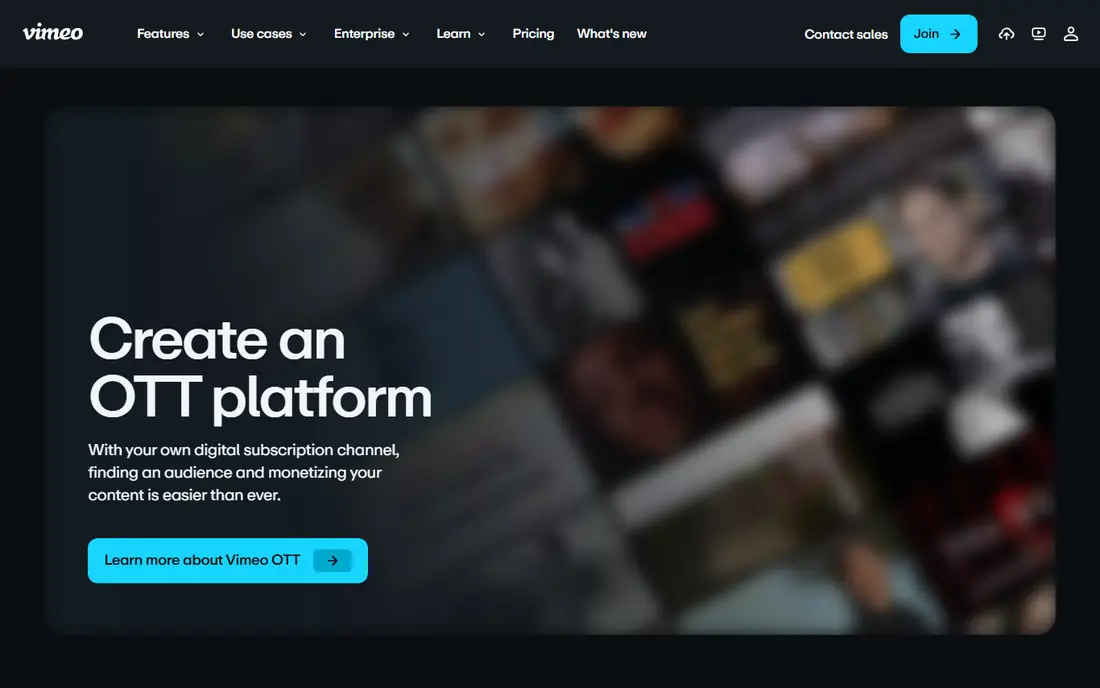
Vimeo OTT lets video businesses launch subscription services with branded websites and apps for web, mobile, and TV, backed by Vimeo hosting and players. Creators can sell subscriptions, rentals, and bundles, manage libraries, and reach viewers on the devices they actually use. That focus makes it the closest Uscreen replacement for pure video subscription businesses.
Marketing automation and course tools are lighter than Kajabi, so creators who need funnels, email, and course quizzes may need extra tools. For video-first businesses that want a polished, reliable OTT service, Vimeo OTT is our top pick.
- Polished subscription apps for web, mobile, and TV
- Strong Vimeo hosting
- Good viewer experience
- Pricing needs a closer look at scale
- Marketing tools are lighter than Kajabi
Kajabi
Ideal for: Creator business platform
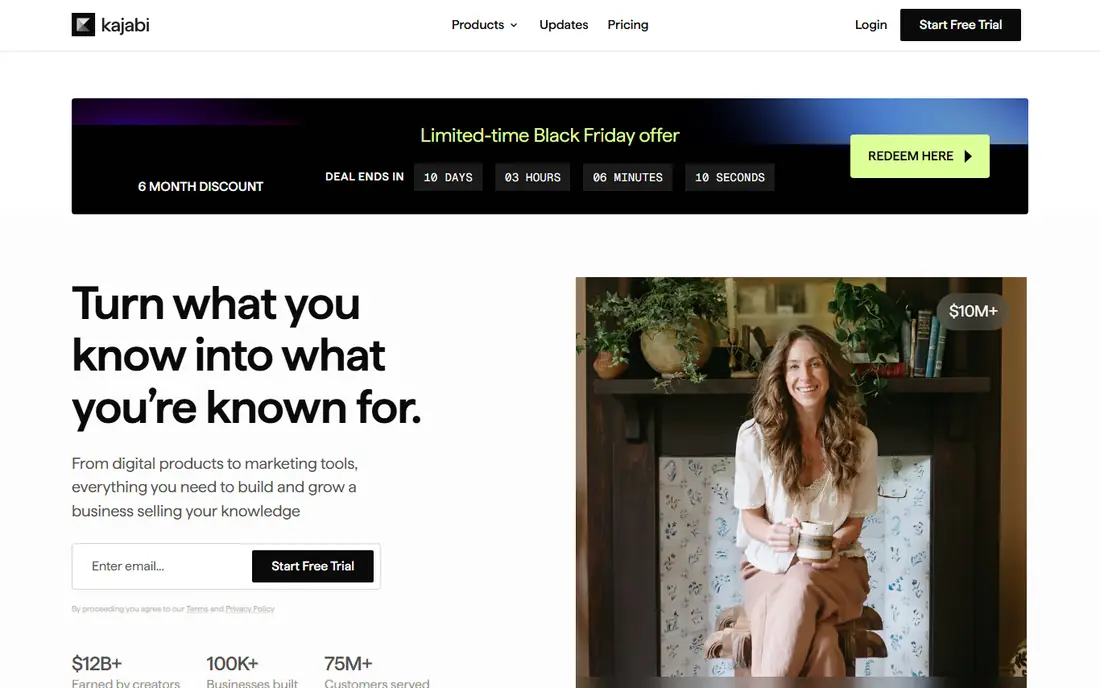
Kajabi is the all-in-one creator business platform, covering courses, memberships, coaching, marketing funnels, email, and video hosting in one product. Creators who sell programs and communities benefit from having landing pages, checkout, and delivery in the same system, without stitching together many tools.
Price is higher than course-only rivals, and branded video app depth varies by plan. For creators building a full business around video, courses, and memberships, Kajabi offers the broadest toolkit on this list.
- Courses, memberships, marketing, and video in one platform
- Strong funnels and email
- Good templates
- Higher price than course-only tools
- Video app depth varies by plan
Teachable
Ideal for: Online course sales
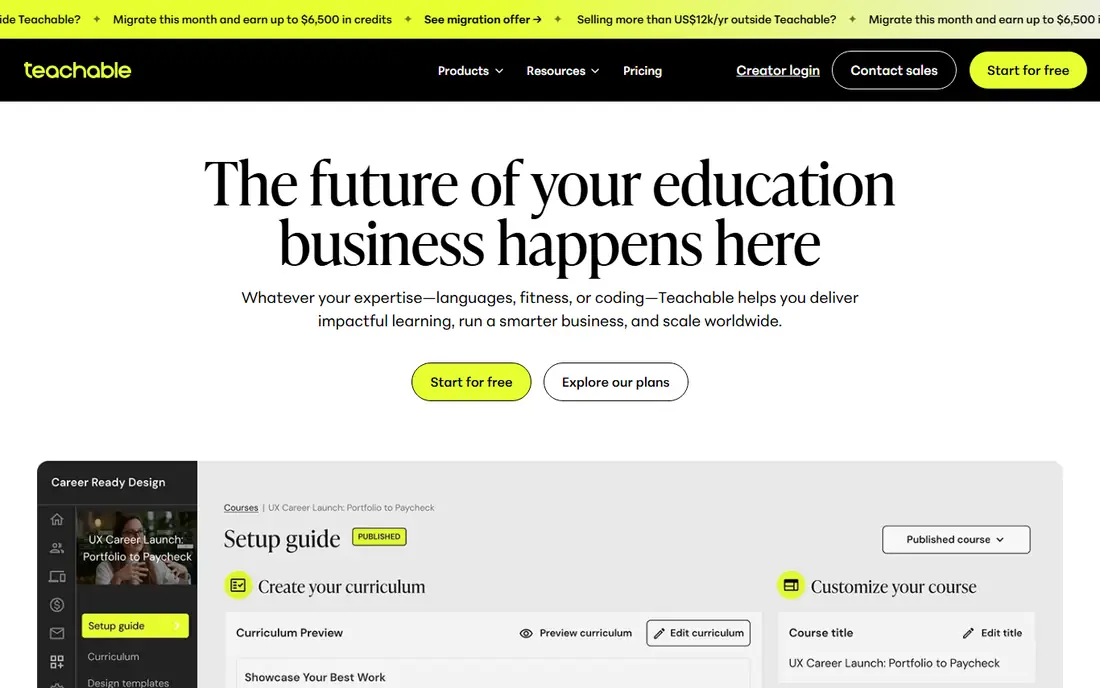
Teachable suits creators whose main product is courses rather than a video subscription library. Course creation, student management, payments, and tax handling work smoothly, and the student experience is clean on web and mobile. That focus makes it fast to launch a first course.
Video membership features, such as subscription libraries and TV apps, are lighter than Uscreen or Vimeo OTT. For course-first creators who also want some video content, Teachable is a practical pick. For subscription video businesses, choose Vimeo OTT or Muvi.
- Easy course creation and sales
- Good student experience
- Built-in payments and tax handling
- Video membership and app features are lighter than Uscreen
- Customization needs higher tiers
Patreon
Ideal for: Community-funded creators
Patreon takes a different approach: fans support creators through membership tiers in exchange for exclusive videos, posts, and community access. That model suits YouTubers, podcasters, musicians, and artists with an existing audience who want recurring support without building a separate video platform.
Control is the trade-off. Video apps, branding, and library design are lighter than Uscreen, and Patreon takes a share of earnings. For creators with a loyal audience who want simple membership income, Patreon is easy to start and proven at scale.
- Membership tiers fans understand
- Community tools
- No upfront platform fee model
- Less control over video apps and branding
- Platform fees apply to earnings
Dacast
Ideal for: Live and paywall streaming
Dacast suits video businesses that need live streaming plus paywalls, subscriptions, and pay-per-view in one tool. Event organizers, fitness instructors, educators, and churches use it to charge for live events and on-demand libraries with a white-label player. That monetization flexibility is its main strength.
Full membership sites and branded TV apps are lighter than Uscreen or Vimeo OTT, and marketing tools are thinner than Kajabi. For live-led video businesses that charge per event or subscription, Dacast offers strong value.
- Live and on-demand paywalls
- Subscriptions and pay-per-view
- White-label player
- Membership site and app depth is lighter than Uscreen
- Marketing tools are thinner
Muvi
Ideal for: White-label video platform
Muvi is a white-label video platform that lets businesses launch branded websites and apps with subscription, rental, and advertising models. Its device support covers web, mobile, and TV, and its content management tools handle large libraries. That breadth suits media companies and creators building a serious streaming brand.
Pricing is quote-based, and setup needs planning for large libraries and app store submissions. For businesses that want full white-label control over their video service, Muvi is a strong Uscreen replacement.
- White-label apps and websites
- Subscription, rental, and ad models
- Broad device support
- Pricing is quote-based
- Setup needs planning for large libraries
Thinkific
Ideal for: Course and membership sites
Thinkific helps creators build course and membership sites with video lessons, quizzes, communities, and payments, in a clean student experience. Its site builder and templates make launching a branded learning business fast, and higher tiers add app options and advanced features.
Pure video subscription depth, such as TV apps and large video libraries, is lighter than Uscreen or Vimeo OTT. For educators and creators whose business centers on courses and memberships with video lessons, Thinkific is a solid and affordable pick.
- Strong course and membership sites
- Good student experience
- App options on higher tiers
- Video subscription depth is lighter than Uscreen
- Advanced features need higher tiers
How we picked these
We compared official feature pages, pricing pages, and public reviews, and we checked that the homepages listed here belong to the products named. We favored platforms that support video monetization through subscriptions, rentals, or memberships, with hosting and viewer apps or sites. We left out social video apps with no paid membership tools, and we did not include Uscreen itself, since this list is about replacements.
We also weighed how each vendor treats new users, including trial length, onboarding help, and the quality of its public documentation. A tool with clear guides and responsive support earns trust faster than a tool with a thin help center, even when feature lists look similar. We gave extra weight to vendors that publish pricing openly and explain limits plainly, since hidden costs and surprise caps cause most buyer regret. Where pricing was only available on request, we said so rather than guessing, and we treated a missing free tier as a real drawback for small teams testing on a budget.
What to check before you switch
Start with the viewer journey. Sign up, pay, and watch on a phone and a TV in each finalist, and check how easy it is to cancel, update payment, and find new content. Friction in signup or playback loses paying members fast.
Next, check monetization and fees. Compare platform fees, payment processing costs, and revenue shares, and confirm which models each tool supports, including subscriptions, rentals, bundles, and one-time sales. A low monthly price can hide a high revenue share.
Finally, plan content migration. Test bulk video upload, metadata, captions, and access rules for your library, and confirm that existing members can move without re-signing up. Launch a pilot with a small member group before moving your full audience.
Look at total cost over two years rather than the first month alone. A low starting price can rise once you add team members, higher tiers, or the add-ons that hold the features you actually need, while a higher starting price sometimes includes everything and stays flat. List every seat, every add-on, and every usage limit for your real team size, then compare that full number across finalists. Also check contract terms, including minimums, renewal rules, and what happens to your data if you cancel. A tool that exports cleanly and charges fairly for extra seats is easier to live with than a cheaper tool that traps your work. Finally, weigh support quality alongside price, since fast help during setup and outages saves more money than a small monthly discount ever will.
Frequently asked questions
What is the best Uscreen alternative for video subscriptions?
Vimeo OTT is our pick for video subscription businesses, thanks to polished apps and reliable hosting. Muvi suits businesses that want full white-label control, while Dacast suits live-led businesses with paywalls.
Is there a free Uscreen alternative?
Most platforms here offer free trials rather than permanent free plans. Patreon charges no upfront platform fee but takes a share of earnings. Test with a trial and a small audience before committing to a paid plan.
Which alternative is best for course creators?
Kajabi suits creators who want courses, memberships, and marketing in one platform. Teachable and Thinkific suit course-first creators at lower prices. Vimeo OTT suits creators whose main product is a video library rather than structured courses.
Do these platforms offer TV apps?
Vimeo OTT and Muvi offer branded apps for web, mobile, and TV, while Kajabi and Thinkific offer app options on higher tiers. Check app availability and app store costs for your exact devices before launching.
How hard is it to move from Uscreen to another tool?
Video files and metadata usually migrate through bulk tools, while member accounts, subscriptions, and payment details need careful handling. Coordinate billing migration with the new vendor, and pilot with a small member group first.
How long does it take to switch?
Most teams can pilot a new tool in two to four weeks, including setup, data import, and training for the people who will use it daily. A full migration takes longer when years of history, templates, or integrations must move, so plan a staged rollout rather than a single cutover day. Start with one team or one workflow, measure results, and only then move the rest. Keep the old tool running during the overlap so nothing is lost if the new setup needs fixes. Rushing a switch usually costs more time than a careful pilot, since broken workflows frustrate the very people you need to win over.