Best Verkada Alternatives in 2026: 8 Options Compared

- 1
 RhombusCloud cameras with AI analyticsVisit
- 2
 AvigilonEnterprise video security from MotorolaVisit
- 3
 Axis CommunicationsOpen camera hardware for many platformsVisit
- 4
 Eagle Eye NetworksCloud video surveillance for multi-site firmsVisit
- 5
 GenetecUnified security platform for enterprisesVisit
- Our pick for most people is Rhombus, because it balances price, features and ease of use for the widest group of readers.
- Free plans are real here, but the limits matter: check what Avigilon and Axis Communications actually include before you commit.
- Prices in this guide come from vendor pricing pages and current comparisons checked in October 2026, and they can change, so confirm the plan on the vendor site before you buy.
- The best choice depends on your budget, your experience level and how much support you want, not on which brand is most famous.
Quick comparison
| Product | Ideal for | Price from | Free version | |
|---|---|---|---|---|
| Rhombus | Cloud cameras with AI analytics | See website | Free trial | Visit |
| Avigilon | Enterprise video security from Motorola | See website | No | Visit |
| Axis Communications | Open camera hardware for many platforms | See website | No | Visit |
| Eagle Eye Networks | Cloud video surveillance for multi-site firms | See website | Free trial | Visit |
| Genetec | Unified security platform for enterprises | See website | No | Visit |
 Hanwha Vision | Cameras with strong image quality | See website | No | Visit |
 Brivo | Cloud access control with video links | See website | Free trial | Visit |
 Arcules | Cloud video for multi-site businesses | See website | Free trial | Visit |
The best Verkada Alternatives in 2026
We compared official feature pages, pricing pages, app store listings, privacy policies and public reviews to build this list for verkada alternatives. Every option below exists and works today, and each one earns its place for a different kind of reader.
Rhombus
Ideal for: Cloud cameras with AI analytics
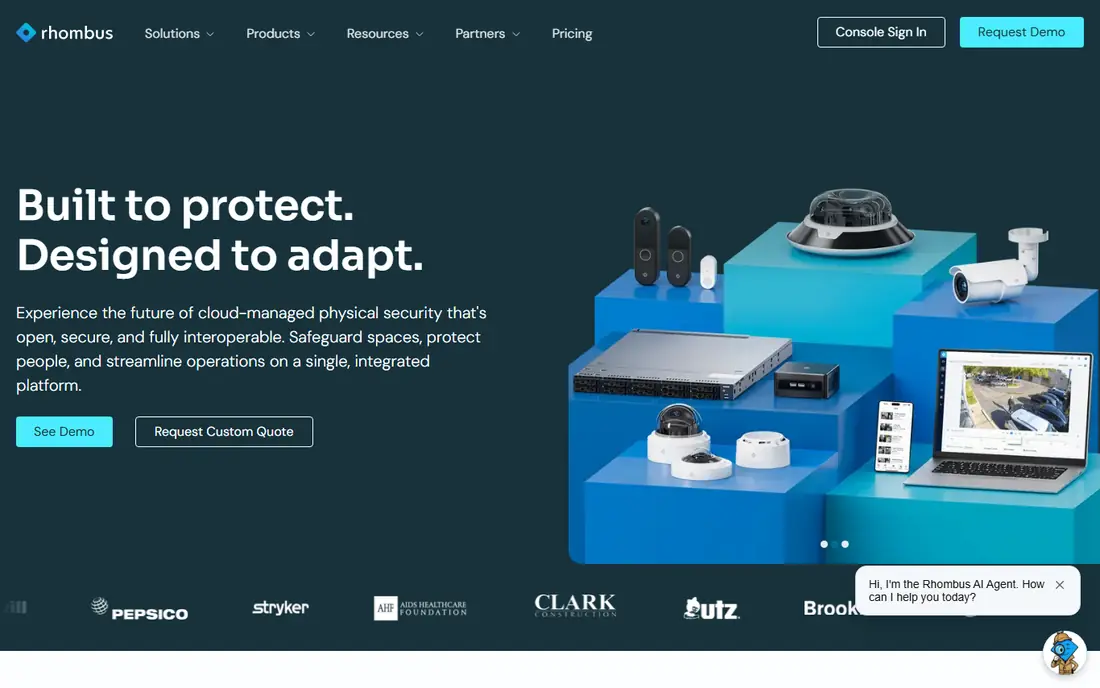
Here is the short version. Rhombus suits organisations that want cloud-managed cameras with AI analytics and access control in one platform. It fits readers who want cloud cameras with ai analytics, and its published feature set matches that promise rather than trying to cover every possible use case at once. The price picture is see website, with a free plan status of free trial. Platform-tied cameras mean switching later is harder, so check long-term costs. Before you sign up, check the current plan limits on the official site, because caps on users, usage or features are where most buyers get surprised after the first month.
- Cloud-managed cameras
- AI analytics
- Access control links
- Pricing is quoted
- Camera choice is tied to the platform
Avigilon
Ideal for: Enterprise video security from Motorola
Start here if you want the safe default. Avigilon, part of Motorola Solutions, suits enterprises that need video security with AI analytics and broad integrations. It fits readers who want enterprise video security from motorola, and its published feature set matches that promise rather than trying to cover every possible use case at once. The price picture is see website, with a free plan status of no. The enterprise price and specialist setup suit larger organisations. Before you sign up, check the current plan limits on the official site, because caps on users, usage or features are where most buyers get surprised after the first month.
- Enterprise cameras and software
- AI analytics
- Strong integrations
- Enterprise pricing
- Setup needs specialist help
Axis Communications
Ideal for: Open camera hardware for many platforms
This one suits a specific kind of reader. Axis suits organisations that want open camera hardware that works with many video platforms, rather than a closed system. It fits readers who want open camera hardware for many platforms, and its published feature set matches that promise rather than trying to cover every possible use case at once. The price picture is see website, with a free plan status of no. Software, storage and licences are separate, so quote the full system, not just cameras. Before you sign up, check the current plan limits on the official site, because caps on users, usage or features are where most buyers get surprised after the first month.
- Wide camera range
- Open platform
- Strong image quality
- Software is separate
- Total system cost needs careful quoting
Eagle Eye Networks
Ideal for: Cloud video surveillance for multi-site firms
Consider this if the top picks do not fit. Eagle Eye Networks suits multi-site firms that want cloud video management across many locations. It fits readers who want cloud video surveillance for multi-site firms, and its published feature set matches that promise rather than trying to cover every possible use case at once. The price picture is see website, with a free plan status of free trial. Per-camera pricing and bandwidth needs should be modelled for your site count. Before you sign up, check the current plan limits on the official site, because caps on users, usage or features are where most buyers get surprised after the first month.
- Cloud video management
- Multi-site support
- Analytics
- Pricing is per camera and quoted
- Bandwidth needs planning
Genetec
Ideal for: Unified security platform for enterprises
A strong option for a narrower need. Genetec suits enterprises that want video, access control and licence plate recognition unified in one platform. It fits readers who want unified security platform for enterprises, and its published feature set matches that promise rather than trying to cover every possible use case at once. The price picture is see website, with a free plan status of no. The project scale suits larger organisations, not small single-site buyers. Before you sign up, check the current plan limits on the official site, because caps on users, usage or features are where most buyers get surprised after the first month.
- Video, access and licence plate tools in one platform
- Enterprise scale
- Enterprise pricing
- Implementation is a project
Hanwha Vision
Ideal for: Cameras with strong image quality
Worth a close look before you decide. Hanwha Vision suits buyers who prioritise camera image quality and low-light performance across a wide range. It fits readers who want cameras with strong image quality, and its published feature set matches that promise rather than trying to cover every possible use case at once. The price picture is see website, with a free plan status of no. Platform and software choices are separate, so plan the full system beside the cameras. Before you sign up, check the current plan limits on the official site, because caps on users, usage or features are where most buyers get surprised after the first month.
- Wide camera range
- Strong low-light performance
- AI features
- Software and platform choice is separate
- Pricing varies by model
Brivo
Ideal for: Cloud access control with video links
This belongs on the shortlist for a reason. Brivo suits organisations that need cloud access control first, with video links for a fuller security picture. It fits readers who want cloud access control with video links, and its published feature set matches that promise rather than trying to cover every possible use case at once. The price picture is see website, with a free plan status of free trial. Video-only buyers may find its camera depth thinner than Rhombus or Avigilon. Before you sign up, check the current plan limits on the official site, because caps on users, usage or features are where most buyers get surprised after the first month.
- Cloud access control
- Video integrations
- Multi-site management
- Access focus means video depth varies
- Pricing is quoted
Arcules
Ideal for: Cloud video for multi-site businesses
Do not overlook this one. Arcules suits multi-site businesses that want cloud video management with analytics. It fits readers who want cloud video for multi-site businesses, and its published feature set matches that promise rather than trying to cover every possible use case at once. The price picture is see website, with a free plan status of free trial. Camera compatibility and quoted pricing mean you should check your existing cameras and total cost first. Before you sign up, check the current plan limits on the official site, because caps on users, usage or features are where most buyers get surprised after the first month.
- Cloud video management
- Analytics
- Multi-site support
- Pricing is quoted
- Camera compatibility needs checking
How we picked these
We started from official feature pages and pricing pages, then checked app store listings, privacy policies and public reviews to confirm each product still works and still fits the topic. Products that could not be verified, or that only partly matched the topic, were left out, even when they were well known. We favoured a mix of established leaders and strong smaller options, and we weighted price transparency, a usable free tier or trial, and honest limits more heavily than marketing claims. No product on this list paid for its place, and our pick for most people is the one we would suggest to a friend with ordinary needs and an ordinary budget.
How to pick a video security system without locking yourself in
Start with sites and cameras, because multi-site cloud management and single-site recording need different systems. Next, decide open versus closed: open cameras work with many platforms, while closed systems tie cameras to one vendor, which affects future switching costs. Then check analytics, retention and privacy: AI analytics, storage length and access controls decide whether footage is useful and lawful. Trial the top two on a real site, and test night image quality, search and mobile access, since those are the features staff use daily. Also check bandwidth, storage and total cost, including cameras, licences, storage and support, not just the camera price. Confirm data hosting, retention and privacy rules, especially for schools, healthcare and workplaces where filming rules are strict. Confirm who will own the system, including user access reviews when staff leave, because security systems without owners become risks themselves.
Frequently asked questions
What is the best Verkada alternative?
Rhombus suits cloud cameras with analytics, Axis suits open hardware, and Eagle Eye suits multi-site cloud video. The right pick depends on sites, cameras and whether you want an open or closed system.
Are cloud cameras secure?
Reputable cloud systems use encryption, access controls and audit logs, but security also depends on strong passwords, multi-factor authentication and access reviews. Check hosting, retention and certifications before you buy.
What is the difference between open and closed camera systems?
Open systems let cameras work with many platforms, while closed systems tie cameras to one vendor platform. Open systems offer flexibility, while closed systems can be simpler to manage.
How much storage do I need?
Storage depends on camera count, resolution, frame rate and retention length. Cloud systems often charge per camera per month, while on-site systems need recorder and drive capacity.
Can I use existing cameras with a new system?
Some platforms support existing ONVIF cameras, while closed systems may require new cameras. Check compatibility for your current cameras before you commit.