Best Video Conferencing Alternatives in 2026: 8 Tools Compared

- 1
 ZoomReliable video meetings at any scaleVisit
- 2
 Microsoft TeamsTeams already using Microsoft 365Visit
- 3
 Google MeetSimple browser-based video meetingsVisit
- 4
 WebexSecure enterprise video meetingsVisit
- 5
 GoTo MeetingSimple professional video meetingsVisit
- Our pick for most people is Zoom, because it balances price, features and ease of use for the widest group of readers.
- Free plans are real here, but the limits matter: check what Microsoft Teams and Google Meet actually include before you commit.
- Prices in this guide come from vendor pricing pages and current comparisons checked in October 2026, and they can change, so confirm the plan on the vendor site before you buy.
- The best choice depends on your budget, your experience level and how much support you want, not on which brand is most famous.
Quick comparison
| Product | Ideal for | Price from | Free version | |
|---|---|---|---|---|
| Zoom | Reliable video meetings at any scale | See website | Yes | Visit |
| Microsoft Teams | Teams already using Microsoft 365 | See website | Yes | Visit |
| Google Meet | Simple browser-based video meetings | See website | Yes | Visit |
| Webex | Secure enterprise video meetings | See website | Yes | Visit |
| GoTo Meeting | Simple professional video meetings | See website | Free trial | Visit |
 Jitsi Meet | Free open-source video meetings | Free | Yes | Visit |
 Whereby | Embedded video rooms for websites and teams | See website | Yes | Visit |
 RingCentral Video | Video plus phone for business teams | See website | Free trial | Visit |
The best Video Conferencing Alternatives in 2026
We compared official feature pages, pricing pages, app store listings, privacy policies and public reviews to build this list for video conferencing alternatives. Every option below exists and works today, and each one earns its place for a different kind of reader.
Zoom
Ideal for: Reliable video meetings at any scale
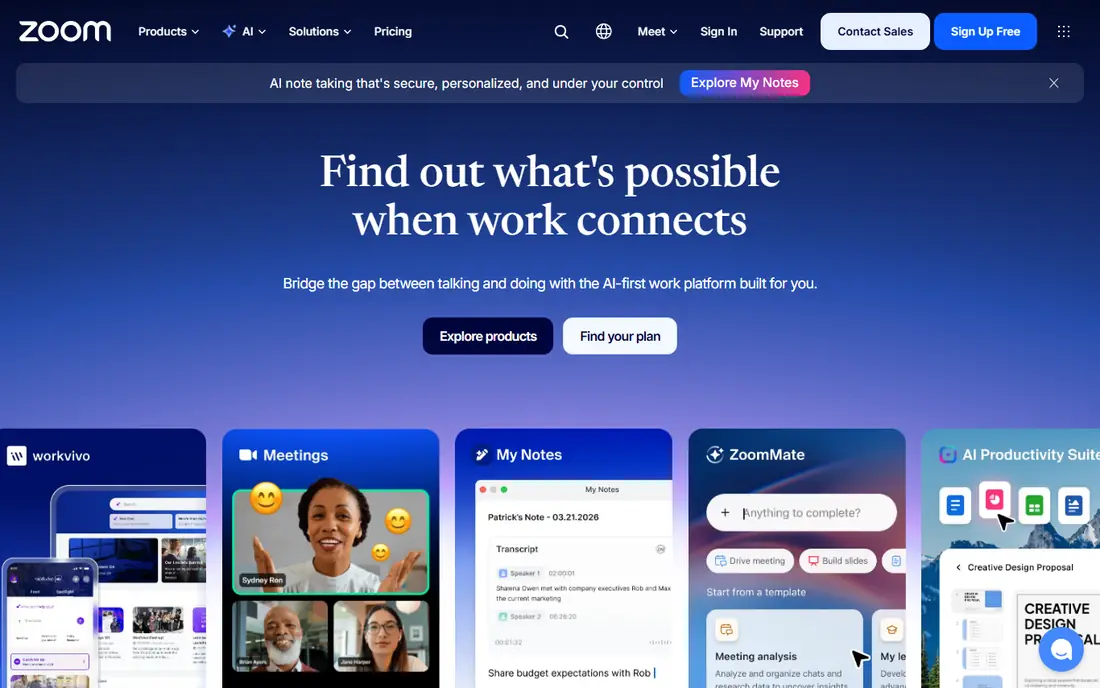
Here is the short version. Zoom remains the safe default for video meetings, because guests know it and it handles large calls well. It fits readers who want reliable video meetings at any scale, and its published feature set matches that promise rather than trying to cover every possible use case at once. When we weighed it against the rest of this list, the balance of price, scope and support stood out for that group, and the public reviews we read pointed in the same direction for that use case. The price picture is see website, with a free plan status of yes. The free group limit and add-on pricing mean heavy users should compare the paid plan at their real meeting load. Before you sign up, check the current plan limits on the official site, because caps on users, usage or features are where most buyers get surprised after the first month, and a plan that looks cheap can cost more once you add the seats or volume you actually need.
- Reliable video
- Breakout rooms
- Webinars and recording
- Free tier caps group meetings at 40 minutes
- Price rises with add-ons
Microsoft Teams
Ideal for: Teams already using Microsoft 365
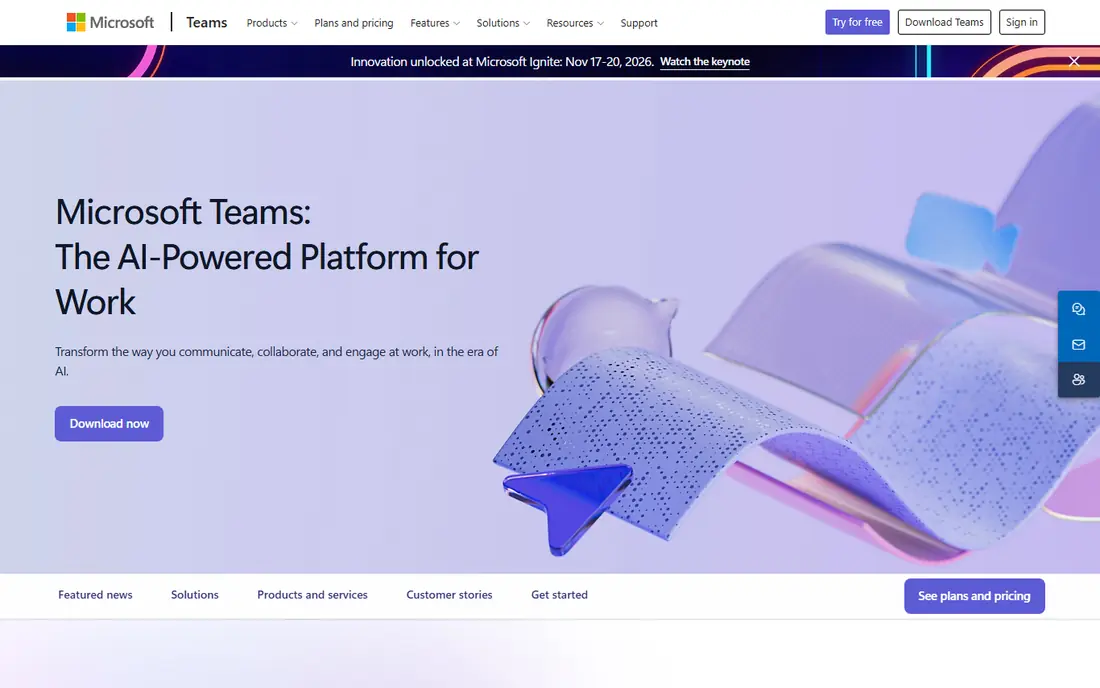
Start here if you want the safe default. Microsoft Teams suits firms already on Microsoft 365, where meetings, chat and files live together. It fits readers who want teams already using microsoft 365, and its published feature set matches that promise rather than trying to cover every possible use case at once. When we weighed it against the rest of this list, the balance of price, scope and support stood out for that group, and the public reviews we read pointed in the same direction for that use case. The price picture is see website, with a free plan status of yes. Teams that only need simple video calls may find Zoom or Meet lighter. Before you sign up, check the current plan limits on the official site, because caps on users, usage or features are where most buyers get surprised after the first month, and a plan that looks cheap can cost more once you add the seats or volume you actually need.
- Meetings, chat and files in one app
- Deep Microsoft 365 links
- Can feel heavy for simple calls
- Best inside Microsoft 365
Google Meet
Ideal for: Simple browser-based video meetings

This one suits a specific kind of reader. Google Meet is the lightest option for Workspace users, with meetings that start in a browser without installs. It fits readers who want simple browser-based video meetings, and its published feature set matches that promise rather than trying to cover every possible use case at once. When we weighed it against the rest of this list, the balance of price, scope and support stood out for that group, and the public reviews we read pointed in the same direction for that use case. The price picture is see website, with a free plan status of yes. Webinar-heavy teams should compare Zoom, while simple meeting users will like the simplicity. Before you sign up, check the current plan limits on the official site, because caps on users, usage or features are where most buyers get surprised after the first month, and a plan that looks cheap can cost more once you add the seats or volume you actually need.
- Browser-based meetings
- Google Workspace integration
- Captions
- Fewer webinar features than Zoom
- Advanced controls need Workspace
Webex
Ideal for: Secure enterprise video meetings
Consider this if the top picks do not fit. Webex suits regulated and enterprise teams that need strong security and admin controls. It fits readers who want secure enterprise video meetings, and its published feature set matches that promise rather than trying to cover every possible use case at once. When we weighed it against the rest of this list, the balance of price, scope and support stood out for that group, and the public reviews we read pointed in the same direction for that use case. The price picture is see website, with a free plan status of yes. Small teams may find it heavier than Zoom or Meet for everyday calls. Before you sign up, check the current plan limits on the official site, because caps on users, usage or features are where most buyers get surprised after the first month, and a plan that looks cheap can cost more once you add the seats or volume you actually need.
- Enterprise security
- Meetings and webinars
- Hardware options
- Interface feels enterprise-heavy
- Free tier limits features
GoTo Meeting
Ideal for: Simple professional video meetings
A strong option for a narrower need. GoTo Meeting is a steady professional choice for teams that want reliable meetings without a wider collaboration suite. It fits readers who want simple professional video meetings, and its published feature set matches that promise rather than trying to cover every possible use case at once. When we weighed it against the rest of this list, the balance of price, scope and support stood out for that group, and the public reviews we read pointed in the same direction for that use case. The price picture is see website, with a free plan status of free trial. Teams that want chat, files and meetings together should look at Teams or Zoom instead. Before you sign up, check the current plan limits on the official site, because caps on users, usage or features are where most buyers get surprised after the first month, and a plan that looks cheap can cost more once you add the seats or volume you actually need.
- Reliable meetings
- Screen sharing
- Recording
- Free tier is limited
- Fewer collaboration extras than Teams
Jitsi Meet
Ideal for: Free open-source video meetings
Worth a close look before you decide. Jitsi Meet is the free open-source option, and guests can join without an account. It fits readers who want free open-source video meetings, and its published feature set matches that promise rather than trying to cover every possible use case at once. When we weighed it against the rest of this list, the balance of price, scope and support stood out for that group, and the public reviews we read pointed in the same direction for that use case. The price picture is free, with a free plan status of yes. Large or regulated meetings may need the controls of Zoom or Webex, but for everyday calls it is hard to beat on price. Before you sign up, check the current plan limits on the official site, because caps on users, usage or features are where most buyers get surprised after the first month, and a plan that looks cheap can cost more once you add the seats or volume you actually need.
- Free and open source
- No account needed for guests
- Self-hosting option
- Fewer enterprise controls
- Large meeting performance varies
Whereby
Ideal for: Embedded video rooms for websites and teams
This belongs on the shortlist for a reason. Whereby suits teams and products that embed video rooms into a website or workflow. It fits readers who want embedded video rooms for websites and teams, and its published feature set matches that promise rather than trying to cover every possible use case at once. When we weighed it against the rest of this list, the balance of price, scope and support stood out for that group, and the public reviews we read pointed in the same direction for that use case. The price picture is see website, with a free plan status of yes. Large webinar users should prefer Zoom or Webex, but for embedded rooms Whereby is simpler. Before you sign up, check the current plan limits on the official site, because caps on users, usage or features are where most buyers get surprised after the first month, and a plan that looks cheap can cost more once you add the seats or volume you actually need.
- Browser rooms
- Embeddable video
- Simple guest access
- Smaller scale than Zoom
- Fewer webinar features
RingCentral Video
Ideal for: Video plus phone for business teams
Do not overlook this one. RingCentral Video suits firms that want phone, messaging and video from one vendor. It fits readers who want video plus phone for business teams, and its published feature set matches that promise rather than trying to cover every possible use case at once. When we weighed it against the rest of this list, the balance of price, scope and support stood out for that group, and the public reviews we read pointed in the same direction for that use case. The price picture is see website, with a free plan status of free trial. Teams that only need video should compare Zoom or Meet on price first. Before you sign up, check the current plan limits on the official site, because caps on users, usage or features are where most buyers get surprised after the first month, and a plan that looks cheap can cost more once you add the seats or volume you actually need.
- Video meetings
- Phone and messaging in one platform
- Best as part of RingCentral
- Standalone video users may overpay
How we picked these
We started from official feature pages and pricing pages, then checked app store listings, privacy policies and public reviews to confirm each product still works and still fits the topic. Products that could not be verified, or that only partly matched the topic, were left out, even when they were well known. We favoured a mix of established leaders and strong smaller options, and we weighted price transparency, a usable free tier or trial, and honest limits more heavily than marketing claims. No product on this list paid for its place, and our pick for most people is the one we would suggest to a friend with ordinary needs and an ordinary budget.
What to check before you pick a video meeting tool
Start with your guests, because a tool guests already know reduces failed joins and support calls. Check meeting length limits, participant caps and recording next, since free tiers often cap exactly the thing you need most. Then check chat, captions, breakout rooms and webinar needs against your real meetings. Also test audio and video on your real network and devices, including mobile, because a tool that struggles on weak connections will frustrate remote staff. Check security and admin controls if you handle sensitive calls, and confirm whether phone dial-in is included or an extra.
Frequently asked questions
What is the best video conferencing alternative?
Zoom is the safest all-rounder, Google Meet is simplest for Workspace users, and Microsoft Teams suits Microsoft 365 firms. The right pick depends on your existing tools and guests.
Is there a free video conferencing tool?
Yes, Jitsi Meet is free, and Zoom, Meet, Webex and Whereby offer free tiers. Free tiers usually cap meeting length or participants, so check your typical call size.
Do guests need an account to join?
Usually not: most tools let guests join from a link, and Jitsi Meet needs no account at all. Hosts generally need an account to start meetings.
What about webinars?
Zoom and Webex lead on webinars, while Meet and Whereby are stronger for simple meetings. Check webinar caps and registration features before you buy.
Which tool is best for large meetings?
Zoom and Webex handle large meetings and webinars best, while Jitsi Meet suits smaller free calls. Test at your real participant count before a big event.