5 Best Viggle AI Alternatives for 2026

- The list opens with Luma Dream Machine, aimed at smooth camera moves around a character.
- Luma Dream Machine, PixVerse, Runway, Kling AI: these are the 4 tools out of 5 that offer a free plan.
- For realistic character motion on a budget, Kling AI is worth a look.
- What to know about Runway first: credits meter quick on the flagship models, monthly credits expire on most plans, character consistency across numerous shots still takes reference work.
- For the cheapest start, look at D-ID: $5.90/month.
Direct answer
Our first pick is Luma Dream Machine, best for smooth camera moves around a character. Alternatives: D-ID for talking photos and presenters, and PixVerse for character videos with template effects. Prices, free plans and limits for all 5 tools follow.
Quick comparison
| Product | Ideal for | Price from | Free version | |
|---|---|---|---|---|
 Luma Dream Machine | Smooth camera moves around a character | $9.99/month | Yes | Visit |
 D-ID | Talking photos and presenters | $5.90/month | No | Visit |
 PixVerse | Character videos with template effects | $10/month | Yes | Visit |
 Runway | Character clips with editing control | $12/month | Yes | Visit |
 Kling AI | Realistic character motion on a budget | $6.99/month | Yes | Visit |
Every option for Viggle AI explained
Ainotely put together this guide to Viggle AI for readers who want a clear shortlist without reading every vendor page. It compares 5 tools on starting price, free plans, who each one suits and where each one falls short.
Luma Dream Machine
Ideal for: Smooth camera moves around a character
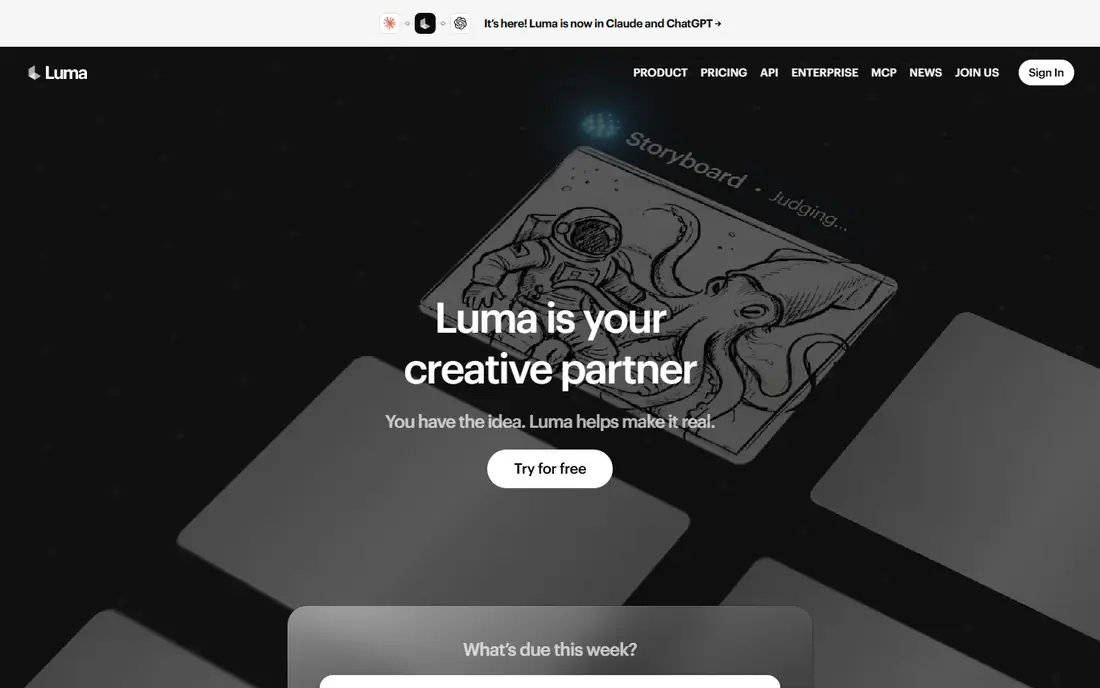
Luma Dream Machine is a good fit for smooth camera moves around a character. Its Ray models move around a subject the way a gimbal would. Its keyframing lets you pin a character's pose at the start and end of a shot, which provides more staging control than a single prompt.
In daily use, for character reveals, product scenes with a mascot, or mood pieces, it produces footage that feels shot instead of generated. It is not a performance tool. Also, there is no audio driven lip sync, and extended clips can soften facial detail, so dialogue scenes belong to D-ID. On cost, Luma Dream Machine starts like this: $9.99/month. You can start on Luma Dream Machine without paying.
Watch-outs: No lip sync or character speech tools. What users get: keyframe control lets you set start and end poses for a character.
- Free level for testing the motion style
- Boards help plan a sequence of related shots
- Less template and effects material than the social first tools
D-ID
Ideal for: Talking photos and presenters
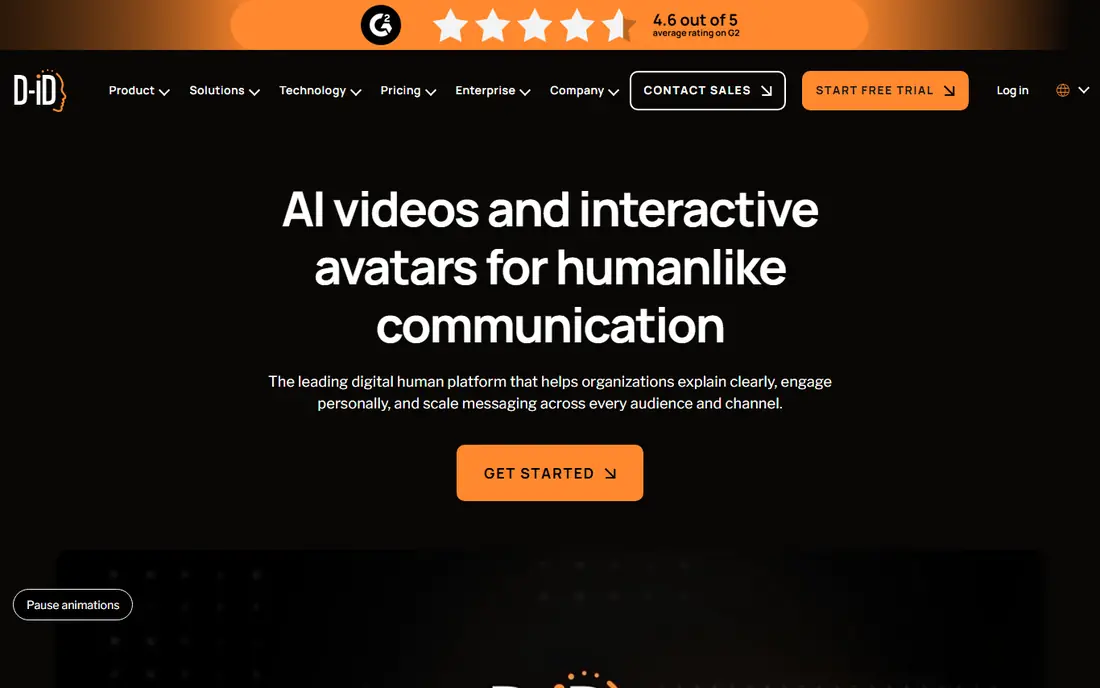
In short, D-ID is for talking photos and presenters. Compared to Viggle it shares almost nothing in style: there is no body movement, no template play, and no free plan beyond a trial. It is here because a large share of people who start with playful character animation end up needing a presenter that reads a script plainly, and D-ID does that job at one of the lowest entry prices in its class.
Drawbacks to consider: movement is restricted to head and shoulders presentation.
Upload a photo, type or record a script, and it returns a presenter video with matched lip movement. Beyond that, training teams, course builders and marketers use it to produce explainers without a camera. Its API lets them do it in bulk. D-ID starts at: $5.90/month. No free plan comes with D-ID.
- Turns any portrait into a speaking presenter from text or audio
- API fits teams generating presenter videos at volume
- No free plan, only a trial
PixVerse
Ideal for: Character videos with template effects
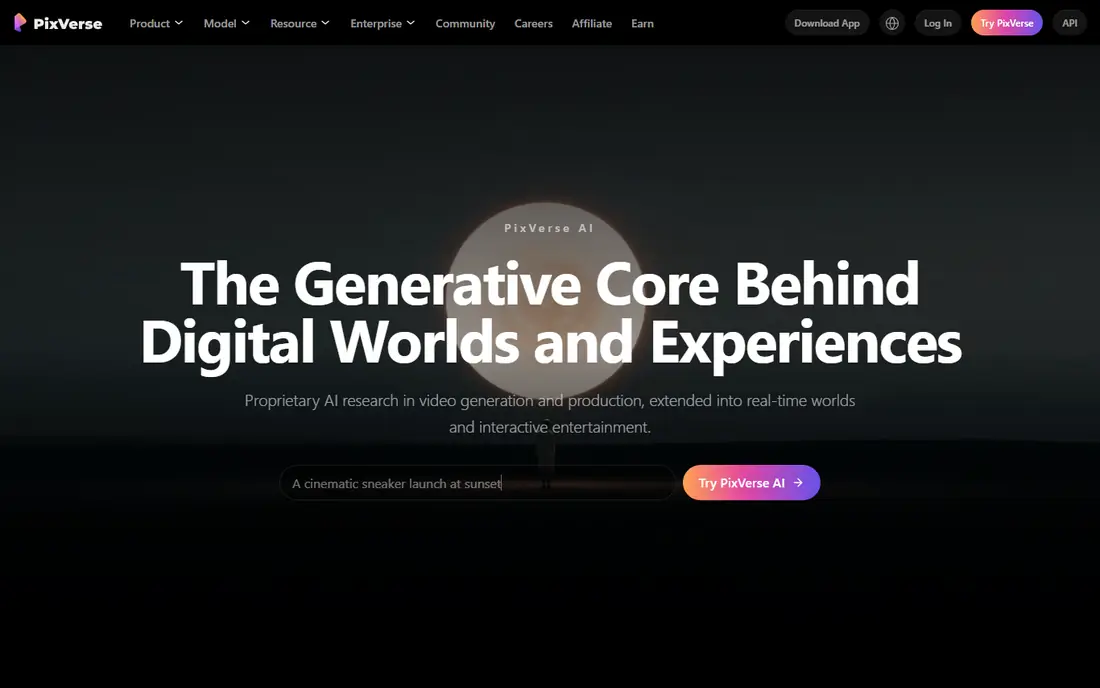
For character videos with template effects, PixVerse is a natural candidate. Template output is uneven, and since the system hosts multiple models at different credit rates, per month of heavy use can cost more than the headline price recommends.
What users get: free credits for testing styles.
Watch-outs: credit costs differ sharply between its models.
More specifically, for trend driven posting it is a fair Viggle replacement; for directed work, Kling or Runway above it are safer. What you pay to start with PixVerse: $10/month. PixVerse offers a free plan.
- Template library spans trends and transitions similar to social apps
- Multi model access in one account
- Template results vary in quality from week to week
Runway
Ideal for: Character clips with editing control
Runway makes the most sense for character clips with editing control. Runway is the pick when the character video is part of a bigger edit instead of the entire product. Its Gen-4 line generates clips from images and prompts, its performance tools let you record movement on a webcam and drive a character with it, which is the closest workflow here to what Viggle does with templates.
Where it is weaker: character consistency across numerous shots still takes reference work.
Its editor and restyling tools deal with the footage afterwards. That breadth costs credits. The flagship model charges per second at a rate that makes casual experimenting pricey, and credits on plans below the top level do not roll over. For directed character scenes with an edit pipeline behind them, Runway is the most complete choice here. On cost, Runway starts like this: $12/month. Runway has a free plan.
- Act-One style performance capture maps your own movement onto a character
- Full editor sits around the generator for trimming and restyling footage
- Monthly credits expire on most plans
Kling AI
Ideal for: Realistic character motion on a budget
Kling AI is a good fit for realistic character motion on a budget. At under $7 per month for the entry plan and daily free credits for testing, it is the value pick for creators willing to do that assembly work themselves. For everyday use, provide it a character still and a prompt and it produces movement with weight and follow through that template tools seldom match.
Downsides: credit burn doubles at higher resolution with audio.
Its lip sync feature can put words in a generated character's mouth, which spans part of the talking character job too. More specifically, the trade off is workflow. Kling AI pricing: $6.99/month. A free plan is available with Kling AI.
- Start and end frame control helps character shots stay consistent
- Lip sync add on deals with speech in generated clips
- No built in character performance modes like duets or templates
How we built this list
Selection started from tools commonly considered for Viggle AI, then narrowed to 5 that have clear pricing information or a clear quote process. Where a price is missing, the vendor does not list one publicly or ties it to a quote. Always confirm before budgeting. Tools are placed by general fit for Viggle AI, with price clarity and free access as tie-breakers. A different team can reasonably rank them differently.
Questions to settle before buying
- Prices are a starting point; D-ID shows $5.90/month to start, so verify what your seat count would cost.
- Read the fine print on the free plans from Luma Dream Machine, PixVerse, Runway and Kling AI; seat, project and feature caps differ.
- Before choosing Luma Dream Machine, weigh its main limit: no lip sync or character speech tools, faces can drift on longer clips, less template and effects material than the social first tools.
- Find out what support PixVerse includes on your plan, and whether onboarding help costs extra.
- Check whether the features you need in Luma Dream Machine sit on the entry plan or only on higher tiers.
Frequently asked questions
Can any alternative copy Viggle's mix and move workflow exactly?
Not exactly. Runway's performance capture is the closest, since it maps your own recorded movement onto a character. The others animate from prompts, audio or templates instead of copying a template video frame by frame.
Is Luma Dream Machine the right pick for everyone comparing Viggle AI?
No single tool suits every team. Luma Dream Machine comes first because it fits smooth camera moves around a character, while D-ID suits talking photos and presenters and PixVerse suits character videos with template effects. Match the tool to your own size, budget and workflow before deciding.
What is the cheapest option for Viggle AI in this list?
On published monthly entry prices, D-ID is the lowest here at $5.90/month. Entry price is only part of the cost, because seats, add-ons and billing terms can change the total.
Do these tools publish their prices?
Yes. Every tool from Luma Dream Machine to Kling AI shows a starting price, though seats, add-ons and billing terms still change the final cost.
Which options for Viggle AI have a free plan?
On this list, Luma Dream Machine, PixVerse, Runway and Kling AI include a free plan. Caps on seats, usage or features are common, so test the free plan against your real workload.