Best VMware by Broadcom Alternatives in 2026: 8 Platforms Compared

- 1
 Proxmox VEOpen-source VMware replacementVisit
- 2
 Microsoft Hyper-VWindows Server and Microsoft shopsVisit
- 3
 Nutanix AHVHyperconverged infrastructure at scaleVisit
- 4
 Citrix HypervisorEnterprise virtualization with Xen rootsVisit
- 5
 Red Hat OpenShift VirtualizationRunning VMs alongside containers on KubernetesVisit
- Proxmox VE is the leading free and open-source replacement for many VMware estates.
- Nutanix and Scale Computing offer hyperconverged platforms that bundle compute, storage, and virtualization.
- Microsoft Hyper-V and Red Hat OpenShift Virtualization suit teams already invested in those ecosystems.
- KVM and VirtualBox cover open-source and desktop virtualization needs at low cost.
- Plan migration around licensing, storage, and management tooling, not just the hypervisor.
Quick comparison
| Product | Ideal for | Price from | Free version | |
|---|---|---|---|---|
| Proxmox VE | Open-source VMware replacement | Free | Yes | Visit |
| Microsoft Hyper-V | Windows Server and Microsoft shops | See website | Free trial | Visit |
| Nutanix AHV | Hyperconverged infrastructure at scale | See website | Free trial | Visit |
| Citrix Hypervisor | Enterprise virtualization with Xen roots | See website | Free trial | Visit |
| Red Hat OpenShift Virtualization | Running VMs alongside containers on Kubernetes | See website | Free trial | Visit |
 KVM | Linux-native virtualization without a platform | Free | Yes | Visit |
 Oracle VM VirtualBox | Desktop and lab virtualization | Free | Yes | Visit |
 Scale Computing Platform | Simple hyperconverged IT for smaller teams | See website | Free trial | Visit |
The best VMware by Broadcom alternatives
VMware under Broadcom changed licensing and packaging in ways that pushed many IT teams to re-evaluate. The platforms below run virtual machines at production scale, but they differ in cost model, management tooling, and how hard migration will be. The right choice depends on your current estate, your team's skills, and whether you want hyperconverged infrastructure or a plain hypervisor.
Proxmox VE
Ideal for: Open-source VMware replacement
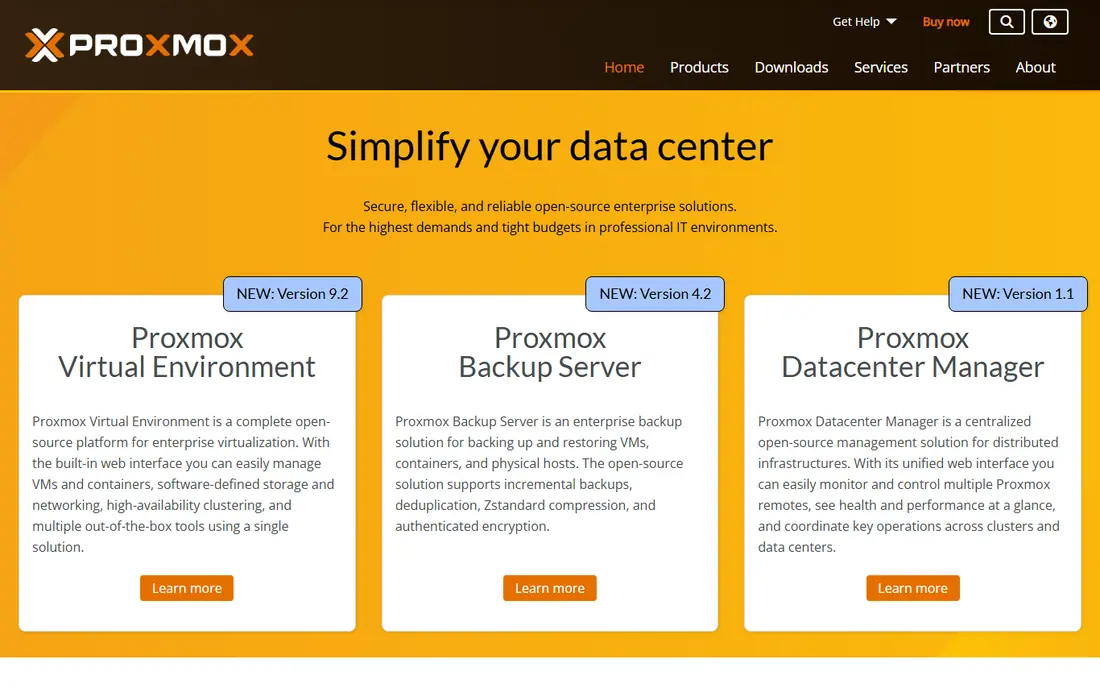
Proxmox VE is the first name most teams mention when leaving VMware, and for good reason. It combines KVM virtualization and LXC containers with clustering, live migration, software-defined storage, and backup in one free platform, managed through a web interface. Many VMware features that required separate products arrive in the box.
The trade-offs are support and polish. Proxmox is community-driven with optional paid support subscriptions, and its management tooling, while capable, is less refined than vCenter for very large estates. For small and mid-size teams that want to escape per-core licensing without losing core features, Proxmox VE is our pick for most people.
- Free and open source
- Built-in backup, clustering, and storage
- Supports KVM VMs and LXC containers
- Support is subscription-based and optional
- Enterprise tooling is less polished than VMware's
Microsoft Hyper-V
Ideal for: Windows Server and Microsoft shops
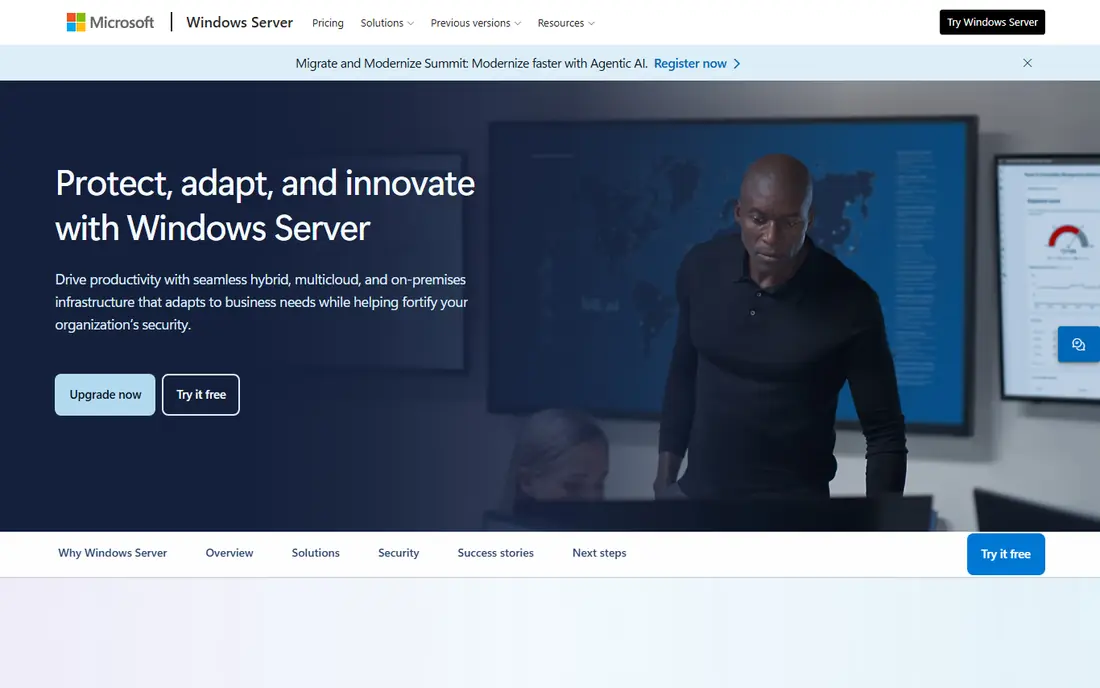
Hyper-V is the obvious choice for organizations already standardized on Windows Server. It ships as a Windows Server role, runs Windows guests with full integration services, and ties into System Center, Azure Arc, and Azure Stack HCI for hybrid management. If your team already holds Windows Server licenses, the incremental cost can be small.
Linux guests run fine but with less mature tooling than KVM-native platforms, and large-scale management usually means adding System Center or Azure services. For Microsoft-centric estates, Hyper-V is the lowest-friction VMware alternative, and migration tooling from VMware is well established.
- Included with Windows Server
- Strong Windows guest support
- Integrates with System Center and Azure
- Linux guest tooling lags KVM
- Management at scale needs System Center or Azure Arc
Nutanix AHV
Ideal for: Hyperconverged infrastructure at scale
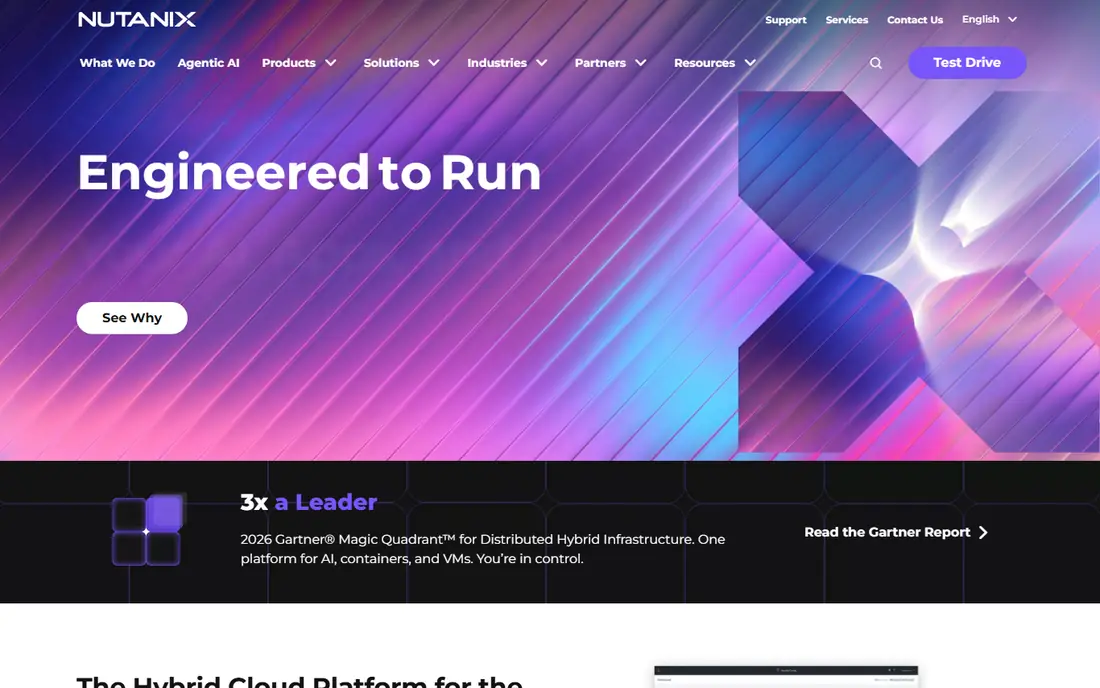
Nutanix AHV is the hypervisor inside the Nutanix Cloud Platform, which combines compute, storage, and virtualization on commodity hardware. Prism, the management interface, is genuinely pleasant, and one-click upgrades across the stack remove much of the maintenance burden VMware teams know well. AHV itself carries no separate hypervisor license when bought with the platform.
That bundling is also the catch. AHV makes most sense as part of a Nutanix purchase, not as a standalone hypervisor swap, and the platform price reflects enterprise positioning. For teams already considering hyperconverged infrastructure, AHV removes the VMware license from the bill entirely.
- Hypervisor bundled with hyperconverged platform
- Prism management is polished
- One-click upgrades
- Platform pricing reflects an enterprise product
- Best value when buying the full Nutanix stack
Citrix Hypervisor
Ideal for: Enterprise virtualization with Xen roots
Citrix Hypervisor, formerly XenServer, is a mature enterprise hypervisor built on the Xen project. It offers live migration, high availability, and central management, and it pairs naturally with Citrix virtual apps and desktops for organizations that already run Citrix. Performance and stability are well proven.
The ecosystem is smaller than VMware's, and third-party backup and monitoring vendors cover it less broadly. Teams that already use Citrix, or that want a proven Xen-based platform with commercial support, will find it a credible enterprise alternative.
- Mature Xen-based hypervisor
- Strong Windows and desktop virtualization ties
- Central management console
- Smaller ecosystem than VMware
- Future direction tied to Citrix strategy
Red Hat OpenShift Virtualization
Ideal for: Running VMs alongside containers on Kubernetes
OpenShift Virtualization, based on KubeVirt, lets teams run virtual machines on the same Kubernetes platform as their containers. VMs become Kubernetes objects, managed with the same tooling, networking, and GitOps workflows as container workloads. That unification is the point: one platform team, one set of operations, for both kinds of workload.
It is not a simple hypervisor swap. Teams need OpenShift skills and a Kubernetes mindset, and a VM-only estate gains little from the container machinery. For organizations already moving to Kubernetes, OpenShift Virtualization is the natural way to bring legacy VMs along.
- VMs managed as Kubernetes objects
- Unifies container and VM operations
- Strong Red Hat support
- Requires OpenShift skills
- Overkill for VM-only estates
KVM
Ideal for: Linux-native virtualization without a platform
KVM is the kernel-level hypervisor at the heart of Linux virtualization. It turns Linux into a hypervisor, and platforms such as Proxmox, OpenStack, and many public clouds build on it. Performance is excellent, and there is no license cost at all.
KVM on its own is a building block, not a product. You add libvirt, virt-manager, or oVirt for management, and clustering, backup, and storage need separate choices. Teams with Linux skills that want maximum control and minimum cost can build on KVM directly, while most teams will prefer a platform such as Proxmox that packages it.
- Built into the Linux kernel
- Free and open
- Powers Proxmox, OpenStack, and major clouds
- No management interface of its own
- You add tooling such as libvirt or oVirt
Oracle VM VirtualBox
Ideal for: Desktop and lab virtualization
VirtualBox is the desktop virtualization tool most IT people already know. It runs VMs on a workstation for testing, labs, and legacy applications, with snapshots and cloning that make experimentation painless. The extension pack adds USB and remote display features for teams that need them.
It is not a VMware vSphere replacement for production servers. Performance, high availability, and central management are not in its design brief. For developers, testers, and small labs that need VMs on a desktop, VirtualBox remains the free, cross-platform default.
- Free for personal and evaluation use
- Runs on Windows, Mac, and Linux
- Easy snapshots and cloning
- Not a production server hypervisor
- Performance and management lag server platforms
Scale Computing Platform
Ideal for: Simple hyperconverged IT for smaller teams
Scale Computing Platform bundles its own hypervisor with storage and management in an appliance-style package aimed at teams without large virtualization staff. Setup is famously simple, and the platform handles clustering, replication, and failover with minimal tuning, which suits branch offices, retail, and edge sites.
The ecosystem is smaller than Nutanix or VMware, and very large data centers will want more granular control. For organizations that want infrastructure that mostly manages itself, especially across many small sites, Scale Computing is a strong, low-overhead alternative.
- Hyperconverged platform with built-in hypervisor
- Very simple management
- Good for edge and branch sites
- Smaller ecosystem than Nutanix
- Less suited to very large data centers
How we picked these
We compared official feature pages, pricing pages, documentation, and public reviews for each platform, and we checked that each product is actively offered in October 2026. We kept platforms that run production virtual machines, and we spread the list across open-source hypervisors, hyperconverged platforms, and ecosystem options, since different VMware departures have different drivers. We did not include desktop-only tools beyond VirtualBox, or cloud-only services that cannot run on-premises VMs.
What to check before you switch
A hypervisor migration touches storage, networking, backup, and licensing, so test the whole stack.
Migration tooling
Test a real VM migration, including disk format conversion, network settings, and guest tools. Vendor migration tools handle common cases well and struggle with unusual storage or legacy guest operating systems.
Backup and monitoring coverage
Confirm your backup and monitoring vendors support the new platform before migration. A hypervisor that your backup software cannot protect is a non-starter, no matter how good the price looks.
Licensing and support costs
Model total cost, including support subscriptions, management tooling, and any required hardware changes. Open-source platforms look free until you price support and the engineering time to run them.
Migration planning matters more than feature lists when leaving an established virtualization platform, so inventory your current hosts, storage, networking, and licensing before choosing. Check hardware compatibility for your server models and confirm that existing virtual machines convert cleanly, including snapshots and network settings. Licensing models differ widely, and a per-core or subscription model can cost far more than expected at scale, so model three-year costs rather than first-year prices. Also test backup and disaster recovery with the new platform early, since a hypervisor change touches every recovery procedure your team relies on.
Frequently asked questions
Is Proxmox really free?
Yes, Proxmox VE is free and open source, including clustering, backup, and storage features. Paid subscriptions buy enterprise repository access and support, and many production users run with a subscription for support coverage.
Can I migrate VMware VMs to Proxmox or Hyper-V?
Yes, both platforms offer migration tooling for VMware VMs, and third-party converters also exist. Test with a copy of a production VM first, since disk formats, drivers, and network settings need conversion and verification.
What is hyperconverged infrastructure?
Hyperconverged infrastructure combines compute, storage, and virtualization on the same commodity servers, managed as one system. Nutanix and Scale Computing are the main examples here, and they suit teams that want to buy infrastructure as a single platform rather than assembling parts.
Is Hyper-V included with Windows Server?
Yes, Hyper-V is a role in Windows Server, and it is also available in some Windows desktop editions for development use. Enterprise management features usually come through System Center or Azure services.
Should I move to Kubernetes instead of a new hypervisor?
Only if your workloads fit containers. OpenShift Virtualization lets you run VMs on Kubernetes, which suits teams already adopting containers. A VM-only estate with no container plans gains little from the move and should pick a straightforward hypervisor platform.