Best Vyond Alternatives in 2026: 7 Tools Compared

- 1
 PowtoonBusiness explainer videosVisit
- 2
 AnimakerCharacter animation on a budgetVisit
- 3
 VideoScribeWhiteboard explainer videosVisit
- 4
 DoodlySimple doodle videosVisit
- 5
 RenderforestBranded videos and introsVisit
- Powtoon is our pick for most business teams, thanks to its templates, characters, and easy editor for explainer videos.
- Animaker suits creators who want characters, assets, and video styles in one affordable tool.
- VideoScribe suits whiteboard explainers, while Doodly suits simple hand-drawn doodle videos.
- Renderforest, Moovly, and Toonly cover branding videos, presentations, and cartoon explainers with different strengths.
- Always check voiceover, export quality, and commercial use rights before building a full video series.
Quick comparison
| Product | Ideal for | Price from | Free version | |
|---|---|---|---|---|
| Powtoon | Business explainer videos | See website | Free trial | Visit |
| Animaker | Character animation on a budget | See website | Free trial | Visit |
| VideoScribe | Whiteboard explainer videos | See website | Free trial | Visit |
| Doodly | Simple doodle videos | See website | Free trial | Visit |
| Renderforest | Branded videos and intros | See website | Free trial | Visit |
 Moovly | Business presentations and video | See website | Free trial | Visit |
 Toonly | Cartoon explainer videos | See website | Free trial | Visit |
The best Vyond alternatives
Vyond made business animation accessible with characters, scenes, and templates, so a good replacement needs the same building blocks without a steep animation learning curve. We compared official feature pages, pricing pages, and public reviews, focusing on characters, templates, voiceover, export options, and what free access truly allows.
Powtoon
Ideal for: Business explainer videos
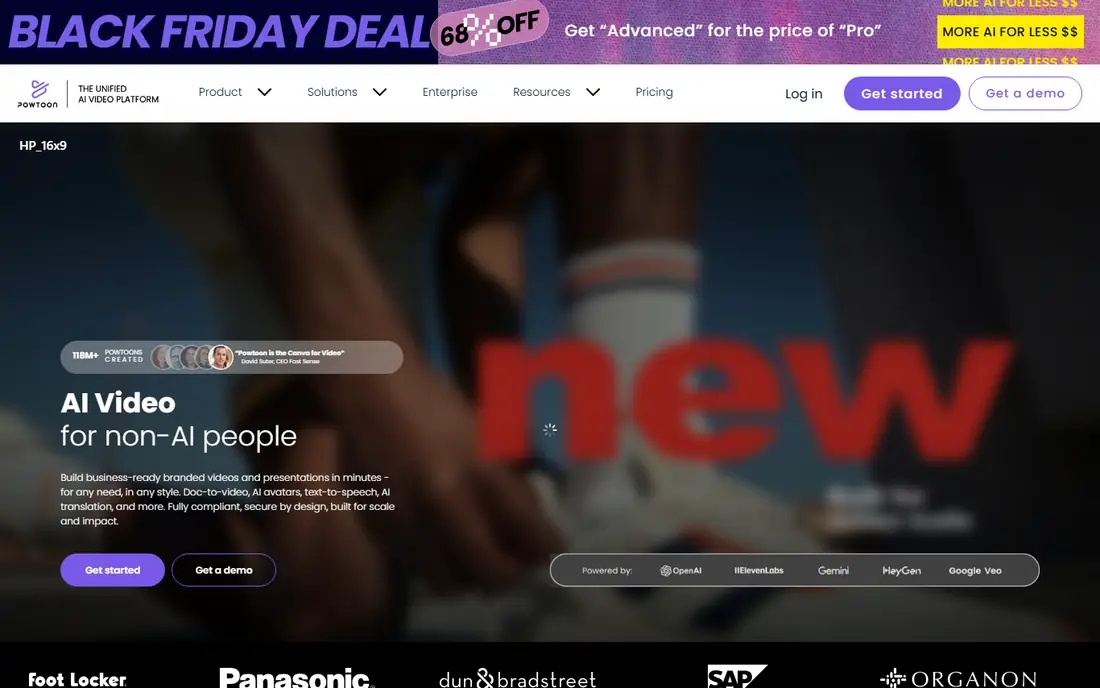
Powtoon is the most direct Vyond replacement for business teams. Its editor offers templates, characters, scenes, and props for explainer videos, training, marketing, and internal communication, with a timeline that stays friendly for beginners. Teams can brand videos, add voiceover, and export for presentations, learning platforms, and social channels.
Free access comes with limits, including watermarked exports, and the richest features sit on paid tiers. For teams that make regular explainer and training videos, Powtoon offers the best mix of ease, templates, and business focus on this list.
- Large template library
- Characters and scenes for business topics
- Easy editor
- Watermarked exports on free access
- Advanced features need higher tiers
Animaker
Ideal for: Character animation on a budget
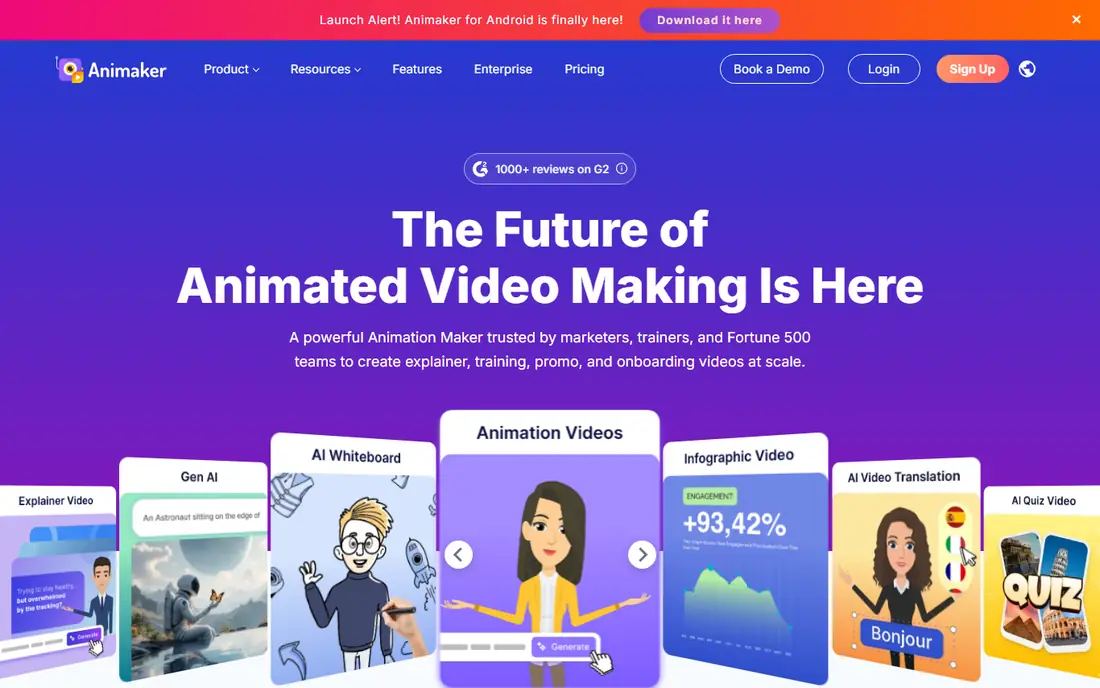
Animaker gives creators a character builder, a large library of assets, and several video styles, including 2D animation, whiteboard, and infographics. That range suits marketers, educators, and small teams that want varied videos from one tool without learning professional animation software.
The interface holds many options, so new users should expect a learning period. Export resolution and monthly limits also vary by tier, so check the pricing page against your publishing plans. For creators who want variety and value, Animaker is a strong Vyond replacement.
- Character builder and large asset library
- Several video styles
- Affordable tiers
- Interface packs in a lot
- Export quality and limits vary by tier
VideoScribe
Ideal for: Whiteboard explainer videos
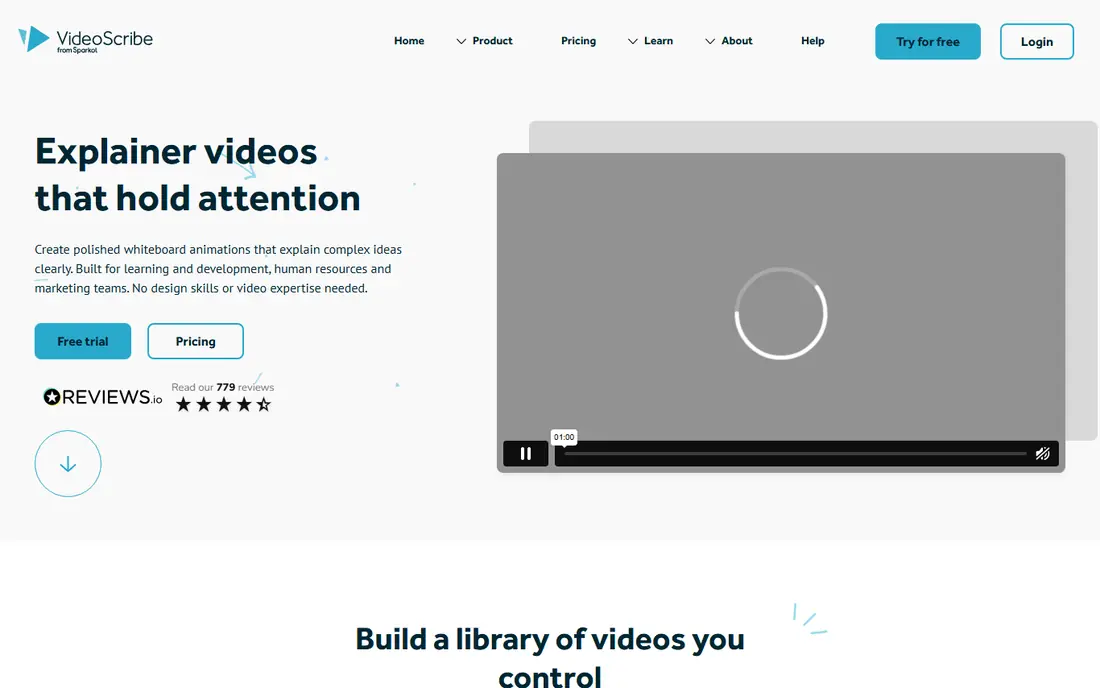
VideoScribe specializes in whiteboard animation, where a hand draws images and text as a voiceover explains a concept. Its library of images and music, plus a simple timeline editor, makes it easy to produce clean explainer videos for training and marketing. That focus is its strength for audiences who learn best from step-by-step visuals.
If you need full character animation or varied video styles, VideoScribe will feel narrow. For whiteboard explainers specifically, it is one of the best tools available, and its simplicity keeps production time low.
- Focused whiteboard style
- Large image and music library
- Simple timeline editor
- Whiteboard focus limits other styles
- Character animation is lighter than Vyond
Doodly
Ideal for: Simple doodle videos
Doodly is the simplest tool on this list for doodle videos. You drag scenes, characters, and props onto a canvas, choose a hand style, add voiceover or music, and export a whiteboard-style video. That simplicity suits teachers, marketers, and small businesses that need a quick explainer without animation training.
Style range is the limit. Doodly focuses on doodle and whiteboard looks, so teams that want varied character animation should look at Powtoon or Animaker. For fast, friendly doodle videos, Doodly is hard to beat on ease of use.
- Very easy doodle video creation
- Drag-and-drop scenes
- Good for quick explainers
- Style range is narrow
- Character and scene depth is lighter than Vyond
Renderforest
Ideal for: Branded videos and intros
Renderforest covers more than animation, with templates for video intros, promos, explainers, slideshows, and branding, plus tools for logos and websites. That breadth suits small businesses that want one account for several kinds of visual content, with consistent branding across videos and pages.
Template-driven output is also the catch. Videos can feel less custom than a character animation built scene by scene in Vyond or Powtoon, and higher-quality exports need paid tiers. For branded intros, promos, and quick explainers, Renderforest is fast and practical.
- Templates for intros, promos, and explainers
- Branding tools
- Website and logo tools too
- Template-driven style can feel less custom
- Higher-quality exports need paid tiers
Moovly
Ideal for: Business presentations and video
Moovly blends video creation with presentation features, which suits business teams that turn decks into videos or need both formats for training and sales. Its media library, templates, and timeline editor support explainer videos, product demos, and internal communication without separate tools.
Animation depth is lighter than Vyond, and advanced timeline work takes learning. For teams that want one tool for presentations and video, Moovly is a practical pick. For pure character animation, Powtoon or Animaker will feel richer.
- Video and presentation features in one tool
- Large media library
- Good for teams
- Animation depth is lighter than Vyond
- Learning curve for advanced timelines
Toonly
Ideal for: Cartoon explainer videos
Toonly focuses on cartoon explainer videos with characters, scenes, and props in a simple editor. Marketers and educators who want friendly, colorful videos for products, services, and concepts will find it quick to learn and fun to use. Voiceover and music options round out the basic production workflow.
The cartoon style may not suit formal corporate training, and Toonly has seen fewer major updates than larger rivals. For marketing explainers where a light, friendly tone fits, Toonly is an affordable and easy Vyond replacement.
- Cartoon characters and scenes
- Simple editor
- Good for marketing explainers
- Cartoon style may not suit formal training
- Fewer updates than larger rivals
How we picked these
We compared official feature pages, pricing pages, and public reviews, and we checked that the homepages listed here belong to the products named. We favored tools that let non-animators build explainer videos with characters, scenes, templates, and voiceover. We left out professional animation software that needs frame-by-frame skill, and we did not include Vyond itself, since this list is about replacements.
We also excluded products that failed our fit checks, including tools whose homepages no longer matched the product, tools that covered only a slice of the topic, and tools aimed at a different audience entirely. That filtering matters, because a long list padded with near-misses helps nobody choose. Every product that made the final list covers the core job in the title, works in October 2026, and offers a real path to try or buy it from the vendor directly.
What to check before you buy
Start with your video type. A whiteboard explainer, a character story, and a branded promo need different tools, so pick the tool whose core style matches most of your planned videos. Building every video against a tool's weak spot wastes time and produces weaker results.
Next, test voiceover, export, and rights. Record or upload a real voiceover, export at the resolution you publish, and check whether the tier you plan to buy allows commercial use without a watermark. A tool that looks good in a preview can still fail on export quality or licensing.
Finally, build one full video during the trial, from script to published file, and time each step. That test reveals template quality, editing friction, and export speed better than any feature list, and it gives you a real sample to show colleagues before you commit.
Plan your exit before you enter. Check how your data exports, which formats are supported, and whether you can leave without losing history, templates, or customer records. A tool with clean exports gives you freedom to change later if pricing, features, or support disappoint you, while a tool with weak exports locks you in quietly. Ask the vendor directly about export limits and migration help, and test an export with a sample of your own data during the trial. That single test often reveals more about a vendor than any sales call, and it protects you if your needs change next year.
Frequently asked questions
What is the best Vyond alternative for business videos?
Powtoon is our pick for most business teams, since it offers templates, characters, and scenes for explainer, training, and marketing videos in an easy editor. Animaker is a strong second for creators who want more styles and assets at a lower price.
Is there a free Vyond alternative?
Most tools here offer free trials or limited free access, often with watermarked exports. Animaker and Renderforest offer free starting access, but full-quality, watermark-free exports usually need a paid plan. Check export limits before planning a full series.
Which alternative is best for whiteboard videos?
VideoScribe is the best pick for whiteboard videos, with a focused style, a large image library, and a simple editor. Doodly is also strong for simple doodle videos and is even easier to learn.
Can I add my own voiceover to these videos?
Yes, all the tools here support voiceover through recording or upload, plus music options. Test voiceover sync and audio quality during the trial, since timing a narration to animation is where many first videos struggle.
Do I need animation skills to use these tools?
No. All the tools here are built for non-animators, using templates, drag-and-drop scenes, and timeline editors. You still need a clear script and a simple storyboard to make a good video, but you do not need professional animation training.
How often should I review my choice?
Review your main tools at least once a year, and sooner if pricing, team size, or needs change sharply. A quick review covers cost per user, feature use, support quality, and whether the team still likes the tool day to day. If a cheaper or better-fitting option has appeared, run a small pilot before switching, since migration costs can outweigh modest savings. Regular reviews keep you from paying for seats nobody uses or sticking with a tool that no longer fits how your team actually works.