Best Webflow Alternatives in 2026: 8 Tools Compared

- Framer is the closest direct alternative, with a visual editor, animations, and hosting included.
- Wix suits small businesses that want many templates and built-in business apps.
- Squarespace is the gentlest option for portfolios and service businesses.
- WordPress with Elementor offers the most flexibility and ownership, at the cost of maintenance.
Quick comparison
| Product | Ideal for | Price from | Free version | |
|---|---|---|---|---|
 Framer | design-forward marketing sites and landing pages | $10 per month | Yes | Visit |
 Wix | small businesses wanting an all-in-one builder | $17 per month | Yes | Visit |
 Squarespace | portfolios, creatives, and small stores | $19 per month | Free trial | Visit |
 WordPress | blogs, publishers, and flexible sites | Free | Yes | Visit |
 Shopify | online stores and product businesses | $29 per month | Free trial | Visit |
 Duda | agencies and resellers managing client sites | $19 per month | Free trial | Visit |
 Webstudio | technical teams wanting open visual building | $15 per month | Yes | Visit |
 Carrd | single-page sites and simple landing pages | $9 per year | Yes | Visit |
The best Webflow alternatives
Webflow gives designers precise control, but its learning curve and pricing push many teams to simpler or cheaper builders. Alternatives range from visual builders like Framer to open platforms like WordPress, and the right pick depends on design control, budget, and who maintains the site.
Framer
Ideal for: design-forward marketing sites and landing pages
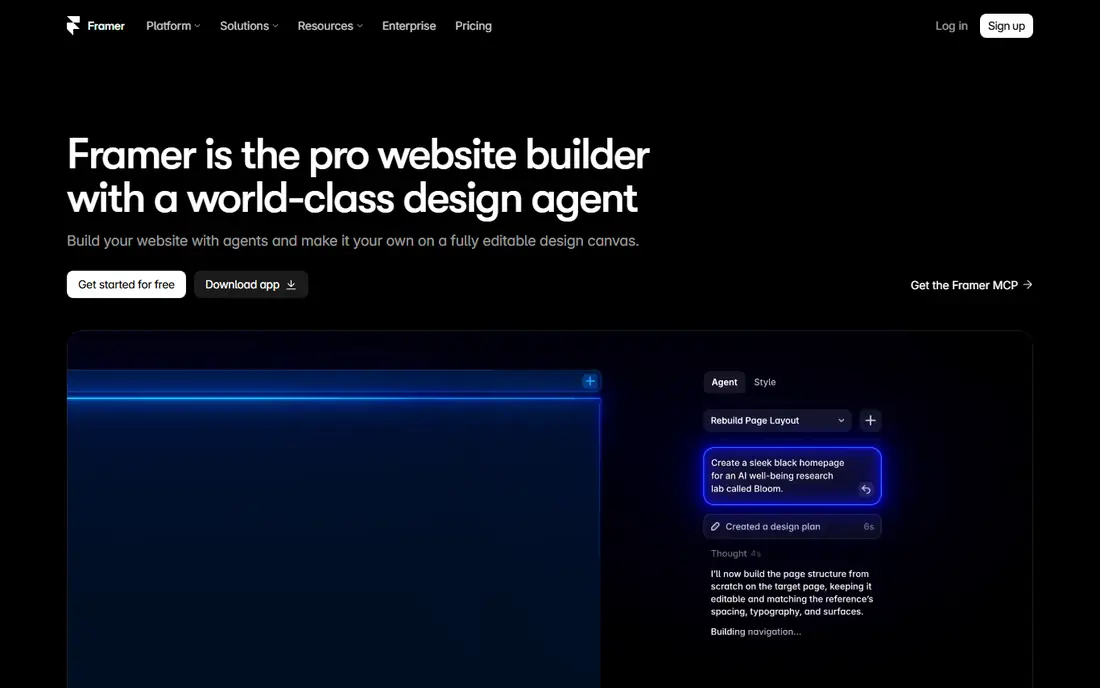
Framer works best for design-forward marketing sites and landing pages. Framer is the closest Webflow rival, with a Figma-like canvas, native animations, and hosting in one subscription. Pricing starts at $10 per month, and a free plan is available. This is the option to look at first if that description matches your situation.
Its CMS caps are tight on lower tiers, and the free plan does not allow a custom domain, so larger content sites may need a higher plan. That trade-off matters most if you were hoping for a single tool that covers every situation without compromise. Compared with the other options here, Framer stands out for design-forward marketing sites and landing pages, while asking you to accept that CMS caps on lower tiers. Weigh that honestly against your budget and your patience for setup before you commit.
- Visual editor
- Native animations
- Hosting included
- CMS caps on lower tiers
- No custom domain on free plan
Wix
Ideal for: small businesses wanting an all-in-one builder
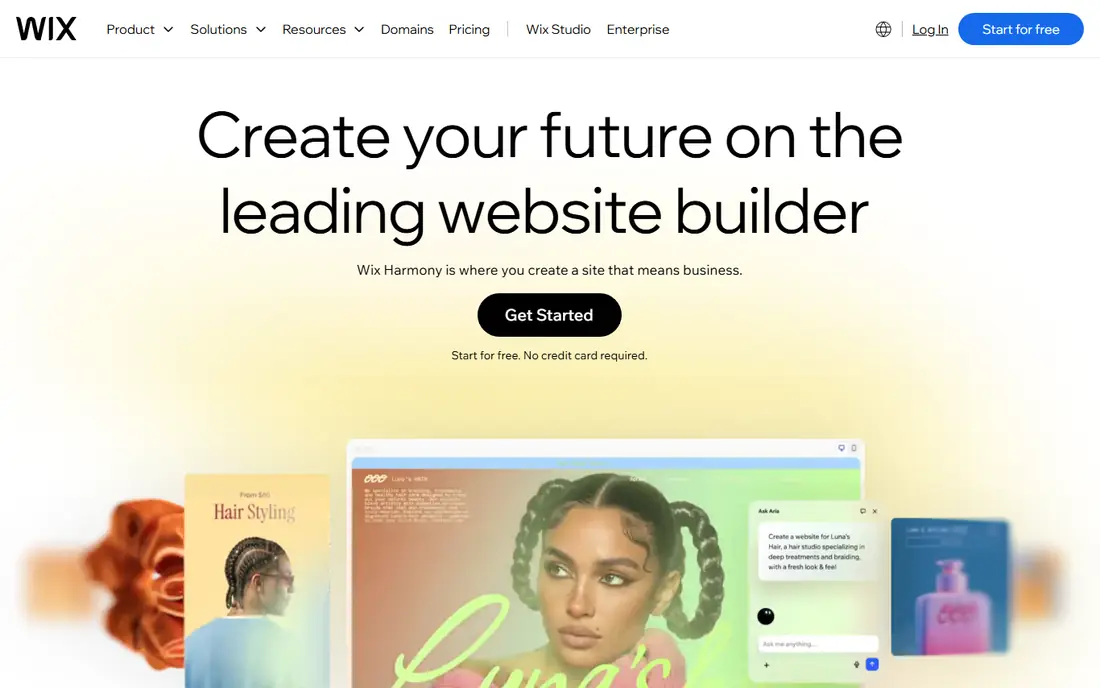
Wix works best for small businesses wanting an all-in-one builder. Wix covers the most use cases from one platform, with templates, bookings, events, and stores built in. Pricing starts at $17 per month, and a free plan is available. Put this one near the top of your shortlist when the fit sounds right.
Design control is weaker on large projects, and moving a site away from Wix is difficult, so it suits owners who plan to stay. That trade-off matters most if you were hoping for a single tool that covers every situation without compromise. Compared with the other options here, Wix stands out for small businesses wanting an all-in-one builder, while asking you to accept that Less design control on large projects. Weigh that honestly against your budget and your patience for setup before you commit.
- Large template library
- Business apps
- AI builder
- Less design control on large projects
- Limited portability
Squarespace
Ideal for: portfolios, creatives, and small stores
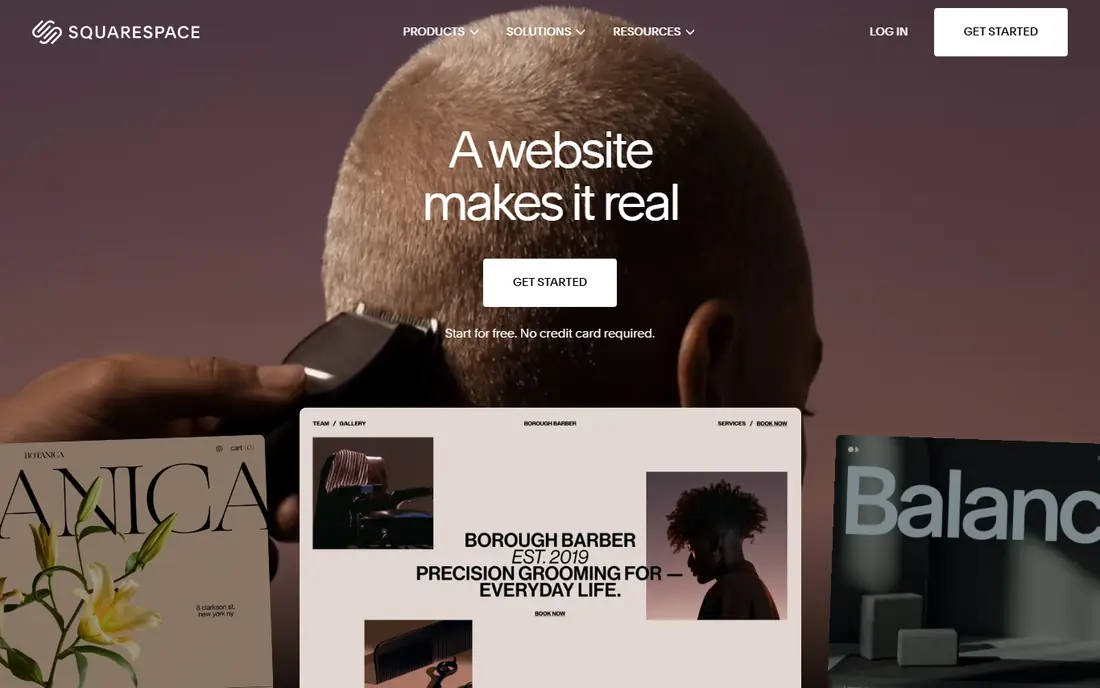
Squarespace works best for portfolios, creatives, and small stores. Squarespace pairs curated, design-led templates with Blueprint AI, which builds a full site from a short questionnaire. Pricing starts at $19 per month, and a free trial is available. This choice makes the most sense for readers who match the description above.
Customization stays inside templates, and there is no free plan, only a 14-day trial, so test thoroughly before paying. That trade-off matters most if you were hoping for a single tool that covers every situation without compromise. Compared with the other options here, Squarespace stands out for portfolios, creatives, and small stores, while asking you to accept that Template-based customization. Weigh that honestly against your budget and your patience for setup before you commit.
- Polished templates
- Blueprint AI
- Built-in commerce
- Template-based customization
- 14-day trial only
WordPress
Ideal for: blogs, publishers, and flexible sites
WordPress works best for blogs, publishers, and flexible sites. WordPress is free open-source software with a plugin for almost any job, and you own your site and can move hosts freely. Pricing starts at Free, and a free plan is available. Consider this option closely if you want the balance it offers.
You handle hosting, updates, and security yourself, and a poor theme or too many plugins can slow the site. That trade-off matters most if you were hoping for a single tool that covers every situation without compromise. Compared with the other options here, WordPress stands out for blogs, publishers, and flexible sites, while asking you to accept that You manage hosting, updates, and security. Weigh that honestly against your budget and your patience for setup before you commit.
- Free open-source CMS
- Huge plugin library
- Full ownership
- You manage hosting, updates, and security
- Quality varies by theme
Shopify
Ideal for: online stores and product businesses
Shopify works best for online stores and product businesses. Shopify is the clear pick when selling is the main job, with reliable checkout, inventory, and a deep app store. Pricing starts at $29 per month, and a free trial is available. This is a strong candidate when your priorities line up with its strengths.
Content pages are more constrained than on a CMS, and app subscriptions can raise the monthly total well above the base price. That trade-off matters most if you were hoping for a single tool that covers every situation without compromise. Compared with the other options here, Shopify stands out for online stores and product businesses, while asking you to accept that Content pages are constrained. Weigh that honestly against your budget and your patience for setup before you commit.
- Best-in-class commerce
- App store
- Reliable checkout
- Content pages are constrained
- App costs add up
Duda
Ideal for: agencies and resellers managing client sites
Duda works best for agencies and resellers managing client sites. Duda is built for agencies, with white-labeling and client management tools that speed up producing many sites. Pricing starts at $19 per month, and a free trial is available. Keep this one in mind if the trade-offs below are acceptable to you.
It is less suited to solo site owners, and the template range is smaller than Wix or Squarespace. That trade-off matters most if you were hoping for a single tool that covers every situation without compromise. Compared with the other options here, Duda stands out for agencies and resellers managing client sites, while asking you to accept that Less suited to solo users. Weigh that honestly against your budget and your patience for setup before you commit.
- White-label options
- Client management
- Fast builds
- Less suited to solo users
- Smaller template range
Webstudio
Ideal for: technical teams wanting open visual building
Webstudio works best for technical teams wanting open visual building. Webstudio offers Webflow-like visual building as open-source software, with self-hosting for teams that want control. Pricing starts at $15 per month, and a free plan is available. This option earns its place for the specific audience named above.
The community is smaller, and content needs an external CMS, so it fits technical teams better than beginners. That trade-off matters most if you were hoping for a single tool that covers every situation without compromise. Compared with the other options here, Webstudio stands out for technical teams wanting open visual building, while asking you to accept that Smaller community. Weigh that honestly against your budget and your patience for setup before you commit.
- Open-source visual builder
- Self-hosting possible
- Modern stack
- Smaller community
- Needs an external CMS for content
Carrd
Ideal for: single-page sites and simple landing pages
Carrd works best for single-page sites and simple landing pages. Carrd is the cheapest way to publish a real site, with a simple editor that gets a one-page site live in an afternoon. Pricing starts at $9 per year, and a free plan is available. Round out your shortlist with this option if its approach appeals to you.
It handles one page only, so multi-page sites, blogs, and stores need a different builder. That trade-off matters most if you were hoping for a single tool that covers every situation without compromise. Compared with the other options here, Carrd stands out for single-page sites and simple landing pages, while asking you to accept that Single page only. Weigh that honestly against your budget and your patience for setup before you commit.
- Cheapest real site option
- Very simple editor
- Fast setup
- Single page only
- No CMS or store features
How we picked these
We compared official feature pages, pricing pages, app store listings, privacy policies, and public reviews for each option, and we kept only products that exist and work today and that truly fit the topic. We gave weight to clear pricing, a usable free or trial option where one is offered, and honest limits stated on the vendor site. We did not claim hands-on testing we did not do, and where a price could not be verified on the vendor site we wrote See website instead of guessing. Our pick for most people is usually the option that covers the core job well at a fair price, not the one with the longest feature list. That said, the right answer depends on your situation, so use the comparison table to narrow the list to two or three options, then check the current pricing page before you pay.
How to choose a Webflow alternative
Start with the site type. Landing pages suit Framer or Carrd, portfolios suit Squarespace, stores suit Shopify, and content-heavy sites suit WordPress.
Next, be honest about design skill. Visual builders with templates suit non-designers, while Framer and WordPress reward users who enjoy layout control.
Finally, price year two, not just the intro offer. Renewal rates, seat costs, and app subscriptions decide the real cost, so read the pricing page carefully before committing.
Frequently asked questions
What is the best Webflow alternative?
Framer is the closest direct alternative for design-led sites, while Wix suits small businesses and WordPress suits flexible content sites. The best pick depends on your site type and skill level.
What is the cheapest Webflow alternative?
Carrd is cheapest for a single page at $9 a year, while WordPress is free apart from hosting. Framer and Wix both offer free plans for starting out.
Is Framer better than Webflow?
Framer gets designers to a live site faster with simpler pricing, while Webflow wins on CMS depth and code export. Framer suits landing pages, Webflow suits larger content sites.
Can I migrate from Webflow to another builder?
Migration varies by tool. WordPress and Webstudio offer more ownership and export options, while Wix and Squarespace make moving a site away harder, so plan before building.
Which Webflow alternative is easiest to learn?
Squarespace is the gentlest, with Blueprint AI building a site from a questionnaire. Framer is the easiest option that still gives designers real control.