Best Accounting Automation Platform in 2026: 8 Platforms Compared

- Bill is our pick for most businesses because it automates payables and receivables with broad accounting integrations.
- Ramp suits companies that want cards, expenses, and accounting automation in one platform.
- BlackLine and FloQast suit finance teams that need close automation and reconciliation control.
-
Approval workflows, ERP fit, and exception handling matter more than AI claims alone.
-
Exception handling for mismatched invoices matters more than headline AI accuracy claims in daily accounting work.
Quick comparison
| Product | Ideal for | Price from | Free version | |
|---|---|---|---|---|
 Bill | Payables and receivables automation | See website | Free trial | Visit |
 Ramp | Cards, expenses, and accounting | See website | Yes | Visit |
 Brex | Spend and accounting automation | See website | Yes | Visit |
 Tipalti | Global payables automation | See website | Free trial | Visit |
 Stampli | AP automation with AI capture | See website | Free trial | Visit |
 Vic.ai | AI invoice processing | See website | Free trial | Visit |
 BlackLine | Close and reconciliation automation | See website | Free trial | Visit |
 FloQast | Close management automation | See website | Free trial | Visit |
The best accounting automation platforms
Accounting automation covers invoice capture, approvals, payments, reconciliation, and month-end close. The best platforms cut manual entry, enforce controls, and sync cleanly with your accounting system. We compared official feature pages, pricing pages, and public reviews for the options below.
Bill
Ideal for: Payables and receivables automation
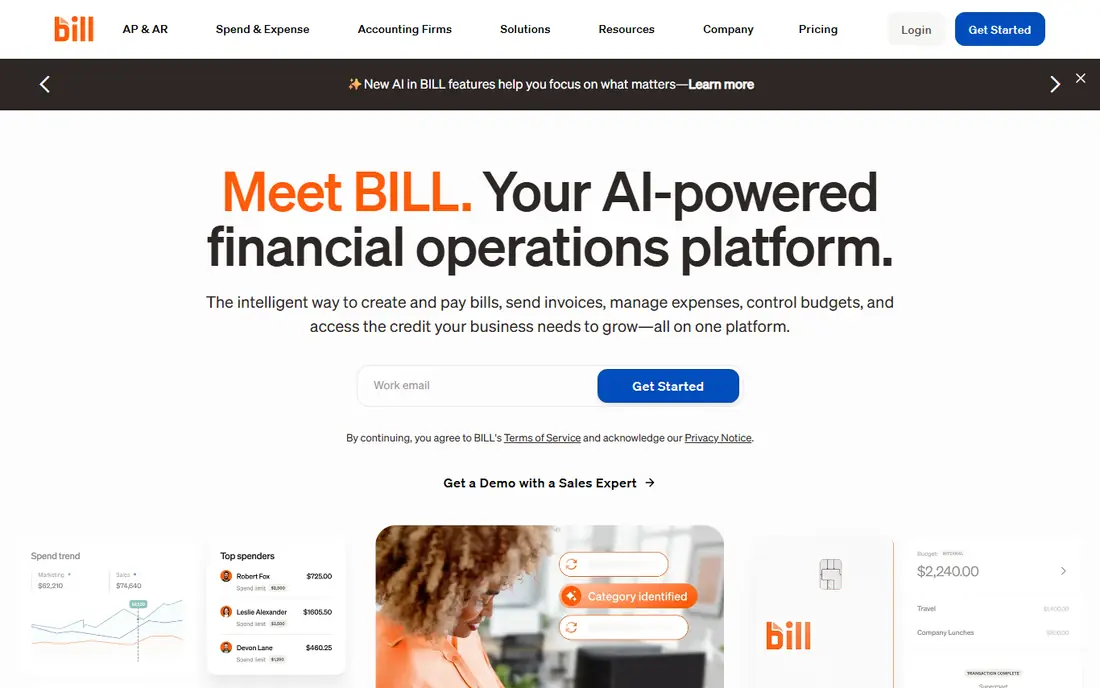
Bill, formerly Bill.com, automates accounts payable and receivable: capture invoices, route approvals, pay vendors, send invoices, and sync with accounting systems such as QuickBooks, Xero, and NetSuite. Approval workflows enforce controls, and audit trails show who approved what. That breadth suits many small and mid-size businesses.
Pricing varies by volume and features, and advanced tools need higher plans. For a business that wants AP plus AR automation with strong integrations, Bill is our top pick.
- AP and AR automation
- Approval workflows
- Broad accounting integrations
- Pricing varies by volume
- Advanced features need higher plans
Ramp
Ideal for: Cards, expenses, and accounting
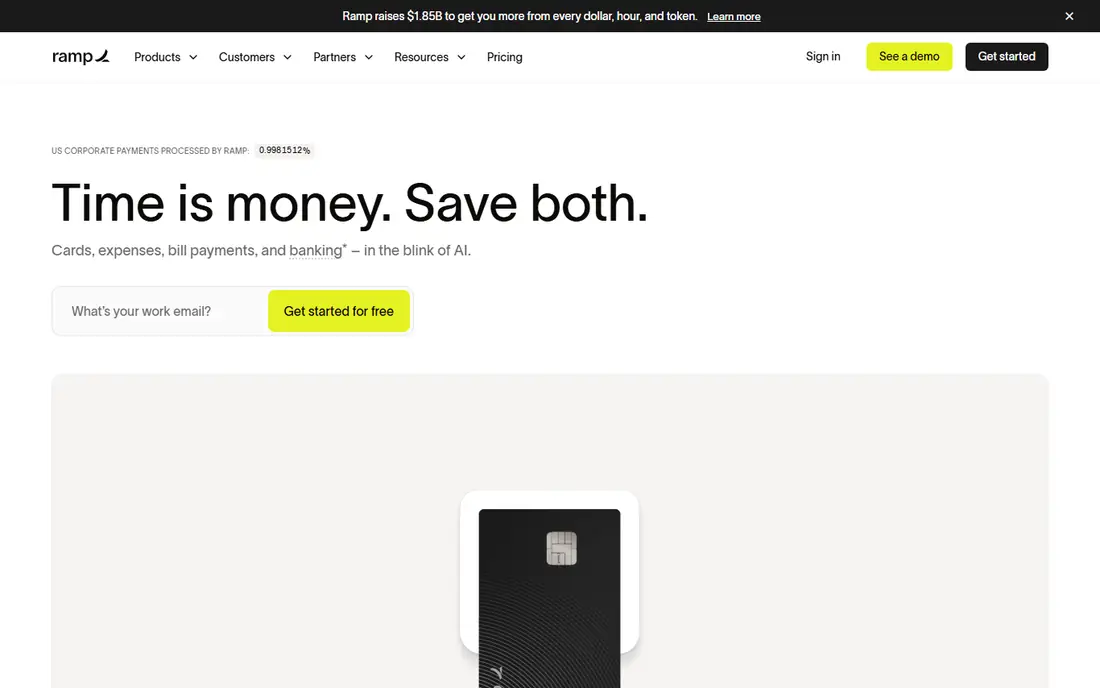
Ramp combines corporate cards, expense management, and accounting automation. Card transactions sync with receipts and accounting codes automatically, approvals run through the platform, and finance teams gain real-time spend visibility. That combination cuts expense reporting work sharply.
The model centers on cards, so businesses with little card spend gain less. Some features also suit larger teams best. For a company that runs spend on cards and wants accounting automation alongside, Ramp is a strong pick.
- Corporate cards with controls
- Expense automation
- Accounting sync
- Card-centered model
- Some features suit larger teams best
Brex
Ideal for: Spend and accounting automation
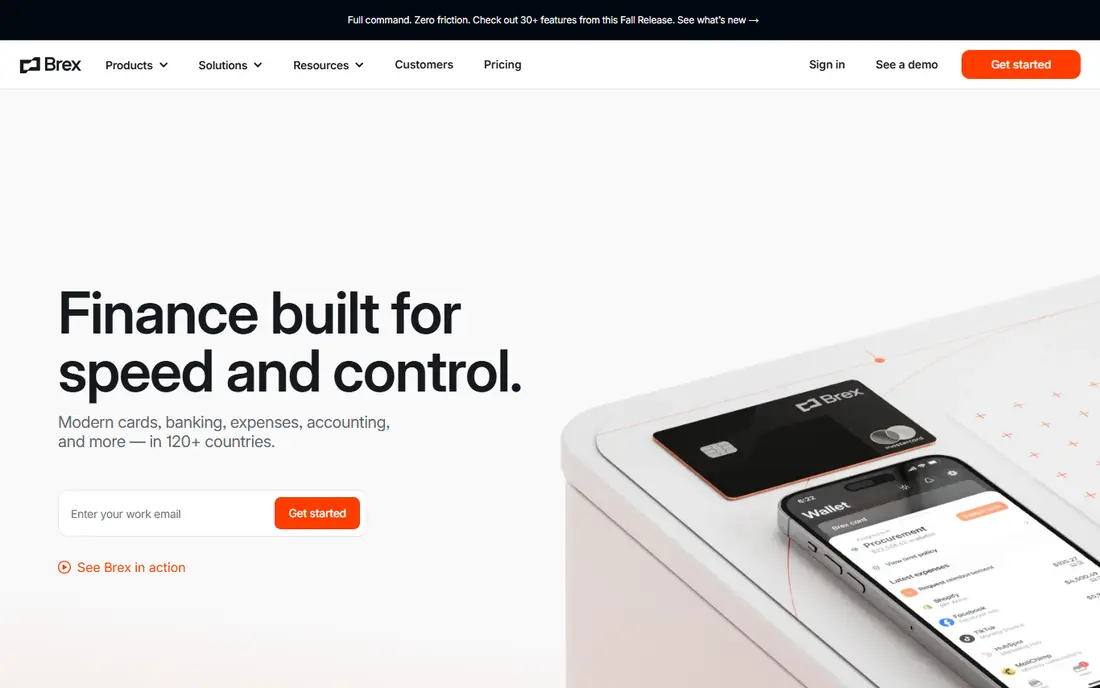
Brex pairs corporate cards with spend controls, expense automation, and accounting integrations, similar to Ramp. Finance teams can set limits, auto-categorize spend, and sync to accounting software. Rewards on card spend add value for companies with steady volume.
Brex historically focused on venture-backed firms, and card limits depend on company profile. For a funded company that wants spend plus accounting automation, Brex is a leading choice.
- Cards and spend controls
- Expense automation
- Accounting integrations
- Best for funded companies
- Limits depend on company profile
Tipalti
Ideal for: Global payables automation
Tipalti automates global accounts payable, including vendor onboarding, tax form collection, payment across currencies and methods, and reconciliation. Companies paying suppliers and creators worldwide benefit from its compliance tools, which handle tax forms and payment regulations that manual processes miss.
Enterprise pricing and implementation planning make Tipalti heavier than Bill for domestic-only firms. For a business with global payables, Tipalti is the most complete automation choice here.
- Global vendor payments
- Tax compliance tools
- AP automation at scale
- Enterprise pricing
- Implementation takes planning
Stampli
Ideal for: AP automation with AI capture
Stampli focuses on accounts payable automation with AI invoice capture and collaborative approvals. Invoices arrive by email or upload, AI extracts data, and approvers discuss and approve in one place. ERP integrations sync approved bills to accounting systems cleanly.
The focus is AP-only, so AR and close tools need other systems. Pricing is quote-based. For a finance team that wants AP automation with strong approval collaboration, Stampli is a practical pick.
- AI invoice capture
- Approval collaboration
- ERP integrations
- AP-only focus
- Pricing is quote-based
Vic.ai
Ideal for: AI invoice processing
Vic.ai uses AI to process invoices, predict accounting codes, and route approvals, learning from past decisions to improve accuracy. Finance teams save time on data entry and coding, and ERP integrations keep books current. The AI-first design suits firms with high invoice volumes.
AI accuracy still needs monitoring, especially for unusual vendors or new accounts. Pricing is quote-based. For a high-volume AP team that wants AI processing depth, Vic.ai is a strong option.
- AI-first invoice processing
- Approval routing
- ERP integrations
- AI accuracy needs monitoring
- Pricing is quote-based
BlackLine
Ideal for: Close and reconciliation automation
BlackLine automates account reconciliations and month-end close tasks, with controls, task tracking, and audit trails. Finance teams can reconcile accounts faster, manage close checklists, and prove controls for auditors. That depth suits mid-size and large finance teams with complex closes.
Enterprise pricing and implementation effort make BlackLine heavy for small firms. For a finance team that wants close automation with strong controls, BlackLine is a leading choice.
- Reconciliation automation
- Close task management
- Strong controls
- Enterprise pricing
- Implementation is a project
FloQast
Ideal for: Close management automation
FloQast automates close management with checklists, reconciliations, and flux analysis tied to ERP data. Accounting teams track close progress in real time, assign tasks, and document work for review. The platform suits teams that want a faster, more visible close without replacing their ERP.
Close focus means AP automation needs a separate tool such as Bill or Stampli. Pricing is quote-based. For an accounting team that wants close discipline and speed, FloQast is an excellent pick.
- Close checklist automation
- Reconciliation tools
- ERP integrations
- Close focus means AP tools are separate
- Pricing is quote-based
How we picked these
We compared official feature pages, pricing pages, and public reviews, and we kept only accounting automation platforms operating in October 2026 with real AP, close, or spend automation. We favored platforms with strong ERP integrations, approval controls, and exception handling. We left out generic expense apps with no accounting depth and tools with no real automation beyond scanning.
We also checked audit trail quality across platforms, since auditors ask who approved what and when. A good system logs every action with timestamps and keeps prior versions of bills and approvals, while a weak one shows only the final state. Ask vendors to demonstrate the audit trail on a real invoice during evaluation, not just in a slide.
What to check before you choose an automation platform
Start with your bottleneck. AP-heavy teams need capture and approvals, close-heavy teams need reconciliation and checklists, and spend-heavy teams need cards and expense automation. Buying the wrong category wastes money even when the vendor is good.
Next, check ERP fit and exception handling. Confirm native sync with your accounting system, and test how the platform handles mismatched invoices, duplicate bills, and approval exceptions. Finally, run a pilot with real invoices for a month. Capture accuracy, approval speed, and sync errors under real volume tell you more than any demo.
Start with a clear map of your current approval chain before you automate it. If managers already approve invoices inconsistently, automation will simply speed up the inconsistency, so agree thresholds, backup approvers, and exception rules first. A week spent on process design saves months of rework after go-live, and it makes vendor configuration far simpler.
Vendor lock-in deserves a question too. Confirm how you export invoices, approvals, and payment history if you leave, and whether contracts auto-renew at higher rates. Clean export options protect your records and give you negotiating power at renewal time, which matters more as your transaction volume grows.
Questions to ask before you commit
Ask vendors how they handle duplicate and fraudulent invoices, since duplicate payments are a common and costly AP failure. Confirm duplicate detection rules, vendor bank change controls, and approval requirements for changed payment details. Fraud prevention features matter as much as capture speed for finance teams.
Ask about support during month-end close, since AP and close tools face peak load when deadlines loom. Confirm support hours, response times, and whether implementation help continues after go-live. A vendor that disappears after sale leaves finance teams stranded during their busiest week.
Ask how the platform scales with transaction growth, including volume pricing tiers and performance at peak loads. Confirm what happens when invoice volume doubles, since per-invoice pricing can surprise growing firms. Model costs at twice your current volume before signing a multi-year deal.
Frequently asked questions
What is the best accounting automation platform?
Bill is our pick for most businesses because it automates payables and receivables with broad integrations. Ramp suits card-centered spend automation, while BlackLine and FloQast suit close automation for finance teams.
What does accounting automation actually automate?
It automates invoice capture, data entry, approvals, payments, expense coding, reconciliations, and close checklists. Humans still review exceptions, approve large payments, and judge accounting treatment, but routine work shrinks sharply.
Do I need to replace my accounting software?
No. Most platforms here integrate with QuickBooks, Xero, NetSuite, and other accounting systems rather than replacing them. The automation layer handles capture, approvals, and payments, while the accounting system remains the book of record.
How accurate is AI invoice processing?
Accuracy is high for standard invoices from known vendors, and lower for unusual formats or new suppliers. Good platforms flag low-confidence fields for human review. Monitor accuracy during a pilot and keep approval controls for large amounts.
How much does accounting automation cost?
Pricing varies by volume, users, and modules, and many vendors quote per business. Compare total cost including implementation, per-invoice or per-user fees, and payment charges before choosing.
How long does accounting automation implementation take?
Small businesses often go live in a few weeks, while larger firms with ERP integrations and approval redesigns need several months. Timelines depend on data cleanliness, approval complexity, and how many entities you run. Start with one workflow, such as payables, prove the value, and then expand to close or spend automation.