What Is the Best AI App for Creating Images in 2026: 8 Apps Compared

- 1
 MidjourneyArtistic and editorial imageryVisit
- 2
 ChatGPT ImagesConversational image creation with accurate textVisit
- 3
 Adobe FireflyCommercially safe images inside Adobe appsVisit
- 4
 Google ImagenPhotorealistic images inside Google appsVisit
- 5
 IdeogramImages with readable text and typographyVisit
- Midjourney suits artistic and editorial imagery, while ChatGPT Images suits conversational prompting and accurate text.
- Adobe Firefly suits commercial teams that need commercially safe training data and Photoshop integration.
- Google Imagen through Gemini suits photorealism inside Google apps, while Stable Diffusion suits self-hosted control.
- Check commercial use rights and training data before publishing AI images for clients, because terms vary by tool.
Quick comparison
| Product | Ideal for | Price from | Free version | |
|---|---|---|---|---|
| Midjourney | Artistic and editorial imagery | $10 per month | No | Visit |
| ChatGPT Images | Conversational image creation with accurate text | Free | Yes | Visit |
| Adobe Firefly | Commercially safe images inside Adobe apps | $9.99 per month | Yes | Visit |
| Google Imagen | Photorealistic images inside Google apps | Free | Yes | Visit |
| Ideogram | Images with readable text and typography | Free | Yes | Visit |
 Leonardo AI | Game art and consistent characters | $12 per month | Yes | Visit |
 Recraft | Vector graphics and brand assets | $12 per month | Yes | Visit |
 Stable Diffusion | Free self-hosted image generation with full control | Free | Yes | Visit |
The best AI apps for creating images
We compared official feature pages, pricing pages, app store listings, privacy policies and public reviews to build this list of 8 options for what's the best ai app for creating images. Prices were checked in October 2026 and can change, so confirm the current price on the vendor site before you buy. Our pick for most people is the first option that fits your budget and workflow, not necessarily the most expensive tool on the list. Read the quick comparison first to narrow the field, then read the full write-ups for the two or three options that fit your needs best.
Midjourney
Ideal for: Artistic and editorial imagery
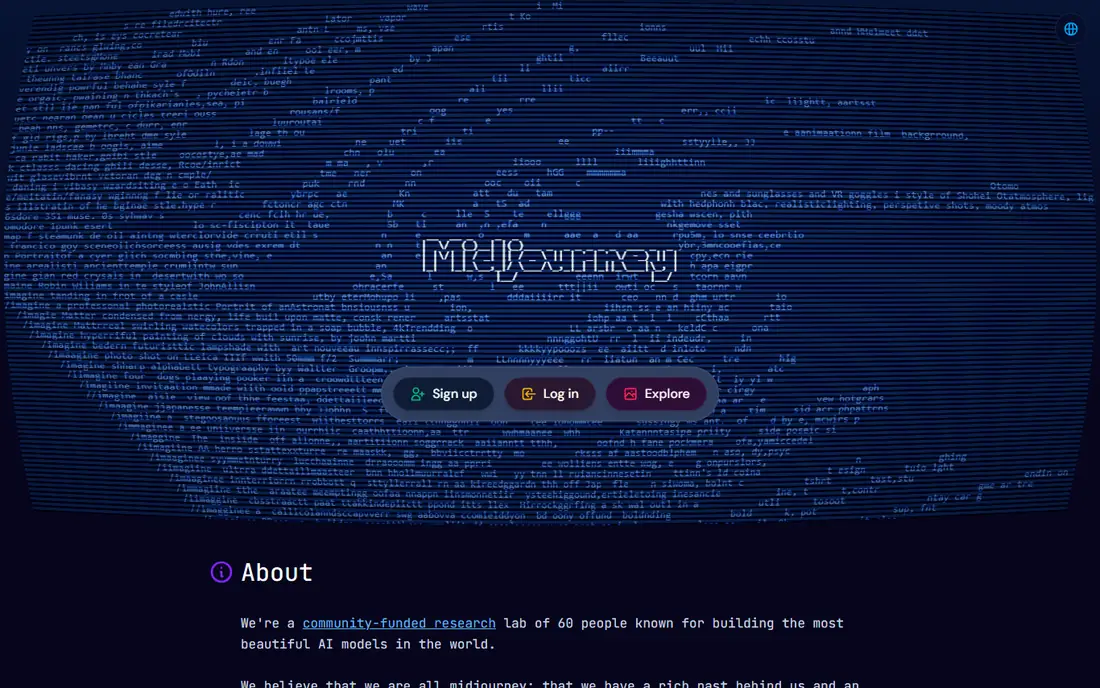
Midjourney remains the artistic standard for AI images, with stylized, cinematic and editorial outputs that other tools imitate. Style parameters, aspect ratios and remix tools give control, and the community gallery offers inspiration. For art, concept work and editorial visuals, it leads.
There is no free tier, and images are public by default below Pro and Mega plans, which matters for private client work. The prompt system also takes learning. For artistic quality, Midjourney is the pick.
- Best artistic quality
- Deep style control
- Strong community gallery
- No free tier
- Public gallery by default below Pro
- Prompt learning curve
ChatGPT Images
Ideal for: Conversational image creation with accurate text
ChatGPT Images, formerly DALL-E, creates images through conversation, so users can refine an image by describing changes in plain language. Text rendering is strong, which suits posters, logos and marketing visuals. Integration with ChatGPT also helps brainstorming and copy.
The free tier is limited, and artistic style depth lags Midjourney. Higher limits need Plus at $20 a month. For easy, literal image creation with text, ChatGPT Images is the best all-round app.
- Easy conversational prompting
- Strong text rendering
- Editing by conversation
- Free tier is limited
- Style depth lags Midjourney
- Higher limits need Plus
Adobe Firefly
Ideal for: Commercially safe images inside Adobe apps
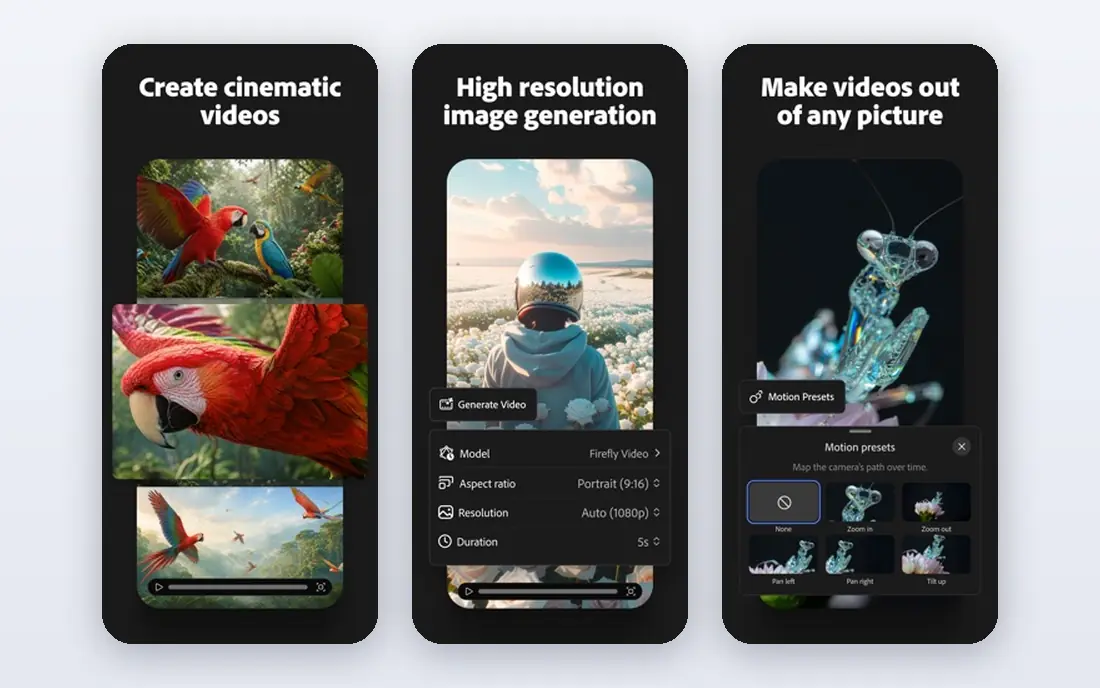
Adobe Firefly is built for commercial teams, with training on licensed and public domain content that reduces rights risk. Photoshop, Illustrator and Express integration lets teams edit generated images in familiar tools. For client work where rights matter, Firefly is the safe choice.
The free tier is limited, and artistic range lags Midjourney for stylized work. Best value also comes inside an Adobe subscription. For commercial-safe creative work, Firefly leads.
- Trained on licensed content
- Photoshop and Express integration
- Commercial safety focus
- Free tier is limited
- Artistic range lags Midjourney
- Best value needs Adobe subscription
Google Imagen
Ideal for: Photorealistic images inside Google apps
Google Imagen, accessed through Gemini, produces photorealistic images with strong detail and lighting. Integration with Google apps suits users already on Gemini, and a free tier covers casual generation. For realistic product and lifestyle visuals, it is strong.
Higher limits need a paid Google plan, and style control lags Midjourney. Commercial terms also need checking for client work. For photorealistic images inside Google, Imagen is a top pick.
- Strong photorealism
- Gemini integration
- Free tier for casual use
- Higher limits need a paid Google plan
- Style control lags Midjourney
- Commercial terms need checking
Ideogram
Ideal for: Images with readable text and typography
Ideogram leads on readable text inside images, which suits posters, book covers, logos and social graphics where words must be correct. Typography controls help designers, and a free tier allows testing. For text-heavy images, no rival is as reliable.
Paid plans are needed for full features, and artistic range lags Midjourney. The community is also smaller. For images where text must read correctly, Ideogram is the specialist pick.
- Best text rendering in images
- Typography controls
- Free tier
- Paid plans needed for full features
- Artistic range lags Midjourney
- Smaller community
Leonardo AI
Ideal for: Game art and consistent characters
Leonardo AI suits game artists and designers, with models for characters, environments and consistent styles. Daily free tokens let users test it, and paid plans add higher resolution and commercial options. For game art pipelines, it is a strong specialist.
Full features need paid plans, and the interface is dense for beginners. Commercial terms also vary by plan, so check before client work. For game and design assets, Leonardo AI is a leading pick.
- Game and design assets
- Consistent character tools
- Free daily tokens
- Full features need paid plans
- Interface is dense
- Commercial terms vary by plan
Recraft
Ideal for: Vector graphics and brand assets
Recraft generates vector graphics, logos, icons and brand sets, which suits designers who need scalable assets, not just raster images. Brand tools help keep colors and styles consistent across a set. For logo and brand work, Recraft is distinctive.
The free tier limits commercial use, and artistic range lags Midjourney for photographic work. It is also newer than Adobe. For vector brand assets, Recraft is a smart pick.
- Vector and raster generation
- Brand set tools
- Logo and icon strengths
- Free tier limits commercial use
- Artistic range lags Midjourney
- Newer brand than Adobe
Stable Diffusion
Ideal for: Free self-hosted image generation with full control
Stable Diffusion offers free, open image models that users can run locally with full control over models, prompts and data. The community provides countless fine-tuned models for styles, characters and products. For developers and power users, that control is unmatched.
Running it well needs a capable GPU, and setup is technical. Quality also depends heavily on model choice and prompting. For free, self-hosted image generation, Stable Diffusion is the power-user pick.
- Free open weights
- Self-hosted control
- Huge community models
- Needs a capable GPU
- Setup is technical
- Quality depends on model and prompting
How we picked these
We started from the topic and shortlisted products that exist and work today, then checked each vendor homepage, pricing page and free tier. We compared feature pages, app store listings, privacy policies and public reviews, and we dropped any product whose homepage could not be verified or whose price could not be checked. Where a price was unclear or varied by region, we wrote See website rather than guessing a number. That rule kept the list honest, even where a neat price would have made the comparison table look tidier.
We also weighed fit over fame. A well-known product stayed on the list only if it truly fits the topic, and smaller tools earned a place when they served a clear use case better. No product here was tested hands-on for this article, and no vendor paid for placement.
Price and free-tier details matter most when plans change often, so we favoured products with clear published pricing and a trial or free tier where one exists. If a vendor changed a plan after our check, the vendor site is the correct source, and the ranking here still reflects fit, not just price. That check takes extra time, but it prevents a shortlist built on outdated pricing or a product that no longer exists.
Choosing an AI image app by output type and rights
Decide what the image is for: art and editorial work suit Midjourney, marketing and product visuals suit ChatGPT Images or Firefly, and brand assets suit Recraft. Then check commercial rights, because free tiers often limit commercial use. Test text rendering if you need words in images, since that separates the best tools from the rest.
Before you pay, run a trial on a real task from your own work, not a demo file. Check export formats, mobile access and support hours, because those details decide whether a tool survives daily use. Also check renewal terms and cancellation steps, since a cheap first year can become an expensive second year if renewal jumps. Finally, ask who will own setup and training, because a tool nobody is responsible for tends to fall out of use within a few months. Keep a short note on why you picked the winner, so a future review can judge it against the same criteria instead of starting from scratch.
A useful final test is to imagine the tool in six months, when the first excitement has faded and the work is routine. If the daily steps are still quick, the cost is still clear, and the support route is still obvious, the choice is likely sound. If any of those three answers is unclear, use the trial period to get a clear answer before committing to an annual plan.
Frequently asked questions
What is the best AI app for creating images free?
ChatGPT Images offers limited free generation, Adobe Firefly offers a limited free tier, and Microsoft Designer is free with a Microsoft account. Stable Diffusion is free to self-host with suitable hardware.
Is Midjourney or ChatGPT better for images?
Midjourney suits artistic, stylized imagery with deep style control. ChatGPT Images suits literal prompts, accurate text in images, and conversational editing.
Can I use AI images commercially?
Commercial rights vary by plan and tool. Paid plans usually allow commercial use, while free tiers may restrict it, so check the current terms for your plan before client work.
Which AI image tool is best for text in images?
Ideogram and ChatGPT Images lead on readable text inside images. Midjourney has improved, but text-heavy designs still suit Ideogram or Recraft.