Best AI dubbing tool in 2026: 8 Compared

- ElevenLabs is our pick for most dubbing work, since its voice quality, dubbing studio and language range are strong.
- HeyGen suits video creators who want dubbing plus avatars and translated video in one place.
- Rask AI is best for fast video translation, with lip sync and subtitle options.
- VEED suits social creators who need dubbing, subtitles and editing in one browser tool.
Quick comparison
| Product | Ideal for | Price from | Free version | |
|---|---|---|---|---|
 ElevenLabs | Most dubbing work | See website | Yes | Visit |
 HeyGen | Video dubbing plus avatars | See website | Yes | Visit |
 Rask AI | Fast video translation | See website | No | Visit |
 VEED | Social creators | Free | Yes | Visit |
 Dubverse | Multilingual dubbing | See website | No | Visit |
 Murf AI | Studio narration and dubbing | See website | Yes | Visit |
 Kapwing | Browser video dubbing | Free | Yes | Visit |
 Speechify | Reading and dubbing | See website | Yes | Visit |
The best ai dubbing tool
We compared official feature pages, pricing pages, app store listings, privacy policies and public reviews to build this list, focusing on products that fit the topic closely and are still available in October 2026.
ElevenLabs
Ideal for: Most dubbing work
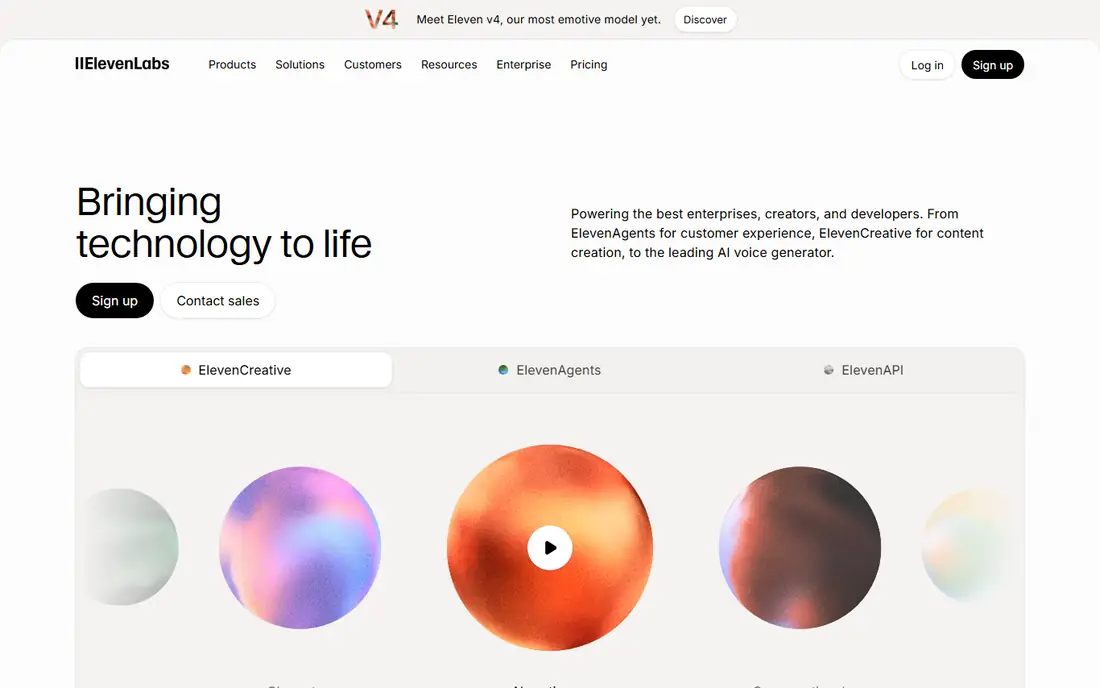
For buyers who want a clear fit, ElevenLabs is aimed at video creators. ElevenLabs offers a dubbing studio with strong voice quality and many languages. Its voice cloning and dubbing tools suit creators translating videos at scale. In practice, that means the product earns its place by doing one job well for that audience, rather than trying to cover every possible use case at once. We compared its official feature page, pricing and public reviews against the other options here, and its best-for label reflects where it looked strongest, not where its marketing claims are loudest.
The trade-off is worth naming plainly. Credits limit use, and cloning needs paid plans. On price, the starting point listed above is not published clearly, so check the vendor site, and the free plan entry is Yes. If that combination fits your budget and your main use case, ElevenLabs is a sensible shortlist choice. If the catch above is a deal breaker, move to another entry in this list whose strength matches your priority instead.
- Strong voice quality
- Dubbing studio
- Many languages
- Credits limit use
- Cloning needs paid plans
HeyGen
Ideal for: Video dubbing plus avatars
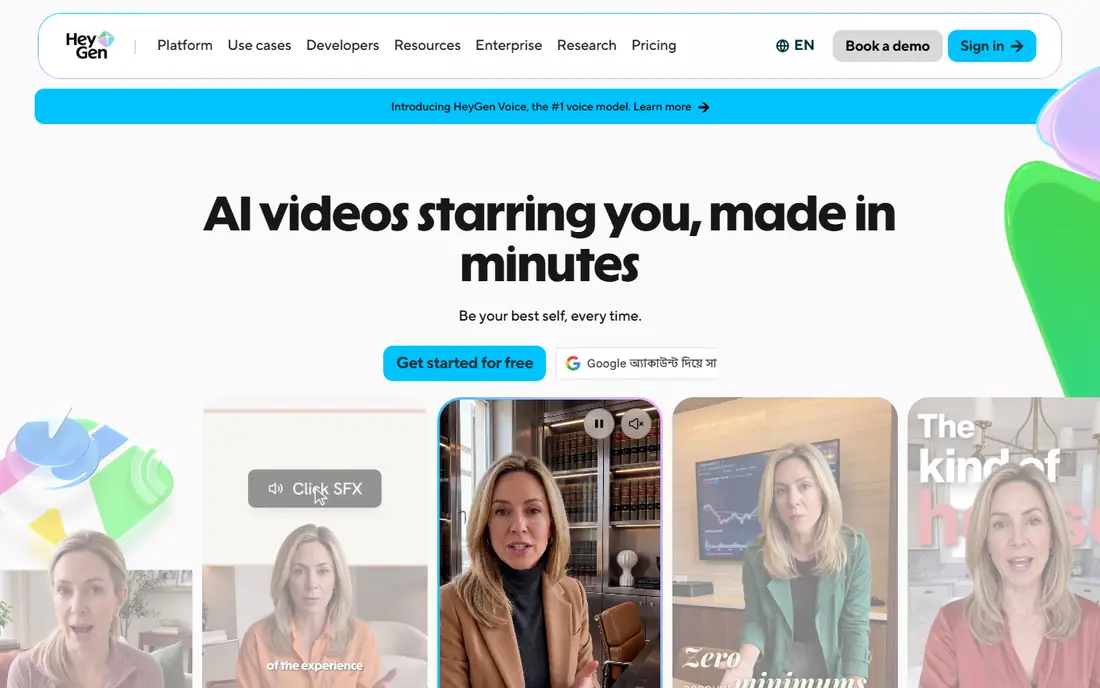
If that use case sounds familiar, HeyGen is aimed at video creators. HeyGen combines video translation, avatars and lip sync in one platform. Creators can translate a presenter video and keep the presenter on screen. In practice, that means the product earns its place by doing one job well for that audience, rather than trying to cover every possible use case at once. We compared its official feature page, pricing and public reviews against the other options here, and its best-for label reflects where it looked strongest, not where its marketing claims are loudest.
On the other side of that strength, Credits limit use, and video quality varies by source footage. On price, the starting point listed above is not published clearly, so check the vendor site, and the free plan entry is Yes. If that combination fits your budget and your main use case, HeyGen is a sensible shortlist choice. If the catch above is a deal breaker, move to another entry in this list whose strength matches your priority instead.
- Video translation
- Avatars
- Lip sync
- Credits limit use
- Video quality varies
Rask AI
Ideal for: Fast video translation
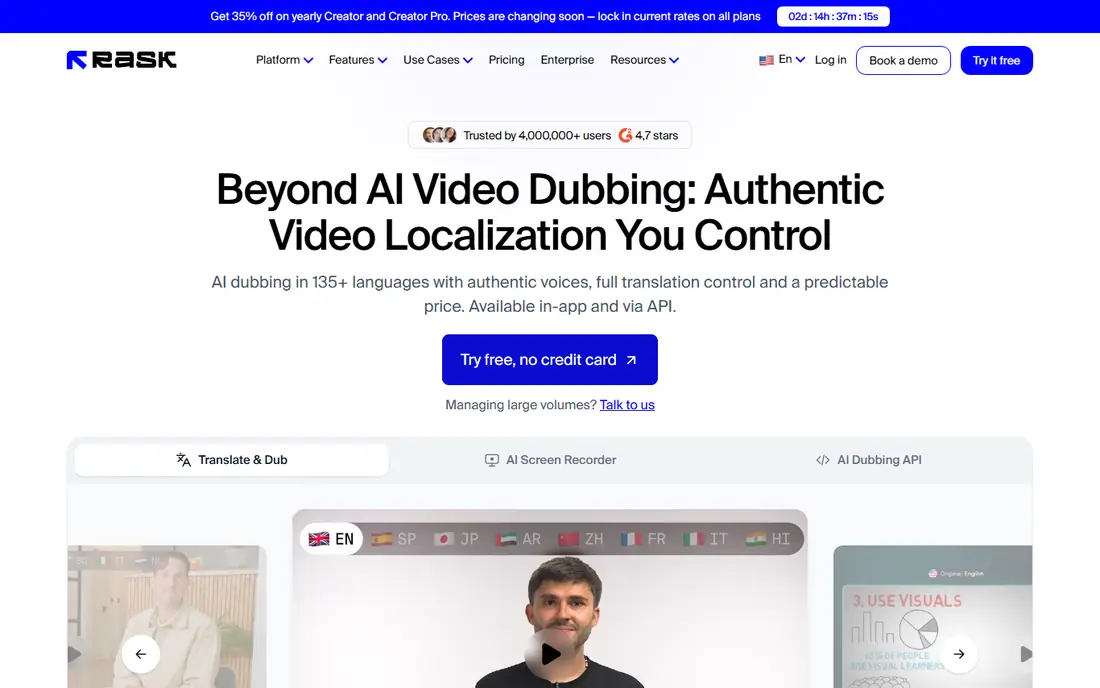
Among the options here, Rask AI is aimed at translators and creators. Rask AI focuses on fast video translation with lip sync and subtitle options. Translators can localise videos quickly for many languages. In practice, that means the product earns its place by doing one job well for that audience, rather than trying to cover every possible use case at once. We compared its official feature page, pricing and public reviews against the other options here, and its best-for label reflects where it looked strongest, not where its marketing claims are loudest.
Before you commit, weigh this part. Paid plans are needed, and quality varies by language. On price, the starting point listed above is not published clearly, so check the vendor site, and the free plan entry is No. If that combination fits your budget and your main use case, Rask AI is a sensible shortlist choice. If the catch above is a deal breaker, move to another entry in this list whose strength matches your priority instead.
- Fast translation
- Lip sync
- Subtitles
- Paid plans
- Quality varies by language
VEED
Ideal for: Social creators
For a team or household weighing this choice, VEED is aimed at social creators. VEED is a browser editor with dubbing, subtitles and editing in one place. Social creators can edit, dub and caption without desktop software. In practice, that means the product earns its place by doing one job well for that audience, rather than trying to cover every possible use case at once. We compared its official feature page, pricing and public reviews against the other options here, and its best-for label reflects where it looked strongest, not where its marketing claims are loudest.
The honest catch comes next. Full dubbing needs paid plans, and the free plan limits exports. On price, the starting point listed above is free, and the free plan entry is Yes. If that combination fits your budget and your main use case, VEED is a sensible shortlist choice. If the catch above is a deal breaker, move to another entry in this list whose strength matches your priority instead.
- Browser editing
- Dubbing
- Subtitles
- Paid for full dubbing
- Export limits on free plan
Dubverse
Ideal for: Multilingual dubbing
When the main need is the one above, Dubverse is aimed at multilingual creators. Dubverse offers multilingual dubbing with voice cloning and subtitles. Multilingual creators can localise content for many audiences. In practice, that means the product earns its place by doing one job well for that audience, rather than trying to cover every possible use case at once. We compared its official feature page, pricing and public reviews against the other options here, and its best-for label reflects where it looked strongest, not where its marketing claims are loudest.
Pricing and limits deserve a second look. Paid plans are needed, and quality varies by language. On price, the starting point listed above is not published clearly, so check the vendor site, and the free plan entry is No. If that combination fits your budget and your main use case, Dubverse is a sensible shortlist choice. If the catch above is a deal breaker, move to another entry in this list whose strength matches your priority instead.
- Multilingual dubbing
- Voice cloning
- Subtitles
- Paid plans
- Quality varies
Murf AI
Ideal for: Studio narration and dubbing
For readers who put this factor first, Murf AI is aimed at narrators and educators. Murf AI offers studio voices, dubbing and voice cloning for narration. Educators and narrators can produce clean dubbed audio for courses. In practice, that means the product earns its place by doing one job well for that audience, rather than trying to cover every possible use case at once. We compared its official feature page, pricing and public reviews against the other options here, and its best-for label reflects where it looked strongest, not where its marketing claims are loudest.
A smaller drawback can still matter. Full use is paid, and video features are narrower than HeyGen. On price, the starting point listed above is not published clearly, so check the vendor site, and the free plan entry is Yes. If that combination fits your budget and your main use case, Murf AI is a sensible shortlist choice. If the catch above is a deal breaker, move to another entry in this list whose strength matches your priority instead.
- Studio voices
- Dubbing
- Voice cloning
- Paid for full use
- Video features are narrower
Kapwing
Ideal for: Browser video dubbing
In a crowded field, Kapwing is aimed at browser creators. Kapwing is a browser video editor with dubbing and subtitle tools. Browser creators can dub and edit without installing software. In practice, that means the product earns its place by doing one job well for that audience, rather than trying to cover every possible use case at once. We compared its official feature page, pricing and public reviews against the other options here, and its best-for label reflects where it looked strongest, not where its marketing claims are loudest.
What to check before paying is simple. Paid plans are needed for longer videos, and dubbing quality varies. On price, the starting point listed above is free, and the free plan entry is Yes. If that combination fits your budget and your main use case, Kapwing is a sensible shortlist choice. If the catch above is a deal breaker, move to another entry in this list whose strength matches your priority instead.
- Browser editing
- Dubbing
- Subtitles
- Paid for longer videos
- Dubbing quality varies
Speechify
Ideal for: Reading and dubbing
For a first purchase in this category, Speechify is aimed at readers and creators. Speechify is known for text to speech and reading, with dubbing tools added. Creators who already use Speechify can dub content in the same account. In practice, that means the product earns its place by doing one job well for that audience, rather than trying to cover every possible use case at once. We compared its official feature page, pricing and public reviews against the other options here, and its best-for label reflects where it looked strongest, not where its marketing claims are loudest.
The limit to keep in mind is this. Dubbing is newer than its reading tools, and full use is paid. On price, the starting point listed above is not published clearly, so check the vendor site, and the free plan entry is Yes. If that combination fits your budget and your main use case, Speechify is a sensible shortlist choice. If the catch above is a deal breaker, move to another entry in this list whose strength matches your priority instead.
- Text to speech
- Dubbing
- Mobile app
- Dubbing is newer than its reading tools
- Paid for full use
How we picked these
We compared official feature pages, pricing pages, app store listings, privacy policies and public reviews for each product, and we kept only products that are still available in October 2026 and that fit the topic closely. Where a vendor did not publish a clear starting price on its own site, we wrote See website rather than guessing. Prices can change, so check the vendor page linked in each product block before you buy.
Choosing an AI dubbing tool that sounds natural
Test with your own voice and content, not just demo videos, since quality varies by language and speaker. Check lip sync separately from voice quality, since a good voice with poor sync still looks wrong. Review consent and rights: only clone a voice you own or have permission to use. Finally, check language coverage for your target audience, including accents and dialects, since a tool that lists many languages may still be weak in yours.
Frequently asked questions
What is the best AI dubbing tool?
ElevenLabs is best for most dubbing, HeyGen suits video creators, and Rask AI suits fast translation. VEED suits social creators who also need editing.
Can AI dubbing lip sync video?
Yes, tools such as HeyGen and Rask AI offer lip sync that matches mouth movement to the new language. Results vary by language, angle and video quality.
Is AI dubbing better than subtitles?
Dubbing suits viewers who prefer listening, while subtitles suit viewers who prefer original voices. Many creators offer both, since preferences differ.
Do I need permission to clone a voice for dubbing?
Yes, only clone a voice you own or have clear permission to use. Consent controls matter, and misuse can cause legal and reputational harm.
How many languages do AI dubbing tools support?
Support ranges from dozens to over a hundred languages, depending on the tool. Check your specific languages and dialects before you buy.