Best Brand Management Platforms in 2026: 8 Platforms Compared

- Brand management platforms centralize logos, templates, and guidelines so teams and partners use the right assets every time.
- Brandfolder and Bynder lead on digital asset management, while Frontify stands out for brand guidelines and portals.
- Aprimo and Widen suit larger enterprises with complex approval workflows and many users.
- Smaller teams should favor simple, searchable libraries over enterprise platforms with heavy setup.
- Our pick for most companies is Brandfolder, with Frontify as the pick for teams that prioritize brand guidelines.
Quick comparison
| Product | Ideal for | Price from | Free version | |
|---|---|---|---|---|
 Brandfolder | Digital asset management | See website | Free trial | Visit |
 Bynder | Enterprise brand asset hub | See website | No | Visit |
 Frontify | Brand guidelines and portals | See website | Free trial | Visit |
 Aprimo | Enterprise marketing operations | See website | No | Visit |
 Widen | Enterprise digital asset management | See website | No | Visit |
 Brandworkz | Brand and marketing asset hub | See website | No | Visit |
 MarcomCentral | Distributed team brand control | See website | No | Visit |
 Papirfly | Brand templates and guidelines | See website | Free trial | Visit |
The best brand management platforms
Brand management platforms keep logos, images, templates, and guidelines in one place, with permissions and approvals that stop outdated assets from circulating. The platforms below were compared on asset organization, guideline features, template tools, collaboration, and how much setup each one requires.
Brandfolder
Ideal for: Digital asset management
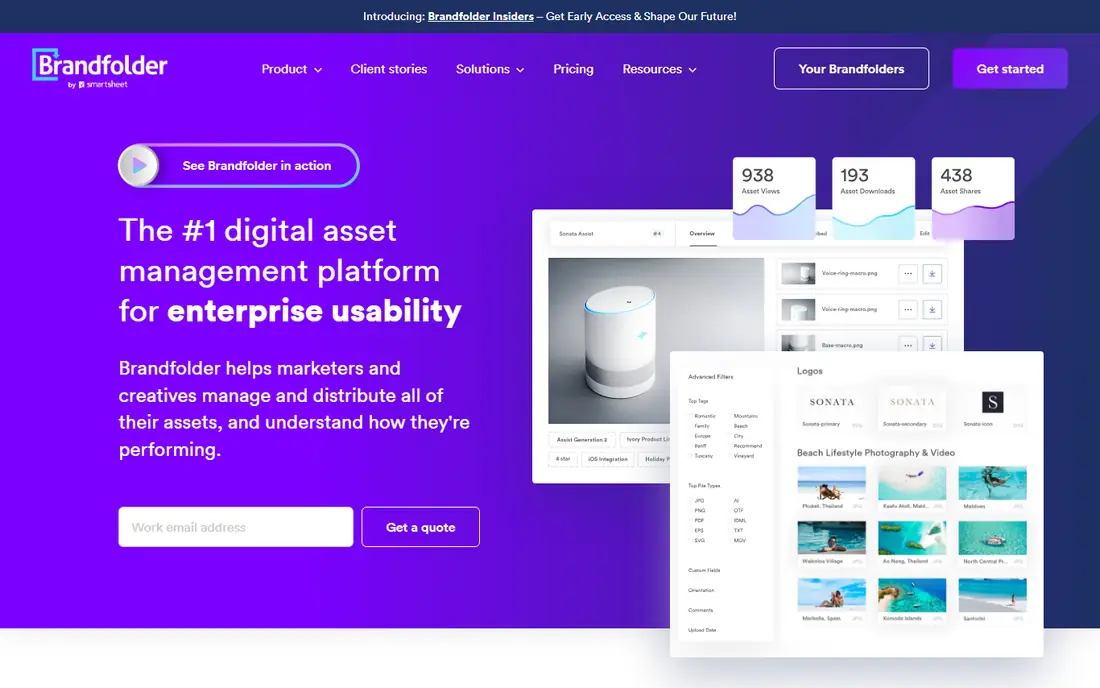
Brandfolder, part of Smartsheet, offers a clean digital asset management platform where teams can organize, search, and share brand assets with controlled access. Its search and tagging make it easy to find the right logo or image quickly, and its brand intelligence features show how assets are used. Integrations with common design and marketing tools keep assets close to where work happens.
Pricing is often quote-based, which makes budgeting less transparent than a public tier list, and some advanced features sit on higher plans. For companies that want a polished, searchable asset hub without enterprise complexity, Brandfolder is a strong default choice.
- Clean searchable asset library
- Strong brand intelligence features
- Good integrations
- Pricing is quote-based for many plans
- Advanced features need higher tiers
Bynder
Ideal for: Enterprise brand asset hub
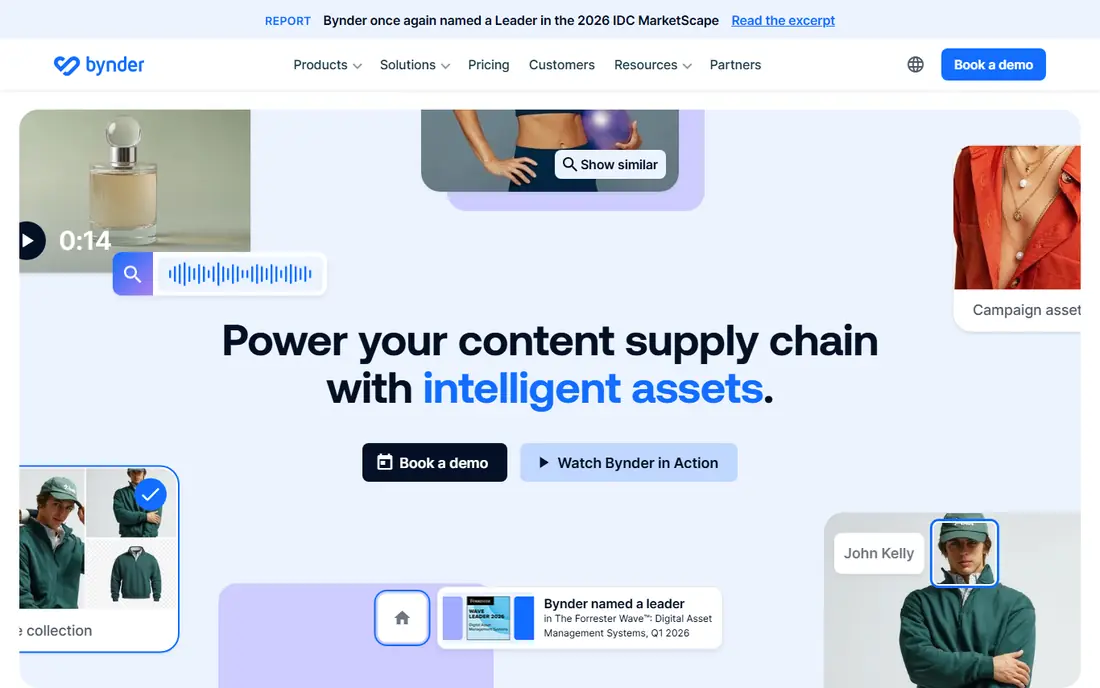
Bynder is a leading enterprise digital asset management platform, used by large brands to centralize assets, manage approvals, and distribute approved materials to teams and partners. Its workflow tools handle review cycles, version control, and rights management, which matter when many people touch brand assets. Integrations with design, content, and commerce tools extend its reach.
Its enterprise pricing and implementation effort make it heavy for small teams. For a large organization with complex brand governance and many users, Bynder is one of the most complete platforms available.
- Comprehensive asset management
- Strong workflow and approval tools
- Broad integrations
- Enterprise pricing and setup
- More than small teams need
Frontify
Ideal for: Brand guidelines and portals
Frontify stands out for brand guidelines: it turns static guideline documents into living online portals where teams can see colors, typography, logo rules, and templates in one place. It also includes an asset library and template tools, so it covers both the rules and the files. That combination suits companies refreshing a brand or rolling it out to many teams.
Its pure asset management depth is lighter than dedicated enterprise DAM platforms, so very large asset libraries may need more. For teams that prioritize clear, usable brand guidelines alongside a solid asset library, Frontify is the best pick on this list.
- Excellent brand guideline portals
- Asset library plus templates
- Good collaboration tools
- Asset management depth is lighter than Bynder
- Pricing scales with users
Aprimo
Ideal for: Enterprise marketing operations
Aprimo combines digital asset management with marketing resource and work management, giving large organizations one system for planning, creating, approving, and distributing brand content. Its workflow and compliance features suit regulated industries and global teams with many stakeholders. Companies that need both asset control and campaign operations in one place benefit most.
The platform is broad, and implementation takes time and effort, with enterprise pricing to match. Smaller teams will find it more than they need. For large marketing organizations, Aprimo offers a depth that point tools cannot match.
- Combines DAM with marketing work management
- Strong enterprise workflow
- Good compliance features
- Broad platform with a long implementation
- Enterprise pricing
Widen
Ideal for: Enterprise digital asset management
Widen, now part of Acquia, is an enterprise digital asset management platform known for strong search, metadata, and workflow features. Large teams use it to organize vast asset libraries, control access, and distribute approved materials to partners and channels. Its place inside Acquia's digital experience platform also benefits companies already using Acquia products.
Pricing is enterprise-grade, and a successful setup needs planning around taxonomy and governance. For a large organization with a big asset library and strict brand control needs, Widen is a proven choice.
- Strong enterprise DAM
- Good search and metadata tools
- Acquia ecosystem benefits
- Enterprise pricing
- Setup needs planning and governance
Brandworkz
Ideal for: Brand and marketing asset hub
Brandworkz offers a brand management platform that combines asset libraries with template creation and artwork approval, aimed at companies with distributed teams and partners. Its tools help local teams create on-brand materials from approved templates without waiting on central design for every item. That balance of control and local flexibility is its main strength.
As a smaller vendor, it has less market recognition than the leaders, and its ecosystem is narrower. For mid-size companies that need brand control plus local template use, Brandworkz is a practical option worth comparing.
- Brand-focused asset hub
- Template and artwork tools
- Good for distributed teams
- Smaller vendor than Bynder or Brandfolder
- Less brand recognition
MarcomCentral
Ideal for: Distributed team brand control
MarcomCentral, part of Ricoh, serves distributed organizations such as franchises, dealer networks, and multi-location businesses that need local teams to produce on-brand materials. Its template system lets local users customize approved designs within set rules, keeping brand consistency without central bottlenecks. Print and digital assets are both supported.
Its focus on distributed marketing means creative DAM depth is lighter than pure asset platforms, and some users find the interface dated. For franchise and dealer networks, though, its template control model fits the real workflow better than a generic asset library.
- Template-based brand control for distributed teams
- Good for franchises and dealers
- Print and digital assets
- Focused on distributed marketing, less on creative DAM depth
- Interface feels dated to some users
Papirfly
Ideal for: Brand templates and guidelines
Papirfly combines brand guidelines with template tools that let non-designers create on-brand documents, presentations, and social posts. Its approach suits companies that want brand consistency without hiring design help for every item, and its pricing is more accessible than enterprise platforms. The guideline presentation is clear and usable for everyday teams.
Its enterprise depth and asset library are lighter than the leaders, so very large organizations may outgrow it. For small and mid-size teams that want guidelines plus usable templates at a fair price, Papirfly is a good value choice.
- Brand guidelines plus templates in one tool
- Easy template creation for non-designers
- Good value
- Smaller platform with less enterprise depth
- Asset library is lighter
How we picked these
We compared official feature pages, product documentation, and pricing pages for brand management and digital asset management platforms, focusing on asset organization, guideline quality, template tools, permissions, and setup effort. We favored platforms with real production use by brands and included options across company sizes.
What to check before you buy
Audit your assets and users first. Count how many assets you have, who needs access, and which teams create materials locally, since those answers decide whether you need a simple library, a guideline portal, or a template system. Also check search and tagging: a library that cannot be searched is barely better than a shared drive.
Test the approval workflow with a real asset, including an external partner if partners will use the system. Finally, confirm integrations with your design and marketing tools, since assets locked away from where work happens tend to go unused.
Another practical step is to test support before you depend on it. Send a question during the trial and note how fast and how helpfully the team responds, since that response is a preview of what you will get when something breaks at an awkward moment. Also check the documentation and community: clear guides and an active user community can solve many problems without waiting for support at all. If the service handles important data or money, review its security and privacy pages too, and confirm that its practices match your requirements. A product that is strong on features but weak on support or security can cost far more in stress and risk than it saves in subscription fees.
Frequently asked questions
What is the difference between brand management and digital asset management?
Digital asset management focuses on storing, organizing, and sharing files like logos and images. Brand management is broader, covering guidelines, templates, approvals, and governance that keep those assets used correctly. Many platforms, like Frontify, cover both.
Which brand management platform is best for a small team?
Brandfolder and Papirfly are good small-team options, with usable libraries and fairer entry pricing than enterprise platforms. Frontify also works well for small teams that prioritize clear brand guidelines.
How much does brand management software cost?
Pricing varies widely and is often quote-based for enterprise plans, so check current pricing pages or request a quote. Smaller platforms publish clearer tiers, while enterprise DAM pricing depends on users, storage, and features.
Can brand management tools replace a shared drive?
Yes, for brand assets. A shared drive stores files but lacks search, version control, permissions, and approval workflows. A brand platform adds those controls, which is the point of moving away from folders.
Do these platforms help with brand consistency across partners?
Yes, that is a core use case. Permissions, approved templates, and guideline portals let partners use current assets and rules without needing constant central review.
Should I try a free plan or trial first for what’s the best brand management platform?
Yes, whenever one is available. A trial with your real data and real tasks reveals fit, speed, and ease of use in a way no sales page can, and it often surfaces deal-breakers early, such as a missing integration or a confusing workflow. Use the trial actively rather than just browsing: complete a typical task end to end, contact support once, and check how easy it is to export your work if you decide to leave.